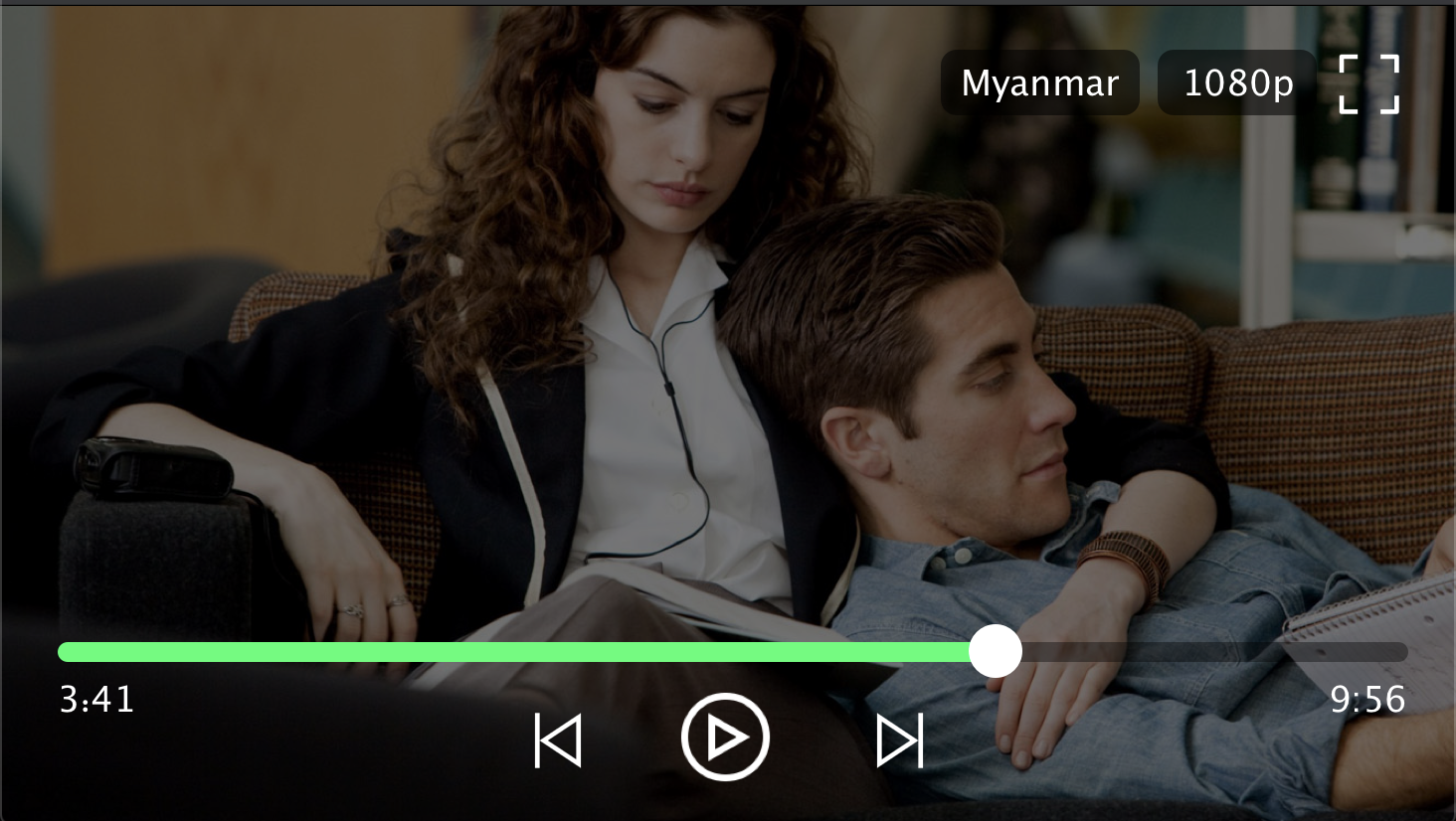
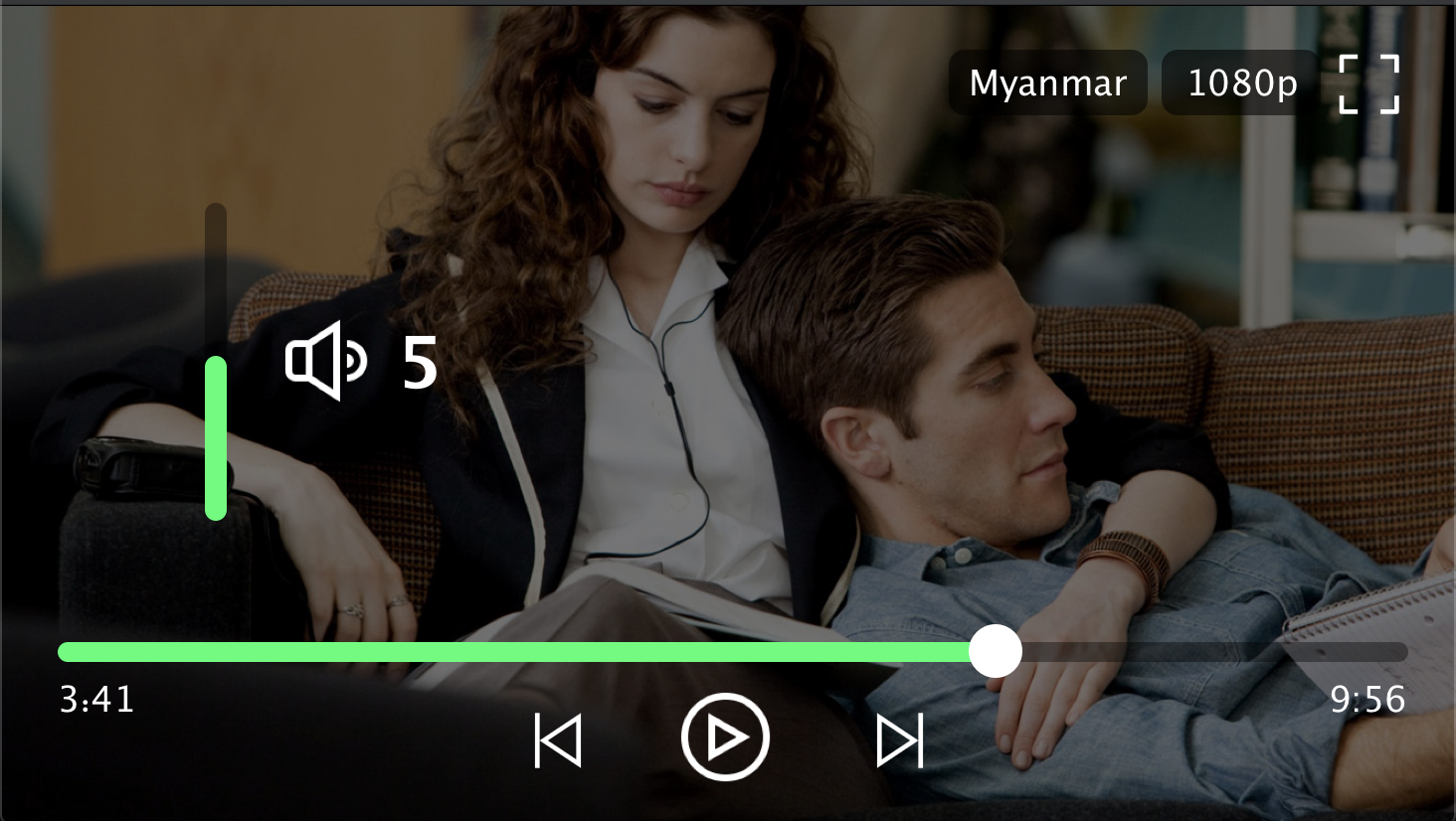
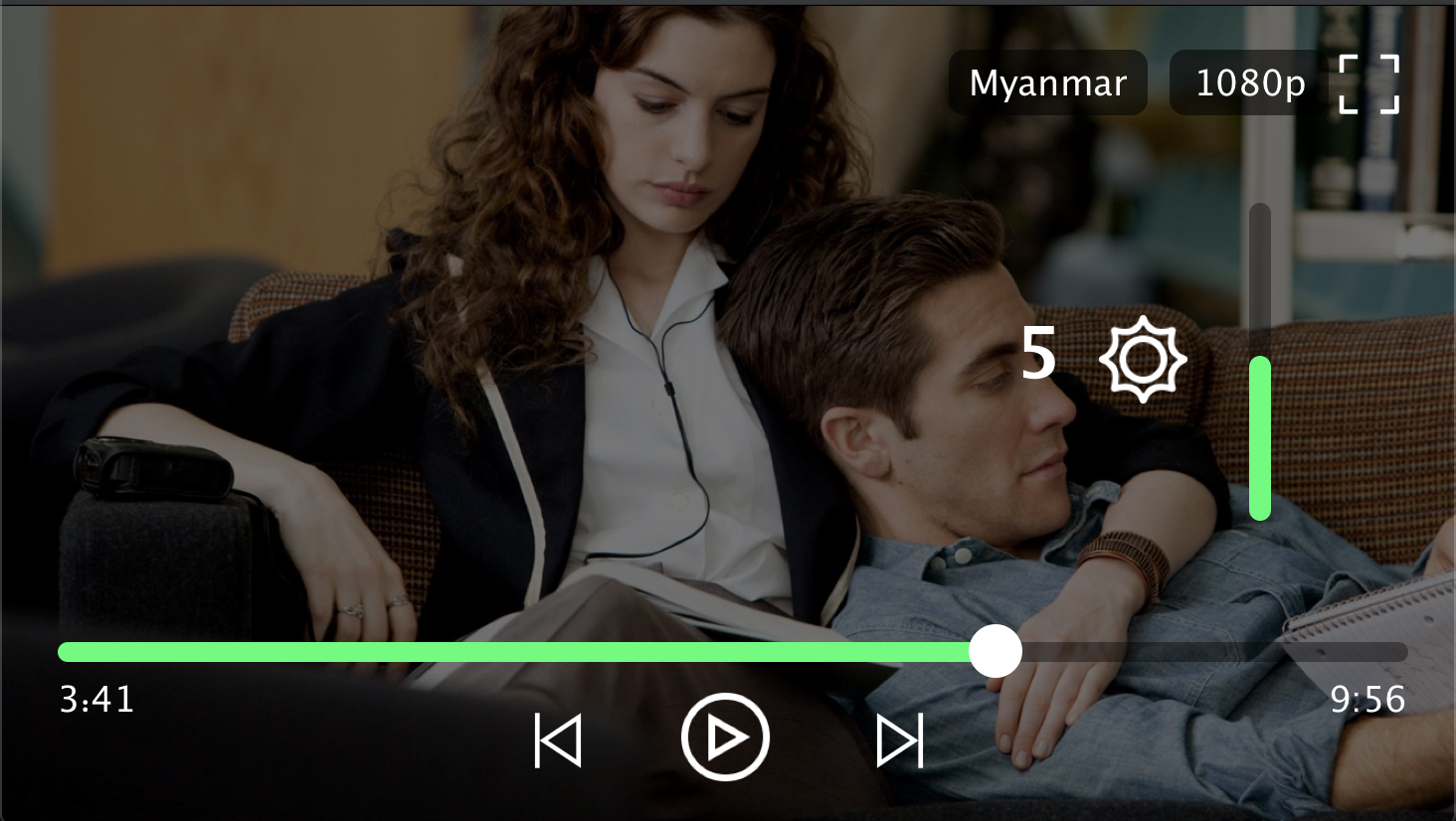
yoyo_player는 HLS(HTTP 라이브 스트리밍) 재생을 위한 동적 품질 선택 기능을 갖춘 Flutter 비디오 플레이어 패키지입니다. 재생 중에 다양한 비디오 품질 수준 간 전환을 가능하게 하여 네트워크 상태에 따라 스트리밍 경험을 향상시킵니다. 단순성과 성능을 위해 설계되었으며, Flutter 앱에 원활하게 통합됩니다. 적응형 스트리밍을 지원하며, 재생 제어 및 품질 설정을 관리하기 위한 깔끔한 API를 제공합니다. 유연한 비디오 전달이 필요한 미디어 중심 애플리케이션에 이상적입니다.
사용 사례
품질 전환을 지원하는 스트리밍 비디오
Flutter 앱에서의 적응형 비디오 재생
HLS를 사용한 라이브 비디오 스트리밍
다중 해상도를 지원하는 원하는 대로 영상
사용자 품질 제어를 갖춘 미디어 플레이어 구축
주요 기능
HLS 스트리밍 지원
동적 품질 선택
Flutter와의 간단한 통합
적응형 비트레이트 처리
깨끗하고 미니멀한 API 설계
적합한 대상
미디어 애플리케이션
온디맨드 비디오 플랫폼
라이브 스트리밍 앱
교육 콘텐츠 전달
반응형 비디오 재생이 필요한 앱
고려 사항
HLS 호환 비디오 소스가 필요합니다
iOS 및 안드로이드에 한정됨(웹/데스크톱 지원 없음)
내장된 UI 컴포넌트 없음
외부 HLS 스트림 사용 가능 여부에 따라 달라집니다
사용자 정의 재생 로직을 위해 추가 구성이 필요할 수 있습니다
원본 README
연결된 소스 저장소의 README 원문 스냅샷입니다. 최신 내용은 저장소에서 확인하세요.
YoYo Video Player
YoYo Video Player is a HLS(.m3u8) video player for flutter.
The video_player is a video player that allows you to select HLS video streaming by selecting the quality. YoYo Player wraps video_player under the hood and provides base architecture for developers to create their own set of UI and functionalities.
Features
You can select multiple quality and open
On video tap play/pause, mute/unmute, or perform any action on video.
Auto hide controls.
(.m3u8) HLS Video Streaming Support
Install & Set up
Add dependency, open the root directory pubspec.yamlFile independencies:Add the following code below
yoyo_player:#latest
Installation dependencies (please ignore if it has been installed automatically)
The data in the source url (m3u8) is regex checked and the child m3u8 files are created and saved according to the respective rules.
It starts creating child m3u8 files as soon as the video starts playing
Each time a video is completed or the main url changes, child m3u8 files are checked and deleted.
The child m3u8 files are created as follows:
If viedo quality
yoyo[vido-quality].m3u8
If video quality & audio quality
yoyo[video-quality][audio-quality].m3u8
Support M3U8
#EXT-X-MEDIA
#EXT-X-STREAM-INF(not for ios)
Player Screenshot
Contributors
Min Si Thu
Ko Htut
MIT License
Copyright (c) 2020 Ko Htut (Ko Min Than Htut)
Permission is hereby granted, free of charge, to any person obtaining a copy
of this software and associated documentation files (the "Software"), to deal
in the Software without restriction, including without limitation the rights
to use, copy, modify, merge, publish, distribute, sublicense, and/or sell
copies of the Software, and to permit persons to whom the Software is
furnished to do so, subject to the following conditions:
The above copyright notice and this permission notice shall be included in all
copies or substantial portions of the Software.
THE SOFTWARE IS PROVIDED "AS IS", WITHOUT WARRANTY OF ANY KIND, EXPRESS OR
IMPLIED, INCLUDING BUT NOT LIMITED TO THE WARRANTIES OF MERCHANTABILITY,
FITNESS FOR A PARTICULAR PURPOSE AND NONINFRINGEMENT. IN NO EVENT SHALL THE
AUTHORS OR COPYRIGHT HOLDERS BE LIABLE FOR ANY CLAIM, DAMAGES OR OTHER
LIABILITY, WHETHER IN AN ACTION OF CONTRACT, TORT OR OTHERWISE, ARISING FROM,
OUT OF OR IN CONNECTION WITH THE SOFTWARE OR THE USE OR OTHER DEALINGS IN THE
SOFTWARE.