
v3.1.0+1
isar
極快、易於使用且完全非同步的 NoSQL 資料庫,適用於 Flutter。
2450喜歡 4130近 30 天下載130Pub 分數
AndroidiOSWebmacOSWindowsLinux
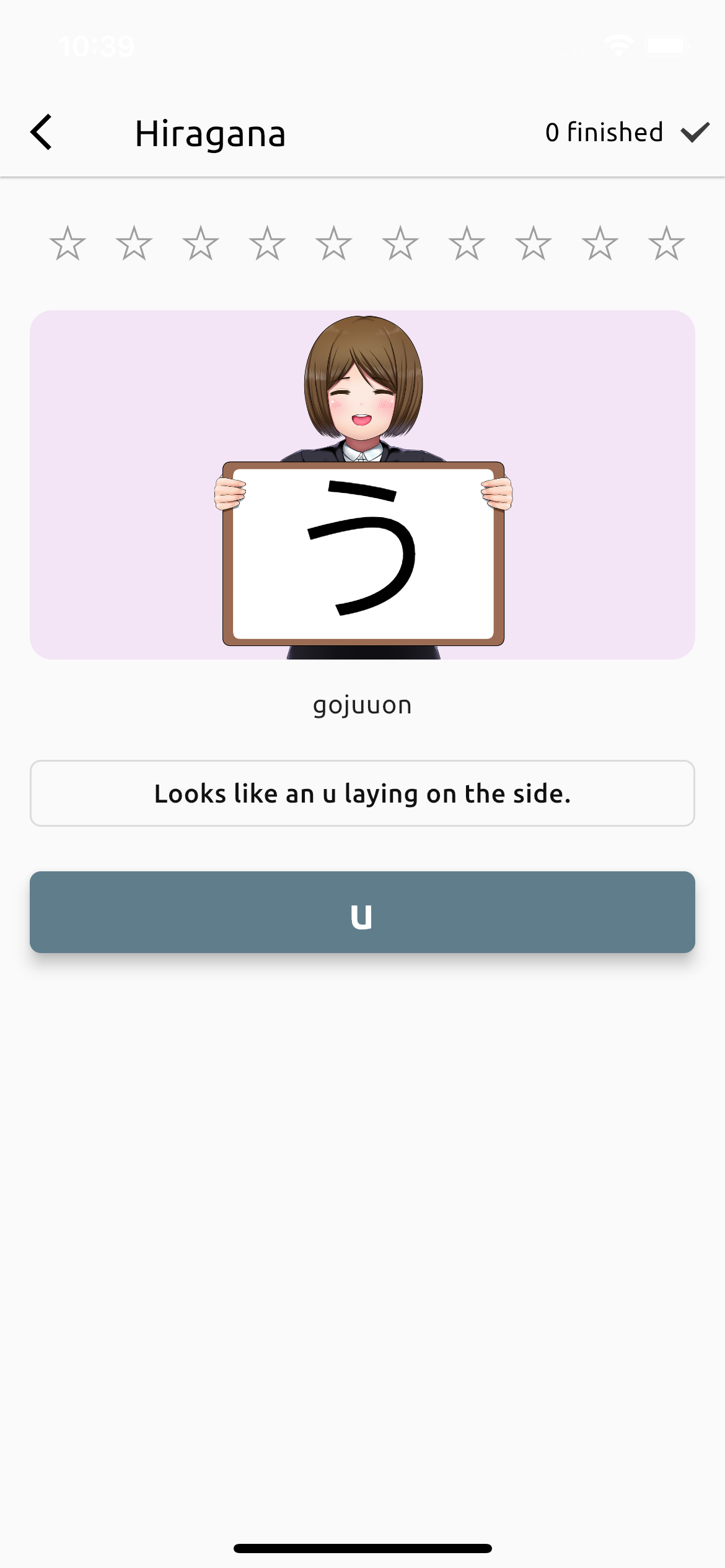
一個簡單的 Flutter 應用,用於學習日語書寫系統平假名、片假名和漢字。
以下為英文專案原文快照,最新內容請造訪 GitHub。
Simple Flutter app to learn Japanese writing systems Hiragana, Katakana and Kanji.
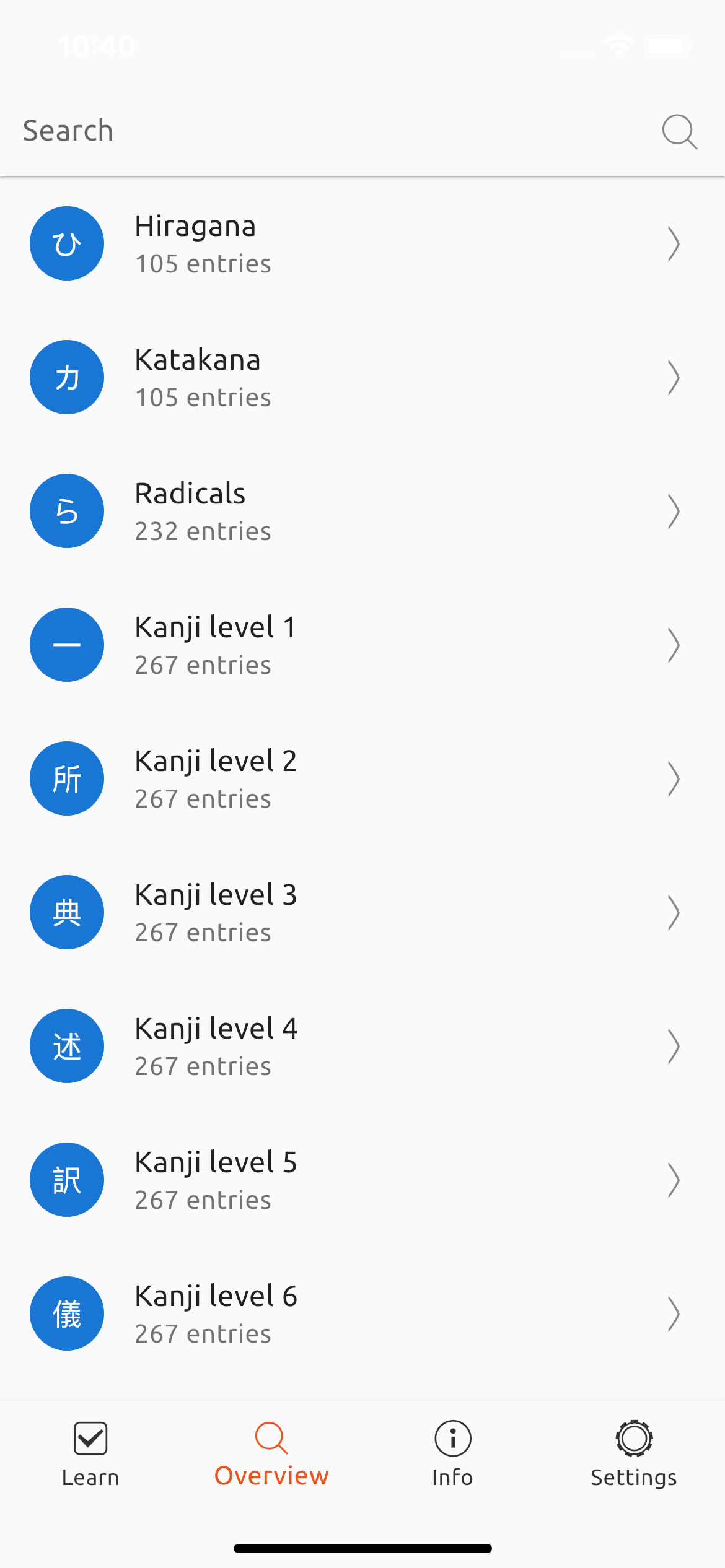
With Fun With Kanji you are able to learn all common used Japanese characters. All starts with Hiragana, Katakana and their special cases and combinations. After this you learn the Kanji Radicals and then you are ready to start with the 2136 Jōyō-Kanji. You no longer need 4 different apps to learn them!
The app also contains a dictionary and a full-text search over all characters.
Fun With Kanji is open source under Mozilla Public License 2.0. Contributions and new translations are always welcome <3.
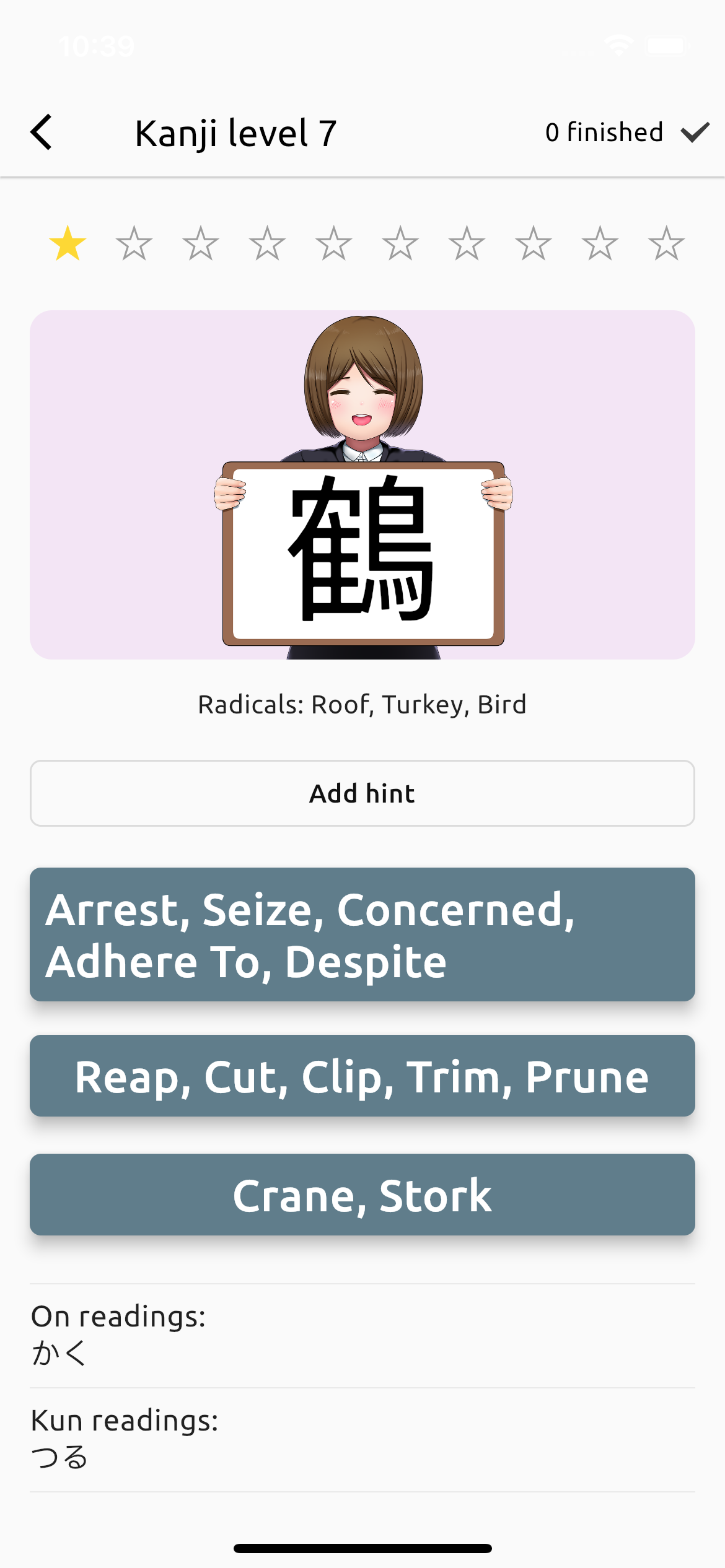
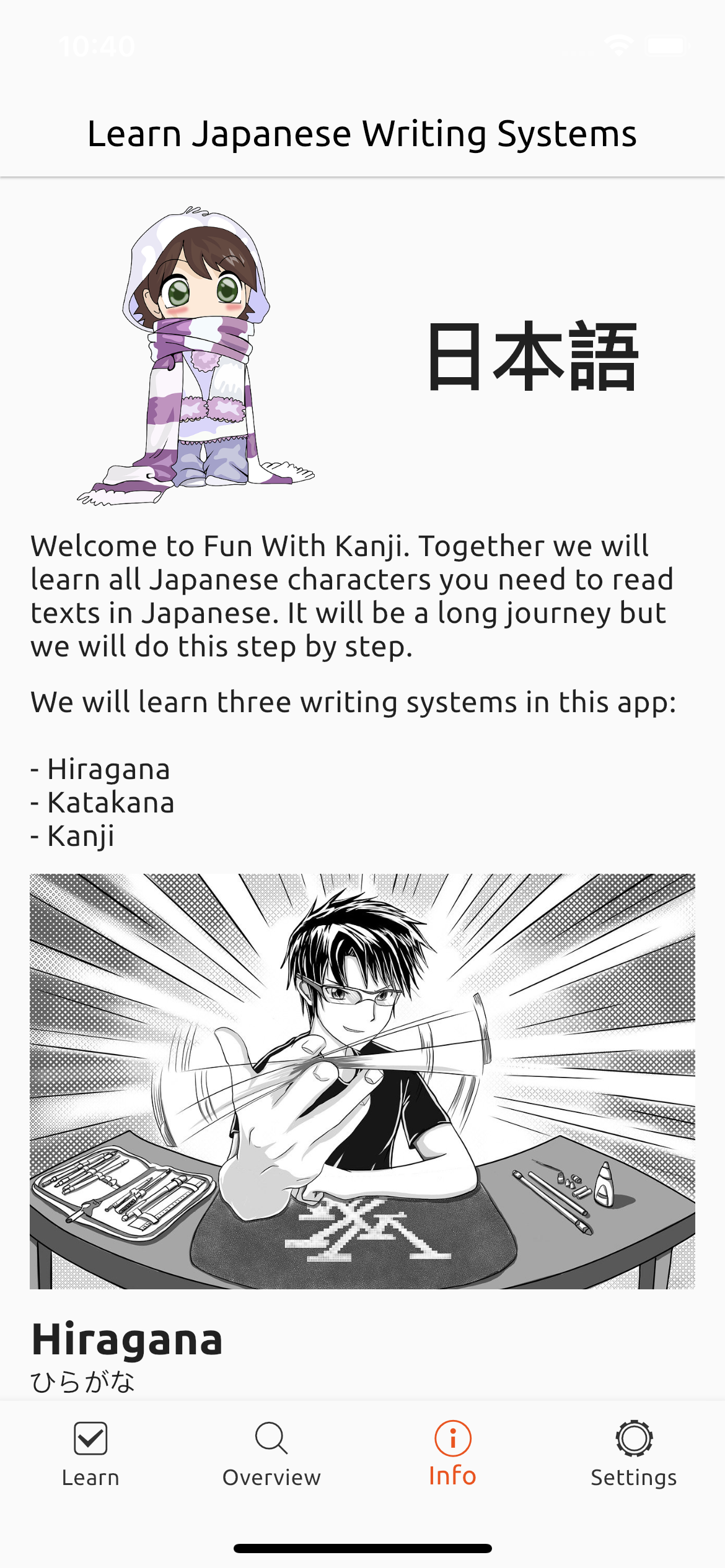
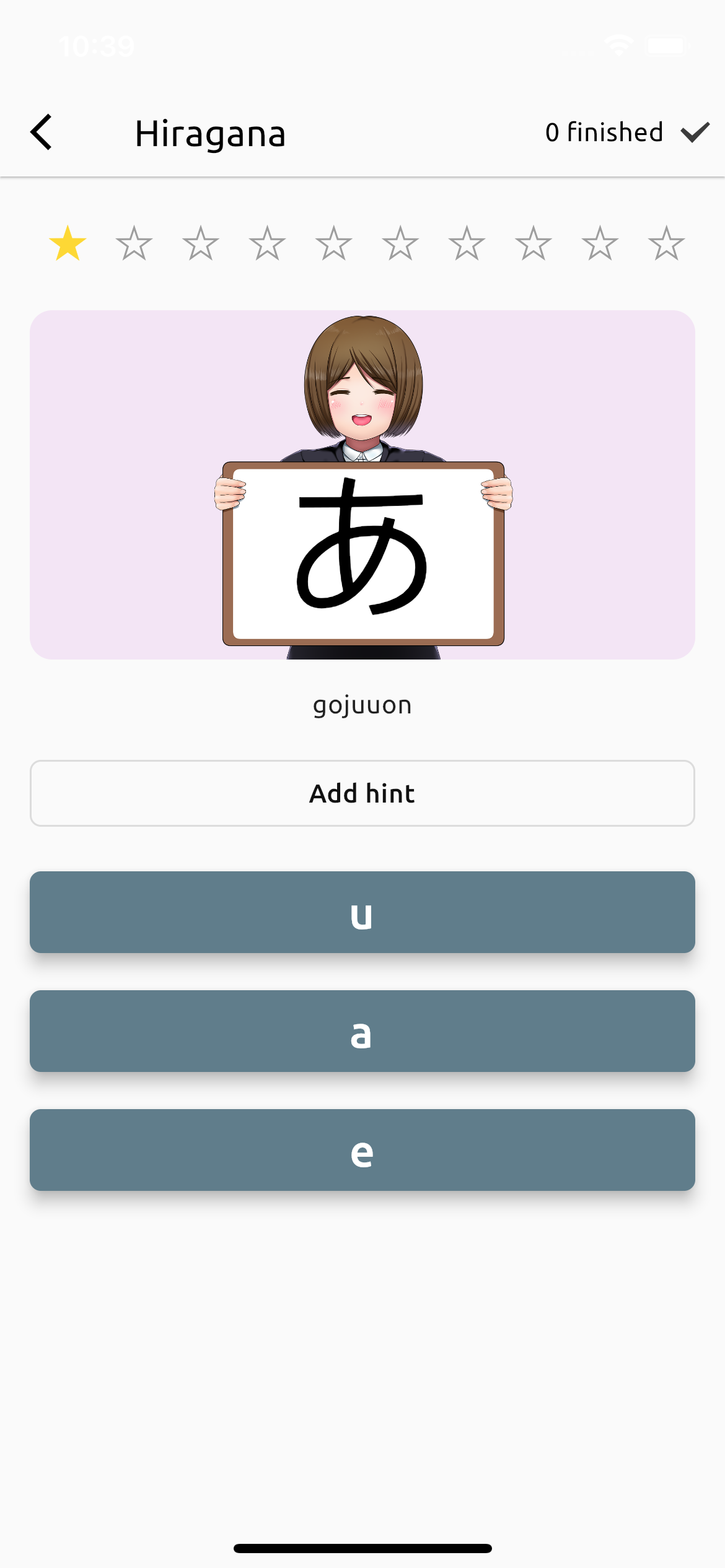
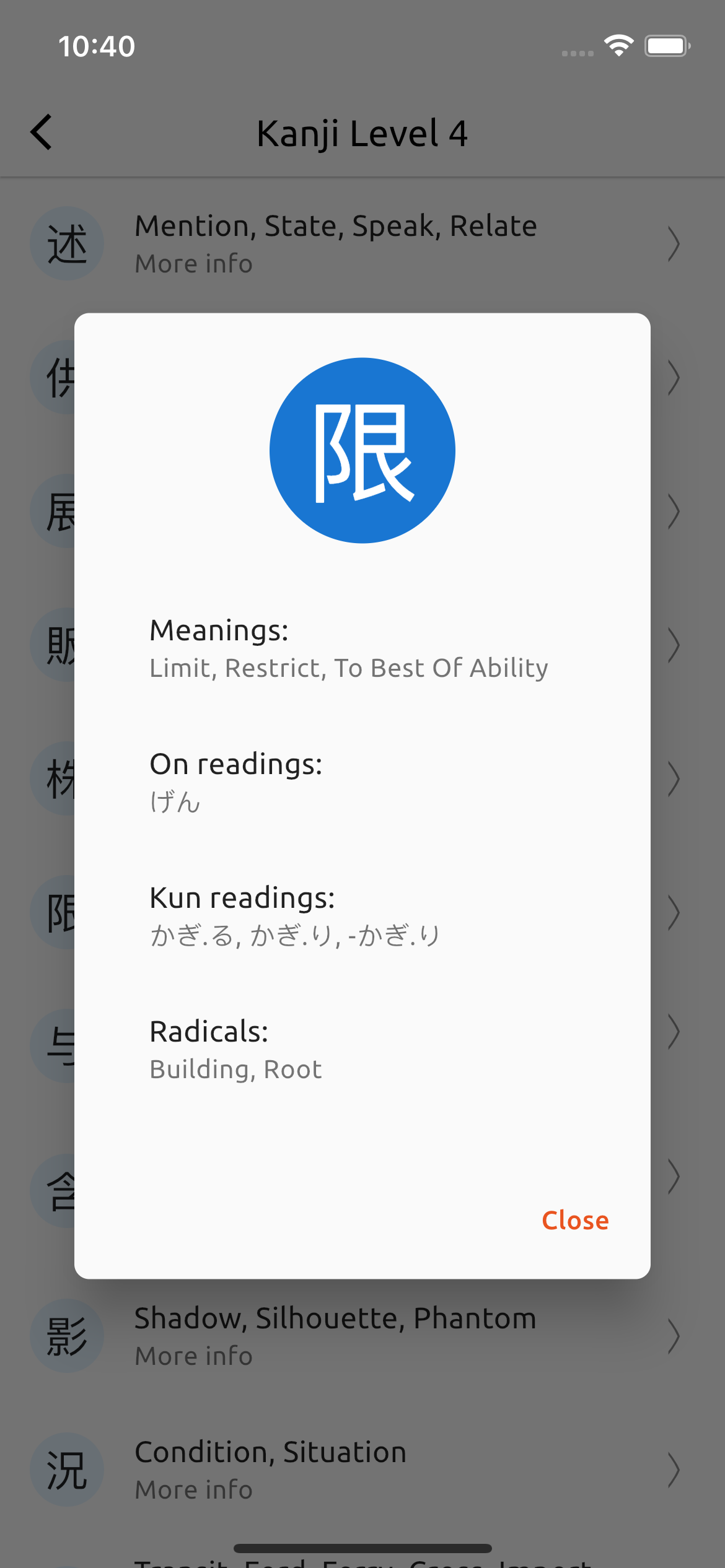


Install Flutter and run with:
flutter run
Import translator package and run this script:
import 'dart:io';

import 'package:translator/translator.dart';

void main() async {
  const language = 'de';
  for (var i = 1; i <= 8; i++) {
    print('Load Kanji Level $i');
    final radicalsFile = File('assets/data/kanji_level_$i.json');
    final radicals = jsonDecode(radicalsFile.readAsStringSync()) as List;

    final translator = GoogleTranslator();
    for (final radical in radicals) {
      final input = radical['meanings'].join(', ');
      print('Translate: ${radical['kanji']} (ID: ${radical['id']}) $input ...');
      try {
        final translated =
            await translator.translate(input, from: 'en', to: language);
        radical['meanings'] = translated.text.split(', ');
      } catch (e, s) {
        print('Translation failed! Stop here!');
        print(e);
        print(s);
        break;
      }
    }

    print('Write to output file...');
    final outputFile = File('assets/data/kanji_level_${i}_${language}.json');
    await outputFile.writeAsString(jsonEncode(radicals));
    print('Finished!');
  }
}

極快、易於使用且完全非同步的 NoSQL 資料庫,適用於 Flutter。
Isar 資料庫的程式碼產生器。尋找使用 @Collection 標註的類別。
自動整理您的 dart 导入
 v0.2.3
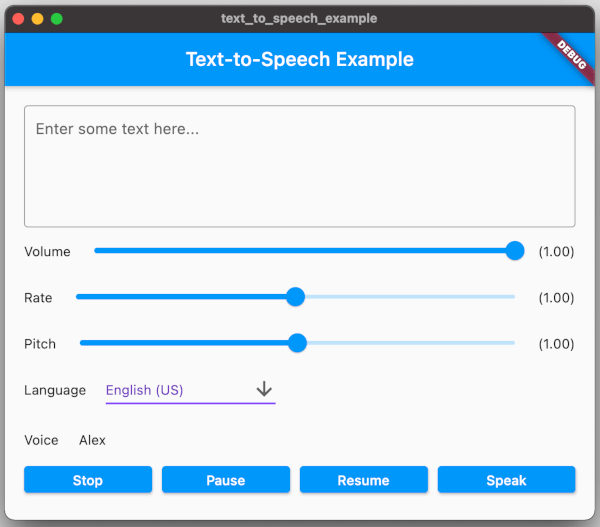
一個Flutter外掛提供TTS(文字轉語音)服務。
用於在 Flutter 中提供一種在裝置上儲存檔案的方式的介面。
依賴清單 22 項
{"sdk":"flutter"}{"sdk":"flutter"}any^1.0.2^6.0.2^3.1.0+1^3.1.0+1^0.9.34^6.0.20^2.0.15^1.4.0^0.2.3^2.0.15^1.16.0^5.3.3any{"sdk":"flutter"}^2.0.2^3.1.0+1any^0.13.1^4.6.0先依使用情境篩選,再比較專案活躍情況,最後到原始儲存庫確認使用要求。
“A repository is the most basic element of GitHub.”
GitHub Docs — About repositories ↗