Aus öffentlichen Paketdaten erstellte Orientierung.
Ein Flutter-Paket, das die Integration mit Azure AD B2C vereinfacht, indem ein Webview eingebettet wird, um auf Benutzerfluss-Endpunkte zuzugreifen. Es ermöglicht nahtlose Authentifizierungsabläufe wie Anmeldung, Anmeldung und Passwortzurücksetzung direkt innerhalb der App. Speziell für Entwickler konzipiert, die die Identitätsplattform von Microsoft nutzen, verarbeitet es die Rendering-UI von B2C-Richtlinien über eine native Webview und verringert den Bedarf an benutzerdefinierter Authentifizierungslogik. Das Paket ist leichtgewichtig und darauf ausgerichtet, eine einfache Brücke zwischen Flutter-Apps und Azure AD B2C-Diensten zu schaffen.
Anwendungsfälle
Integration von Azure AD B2C-Anmeldeflüssen
Benutzerregistrierung über B2C-Richtlinien aktivieren
Unterstützung von Passwort-Zurücksetzungs-Workflows
Mobile Apps, die sichere Authentifizierung erfordern
Entwickler, die mit B2C-Richtlinien vertraut sind
Teams, die unternehmenskritische Anwendungen entwickeln
Projekte, die nur minimal benutzerdefinierten Auth-Code erfordern
Hinweise
Gültige Azure AD B2C-Konfiguration erforderlich
Beschränkt auf Webansicht-basierte Abläufe
Keine integrierte Token-Persistenz
Abhängig von externen B2C-Richtlinien-URLs
Nicht geeignet für vollständige native UI-Authentifizierung
Original-README
Originaler README-Schnappschuss aus dem verknüpften Quell-Repository. Aktuelle Inhalte finden Sie im Repository.
Azure AD B2C Embedded Webview
Azure AD B2C Embedded Webview is a very simple Flutter package that demonstrates how to use the embedded web view to sign in users with Azure AD B2C.
Currently, using Flutter packages - appAuth and flutter_azure_b2c redirects to browser and doesn't provide in-app experience.
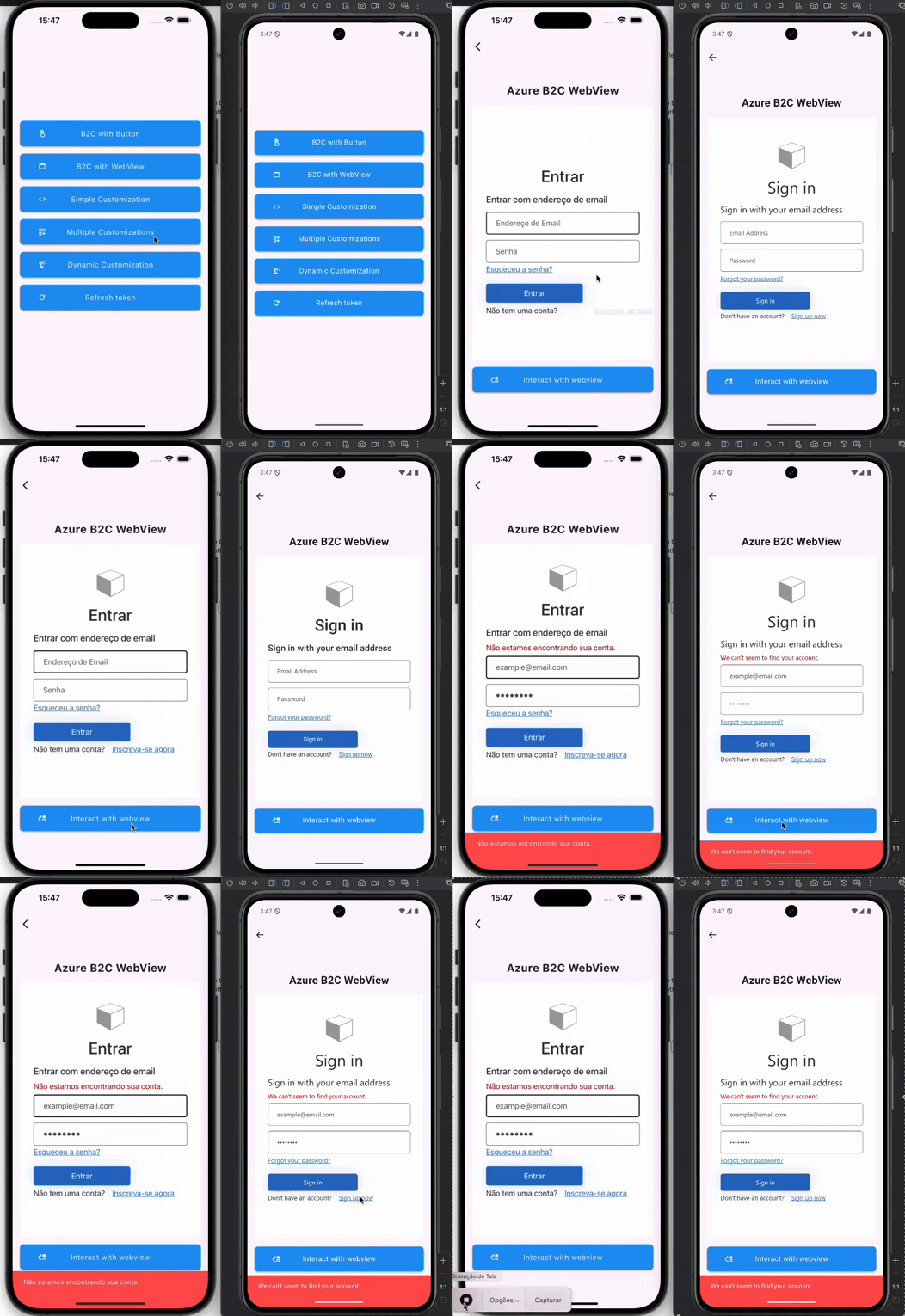
This package embeds the web view of the user flow endpoint using flutter_appview and redirects the user as per onRedirect callback method.
📚 Features
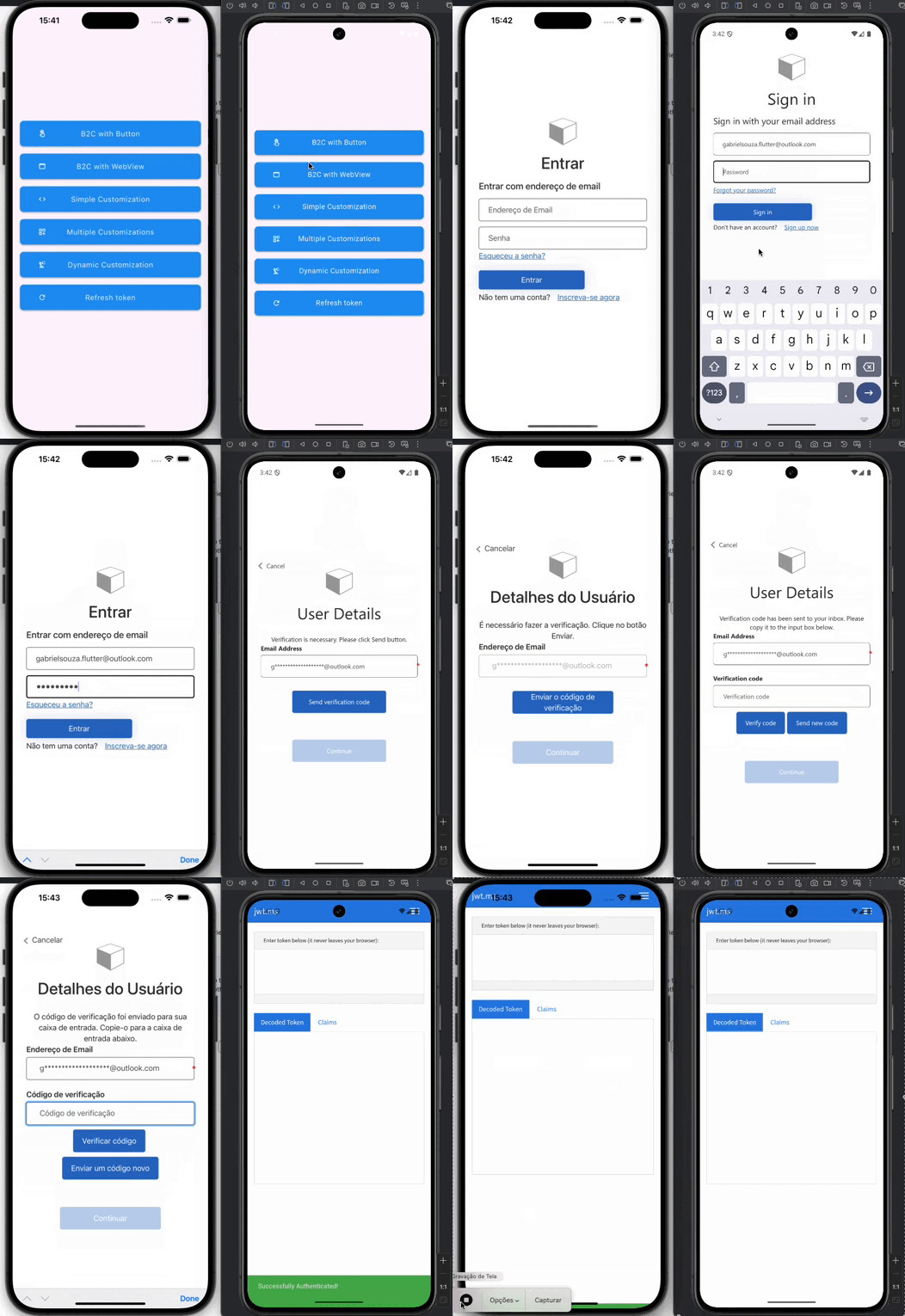
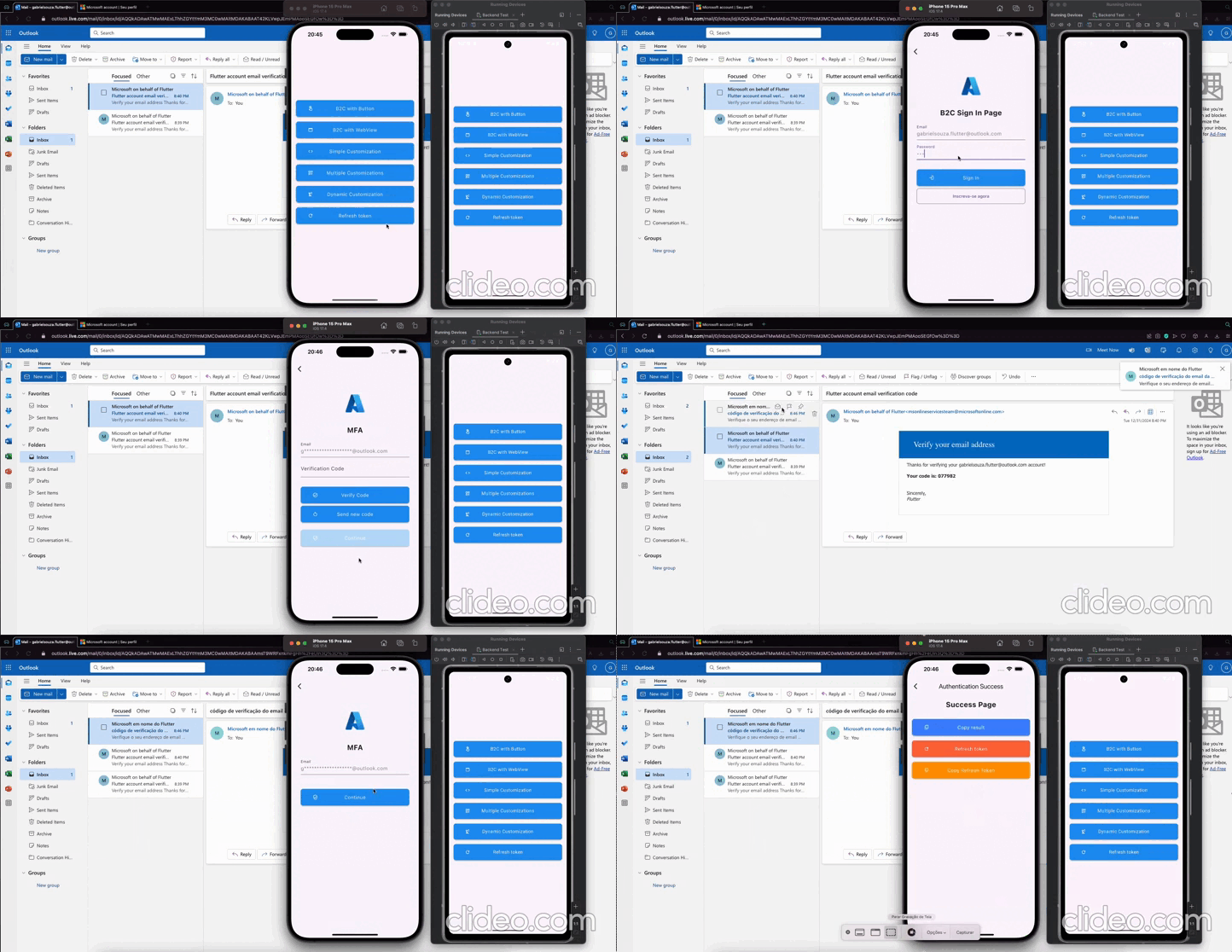
Login Button
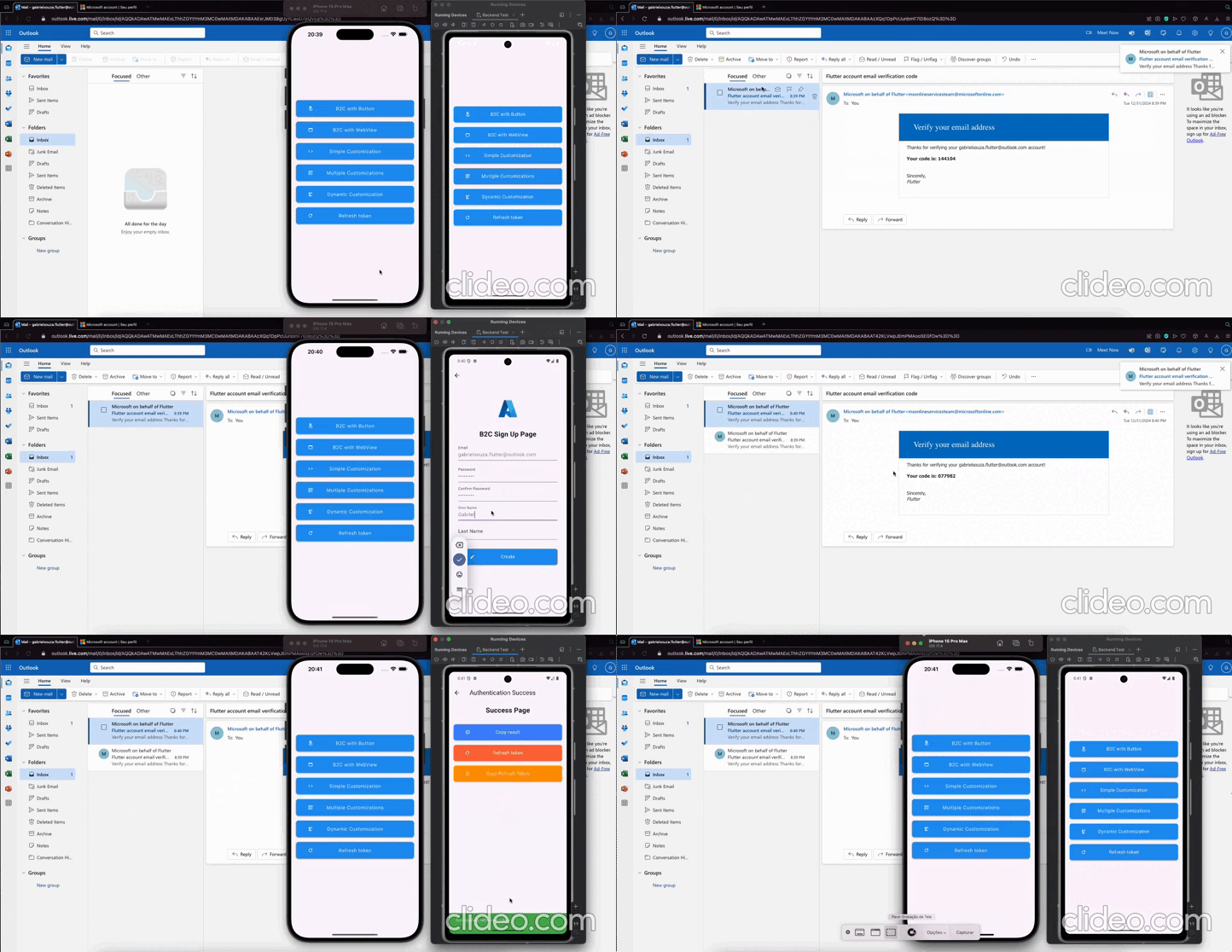
Webview Interaction
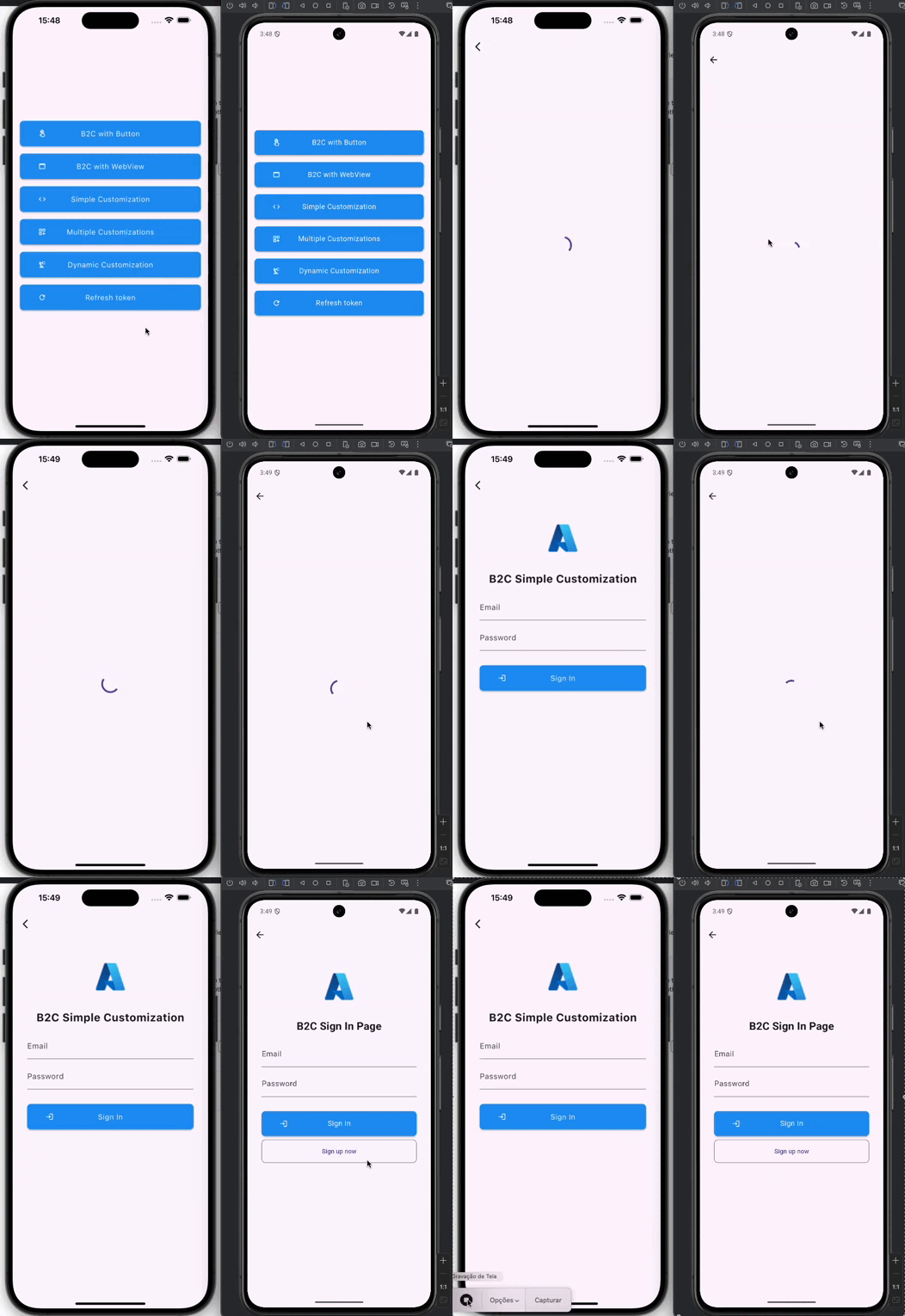
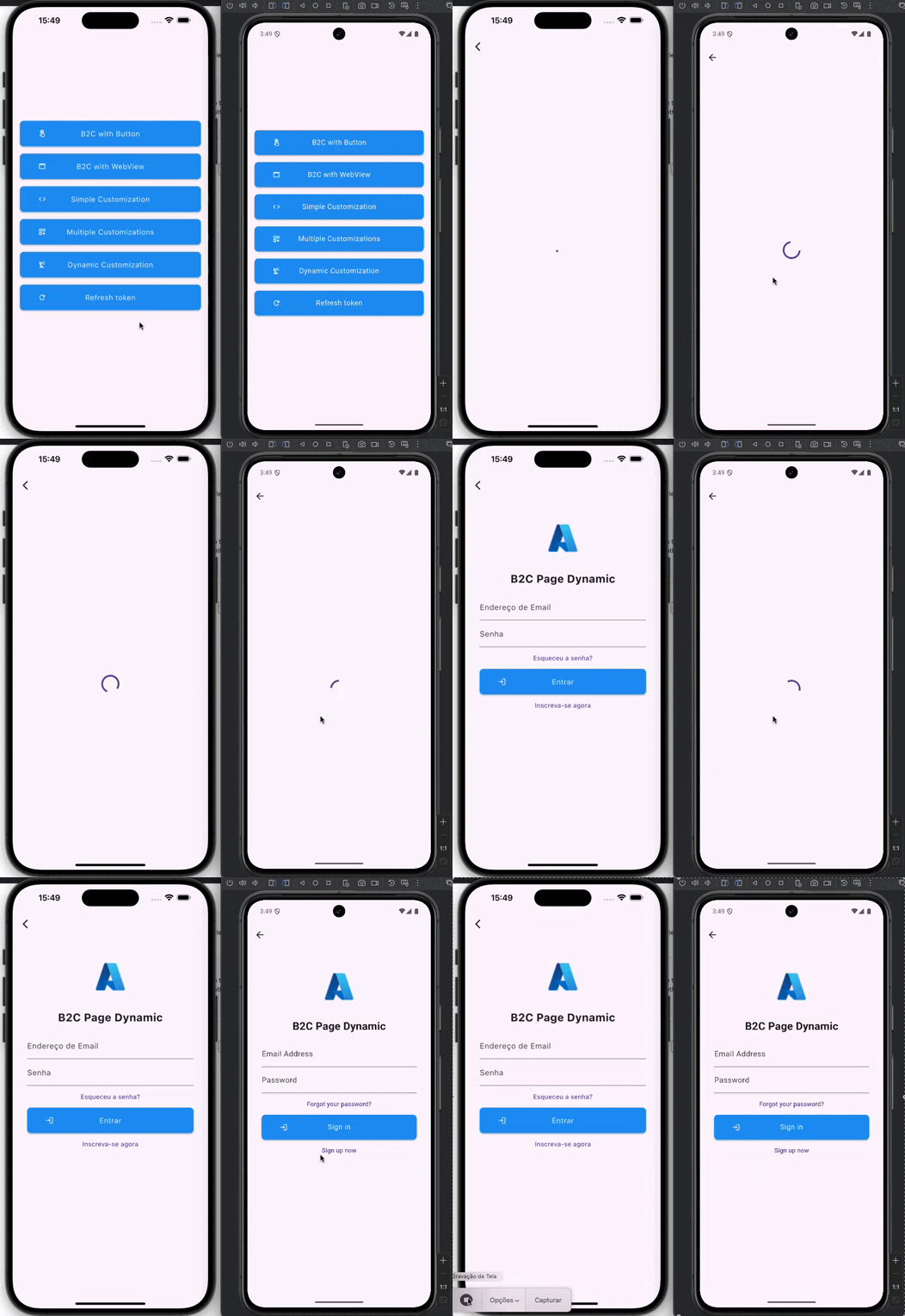
Flutter UI Customization
Dynamic Flutter Layout
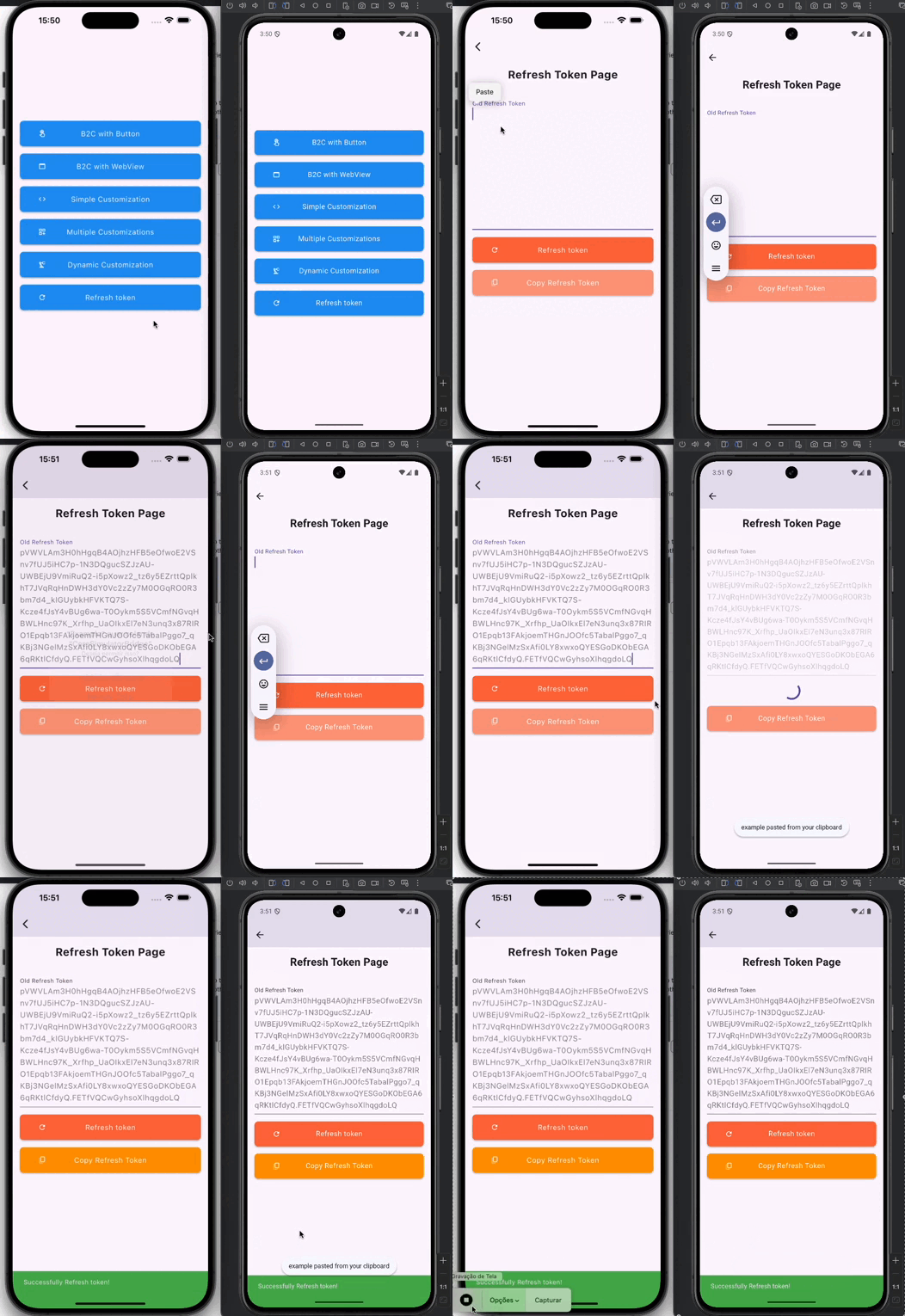
Refresh Token
🚀 Getting started
To use the package in your Flutter app, add the following code to your main.dart file:
dependencies:aad_b2c_webview:<latest_version>
🛠️ Usage
Parameters
It is recommended to use env to save the keys securely
You have the flexibility to include optional parameters in order to customize the URL according to your specific requirements. The optionalParameters parameter allows you to pass a list of OptionalParam objects, where each object consists of a key and a value that represent the parameter name and its corresponding value, respectively.
Here's an example of how you can utilize the optionalParameters parameter to add new parameters to the URL:
In the above example, we include two optional parameters: "parameter1" with the value "value1" and "parameter2" with the value "value2". You can include multiple OptionalParam objects within the list to incorporate multiple optional parameters in the URL.
These optional parameters provide you with the ability to customize the behavior of the URL and conveniently transmit additional information as per your needs.
Login Button
To add the easy to use sign in with microsoft button simply use the AADB2CBase.button widget
and a beautiful sign in button appears as shown below.
Configuration
Add the following /android/app/src/main/AndroidManifest.xml inside the tags:
Add it to the redirect URL in the Azure AD B2C project. If you prefer, you can change the redirect URL in our Flutter code to yours (change it in the Azure AD B2C portal too)