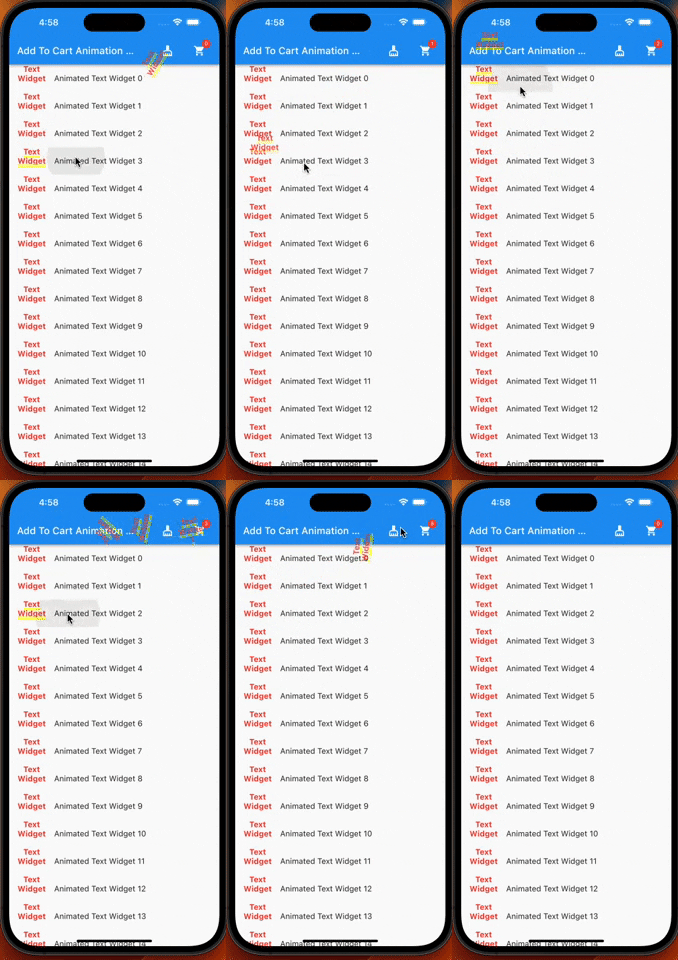
Ein Flutter-Plugin, das Ihnen die Animation zum Hinzufügen zum Warenkorb bietet. Ich habe es speziell für Einkaufs-Apps entwickelt, aber Sie können es auch in anderen Apps verwenden.
Aus öffentlichen Paketdaten erstellte Orientierung.
Ein Flutter-Plugin, das eine reibungslose Add-to-Cart-Animation bereitstellt, ideal für Einkaufsanwendungen. Es ermöglicht es Benutzern, Artikel, die zum Warenkorb hinzugefügt werden, mit einer dynamischen und ansprechenden Bewegung zu visualisieren. Die Animation kann angepasst und in verschiedene UI-Komponenten integriert werden. Obwohl speziell für E-Commerce-Anwendungen entwickelt, ist sie flexibel genug, um auch in anderen Kontexten mit intuitiven Warenkorb-Interaktionen verwendet zu werden. Das Paket unterstützt alle wichtigen Plattformen, einschließlich Android, iOS, Web, macOS, Windows und Linux.
Anwendungsfälle
E-Commerce-App-Produkt hinzufügen
Interaktive Einkaufswagen-Erfahrungen
Visuelle Rückmeldung für Elementauswahl
Steigerung der Nutzerengagement in Retail-Apps
Benutzerdefinierte Animationen in mobilen und Web-Anwendungen
Hauptmerkmale
Glatte Hinzufügung zum Warenkorb-Animation
Plattformübergreifende Kompatibilität
Einfache Integration in bestehende Benutzeroberflächen
Anpassbares Animationsverhalten
Unterstützt mehrere Zielziele
Geeignet für
Einkaufs- und Einzelhandelsanwendungen
Apps, die visuelle Warenkorb-Rückmeldung benötigen
Entwickler, die einfache Animationslösungen suchen
Flutter-Projekte für mehrere Plattformen
Entwickler, die sich auf UI/UX-Verbesserungen konzentrieren
Hinweise
Erfordert korrekte Positionierung des Warenkorb-Icons oder Ziels
Kann eine Leistungsoptimierung auf Geräten mit geringer Leistungsfähigkeit erforderlich sein
Beschränkt auf grundlegende Warenkorb-Animationsmuster
Nicht geeignet für komplexe interaktive Abläufe
Abhängig von der korrekten Widget-Hierarchie für optimale Ergebnisse
Original-README
Originaler README-Schnappschuss aus dem verknüpften Quell-Repository. Aktuelle Inhalte finden Sie im Repository.
Add To Cart Animaiton
A flutter plugin which provide you add to cart animation. I have prepared it to special to shopping apps however you can use it on the others apps too, becasue it accept every widget to drag as in the gif. So It can be useful at shopping, game, news and other category apps.
| |
Features
Product container accepts every widget.
The cart and cart's badge can be invisible.
The product animation is fully controlled(duration, curve)
The first jump animation is fully controlled(active, duration, curve)
If you need it, you can add it to your project easily. It is easy to use
Add the dependency to your pubspec.yaml:
add_to_cart_animation:^2.0.4
And check the example code to solve how it works.
import'package:add_to_cart_animation/add_to_cart_animation.dart';
import'package:flutter/material.dart';
voidmain() {
runApp(constMyApp());
}
classMyAppextendsStatelessWidget{
constMyApp({super.key});
// This widget is the root of your application.@overrideWidgetbuild(BuildContext context) {
returnMaterialApp(
title: 'Add To Cart Animation Example',
theme: ThemeData(
primarySwatch: Colors.blue,
),
home: constMyHomePage(title: 'Add To Cart Animation Example'),
debugShowCheckedModeBanner: false,
);
}
}
classMyHomePageextendsStatefulWidget{
constMyHomePage({Key? key, requiredthis.title}) : super(key: key);
finalString title;
@overrideMyHomePageStatecreateState() => MyHomePageState();
}
classMyHomePageStateextendsState<MyHomePage> {
// We can detect the location of the cart by this GlobalKey<CartIconKey>GlobalKey<CartIconKey> cartKey = GlobalKey<CartIconKey>();
lateFunction(GlobalKey) runAddToCartAnimation;
var _cartQuantityItems = 0;
@overrideWidgetbuild(BuildContext context) {
returnAddToCartAnimation(
// To send the library the location of the Cart icon
cartKey: cartKey,
height: 30,
width: 30,
opacity: 0.85,
dragAnimation: constDragToCartAnimationOptions(
rotation: true,
),
jumpAnimation: constJumpAnimationOptions(),
createAddToCartAnimation: (runAddToCartAnimation) {
// You can run the animation by addToCartAnimationMethod, just pass trough the the global key of the image as parameterthis.runAddToCartAnimation = runAddToCartAnimation;
},
child: Scaffold(
appBar: AppBar(
title: Text(widget.title),
centerTitle: false,
actions: [
// Adding 'clear-cart-button'IconButton(
icon: constIcon(Icons.cleaning_services),
onPressed: () {
_cartQuantityItems = 0;
cartKey.currentState!.runClearCartAnimation();
},
),
constSizedBox(width: 16),
AddToCartIcon(
key: cartKey,
icon: constIcon(Icons.shopping_cart),
badgeOptions: constBadgeOptions(
active: true,
backgroundColor: Colors.red,
),
),
constSizedBox(
width: 16,
)
],
),
body: ListView(
children: List.generate(
15,
(index) => AppListItem(
onClick: listClick,
index: index,
),
),
),
),
);
}
voidlistClick(GlobalKey widgetKey) async {
awaitrunAddToCartAnimation(widgetKey);
await cartKey.currentState!
.runCartAnimation((++_cartQuantityItems).toString());
}
}
classAppListItemextendsStatelessWidget{
finalGlobalKey widgetKey = GlobalKey();
finalint index;
finalvoidFunction(GlobalKey) onClick;
AppListItem({super.key, requiredthis.onClick, requiredthis.index});
@overrideWidgetbuild(BuildContext context) {
// Container is mandatory. It can hold images or whatever you wantContainer mandatoryContainer = Container(
key: widgetKey,
width: 60,
height: 60,
color: Colors.transparent,
child: Image.network(
"https://cdn.jsdelivr.net/gh/omerbyrk/add_to_cart_animation/example/assets/apple.png",
width: 60,
height: 60,
),
);
returnListTile(
onTap: () => onClick(widgetKey),
leading: mandatoryContainer,
title: Text(
"Animated Apple Product Image $index",
),
);
}
}
By the way, you can run the example project in the plugin to check it deeply.

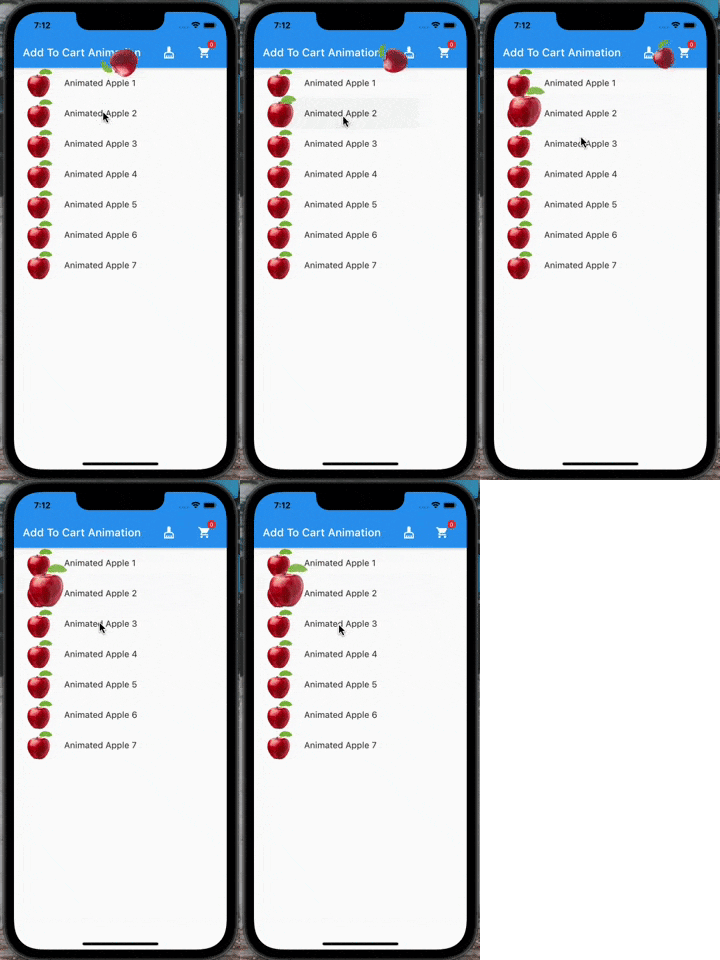
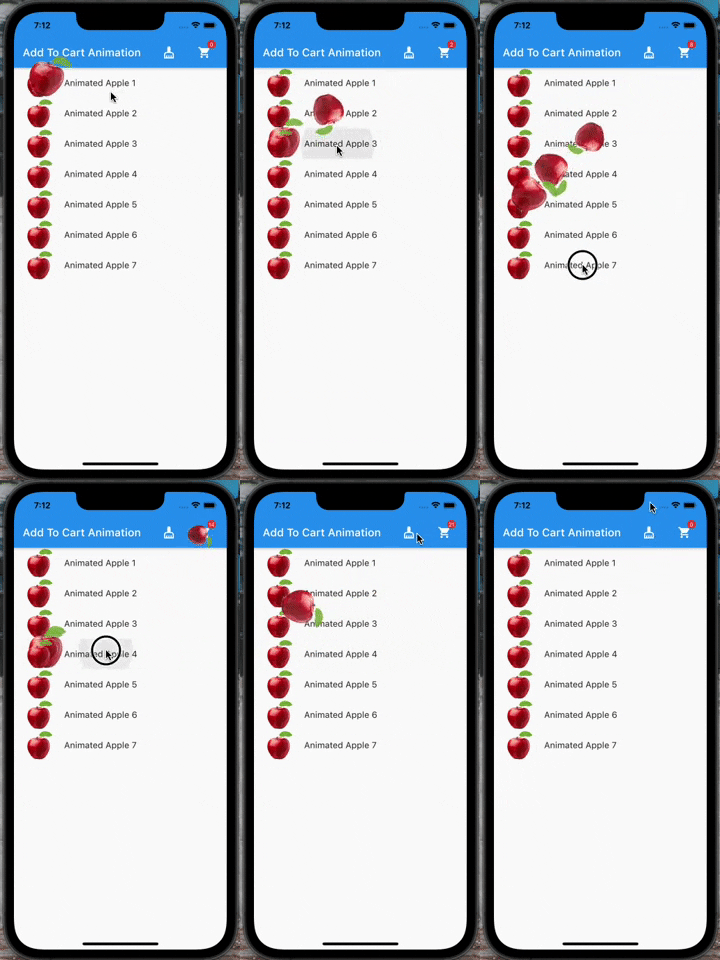 |
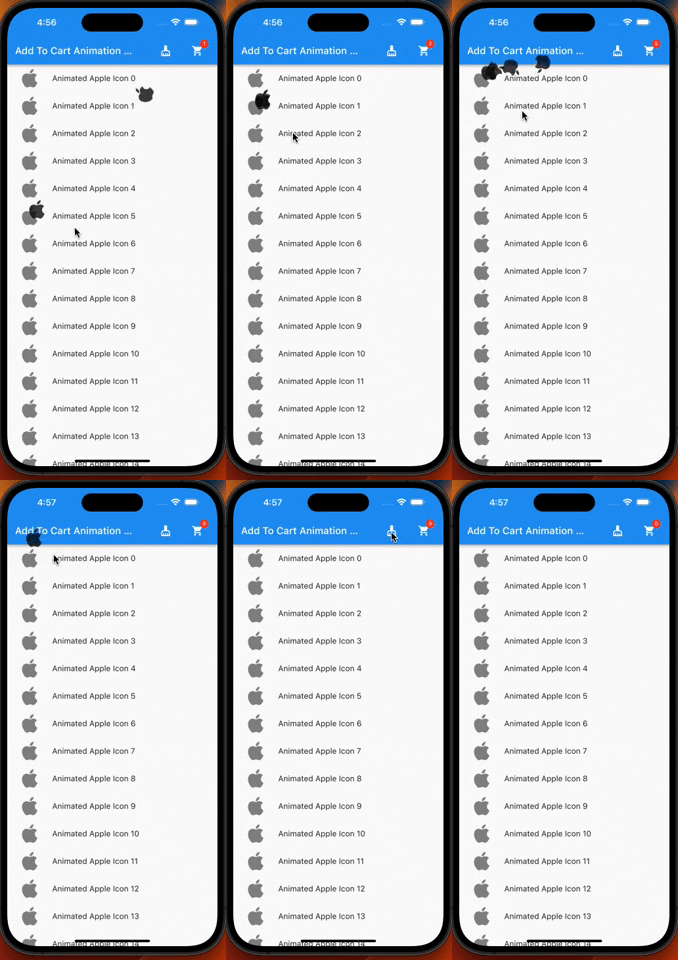 |