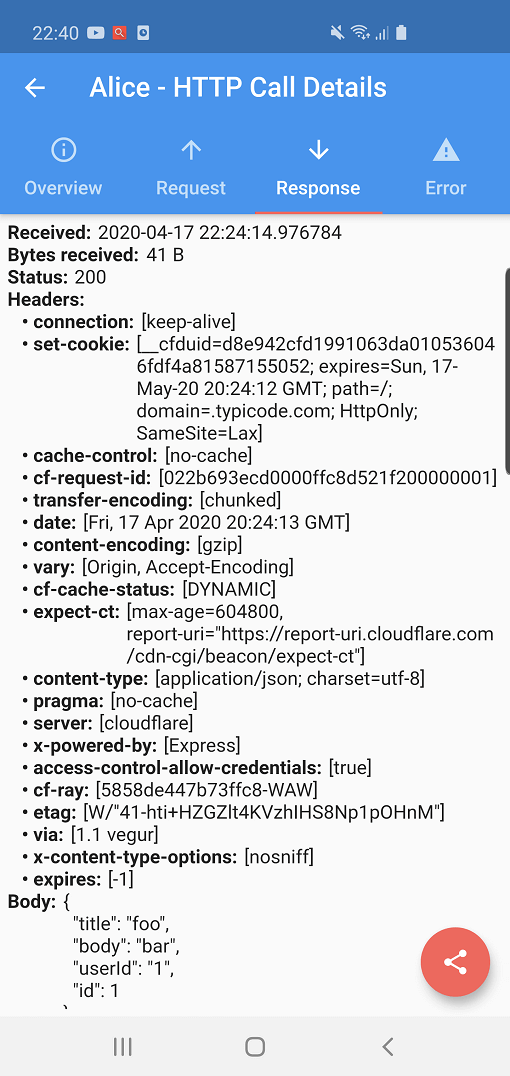
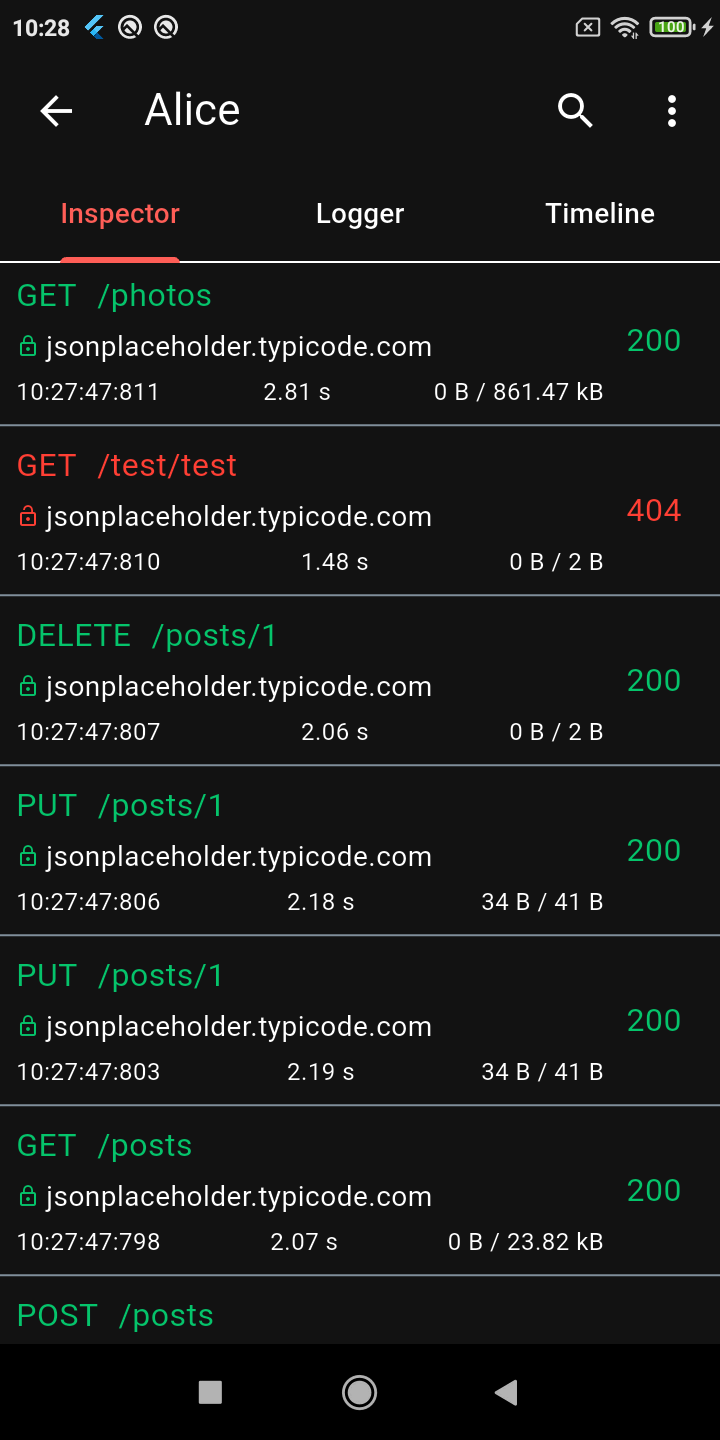
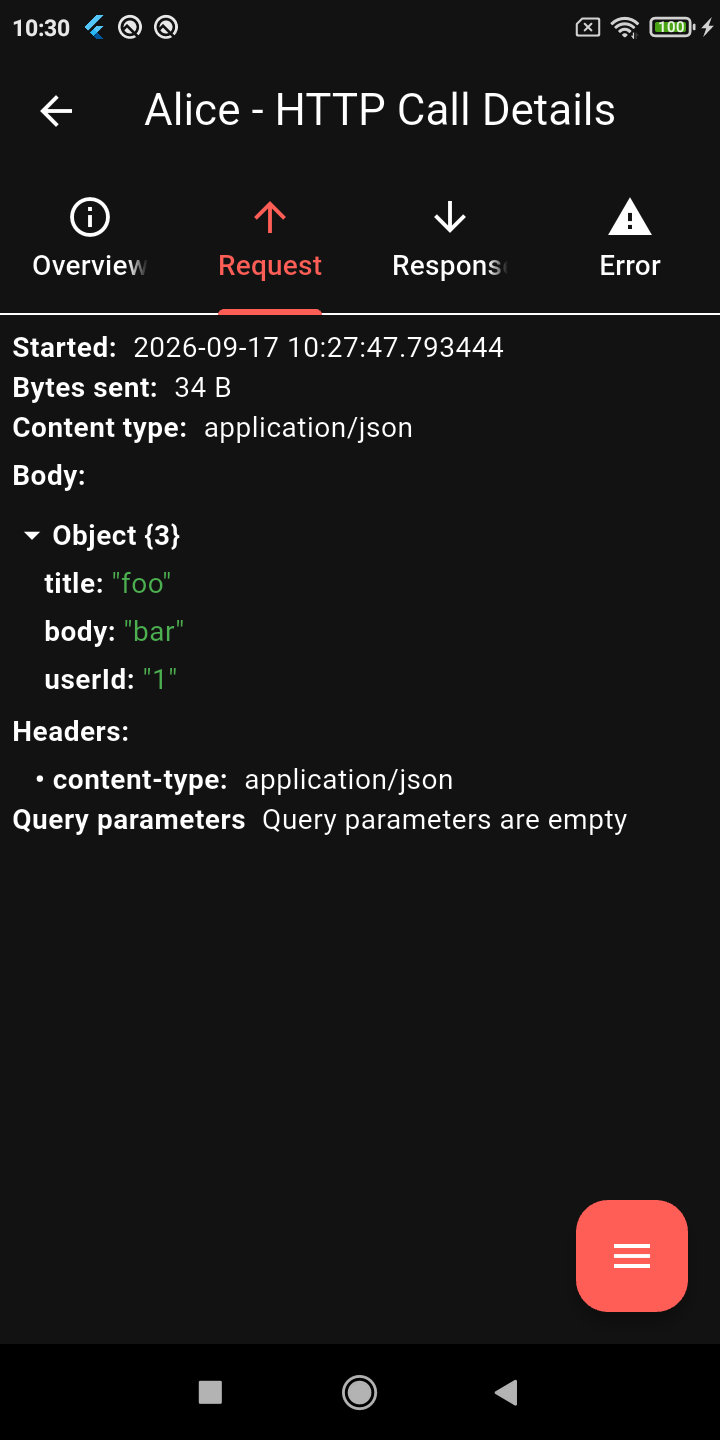
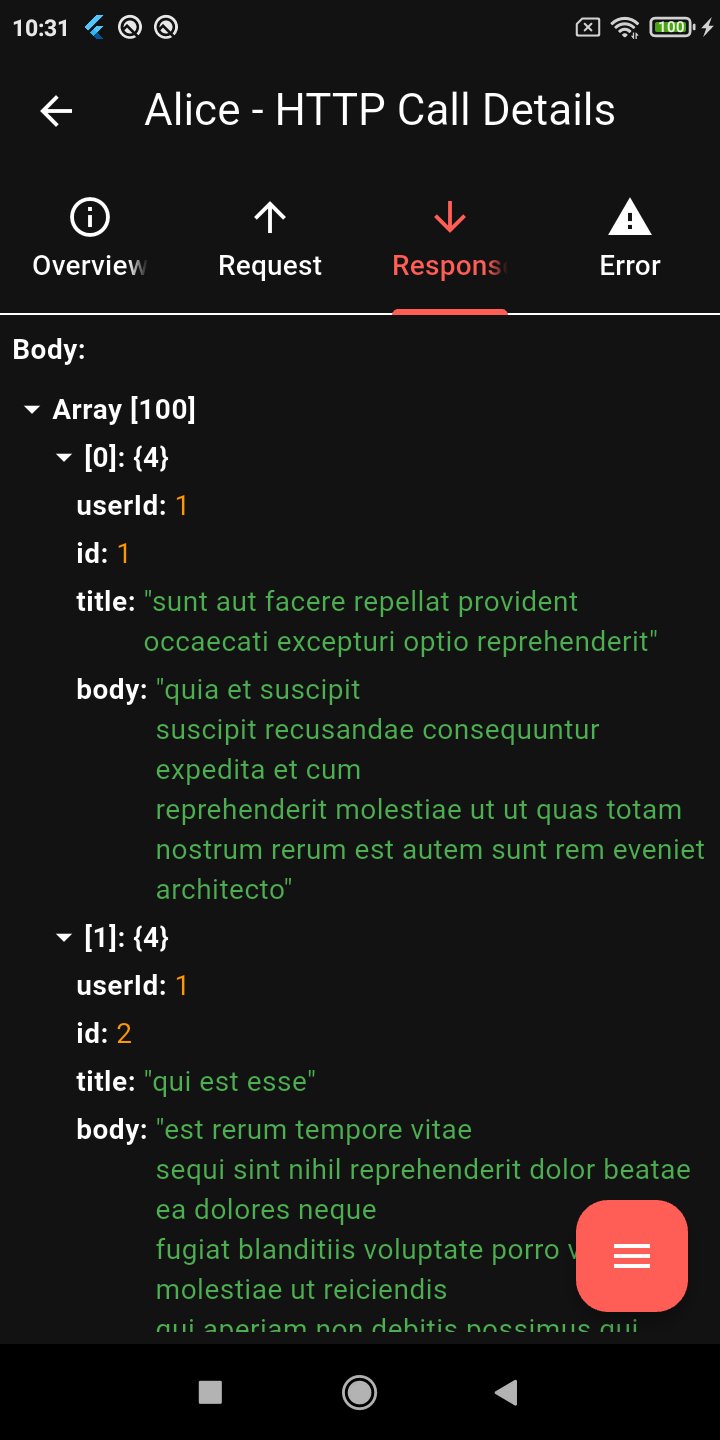
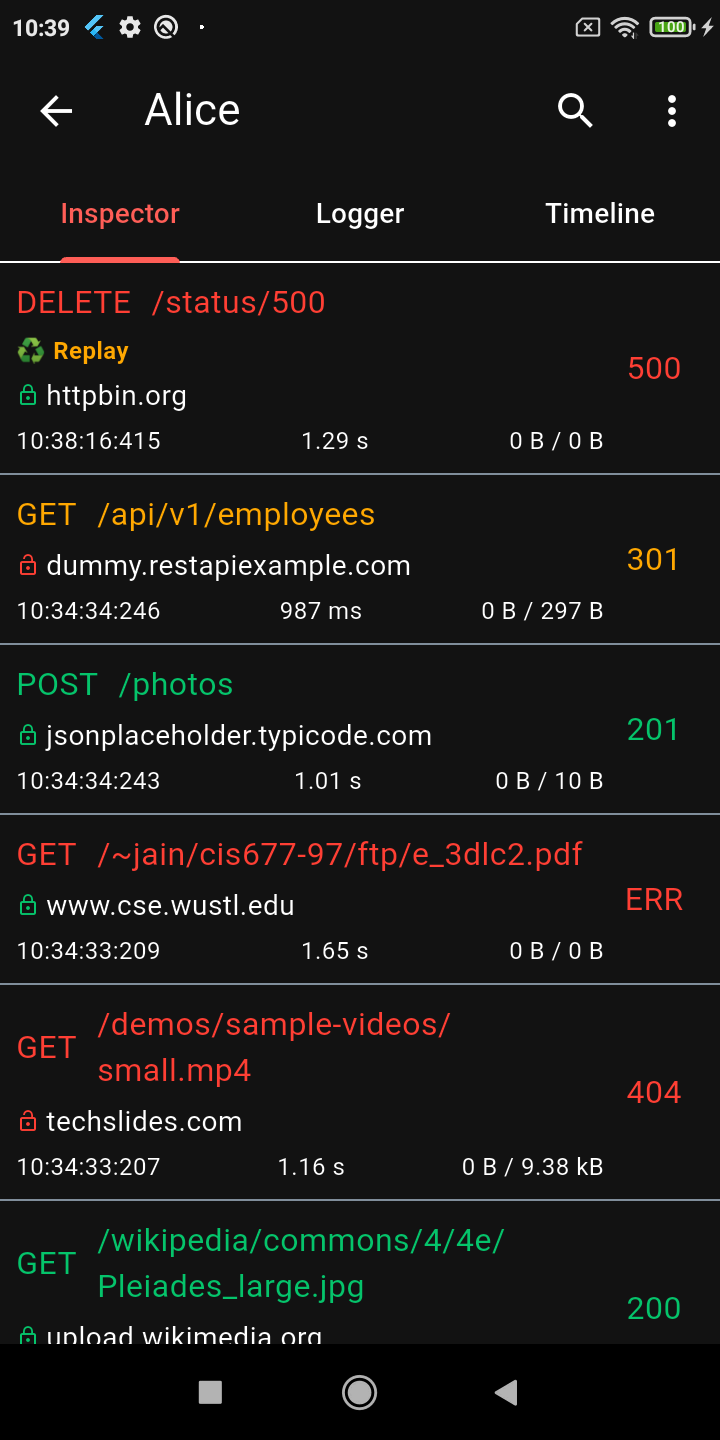
Alice ist ein HTTP-Inspector-Tool, das bei der Fehlersuche von HTTP-Anfragen hilft. Es erfasst und speichert HTTP-Anfragen und -Antworten, die über eine einfache Benutzeroberfläche angezeigt werden können.
Aus öffentlichen Paketdaten erstellte Orientierung.
Alice ist ein Debugging-Tool für Flutter-Anwendungen, das HTTP-Anfragen und -Antworten überprüft. Es greift den Netzwerkverkehr ab, speichert die Daten und bietet eine einfache Benutzeroberfläche zur Anzeige detaillierter Informationen zu Anfragen und Antworten, einschließlich Header, Körper und Zeitstempel. Ideal für Entwickler, die API-Integrationen debuggen oder das Netzwerkverhalten während der Entwicklung analysieren möchten. Das Tool lässt sich einfach über pub add integrieren und unterstützt sowohl Android als auch iOS.
Anwendungsfälle
Debugging von API-Aufrufen
Ansehen von Anfrage-/Antwort-Payloads
Netzwerkleistung überwachen
Testen von Backend-Integrationen
Echtzeit-HTTP-Protokollierung
Hauptmerkmale
Echtzeit-HTTP-Anfrage-Interception
Einfache und intuitive Benutzeroberfläche
Unterstützt Header- und Body-Inspektion
Plattformübergreifend (Android & iOS)
Einfache Integration in Flutter-Apps
Geeignet für
Flutter-Entwickler
API-Tester
Mobile App-Debugger
Frontend-Entwickler
Entwicklungsteams, die HTTP-Clients verwenden
Hinweise
Nicht für den Produktiveinsatz vorgesehen
Kann die Leistung im Debug-Modus beeinträchtigen
Benötigt manuelle Aktivierung
Beschränkt auf HTTP-Verkehr nur
UI nicht anpassbar
Original-README
Originaler README-Schnappschuss aus dem verknüpften Quell-Repository. Aktuelle Inhalte finden Sie im Repository.
Alice - HTTP Inspector for Flutter
Why Alice?
Alice is an advanced HTTP Inspector tool for Flutter that helps you debug network requests effortlessly. It catches and stores HTTP requests and responses, allowing you to view detailed network logs directly within your app via a simple and intuitive UI.
Whether you are hunting down a broken API payload, checking headers, or monitoring performance, Alice provides all the details you need without requiring a proxy or external desktop tools. It's inspired by Chuck and Chucker.
Screenshots
Calls List
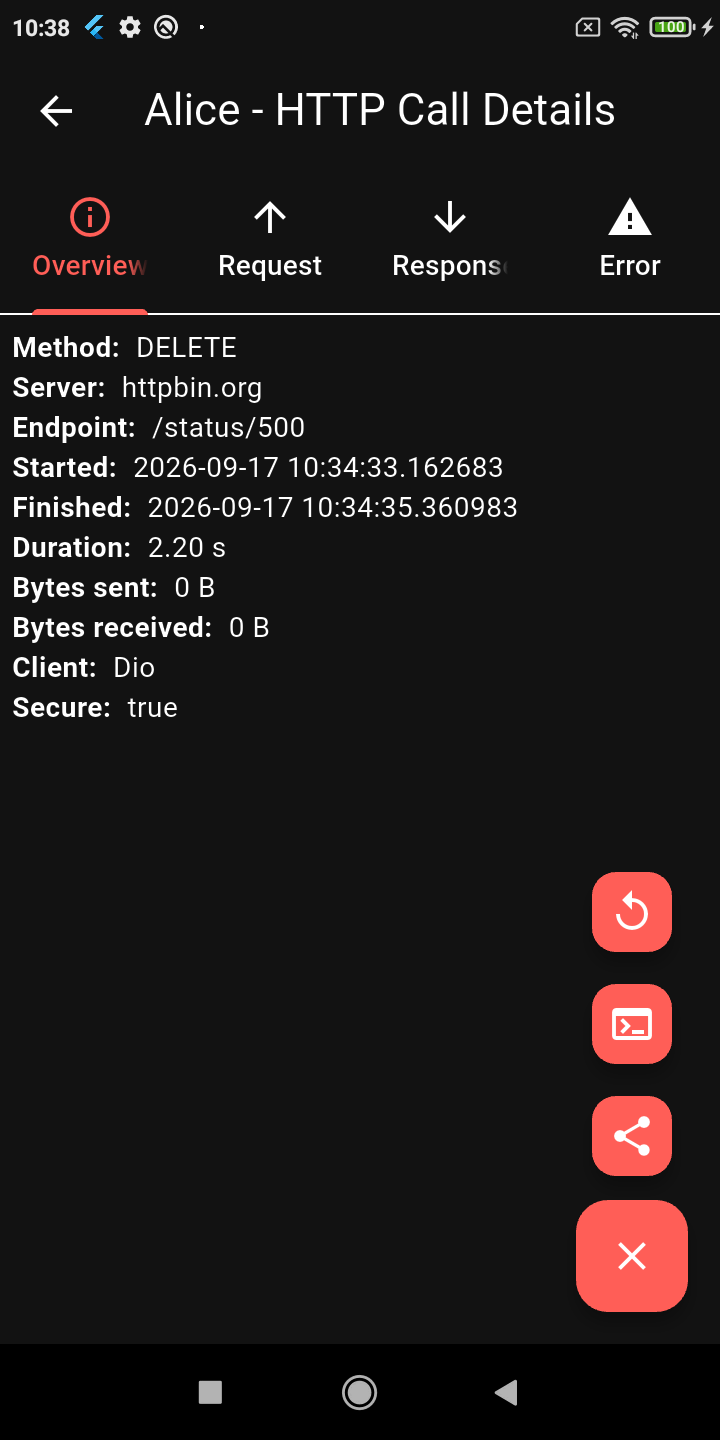
Request Details
JSON Viewer
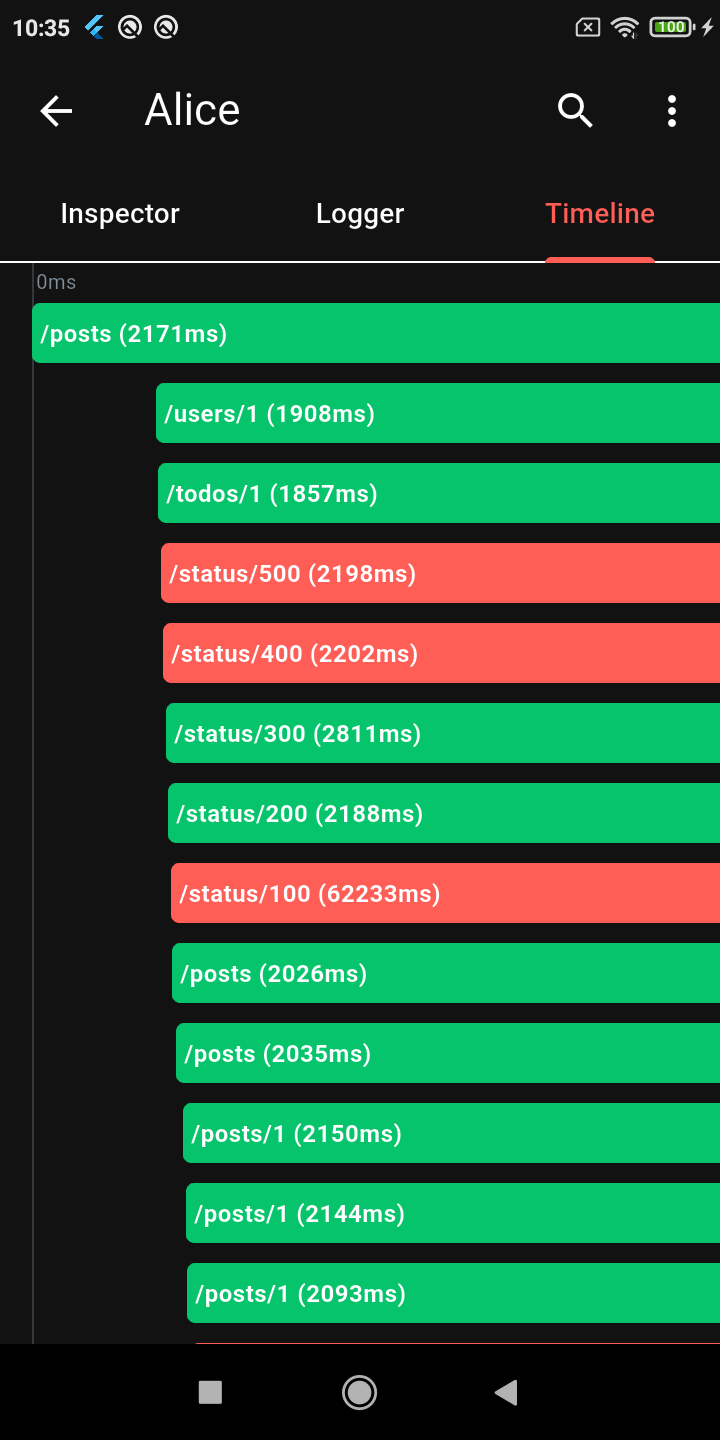
Timeline
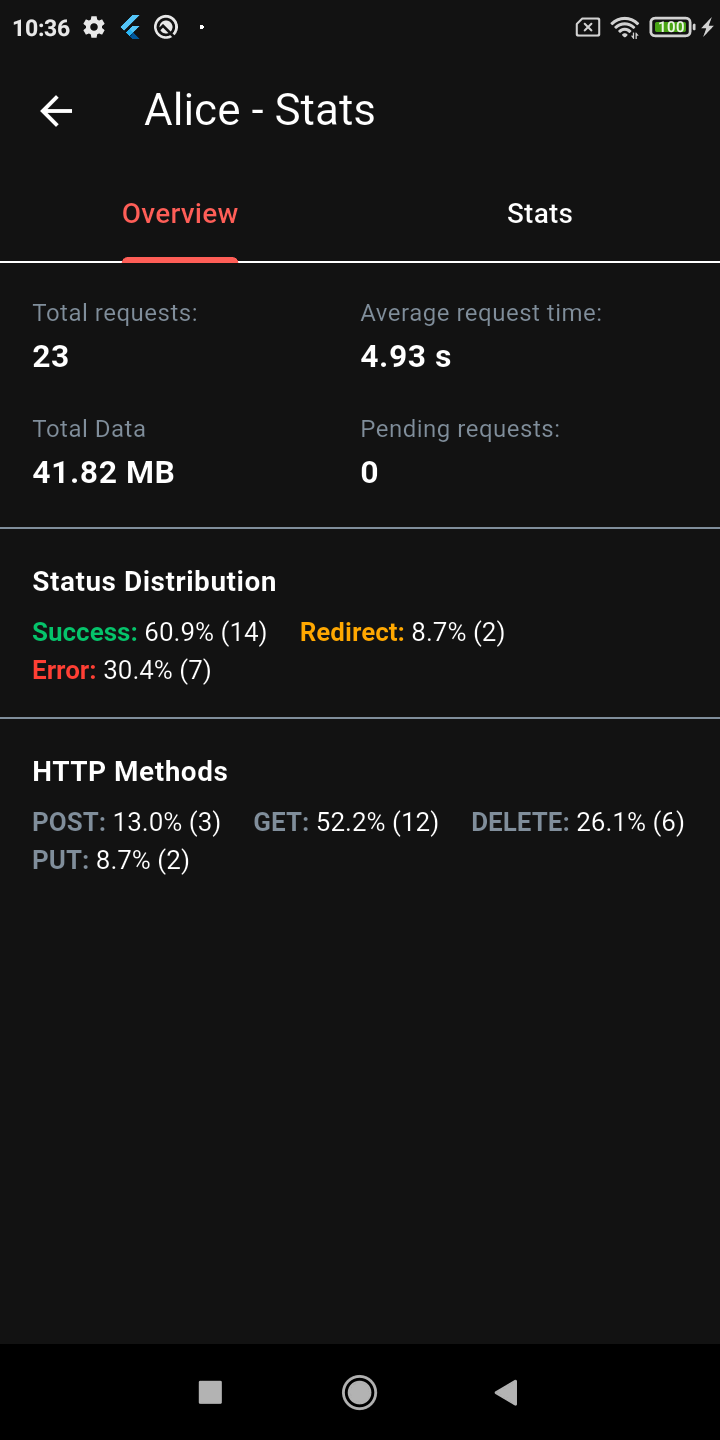
Stats Dashboard
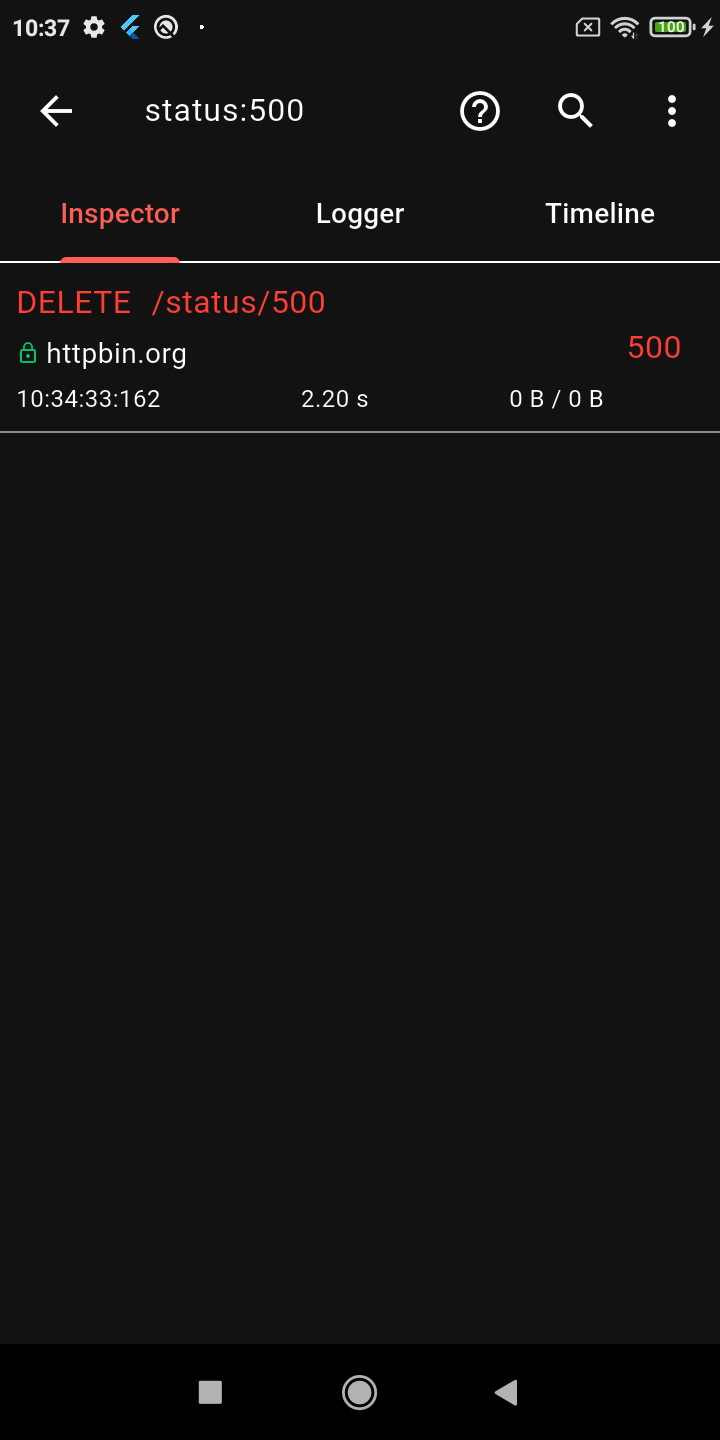
Advanced Search
Request Replay
Dark Mode
Key Features
🔍 Deep Inspection
Detailed logs for every HTTP call (Headers, Body, Query Parameters, Timestamps)
Interactive tree-based JSON viewer for request and response bodies
Gantt chart Timeline to visually inspect staggered HTTP calls
Powerful HTTP calls search (with advanced syntax filters) and filtering
Alice works by attaching an interceptor to your HTTP client. For example, using Dio:
import'package:dio/dio.dart';
import'package:alice_dio/alice_dio_adapter.dart';
Dio dio = Dio();
dio.interceptors.add(AliceDioAdapter().getInterceptor(alice));
// Now make requests! Alice will automatically record them.
dio.get("https://jsonplaceholder.typicode.com/posts");
For instructions on how to attach Alice to Chopper, standard http, or GraphQL, see the full documentation.
Architecture: Why Multiple Packages?
You may notice that Alice uses a multi-package architecture (e.g., alice_dio, alice_http, alice_chopper). This is a deliberate design choice!
Many similar inspector packages force you to pull in a massive dependency tree (Dio, HTTP, Chopper, GraphQL, etc.) all at once, even if your app only uses one of them. This is a bad pattern that bloats your app size, slows down build times, and causes version conflicts.
With Alice, you only install the core alice package and the specific adapter you need (e.g., alice_dio). We strictly avoid enforcing unnecessary dependencies on your project.
Documentation
For complete setup instructions, advanced configuration, and plugin details, please check the Full Documentation.
Custom Integrations & Enterprise Support
Alice has been the go-to Flutter HTTP inspector since its first release, and the ecosystem keeps growing. If your team needs something beyond what's here — a custom adapter for an internal HTTP client, a bespoke export format, enterprise storage backend, or anything else — I'm available for consulting.