Aus öffentlichen Paketdaten erstellte Orientierung.
AppRunner ist ein Flutter-Utility-Paket, das Entwicklern ermöglicht, ihre Anwendungen mit anpassbaren Konfigurationen zu starten und eine kontrollierte und effiziente App-Initialisierung sicherzustellen. Es vereinfacht die Verwaltung von Startparametern, Umgebungseinstellungen und Initialisierungsworkflows über mehrere Plattformen hinweg. Ideal für Entwicklung-, Test- und Staging-Umgebungen verbessert AppRunner die Konsistenz des Arbeitsflusses und verringert die Einrichtungszeit. Dank Unterstützung für Android, iOS, Web, macOS, Windows und Linux bietet es Cross-Platform-Flexibilität für moderne Flutter-Projekte.
Anwendungsfälle
Schnelle App-Starts mit benutzerdefinierten Konfigurationen
Einrichtung von Entwicklung- und Testumgebung
Staging-Umgebungskonfiguration
Plattformübergreifende App-Initialisierung
Automatisierte Build- und Ausführungsworflows
Hauptmerkmale
Konfigurierbare Starteinstellungen
Multiplattformunterstützung
umgebungsbewusste Startung
Einfache Initialisierung
Integration in CI/CD-Pipelines
Geeignet für
Flutter-Entwickler
Test-Automatisierungsingenieure
DevOps-Teams
Cross-Platform-App-Entwickler
Schnellprototypen
Hinweise
Benötigt manuelle Konfiguration für jedes Umfeld
Beschränkt auf die Anpassung zur Startzeit
Keine Laufzeitkonfigurationsänderungen
Am besten geeignet für die Vorlaufkonfiguration
Abhängig von der korrekten Projektstruktur
Original-README
Originaler README-Schnappschuss aus dem verknüpften Quell-Repository. Aktuelle Inhalte finden Sie im Repository.
AppRunner
Launch your Flutter app like a pro! AppRunner is a configurator for quick and controlled launch of your application, with features that runApp does not have.
We solve problems of brand presence on mobile devices, specializing in development of mobile applications and services in the b2c segment.
Subscribe for the latest updates:
Features
Get your application up and running quickly.
Allows you to run code without blocking your application from launching.
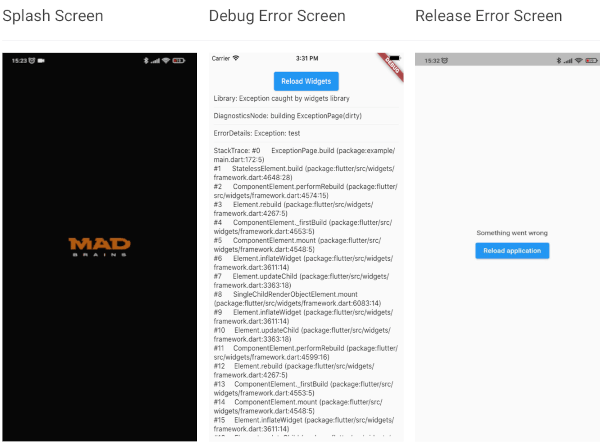
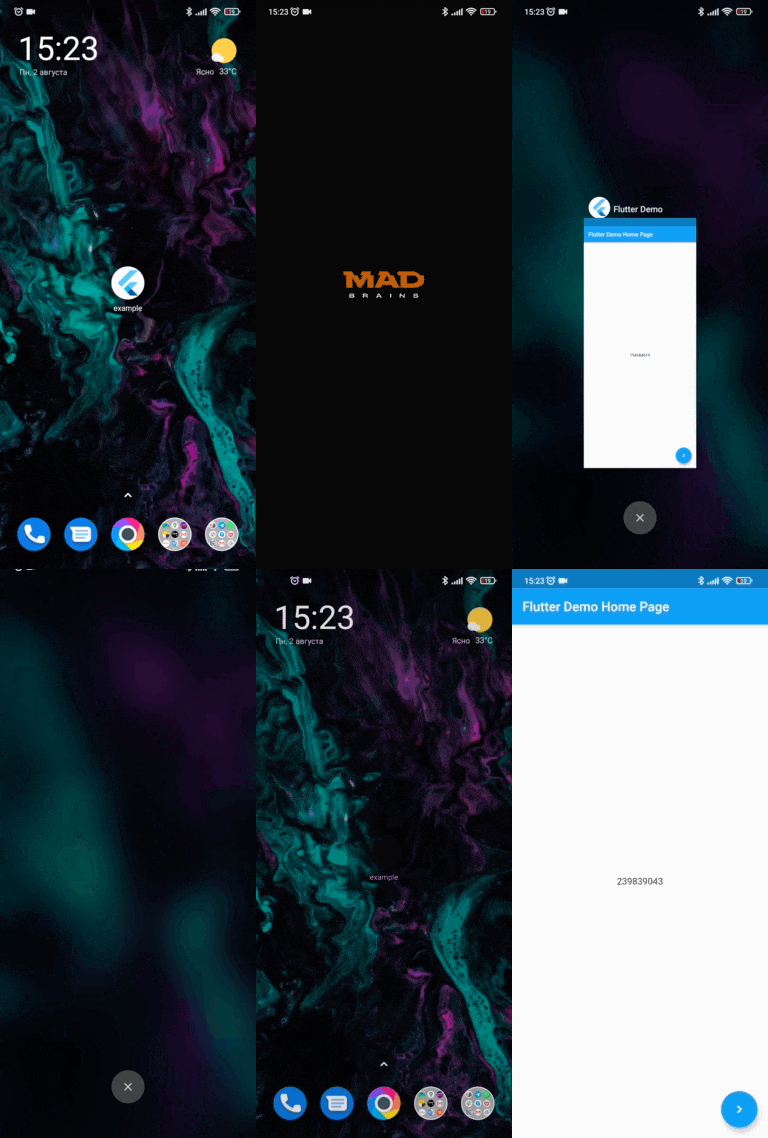
Show your independent splash screen while loading the app. AppRunner does not block the first call of the widget, do you practically won't see the native splash screen.
Allows you to reload the widget tree if you need it.
Your code will run in a safe environment for both Dart code and Flutter code. AppRunner catches and handles errors, preventing your application from breaking at runtime.
Configuring the zone of your application is much easier.
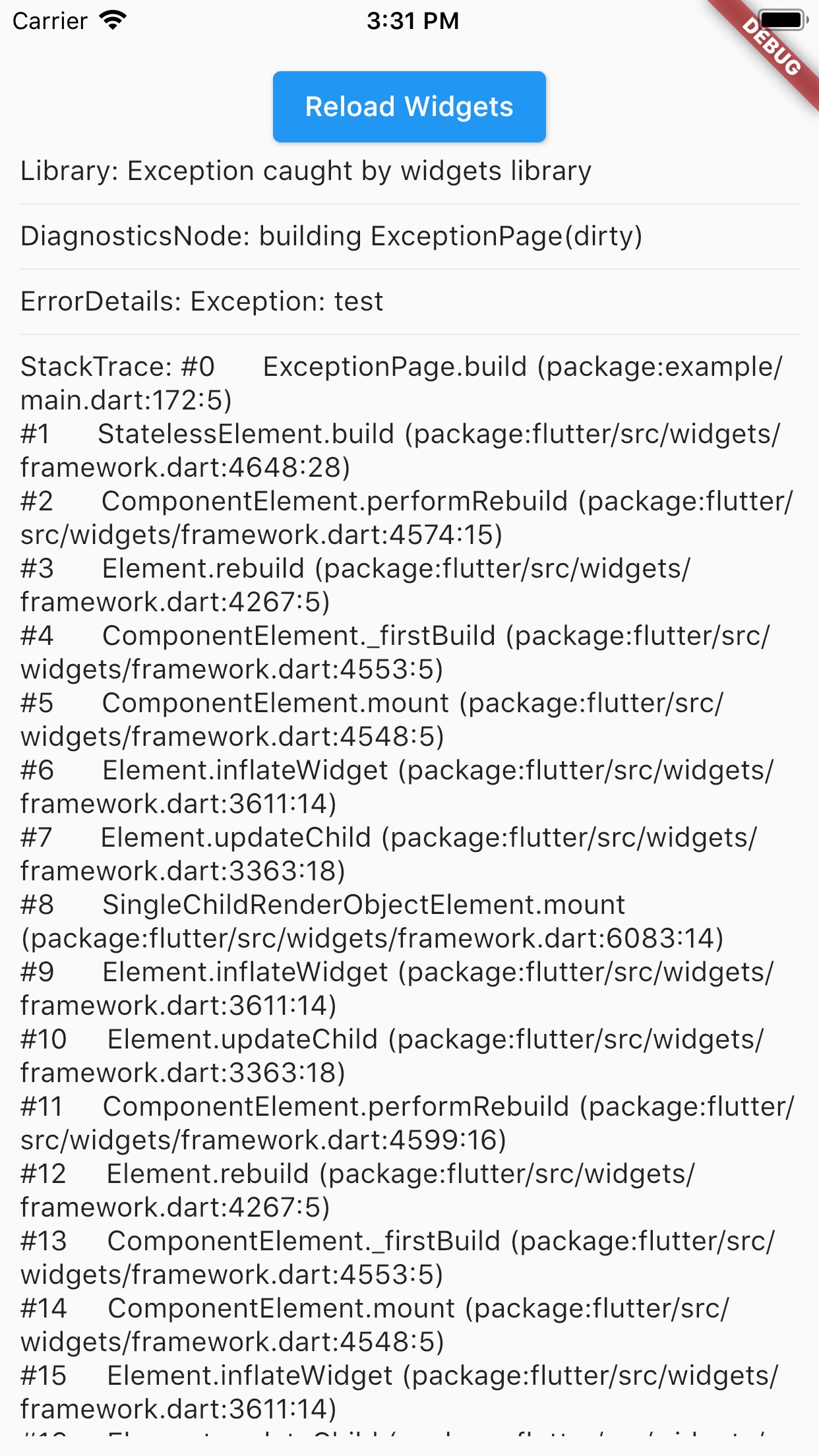
With AppRunner you can easily override ErrorWidget for debug and release mode.
Lets you just use your WidgetsBinding implementation.
And the very last and most important argument to use AppRunner in your application, it is very easy to integrate into your application, and its configuration does not take much time.
Splash Screen
Debug Error Screen
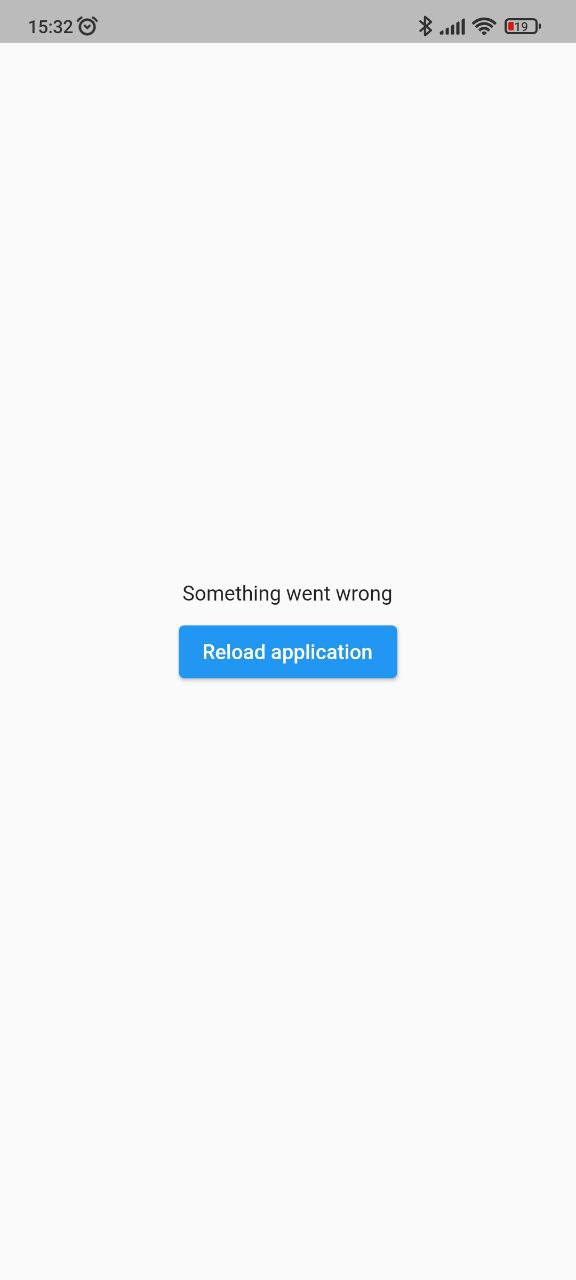
Release Error Screen
Installing
BREAKING: Note, starting with version 2.2.0, Flutter 3.10.0+ is used by default. If you need to use a Flutter version lower than 3.10.0, then use package version 2.1.2 and below.
Add this to your package's pubspec.yaml file:
dependencies:app_runner:<lastversion>
Usage
This is how your application launch looked like before:
It is simply by attaching your widget to the root. But in order to catch errors, it was necessary to use runZonedGuarded, then our code will become like this: