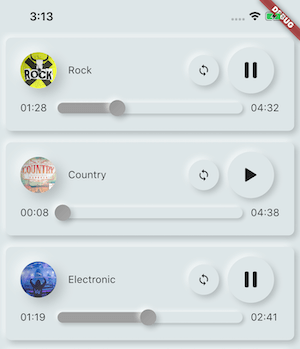
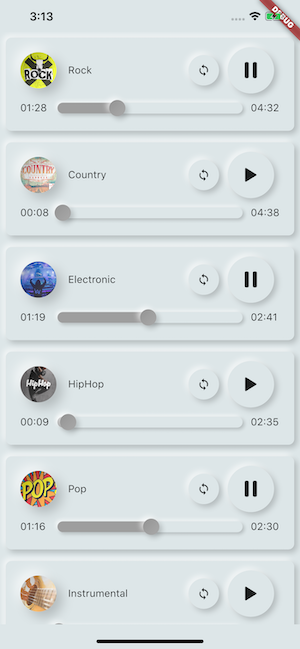
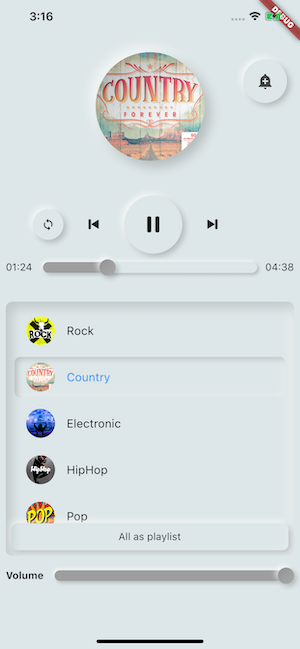
Musik/Audio aus Assets-Dateien direkt aus Flutter und Netzwerk, Radio, Live-Stream, lokalen Dateien abspielen. Kompatibel mit Android, iOS, Web und macOS.
Aus öffentlichen Paketdaten erstellte Orientierung.
AssetsAudioPlayer ist ein Flutter-Paket, das nahtloses Abspielen von Audio aus Assets, lokalen Dateien, Netzwerk-URLs, Radiostreams und Live-Audio ermöglicht. Es unterstützt mehrere Plattformen wie Android, iOS, Web und macOS und ist daher ideal für plattformübergreifende Audio-Anwendungen. Das Paket bietet eine einfache API zum Verwalten der Wiedergabe, Steuern der Lautstärke, Suchen und Behandeln von Ereignissen wie Abschluss oder Pufferung. Es integriert sich direkt in das Ressourcensystem von Flutter und bietet leistungsstarke Funktionen sowohl für grundlegende als auch fortgeschrittene Audio-Anwendungsfälle.
Anwendungsfälle
Hintergrundmusik in Apps abspielen
Live-Radiostationen
Lade Audio aus App-Ressourcen
Unterstützung der Offline-Audio-Wiedergabe
Podcast-Player integrieren
Hauptmerkmale
Unterstützt Assets, Netzwerk und Live-Streams
Plattformübergreifende Kompatibilität
Eingebaute Ereignisbehandlung
Lautstärke und Wiedergabesteuerung
Einfache Integration mit Flutter-Ressourcen
Geeignet für
Mobile und Web-Audio-Apps
Podcast- und Musikplayer-Apps
Lern-Apps mit Audioinhalten
Apps, die Offline-Audiozugriff erfordern
Entwickler, die multimediale Erlebnisse erstellen
Hinweise
Erforderliche korrekte Asset-Konfiguration
Auf einigen Plattformen sind möglicherweise zusätzliche Berechtigungen erforderlich
Große Audio-Dateien können den Speicherverbrauch beeinflussen
Netzwerk-Streaming erfordert eine stabile Internetverbindung
Web-Unterstützung beschränkt auf moderne Browser
Original-README
Originaler README-Schnappschuss aus dem verknüpften Quell-Repository. Aktuelle Inhalte finden Sie im Repository.
🎧 assets_audio_player 🔊
Play music/audio stored in assets files (simultaneously) directly from Flutter (android / ios / web / macos).
You can also use play audio files from network using their url, radios/livestream and local files
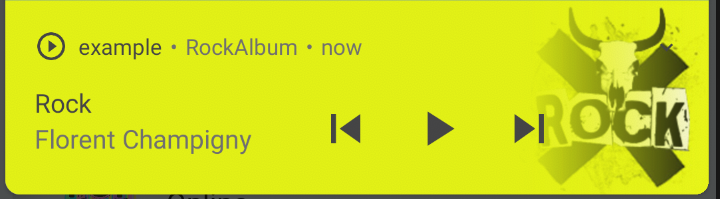
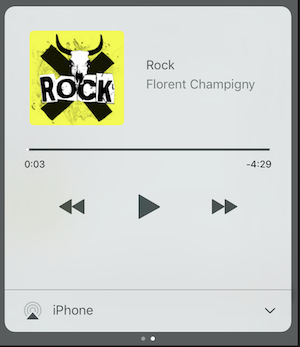
Notification can be displayed on Android & iOS, and bluetooth actions are handled
AssetsAudioPlayer.setupNotificationsOpenAction((notification) {
//custom actionreturntrue; //true : handled, does not notify others listeners//false : enable others listeners to handle it
});
Then if you want a custom action on widget
AssetsAudioPlayer.addNotificationOpenAction((notification) {
//custom actionreturnfalse; //true : handled, does not notify others listeners//false : enable others listeners to handle it
});
Custom actions
You can enable/disable a notification action
open(AUDIO,
showNotification: true,
notificationSettings: NotificationSettings(
prevEnabled: false, //disable the previous button//and have a custom next action (will disable the default action)
customNextAction: (player) {
print("next");
}
)
)
Update audio's metas / notification content
After your audio creation, just call
audio.updateMetas(
       player: _assetsAudioPlayer, //add the player if the audio is actually played
       title: "My new title",
       artist: "My new artist",
       //if I not provide a new album, it keep the old one
       image: MetasImage.network(
         //my new image url
       ),
);
You can create new AssetsAudioPlayer using AssetsAudioPlayer.newPlayer(),
which will play songs in a different native Media Player
This will enable to play two songs simultaneously
You can have as many player as you want !
///play 3 songs in parallelAssetsAudioPlayer.newPlayer().open(
Audio("assets/audios/song1.mp3")
);
AssetsAudioPlayer.newPlayer().open(
Audio("assets/audios/song2.mp3")
);
//another way, with create, open, play & dispose the player on finishAssetsAudioPlayer.playAndForget(
Audio("assets/audios/song3.mp3")
);
Each player has an unique generated id, you can retrieve or create them manually using
final player = AssetsAudioPlayer.withId(id: "MY_UNIQUE_ID");
🗄️ Playlist
assetsAudioPlayer.open(
  Playlist(
    audios: [
      Audio("assets/audios/song1.mp3"),
      Audio("assets/audios/song2.mp3")
    ]
  ),
  loopMode: LoopMode.playlist //loop the full playlist
);

assetsAudioPlayer.next();
assetsAudioPlayer.prev();
assetsAudioPlayer.playlistPlayAtIndex(1);
Audio Widget
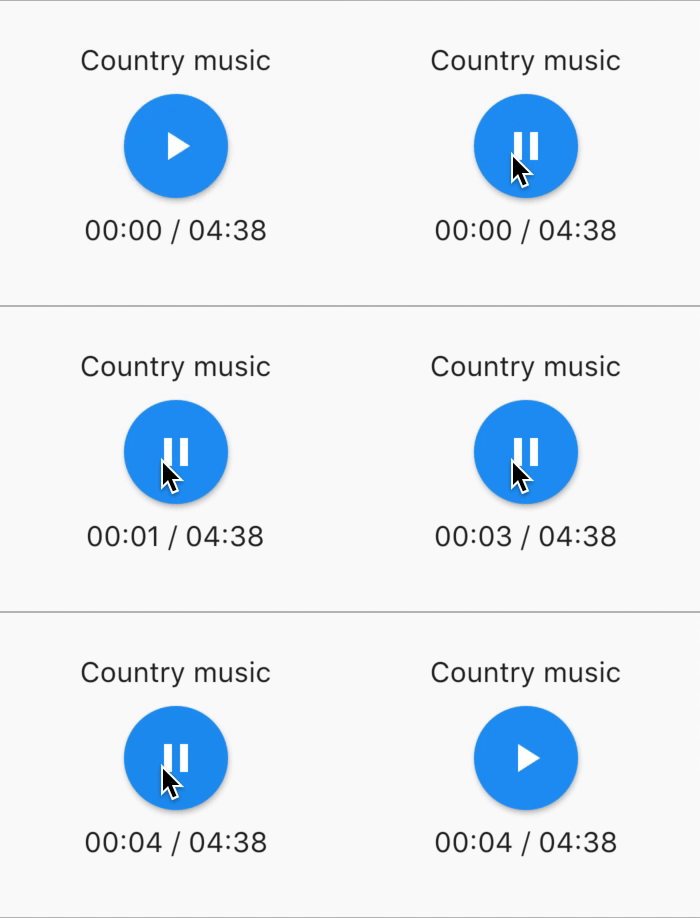
If you want a more flutter way to play audio, try the AudioWidget !
Just remove the Audio from the tree !
Or simply keep play: false
🎧 Listeners
All listeners exposes Streams
Using RxDart, AssetsAudioPlayer exposes some listeners as ValueObservable (Observable that provides synchronous access to the last emitted item);
🎵 Current song
//The current playing audio, filled with the total song duration
assetsAudioPlayer.current //ValueObservable<PlayingAudio>//Retrieve directly the current played assetfinalPlayingAudio playing = assetsAudioPlayer.current.value;
//Listen to the current playing song
assetsAudioPlayer.current.listen((playingAudio){
final asset = playingAudio.assetAudio;
final songDuration = playingAudio.duration;
})
⌛ Current song duration
//Listen to the current playing songfinal duration = assetsAudioPlayer.current.value.duration;
⏳ Current position (in seconds)
assetsAudioPlayer.currentPosition //ValueObservable<Duration>//retrieve directly the current song positionfinalDuration position = assetsAudioPlayer.currentPosition.value;
returnStreamBuilder(
stream: assetsAudioPlayer.currentPosition,
builder: (context, asyncSnapshot) {
finalDuration duration = asyncSnapshot.data;
returnText(duration.toString());
}),
finalLoopMode loopMode = assetsAudioPlayer.loop;
// possible values// LoopMode.none : not looping// LoopMode.single : looping a single audio// LoopMode.playlist : looping the fyll playlist
assetsAudioPlayer.setLoopMode(LoopMode.single);
assetsAudioPlayer.loopMode.listen((loopMode){
//listen to loop
})
assetsAudioPlayer.toggleLoop(); //toggle the value of looping
🏃 Play Speed
assetsAudioPlayer.setPlaySpeed(1.5);
assetsAudioPlayer.playSpeed.listen((playSpeed){
//listen to playSpeed
})
//change play speed for a particular AudioAudio audio = Audio.network(
url,
playSpeed: 1.5
);
assetsAudioPlayer.open(audio);
🎙️ Pitch
assetsAudioPlayer.setPitch(1.2);
assetsAudioPlayer.pitch.listen((pitch){
//listen to pitch
})
//change pitch for a particular AudioAudio audio = Audio.network(
url,
pitch: 1.2
);
assetsAudioPlayer.open(audio);
Android only allow HTTPS calls, you will have an error if you're using HTTP,
don't forget to add INTERNET permission and seet usesCleartextTraffic="true" in your AndroidManifest.xml
iOS only allow HTTPS calls, you will have an error if you're using HTTP,
don't forget to edit your info.plist and set NSAppTransportSecurity to NSAllowsArbitraryLoads