Aus öffentlichen Paketdaten erstellte Orientierung.
Audio Manager ist ein Flutter-Plugin, das für eine nahtlose Musikwiedergabe auf Android, iOS und Web entwickelt wurde. Es bietet eine leistungsstarke Audioverwaltung mit eingebauter Unterstützung für Medienbenachrichtigungen, sodass Benutzer die Wiedergabe direkt aus der Benachrichtigungsschale des Systems steuern können. Das Paket vereinfacht die Integration von Hintergrundaudio, Anzeige von Track-Metadaten und Wiedergabesteuerungen in Musikanwendungen. Durch den Fokus auf plattformübergreifende Konsistenz sorgt es für eine reibungslose Benutzererfahrung unabhängig vom Gerät. Es ist ideal für Entwickler, die audiozentrierte Apps wie Musikplayer oder Podcast-Abonnenten erstellen.
Eingeschränkte Anpassungsmöglichkeiten für die Benachrichtigungsdesign
Hängt von externen Audioquellen ab
Auf einigen Plattformen sind möglicherweise zusätzliche Berechtigungen erforderlich
Die Web-Unterstützung kann im Vergleich zu mobilen Geräten eingeschränkte Funktionen aufweisen
Original-README
Originaler README-Schnappschuss aus dem verknüpften Quell-Repository. Aktuelle Inhalte finden Sie im Repository.
audio_manager
A Flutter plugin for music playback, notification handling, lock-screen controls, and desktop system media controls.
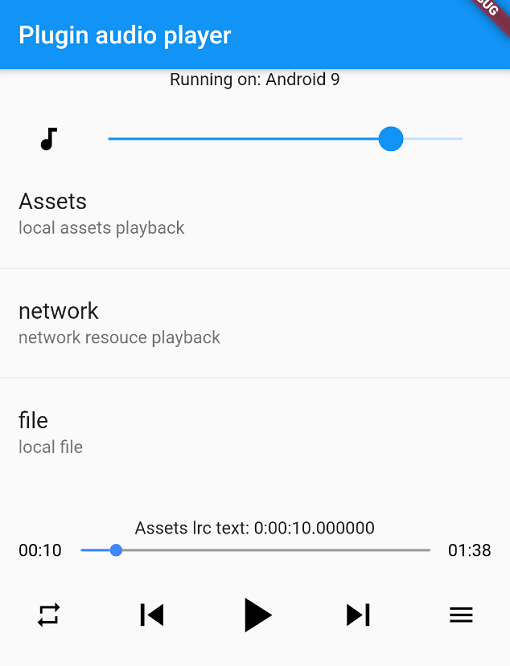
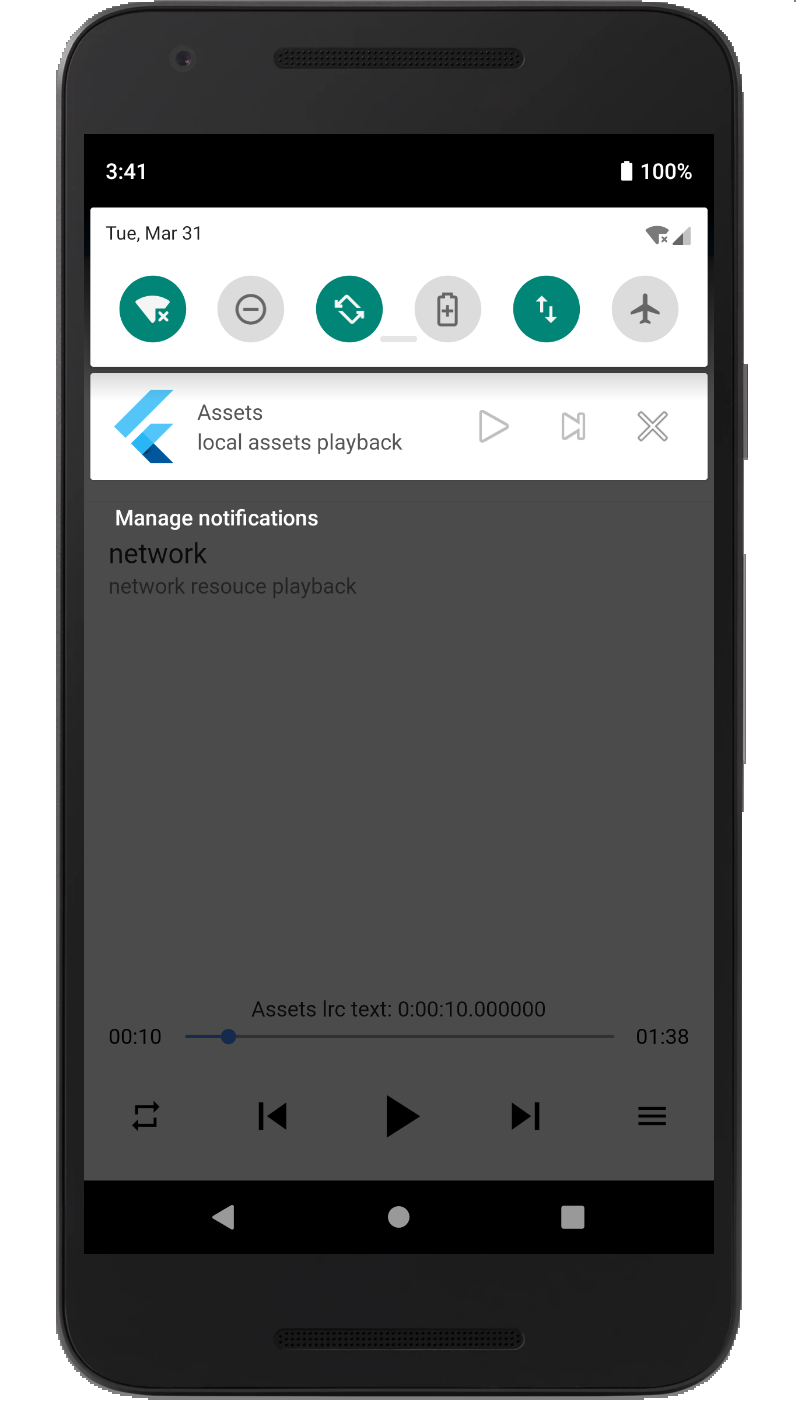
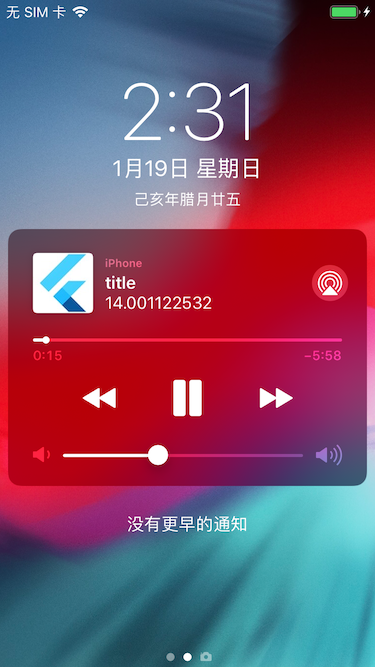
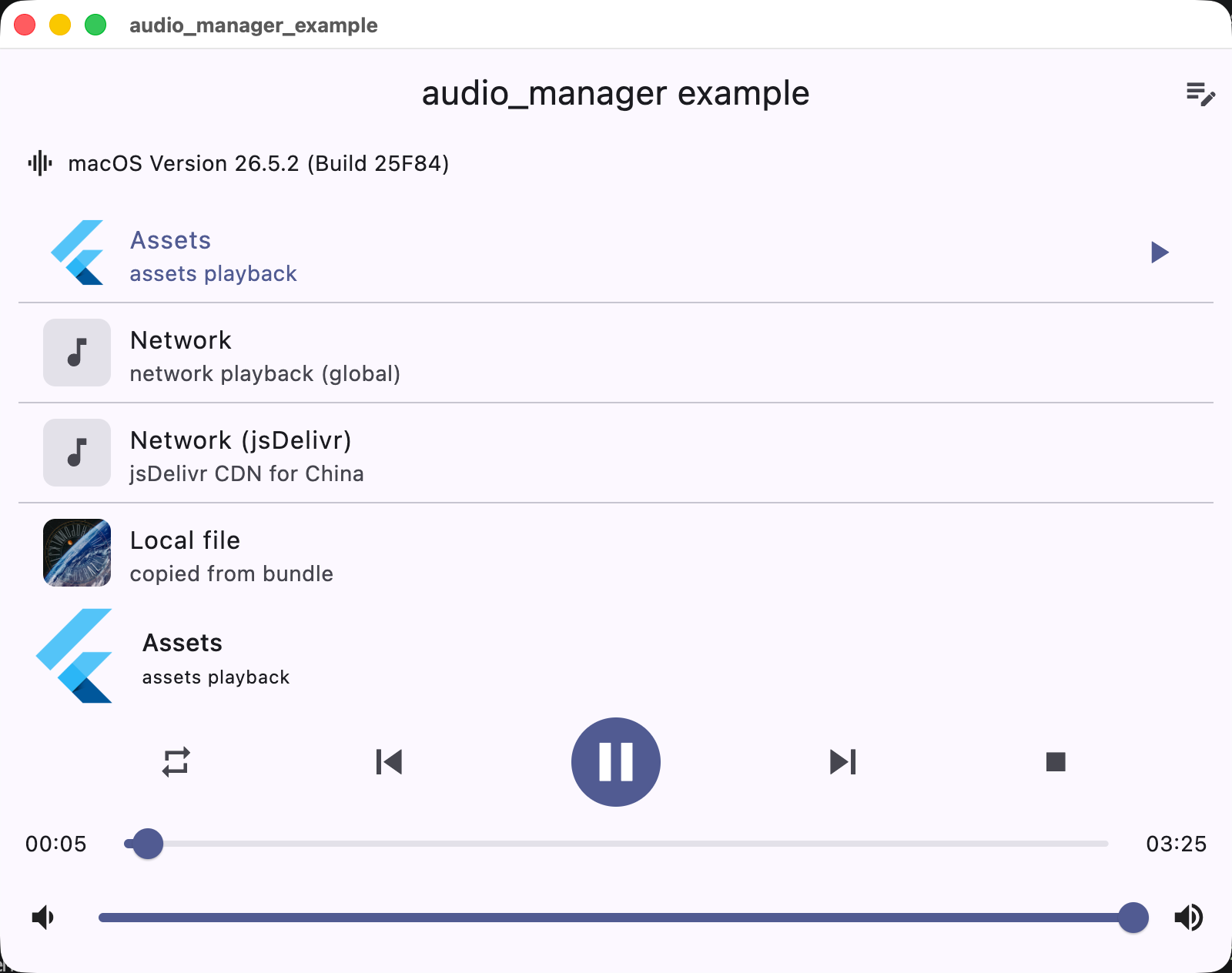
Screenshots
Android
iOS
macOS
Supported platforms
Platform
Playback / integration
iOS
AVPlayer + lock screen / Control Center
Android
MediaPlayer + MediaSession notification
macOS
AVPlayer + Now Playing / Control Center
Windows
Windows.Media.Playback + SMTC
Linux
GStreamer + MPRIS
Web
HTMLAudioElement
Installation
Add the dependency to pubspec.yaml:
dependencies:audio_manager:^1.0.0
iOS
The plugin supports both CocoaPods and Swift Package Manager (SPM) on iOS. Flutter 3.24+ integrates it via SPM automatically; otherwise it falls back to CocoaPods.
Add the following permissions in the info.plist file
⚠️ Some methods are invalid in the simulator, please use the real machine
⚠️ Only add UIBackgroundModes -> audio when your app really keeps playing audio in the background. If the app does not provide background audio, App Store review may reject it with guideline 2.5.4.
Android
Since Android9.0 (API 28), the application disables HTTP plaintext requests by default. To allow requests, add android:usesCleartextTraffic="true" in AndroidManifest.xml
⚠️ Android minimum supported version 23 (app/build.gradle -> minSdkVersion: 23)
⚠️ Compile against Android SDK 34 or newer when targeting Android 12+ apps. The plugin now requires explicit PendingIntent flags, a media playback foreground service type, and Android 13+ receiver export flags.
⚠️ Android notification and lock-screen controls use MediaSession / MediaStyle. Custom notification icons and full custom layouts are not exposed by the public API.
Desktop (macOS / Windows / Linux)
Desktop playback integrates with the system media controls: macOS Now Playing / Control Center, Windows SMTC (taskbar media flyout), and Linux MPRIS.
macOS: to stream network audio, add the com.apple.security.network.client entitlement to the app's entitlements files (DebugProfile.entitlements / Release.entitlements):