Aus öffentlichen Paketdaten erstellte Orientierung.
Awesome Card ist ein Flutter-Paket, das Entwicklern ermöglicht, visuell ansprechende Karten-Widgets in ihren Anwendungen einfach zu erstellen. Es bietet eine anpassbare und responsive Karten-Oberfläche, die ideal für Zahlungsformulare, Checkout-Bildschirme oder Finanzanwendungen geeignet ist. Das Paket unterstützt mehrere Plattformen wie Android, iOS, Web, macOS, Windows und Linux und sorgt so für konsistente Designs über Geräte hinweg. Mit intuitiven Konfigurationsoptionen vereinfacht es die Integration von Karteneingabefeldern und Styling. Perfekt für Apps, die sichere und ansprechende Kartenanzeigekomponenten benötigen.
Anwendungsfälle
Zahlungsformular-Schnittstellen
Kassenbildschirme
Finanzanwendungs-Dashboards
Kartenverwaltungsfunktionen
Benutzerprofilkarte wird angezeigt
Hauptmerkmale
Anpassbare Kartenansicht
Reaktives Layout über Plattformen hinweg
Einfache Integration mit Formulareingaben
Unterstützt mehrere Betriebssysteme
Eingebaute Kartennumerformatierung
Geeignet für
Flutter-Entwickler, die Zahlungs-Apps erstellen
UI-Designer, die Kartenkomponenten benötigen
Apps, die plattformübergreifende Karten-UIs erfordern
Entwickler, die sich auf saubere Zahlungserfahrungen konzentrieren
Hinweise
Enthält keine vollständige Zahlungsabwicklung
Benötigt manuelle Handhabung sensibler Daten
Nicht für Produktionszahlungsgateways vorgesehen
Am besten zusammen mit Sicherheitsbest Practices verwendet
Beschränkt auf die Benutzeroberflächenrenderung, nicht auf Transaktionslogik
Original-README
Originaler README-Schnappschuss aus dem verknüpften Quell-Repository. Aktuelle Inhalte finden Sie im Repository.
Awesome Card
A Flutter package to create a beautiful, animated Credit Card widget in your application.
Stay tuned for the latest updates:
✨ Features
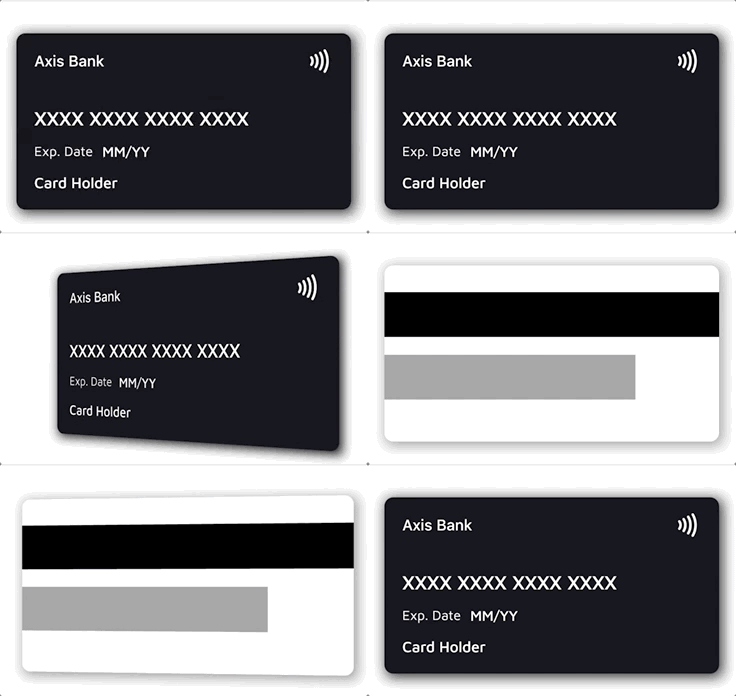
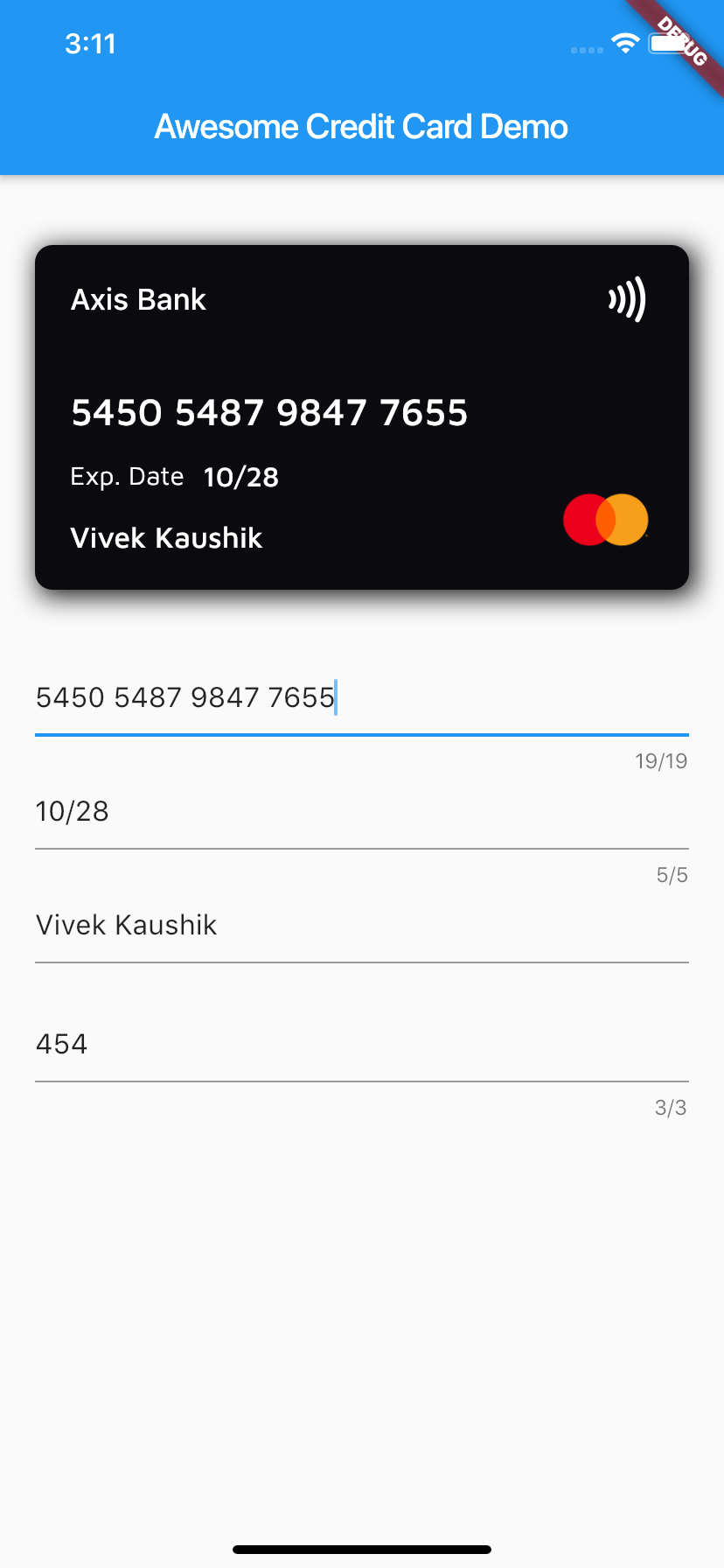
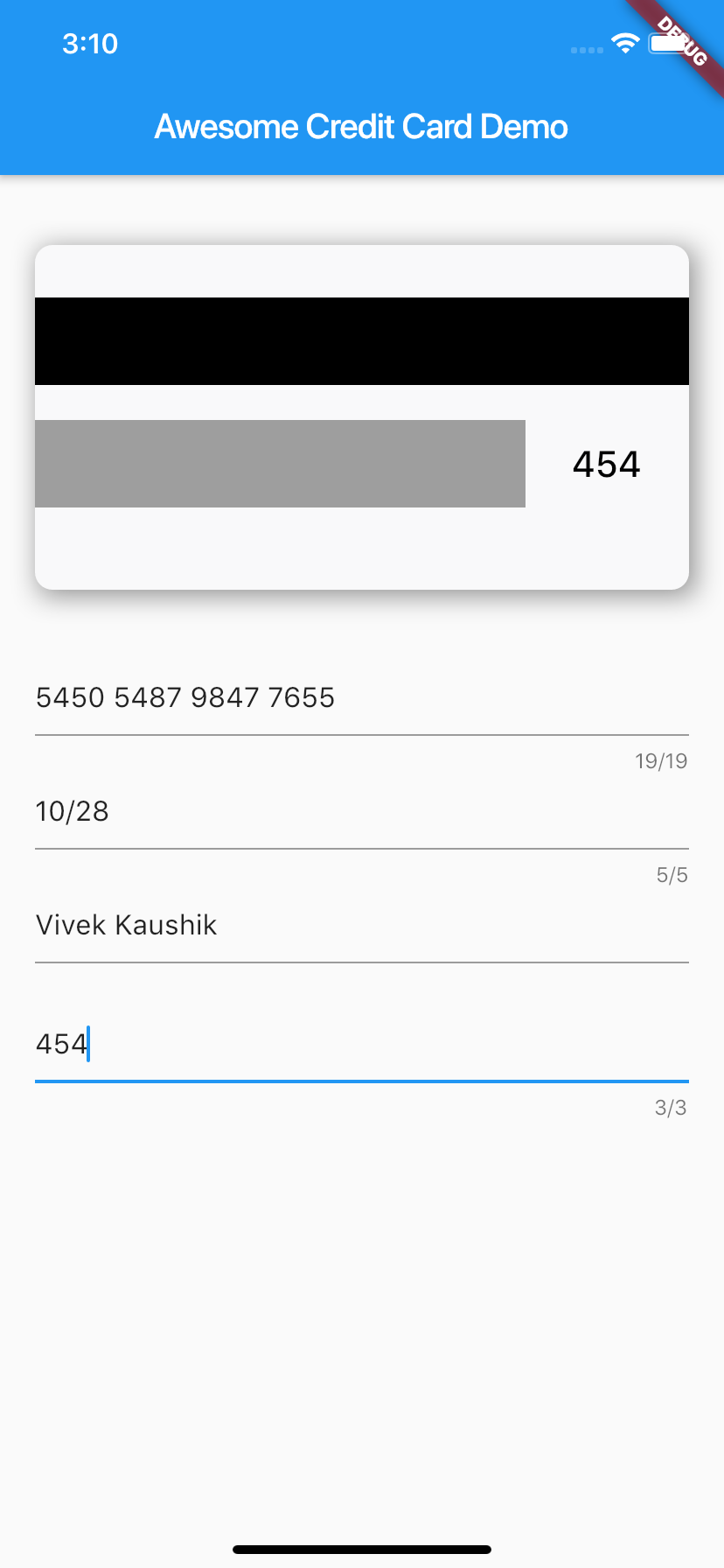
💳 Realistic credit card widget with front and back sides
🔄 Smooth 3D flip animation between front and back
🔍 Automatic card brand detection from the number (Visa, Mastercard, Amex, RuPay, Elo, Discover, Diners Club, JCB, Maestro)
🎭 Automatic number masking per brand (e.g. Amex XXXX XXXXXX XXXXX)
🎨 Customizable backgrounds, text styles, labels, and fully custom layouts
📏 Responsive — content scales down gracefully on narrow cards instead of overflowing
📳 Optional contactless indicator and card shadow
📱 Screenshots
⚙️ Installation
Add the dependency to your pubspec.yaml:
dependencies:awesome_card:^1.2.0
Requires Dart 3 / Flutter 3.10 or newer.
Then import it in your Dart file:
import'package:awesome_card/awesome_card.dart';
🚀 Quick start
The only required parameters are the two backgrounds — everything else has
sensible defaults:
Every text field's style can be overridden. Each style is merged over the
default, so a partial override (e.g. only fontSize) keeps the default
font, weight, and color for everything else:
Text colors default to frontTextColor (white) on the front and
backTextColor (black) on the back.
Backgrounds
Any widget works as a card background — a Container, gradient, or image:
// Built-in solid backgrounds
frontBackground: CardBackgrounds.black,
backBackground: CardBackgrounds.white,

// Solid color from a hex value
frontBackground: CardBackgrounds.custom(0xff1b447b),

// Anything else — e.g. a gradient
frontBackground: Container(
  decoration: BoxDecoration(
    gradient: LinearGradient(colors: [Colors.indigo, Colors.blueAccent]),
  ),
),
Fully custom layouts
To replace the entire front or back content (e.g. to center the card number
or add extra elements), pass your own widget — it is stacked on top of the
background and receives the full card area:
When cardType is not provided, the brand is detected from cardNumber and
the matching icon and number mask are applied automatically. Supported brands:
Brand
Example prefixes
Visa
4
Mastercard
51–55, 2221–2720
American Express
34, 37
RuPay
60, 6521, 6522
Elo
401178, 431274, 6362, 6516, 6550, …
Discover
6011, 65, 644–649
Diners Club
300–305, 36, 38
JCB
35, 2131, 1800
Maestro
50, 56–69
The detection helpers are exported and can be used standalone:
To force a specific brand regardless of the number, pass cardType. To force
a specific mask, pass mask.
Custom brands
Brands the package doesn't ship (regional or store cards) can be registered
via customBrands. They are checked before the built-in detection and
support their own icon and optional number mask: