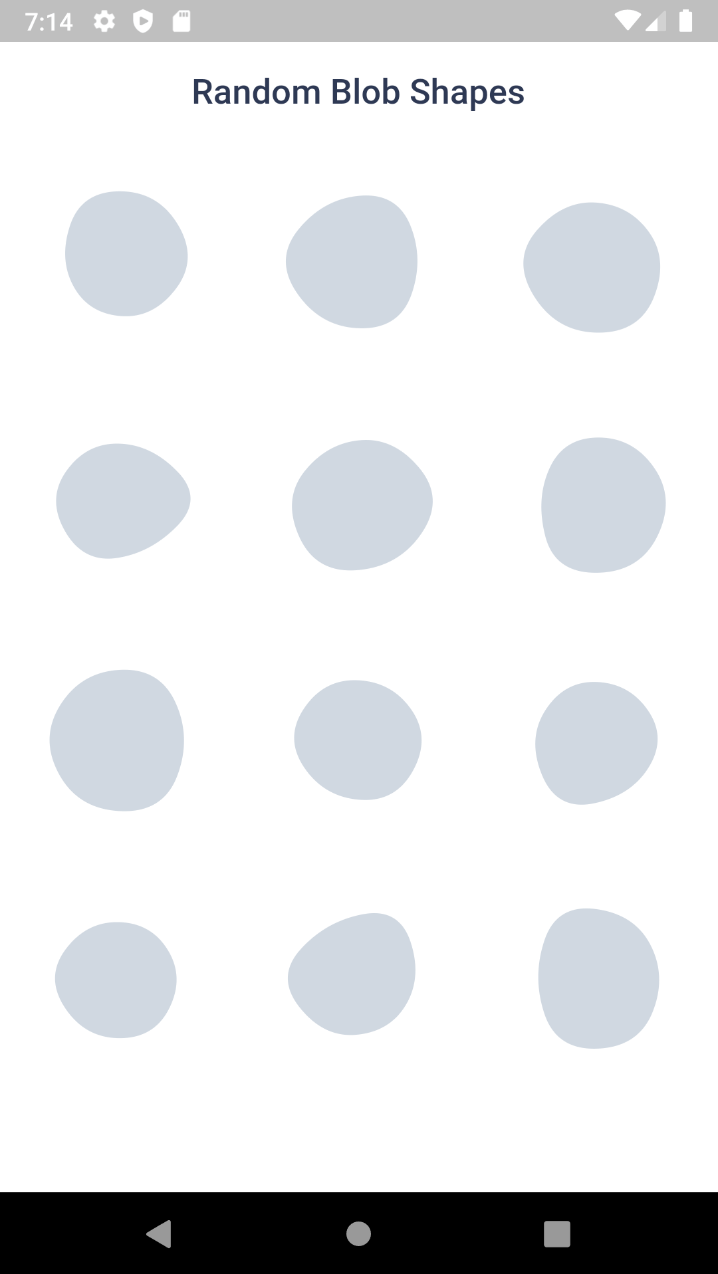
Aus öffentlichen Paketdaten erstellte Orientierung.
Blobs ist ein Flutter-Paket, das Entwicklern ermöglicht, visuell ansprechende, anpassbare Blasen – organische, fließende Formen – auf mehreren Plattformen zu erstellen. Es unterstützt sowohl feste als auch zufällige Blob-Erzeugung, reibungslose Animationen und den Export in SVG für die Verwendung in Designs. Ideal für Hintergründe, Illustrationen oder dekorative Elemente vereinfacht es die Integration dynamischer, künstlerischer Formen in Apps. Das Paket ist leichtgewichtig und funktioniert nahtlos unter Android, iOS, Web, macOS, Windows und Linux.
Anwendungsfälle
App-Hintergrundgestaltung
Animierte Benutzeroberflächenelemente
dekorative Abbildungen
SVG-basierte Grafiken
interaktive Kunstkomponenten
Mobile und Web-App-Visuals
Hauptmerkmale
Feste und zufällige Blob-Erzeugung
Glatte Animationen
SVG-Exportunterstützung
Plattformübergreifende Kompatibilität
anpassbare Formparameter
Einfache Integration mit Flutter-Widgets
Geeignet für
UI-Designer, die kreative Elemente suchen
Entwickler, die künstlerische Schnittstellen erstellen
Projekte, die organische Formen erfordern
Apps mit visuell anspruchsvollen Layouts
Prototyping interaktiver Designs
Plattformübergreifende App-Entwicklung
Hinweise
Leistungsbeeinträchtigung bei vielen animierten Blasen
Eingeschränkte Steuerung über präzise Geometrie
Am besten geeignet für dekorativen, nicht funktionellen Einsatz
Kann Anpassungen erfordern, um eine optimale Darstellung auf Geräten mit geringer Leistung zu gewährleisten
Nicht ideal für komplexe Vektoroperationen
Original-README
Originaler README-Schnappschuss aus dem verknüpften Quell-Repository. Aktuelle Inhalte finden Sie im Repository.
Blob.animatedRandom() - Generate blobs and animate the shape change
Blob.fromID() - Use one or more ID's for fixed blobs
Blob.animatedFromID() - Animate the shape change
⚙️ Blob Size
Size of the blob (mandatory).
Blob.random(size:200),
⚙️ Customise shape
edgesCount is the nodes count. More the value, more the complexity. Minimum is 3 and max is 300. But for cool shapes you can stick between 3-20. Default is 7
minGrowth is the minimum size of the blob. Smaller the value, more the randomness. Value should be an interger between 2-9. Default is 4.
You can use BlobController, if you want to change the shape programatically. As o now it has only one method called change(). When you call this, the shape will be changed and returns some useful info of the blob (BlobData).
When you set debug to true, it will show you circles and lines that connect the blob points.
Blob.random(
 size:200,
 debug:  true,
),
Clipper
Sometime you might want to clip the widget by blob shape. In such cases you can use BlobClipper(). You can either provide id or edgesCount and minGrowth options.
Blobs shape are created by BlobGenerator(). Both widgets and clipper uses this internally to create the shape and then it is painted to canvas. This will return BlobData.