Pakete, Repositories und App-Kategorien suchen

Paketdetailsv2.2.5

c_material

Ein modernes Flutter-Farbsystem mit vordefinierten Farben, semantischen Tokens und Material-3-Themen zur Erstellung konsistenter und skalierbarer Benutzeroberflächen.

AndroidiOSWebmacOSWindowsLinux
30-Tage-Downloads
149
Likes
130
Pub-Punkte
160

Paket installieren

flutter pub add c_material

Paketübersicht

Aus öffentlichen Paketdaten erstellte Orientierung.

c_material ist ein modernes Flutter-Farbsystem mit vordefinierten Farben, semantischen Tokens und Material-3-Themen. Es ermöglicht Entwicklern, konsistente, skalierbare und visuell zusammenhängende Benutzeroberflächen über Plattformen hinweg zu erstellen. Durch die Nutzung semantischer Farb-Tokens unterstützt es dynamische Themen und verbessert die Wartbarkeit des Design-Systems. Das Paket integriert sich nahtlos in Flutter's UI-Toolkit und folgt den Material Design 3-Richtlinien für eine ansprechende, reaktive Erfahrung auf Android, iOS, Web, macOS, Windows und Linux.

Anwendungsfälle

  • Konsistente Benutzeroberflächen über mehrere Plattformen hinweg erstellen
  • Implementierung von Material-3-Designstandards
  • Skalierbare Design-Systeme erstellen
  • Dynamische Thema-Umschaltung aktivieren
  • Farbmanagement in großen Apps vereinfachen
  • Unterstützung der Barrierefreiheit durch semantische Farben

Hauptmerkmale

  • Vordefinierte Material-3-Farbschemata
  • Semantische Farb-Tokens zur Klarheit
  • Plattformübergreifende Kompatibilität
  • Einfache Integration mit Flutter
  • Unterstützung für Licht- und Dunkelthemen
  • Erweiterbares Farbsystem

Geeignet für

  • Design-System-Entwickler
  • Flutter-Teams, die Material 3 verwenden
  • Apps, die eine konsistente Theming erfordern
  • Projekte, die auf Barrierefreiheit ausgerichtet sind
  • Entwickler, die wiederverwendbare Farblogik suchen
  • Teams, die Multiplattform-Apps entwickeln

Hinweise

  • Kenntnis der Material-3-Designprinzipien erforderlich
  • Möglicherweise ist eine Anpassung für nicht-Material-Designs erforderlich
  • Abhängig vom Flutter-Themensystem
  • Beschränkt auf farbzentrierte Funktionen
  • Nicht geeignet für komplexe UI-Komponentenbibliotheken
  • Am besten innerhalb strukturierter Design-Arbeitsabläufe verwendet

Original-README

Originaler README-Schnappschuss aus dem verknüpften Quell-Repository. Aktuelle Inhalte finden Sie im Repository.

c_material_colors_flutter

Awesome Flutter

Pub Version Swift C++ Java Dart

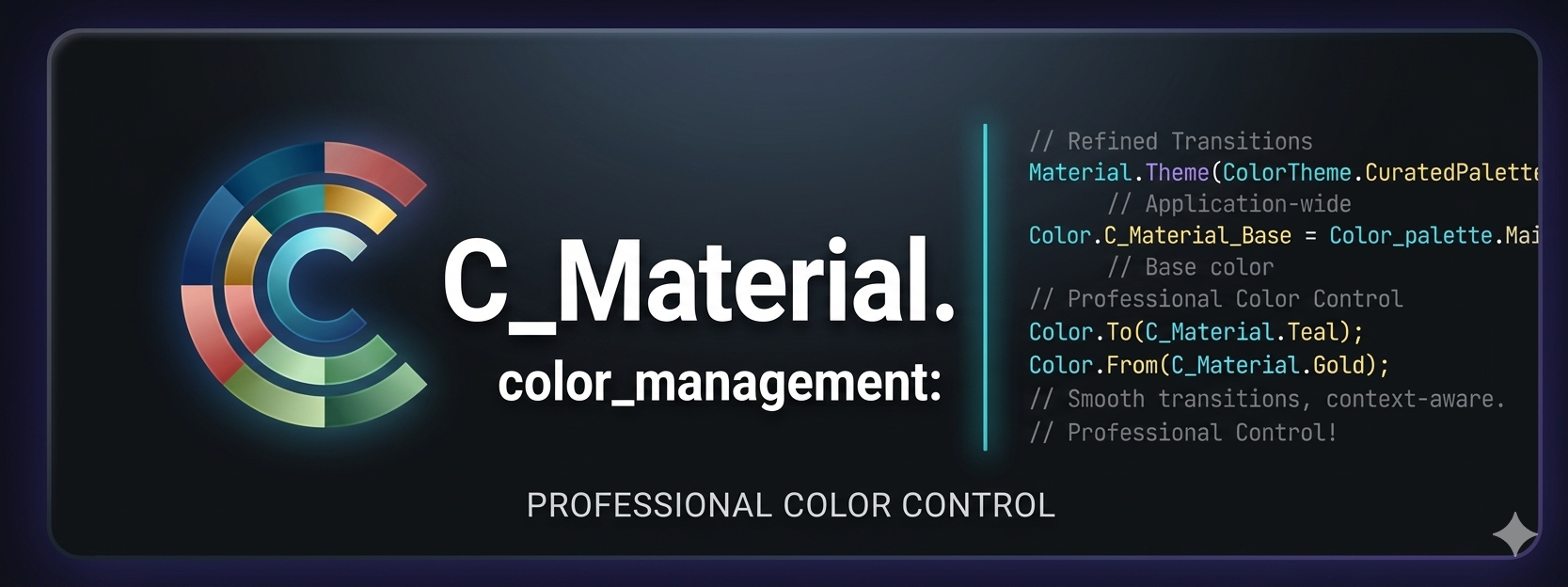
C_Material Header
A new package for choosing colors. It is very powerful and supports all operating systems, including iPhone, Android, the web, and many platforms. It helps in direct access to colors.

_ Simple package helps you to use all colors to direct code and flexible and eazy use when use class it found over 100 colors

Support = [**[ Android , IOS and WEB(soon) ] **];
  • Support All Platform in flutter
  • Ease of use and flexibility in accessing colors directly
  • It has a strong advantage, which is that it contains almost all colors
  • It is also easy to use in any mobile project and supports all platforms

Features

It is a very powerful package that includes around 140 colors and more. Its features include being filled with a wide variety of colors, being easy to use, and allowing developers to access the desired color through the MaterialColors class. It is also distinguished by its attractiveness across all colors.

Setup
iOS

Opt-in to the embedded views preview by adding a boolean property to the app's Info.plist file with the key io.flutter.embedded_views_preview and the value YES.

iOS (only support> 11.0) you need to add this line in your ios/Podfile

platform :ios, '11.0'

Getting Started

To use C_Material_Colors in your project, add the c_material package to pubspec.yaml:

dart pub add c_material or flutter pub add flex_color_scheme

import it

Import the package to use it:

import 'package:c_material/c_material.dart';

Usage :

Explaining of how to use this package

    /// You Can use Any Widgets in flutter like this :
    /// Container(
     color: MaterialColors.blue;
   /// )

   /// But Note Very Important :
   /// you can use class MaterialColors just type proberity class Color
   /// Not use MaterialAllProberity ....
عرض الصور
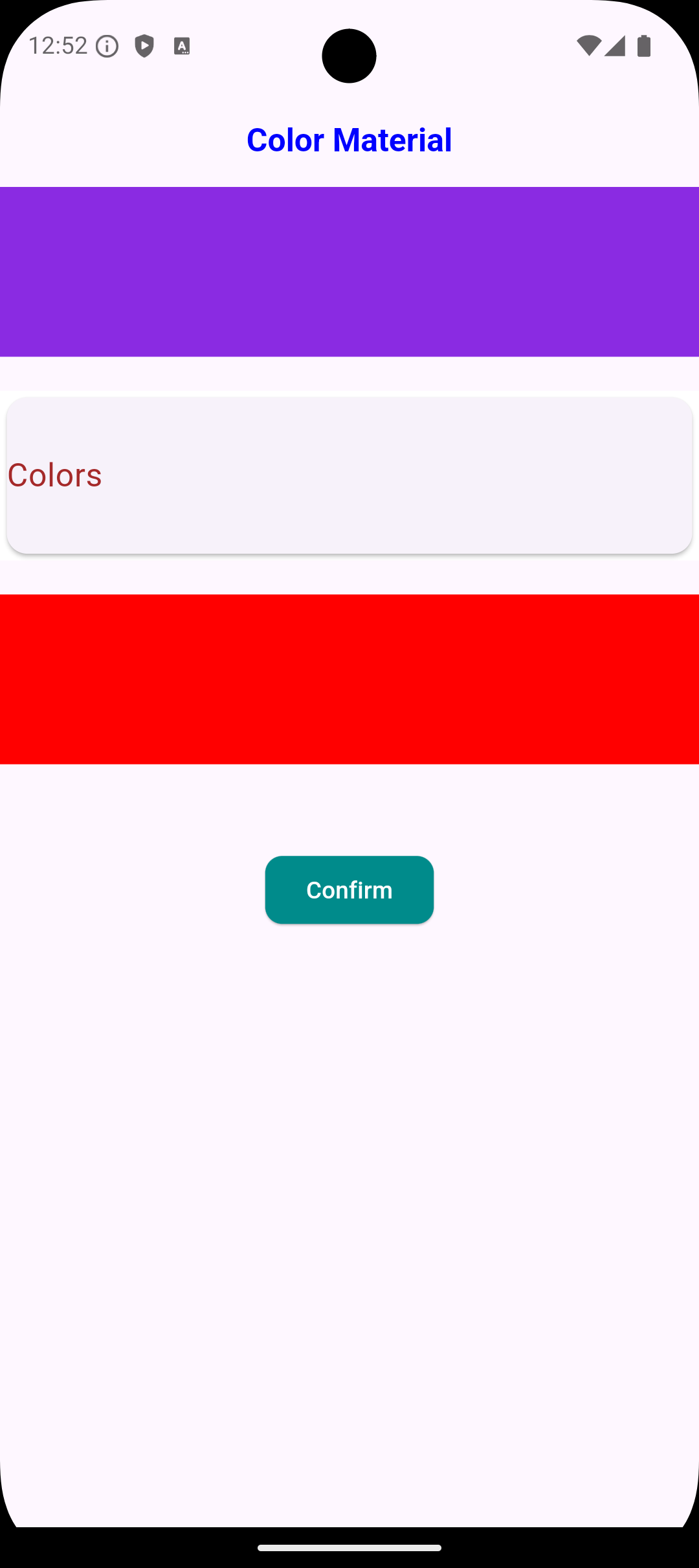
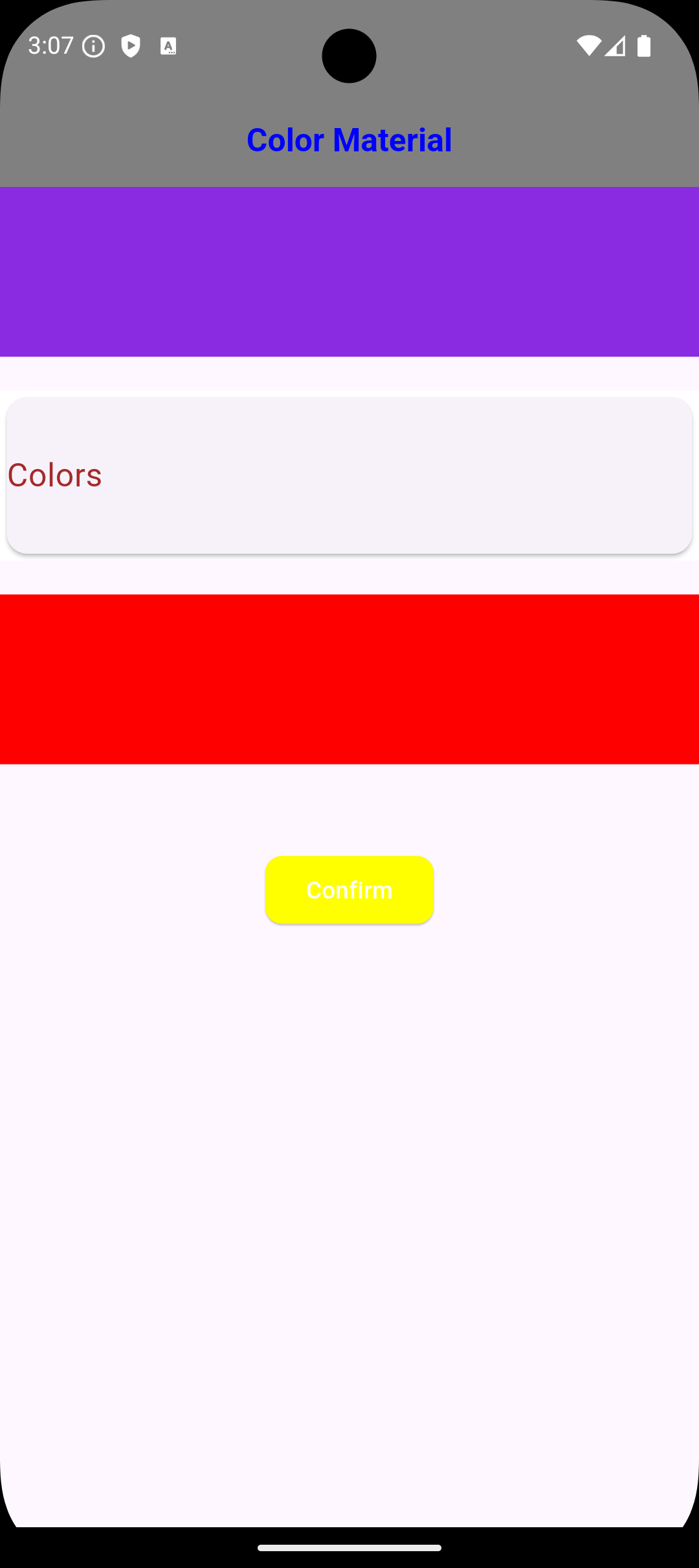
Image 1 Image 2

Usage Just Class Color Type Not Type Class WidgetStateProperty<Colors?>

    /// You Can use Any Widgets in flutter like this :
    /// Container(
     color: MaterialColors.blue;
   /// ),

   /// Container(
     color: MaterialColors.offWhite;
   /// )

   /// AppBar(
    backgroundColor: MaterialColors.green
   /// )

   /// But Note Very Important :
   /// you can use class MaterialColors just type proberity class Color
   /// Not use MaterialAllProberity ....

Using Widgets in Flutter

/// Example :
/// Scaffold Widget => Scaffold(
  backgroundColor: MaterialColors.red,
) ,

/// Card Widget => Card(
  color: MaterialColors.blue ,
),

Notes :
/// The most important thing about the package is that it does not accept a class of type WidgetStateProperty because it has a different type; it only accepts the type Color. ///

Global access to [Colors] from any Project :

    ///If you need any thing from [Color Blue]
    ///you can use it MaterialColors class to access Many Colors :
    MaterialColors.aliceBlue;

    ///If you need any thing from [Color Red]
    ///you can use it MaterialColors class to access Many Colors :
    MaterialColors.red;

    ///If you need any thing from [Color Yellow]
    ///you can use it MaterialColors class to access Many Colors :
    MaterialColors.yellow;

    ///If you need use color black [Color Black]
    ///you can use it MaterialColors class to access Many Colors :
    MaterialColors.black;

    ///If you need use color sandyBrown [Color Brown]
    ///you can use it MaterialColors class to access Many Colors :
    MaterialColors.sandyBrown;

Global access to [All Colors ] using class [MaterialColors Class]

     ///If you need any thing from [Color blanchedAlmond]
    ///you can use it MaterialColors class to access Many Colors :
    MaterialColors.blanchedAlmond,

    ///If you need any thing from [Color blueViolet]
    ///you can use it MaterialColors class to access Many Colors :
    MaterialColors.blueViolet,

    ///If you need any thing from [Color cornflowerBlue]
    ///you can use it MaterialColors class to access Many Colors :
    MaterialColors.cornflowerBlue,

    ///If you need any thing from [Color chocolate]
    ///you can use it MaterialColors class to access Many Colors :
    MaterialColors.chocolate,

    ///If you need any thing from [Color saddleBrown]
    ///you can use it MaterialColors class to access Many Colors :
    MaterialColors.saddleBrown,

    ///If you need any thing from [Color fireBrick]
    ///you can use it MaterialColors class to access Many Colors :
    MaterialColors.fireBrick,

    ///If you need any thing from [Color wheat]
    ///you can use it MaterialColors class to access Many Colors :
    MaterialColors.wheat,

    ///If you need any thing from [Color darkGoldenrod]
    ///you can use it MaterialColors class to access Many Colors :
    MaterialColors.darkGoldenrod,

    ///If you need any thing from [Color lightBlue]
    ///you can use it MaterialColors class to access Many Colors :
    MaterialColors.lightBlue,

    ///If you need any thing from [Color darkRed]
    ///you can use it MaterialColors class to access Many Colors :
    MaterialColors.darkRed,

Dependencies

Flutter

flutter_c_material

Additional information Developer :

I hope this package helped you very well. If you need to contact with me:

[ammarmatarieh2@gmail.com]

LinkedIn Profile

[GitHub Profile](https://github.com Ammar2000-Matarieh)

Do not hesitate to contact me if you faced any problem.

Developer: Ammar Matarieh.

Kategorien

Quell-Repository

Projekte, die dieses Paket verwenden

Noch keine Daten verfügbar.