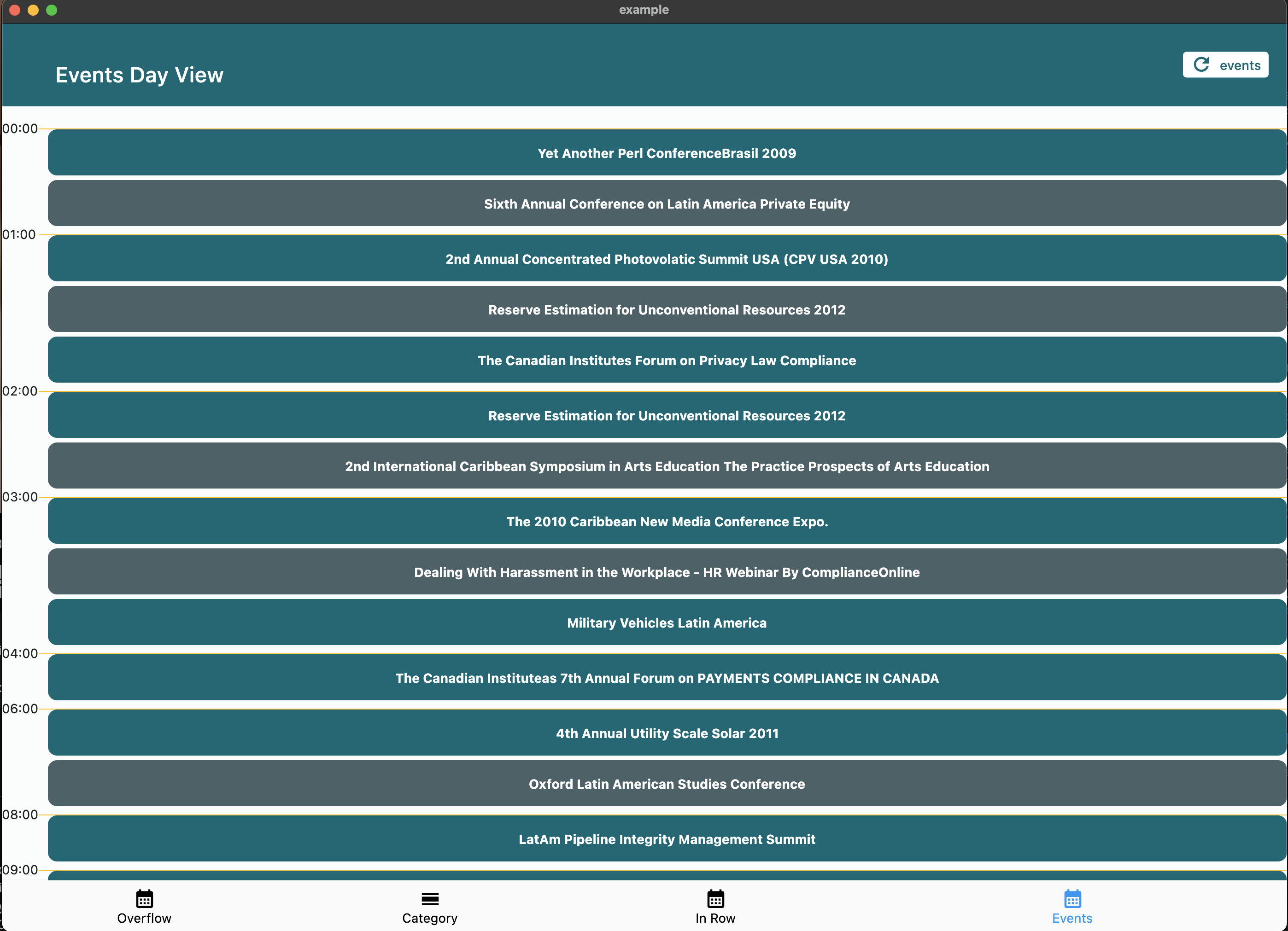
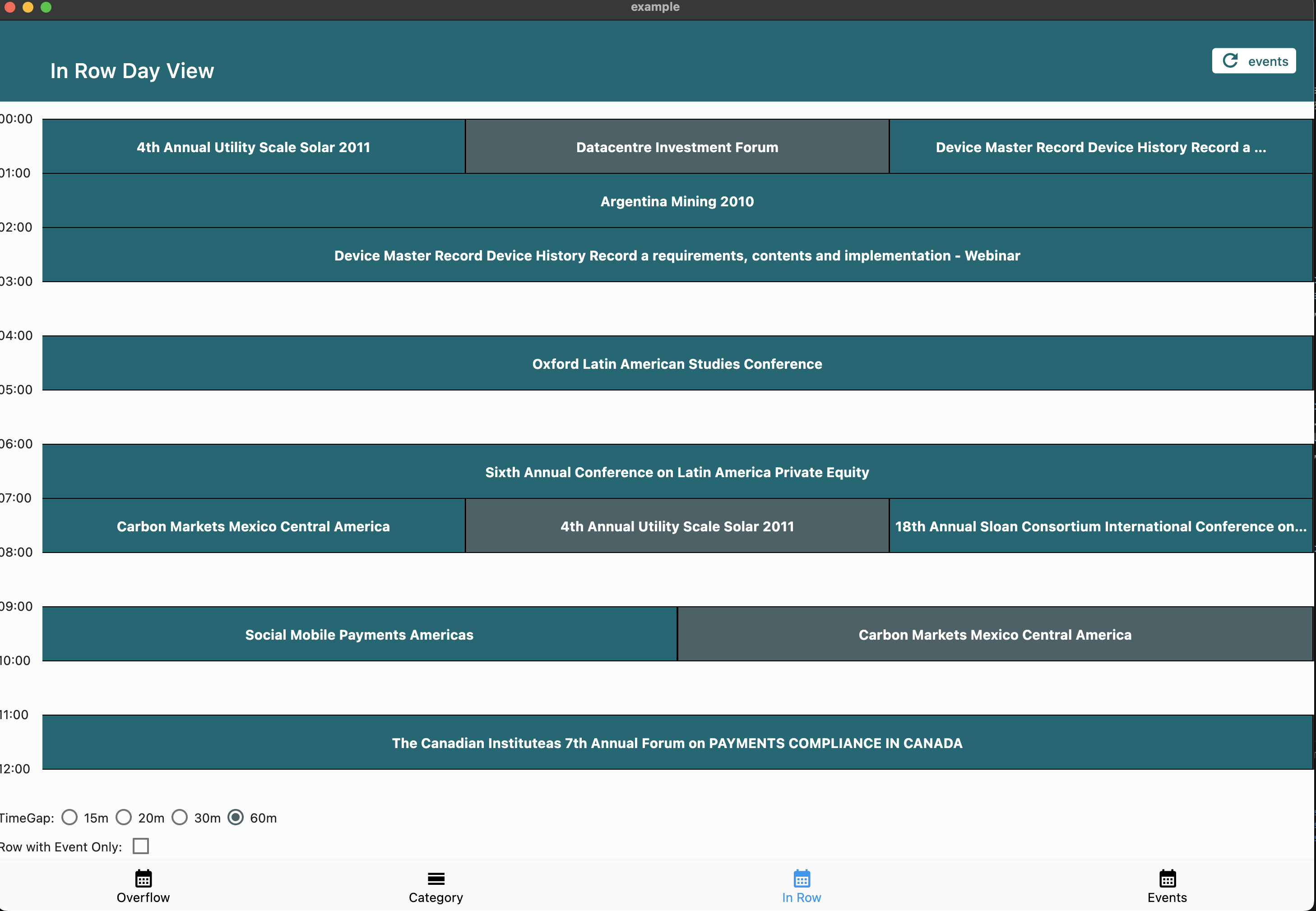
Aus öffentlichen Paketdaten erstellte Orientierung.
Das calendar_day_view-Paket bietet eine spezialisierte Tagesansicht für Kalender in Flutter-Anwendungen. Es verbessert die Benutzererfahrung durch eine klare, interaktive Darstellung von täglichen Ereignissen und Terminen. Als Ergänzung zu umfassenderen Kalendersystemen konzipiert, integriert es sich nahtlos in Anwendungen, die detaillierte tagbasierte Planung erfordern. Das Paket unterstützt mehrere Plattformen wie Android, iOS, Web, macOS, Windows und Linux und gewährleistet eine konsistente Leistung über alle Geräte hinweg. Mit anpassbaren Layouts und Ereignishandhabung vereinfacht es die Implementierung tagesbezogener Kalenderfunktionen.
Anwendungsfälle
Tägliche Ereignisplanung
Planungsanwendungen
Zeitmanagement-Tools
Terminverfolger
Kalenderintegrationen
Aufgabenvisualisierung
Hauptmerkmale
Tagesbezogene Ereignisanzeige
Plattformübergreifende Kompatibilität
Anpassbare Benutzeroberfläche
Ereignisinteraktionen unterstützen
Glatte Scrollfunktion
reaktives Design
Geeignet für
Entwickler von Kalenderanwendungen
Apps, die detaillierte Tagesansichten benötigen
Produktivitäts- und Terminplanungstools
Mobile- und Webanwendungen
Teams, die gemeinsame Termine verwalten
Hinweise
Erfordert die Integration mit einem Hauptkalenderpaket
Nur auf Tagesansicht beschränkt
Kann zusätzliche Stilisierung für die Markenidentität erfordern
Abhängig von plattformspezifischer Rendering
Am besten zusammen mit vollständiger Kalenderfunktionalität verwenden
Original-README
Originaler README-Schnappschuss aus dem verknüpften Quell-Repository. Aktuelle Inhalte finden Sie im Repository.
Calendar Day View
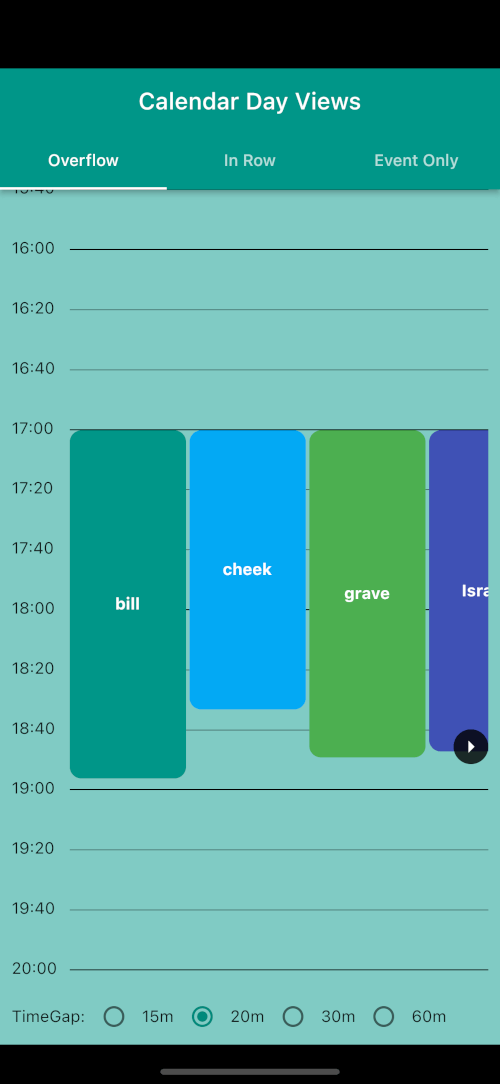
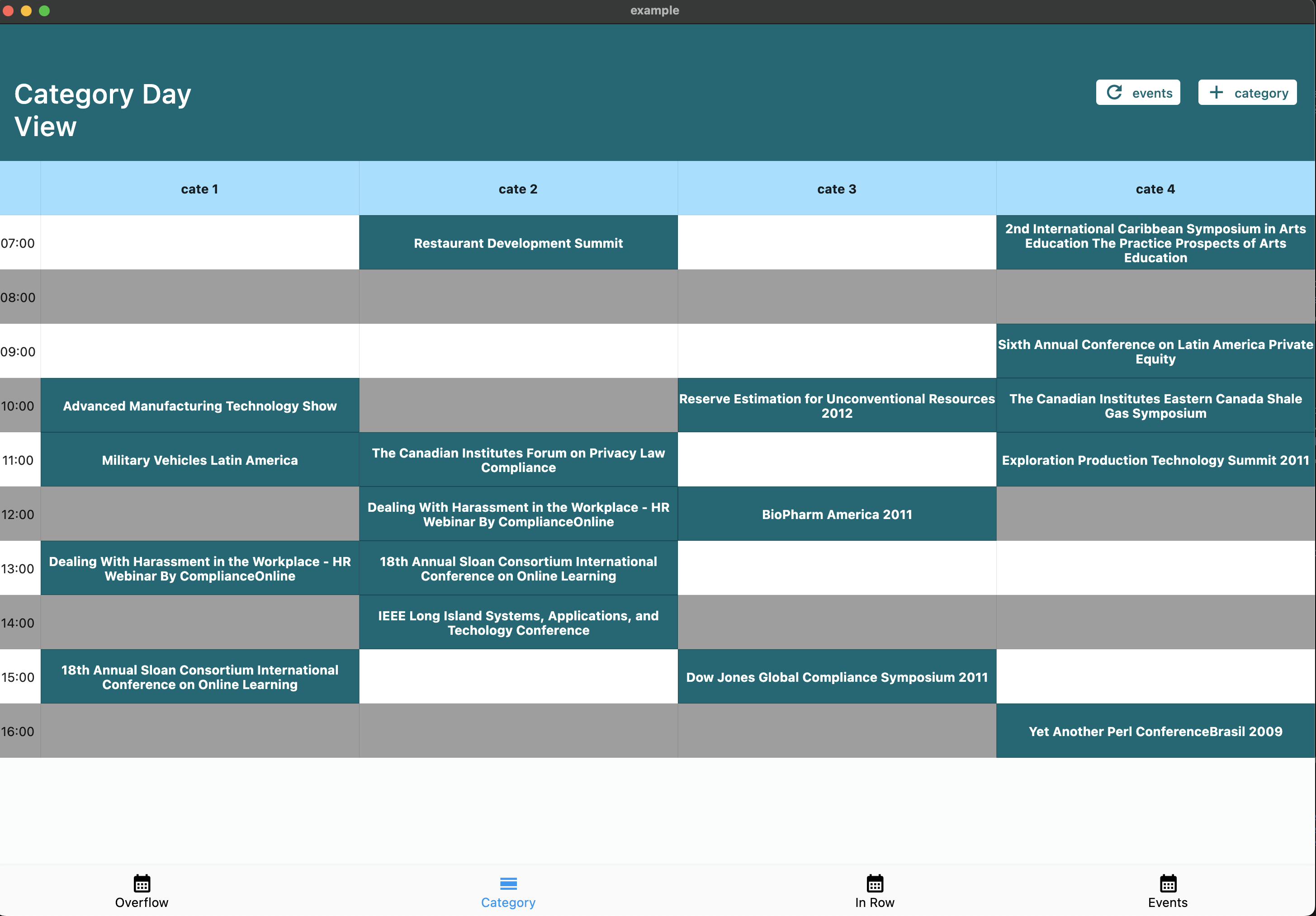
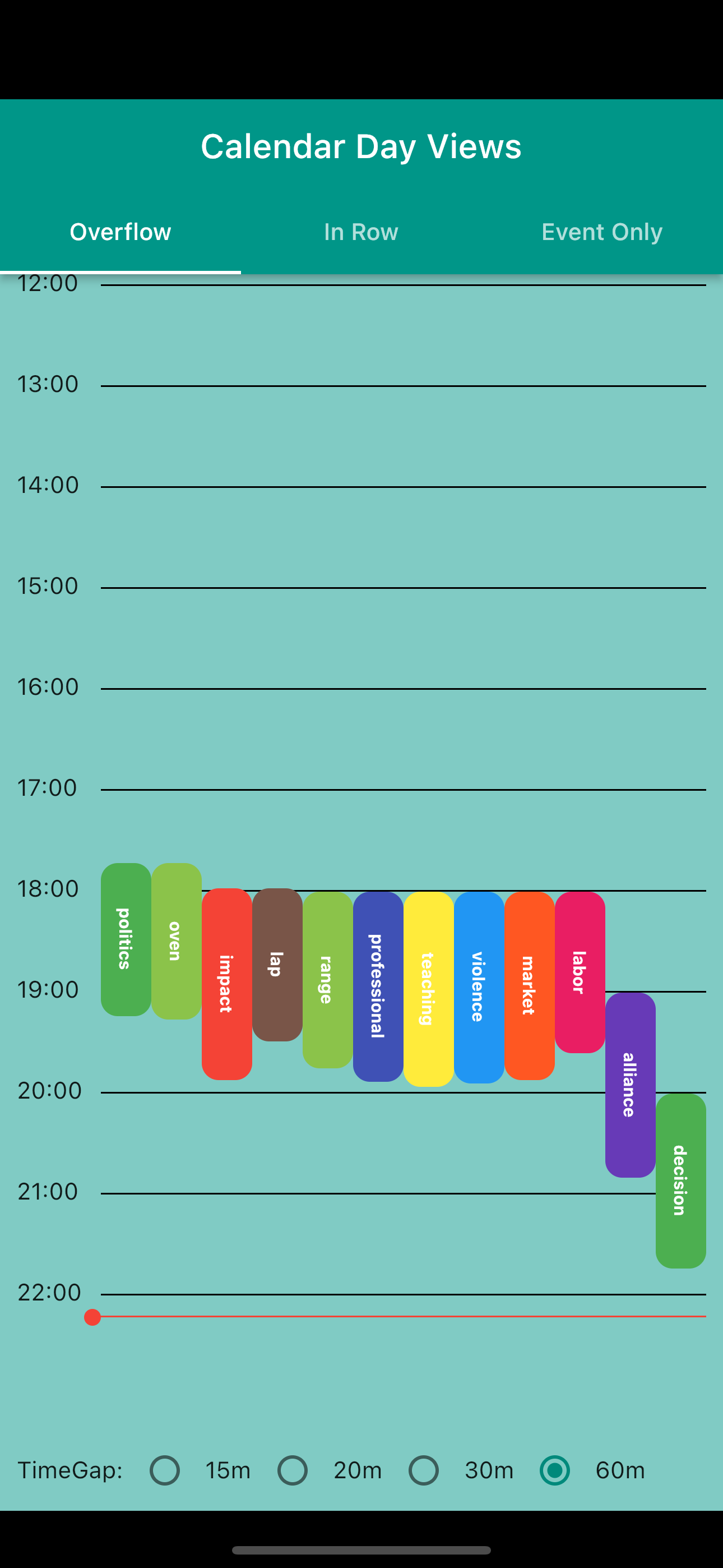
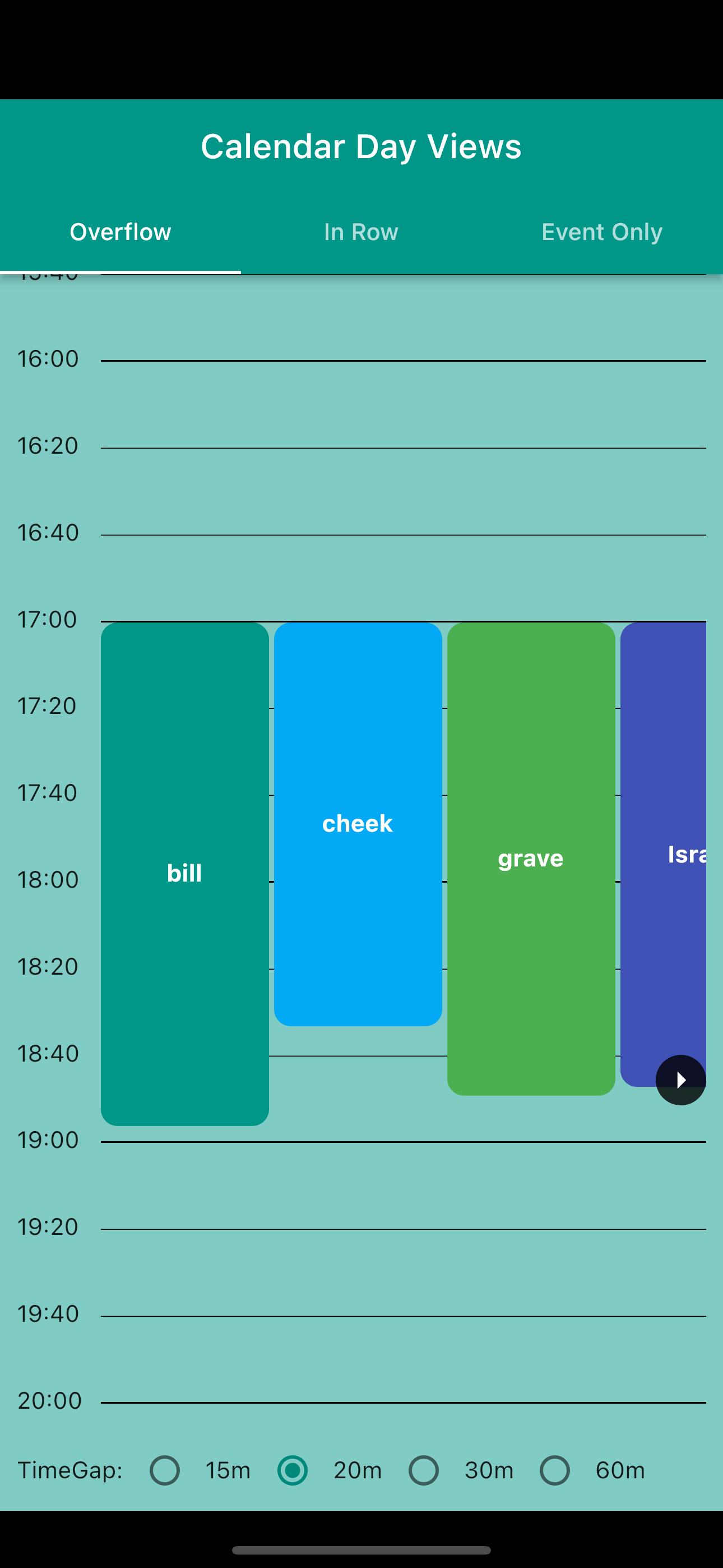
A powerful and customizable Flutter library for displaying calendar events in day view format. Perfect for applications requiring detailed daily event visualization.
🚨 Breaking Changes in v6.0.0
Migration from v5.x
Renamed tap callbacks — all tap callbacks are now consistently named onTimeTap:
View
Before (v5)
After (v6)
CalendarDayView.category()
onTileTap
onTimeTap
CalendarDayView.categoryOverflow()
onTileTap
onTimeTap
CalendarDayView.inRow()
onTap
onTimeTap
CalendarDayView.overflow()
onTimeTap
onTimeTap (no change)
CategoryDayView()
onTileTap
onTimeTap
CategoryOverflowDayView()
onTileTap
onTimeTap
Removed parameters:
controlBarBuilder removed from CalendarDayView.category() and CalendarDayView.categoryOverflow()
backgroundTimeTileBuilder removed from CalendarDayView.categoryOverflow()
Typedefs now exported — all typedefs (e.g., CategoryDayViewEventBuilder, DayViewItemBuilder) are now accessible via the main import 'package:calendar_day_view/calendar_day_view.dart' import. No need to import src/models/typedef.dart directly.
Styling moved to DayViewDecoration — all visual customization is now grouped in a separate DayViewDecoration object, passed via config.decoration:
Properties moved to DayViewDecoration: timeColumnWidth, timeTextStyle, timeTextColor, dividerColor, currentTimeLineColor, timeLabel (was timeLabelBuilder), currentTimeLine (was currentTimeLineBuilder), rowBackground (was timeRowBackgroundBuilder), divider (was dividerBuilder). The same decoration can be reused across multiple views for consistent branding.
What's New in v6.0.0
Auto-scroll to current time — set scrollToCurrentTime: true in config to auto-scroll on load (overflow and in-row views)
Custom current time line — use currentTimeLineBuilder in config to fully customize the current time indicator
Show all events in category cell — set showAllEventsInCell: true in CategoryDavViewConfig to display all events horizontally instead of only the first
Empty tile builder — use emptyTileBuilder in category views to customize empty cells
Null end time safety — overflow views now default to 30 min duration for events without an end time instead of crashing
Multi-Column Day View — new Google Calendar-style layout where overlapping events are placed side-by-side in columns with smart column reuse
Config consolidation — currentTimeLineColor and cropBottomEvents moved to base DavViewConfig, available to all views without duplication
Time row background builder — use timeRowBackgroundBuilder in config to shade specific time ranges (lunch break, working hours, unavailable blocks) in overflow, multi-column, and in-row views
Divider builder — use divider in DayViewDecoration for custom dividers per row (dashed lines, per-row thickness, hide specific dividers)
DayViewDecoration — new visual decoration class groups all styling and builder callbacks. Reusable across view types for shared theming
Time column position — timeColumnPosition: TimeColumnPosition.left | .right | .none in decoration for flexible layouts
Header / footer builders — header and footer in decoration for custom widgets above/below the time grid
Custom overlap strategy — overlapStrategy on MultiColumnDayViewConfig<T> for custom multi-column layout algorithms
Google Calendar-style layout. Overlapping events are automatically placed side-by-side in columns. Column count is determined by the overlap pattern — solo events get full width.
We welcome contributions! Please feel free to submit a Pull Request. For major changes, please open an issue first to discuss what you would like to change.
Fork the repository
Create your feature branch (git checkout -b feature/amazing-feature)
Commit your changes (git commit -m 'Add some amazing feature')
Format your code with dart format --line-length 200 lib/ test/ example/
Push to the branch (git push origin feature/amazing-feature)
Open a Pull Request
📝 License
This project is licensed under the MIT License - see the LICENSE file for details.
🙏 Acknowledgments
Thanks to all contributors who have helped improve this package
Special thanks to the Flutter team for creating such an amazing framework