Aus öffentlichen Paketdaten erstellte Orientierung.
Ein hochgradig anpassbarer Bildschneider für Flutter, der Benutzern ermöglicht, Bilder mithilfe intuitiver Gesten oder eines Controllers zu drehen, zu skalieren und zu verschieben. Für nahtlose Integration über mehrere Plattformen konzipiert, bietet er fein abgestimmte Kontrolle über den Ausschnittvorgang. Ideal für Apps, die erweiterte Bildbearbeitung mit reaktiven und interaktiven Oberflächen erfordern. Das Paket unterstützt Android, iOS, Web, macOS, Windows und Linux und gewährleistet breite Kompatibilität.
Anwendungsfälle
Benutzerdefinierte Bildbearbeitung in Foto-Apps
Benutzerprofilbild zuschneiden
Interaktive Bildauswahl-Tools
Dynamische Bildgrößenanpassung in Design-Apps
Bildvorverarbeitung für maschinelles Lernwerkflüsse
Hauptmerkmale
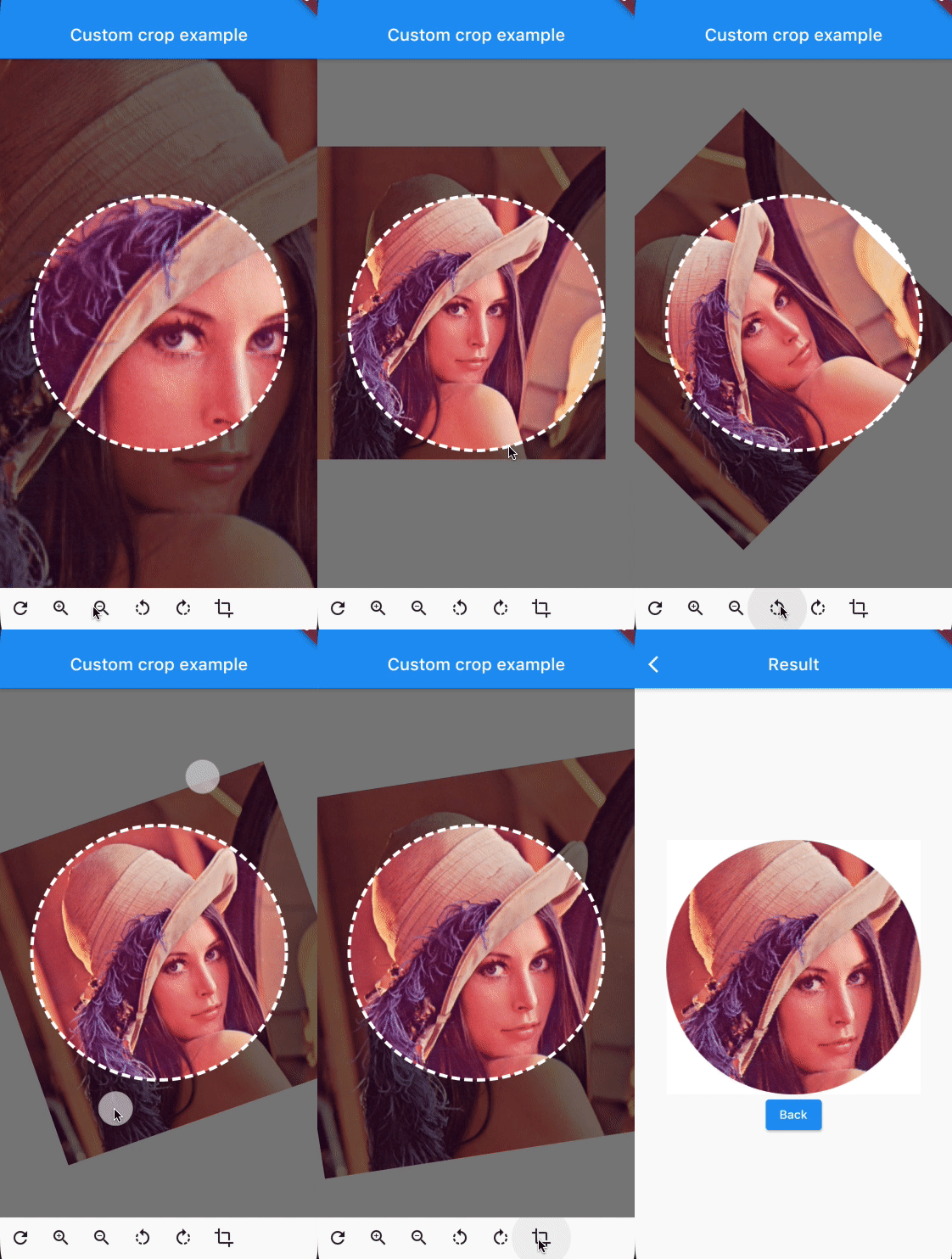
Gestenbasierte Rotation, Skalierung und Translation
You can provide the image using any Imageprovider.
Parameters
required image
The image that needs to be cropped
cropController
The controller used to adjust the image and crop it.
overlayColor
The color above the image that will be cropped
backgroundColor
The color behind the image. This color will also be used when there are gaps/empty space after the cropping
shape
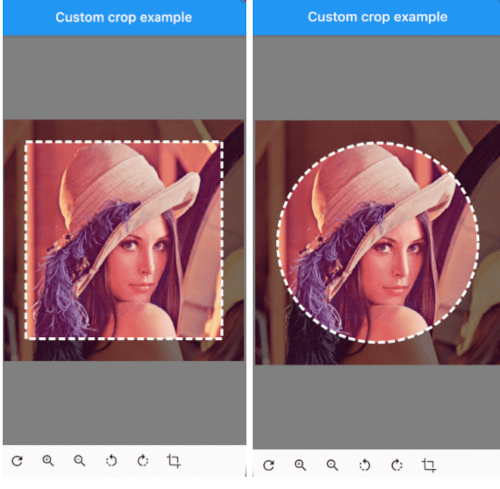
The shape of the cropping path.
maskShape
The shape of the UI masking.
cropPercentage
How big the crop should be in regards to the width and height available to the cropping widget.
drawPath
How the border of the crop should be painted. default DottedCropPathPainter.drawPath and SolidCropPathPainter.drawPath are provided, but you can create/provide any CustomPaint.
pathPaint
Custom painting for the crop area border style.
canRotate
Whether to allow the image to be rotated.
customProgressIndicator
Custom widget for progress indicator.
ratio
Ratio of the cropping area.
If shape`` is set to CustomCropShape.Ratio, this property is required. For example, to create a square crop area, use [Ratio(width: 1, height: 1).
To create a rectangular crop area with a 16:9 aspect ratio, use [Ratio(width: 16, height: 9)`.
borderRadius
The radius for rounded corners of the cropping area.
forceInsideCropArea
Whether image area must cover clip path.
Controller Methods
addTransition
void addTransition(CropImageData transition)
Add the position, angle and scale to the current state. This can be used to adjust the image with sliders, buttons, etc.
setData
void setData(CropImageData data)
Set the position, angle and scale to the specified values. This can be used to center the image by pressing a button for example.
reset
void reset()
Reset the image to its default state
onCropImage
Future<MemoryImage> onCropImage()
Crops the image in its current state, this will return a MemoryImage that contains the cropped image