Pakete, Repositories und App-Kategorien suchen

Cover von drag_select_grid_view
Paketdetailsv0.7.7

drag_select_grid_view

Raster, der sowohl das Ziehen als auch das Tippen zum Auswählen seiner Elemente unterstützt.

AndroidiOSWebmacOSWindowsLinux
30-Tage-Downloads
1590
Likes
171
Pub-Punkte
160

Paket installieren

flutter pub add drag_select_grid_view

Paketübersicht

Aus öffentlichen Paketdaten erstellte Orientierung.

Ein Flutter-Paket, das ein Rasterlayout bereitstellt, bei dem Benutzer Elemente sowohl durch Tippen als auch durch Ziehen auswählen können. Es verbessert die Benutzerinteraktion, indem kontinuierliche Auswahl über mehrere Rasterzellen hinweg ermöglicht wird – ideal für Anwendungen, die Batch-Operationen oder visuelle Inhaltscuratorik erfordern. Das Paket unterstützt alle wichtigen Plattformen, einschließlich Android, iOS, Web, macOS, Windows und Linux, und gewährleistet eine konsistente Benutzererfahrung über Plattformen hinweg. Entwickelt mit Fokus auf Leistung und Benutzerfreundlichkeit, integriert es sich nahtlos in bestehende Flutter-Projekte.

Anwendungsfälle

  • Stapelweise Auswahl von Elementen in Fotogalerien
  • Interaktive Aufgabenverwaltungs-Oberflächen
  • Inhalts-Curation-Tools
  • Mehrfachauswahl in E-Commerce-Apps
  • benutzergetriebene Datenfilterung
  • Ziehen zur Auswahl in Produktivitäts-Apps

Hauptmerkmale

  • Unterstützt Auswahl per Tippen und Ziehen
  • Plattformübergreifende Kompatibilität
  • Anpassbares Auswahlverhalten
  • Effiziente Darstellung großer Datensätze
  • Eingebaute Gestenverarbeitung
  • Einfache Integration in bestehende Raster

Geeignet für

  • Entwickler, die interaktive Gitter-basierte Benutzeroberflächen erstellen
  • Apps, die eine Mehrfachauswahl erfordern
  • Projekte für mehrere Plattformen
  • Designer, die sich auf intuitive Benutzerinteraktionen konzentrieren
  • Teams, die eine reibungslose Reaktion auf Gesten priorisieren

Hinweise

  • Kann zusätzliche Zustandsverwaltung für komplexe Auswahllogik erfordern
  • Leistungseinbußen bei sehr großen Rastern, wenn nicht optimiert
  • Begrenzte integrierte Stiloptionen außer grundlegenden Auswahlindikatoren
  • Nicht geeignet für Einzelobjektauswahl nur Verwendungsfälle

Original-README

Originaler README-Schnappschuss aus dem verknüpften Quell-Repository. Aktuelle Inhalte finden Sie im Repository.

drag_select_grid_view

Pub package CI workflow Awesome

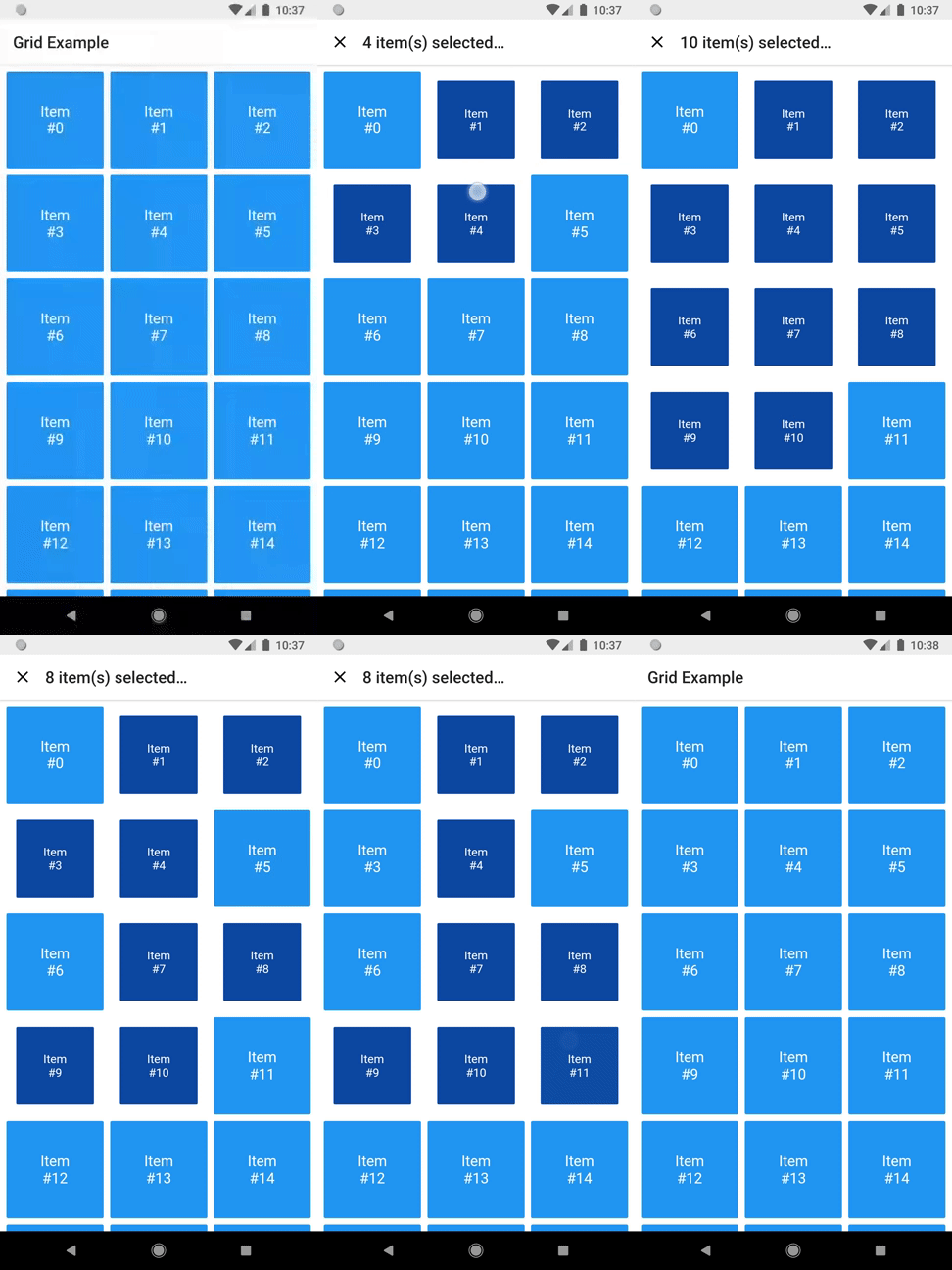
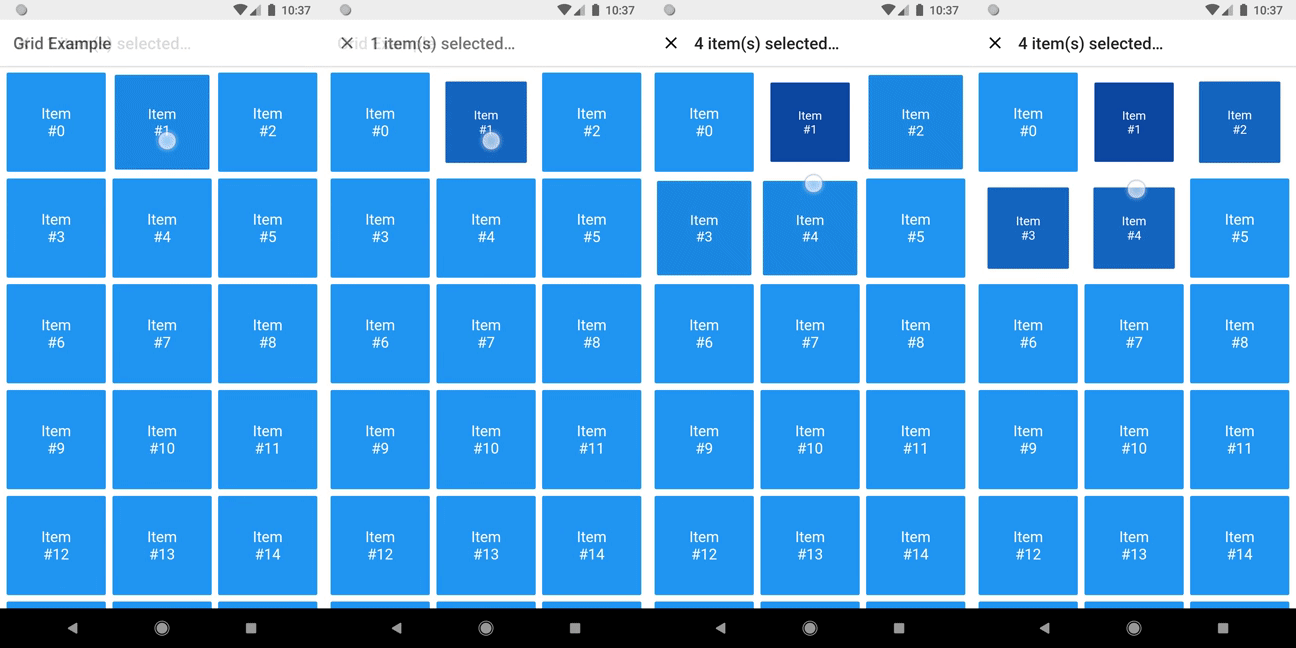
A grid that supports both dragging and tapping to select its items.

Selecting

Basic usage

DragSelectGridView constructor is very similar to GridView.builder, so you should take your time to understand the latter before diving into this library.

Once you are familiar with GridView.builder, probably the only additional piece of information you'll need is DragSelectGridViewController. With it, you're able to know which indexes are selected.

Check this example:

class MyApp extends StatefulWidget {
  const MyApp({super.key});

  @override
  State<MyApp> createState() => _MyAppState();
}

class _MyAppState extends State<MyApp> {
  final controller = DragSelectGridViewController();

  @override
  void initState() {
    super.initState();
    controller.addListener(scheduleRebuild);
  }

  @override
  void dispose() {
    controller.removeListener(scheduleRebuild);
    super.dispose();
  }

  @override
  Widget build(BuildContext context) {
    return Scaffold(
      appBar: SelectionAppBar(
        selection: controller.value,
      ),
      body: DragSelectGridView(
        gridController: controller,
        itemCount: 20,
        itemBuilder: (context, index, selected) {
          return SelectableItem(
            index: index,
            selected: selected,
          );
        },
        gridDelegate: const SliverGridDelegateWithMaxCrossAxisExtent(
          maxCrossAxisExtent: 80,
        ),
      ),
    );
  }

  void scheduleRebuild() => setState(() {});
}

As you may have noticed in the code above, DragSelectGridView must be used along two other widgets in order to provide a proper user experience. In the example, they are:

  • SelectableItem: A selectable widget, which is going to visually indicate whether the item is selected or not.

  • SelectionAppBar: A custom AppBar, which shows the amount of selected items and an option to unselect them.

The example project provides some samples of those widgets. I won't add them to the library, since they are unrelated to the grid itself, but feel free to copy them into your project, as long as you respect the license terms.

Advanced usage

You can use the setter DragSelectGridViewController.value to directly change the selection (I'm not quite sure why you'd need this, but I don't ask questions).

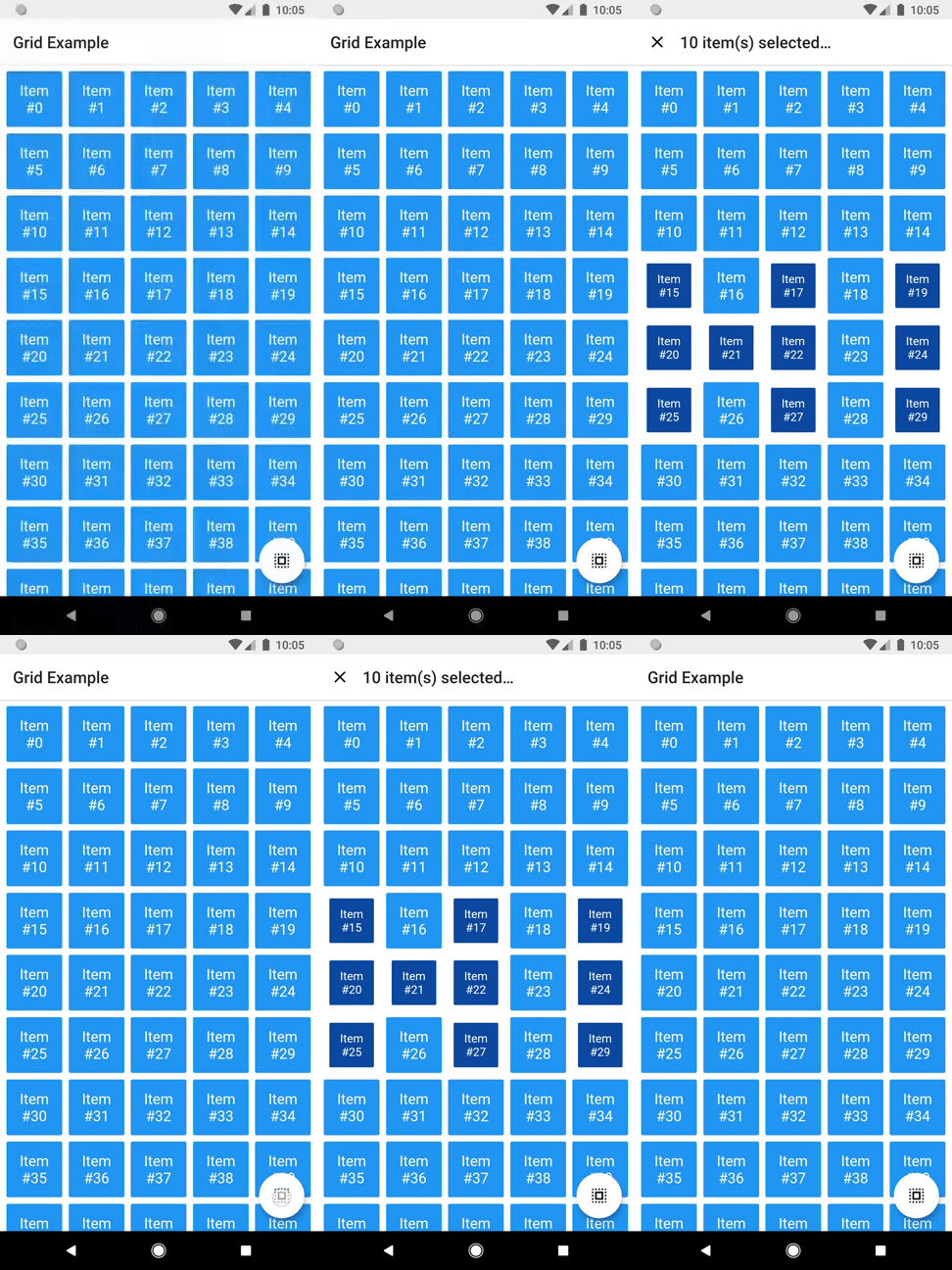
It allows this sort of interaction:

Directly changing selection

You can check the code here.

There are some other minor settings you can do to make DragSelectGridView fit your needs, like DragSelectGridView.autoScrollHotspotHeight. Those features are well documented, so I'll let you take your discovery time.

Hopefully, this is everything you need to know to use this library.

Running the example

cd example
flutter create .
flutter run

Thanks ❤️

Once upon a time I asked at Flutter Study Group how to implement a specific feature that I intended to add to this library. Simon Lightfoot offered to help me and effortlessly implemented what eventually became part of this library (check this gist). A big thanks to him.

I took a lot of inspiration from Aidan Follestad's Android implementation, drag-select-recyclerview. Also a big thanks to him.

Kategorien

Abhängigkeiten

Abhängigkeiten 1 Einträge

Quell-Repository

Projekte, die dieses Paket verwenden