Pakete, Repositories und App-Kategorien suchen

Cover von dynamic_background
Paketdetailsv0.6.0

dynamic_background

Ermöglicht Entwicklern, animierte Hintergründe für ihre Flutter-Apps zu erstellen.

AndroidiOSWebmacOSWindowsLinux
30-Tage-Downloads
512
Likes
52
Pub-Punkte
160

Paket installieren

flutter pub add dynamic_background

Paketübersicht

Aus öffentlichen Paketdaten erstellte Orientierung.

Das dynamic_background-Paket ermöglicht Flutter-Entwicklern die einfache Implementierung von fließenden, animierten Hintergründen in ihren Anwendungen. Es unterstützt eine Vielzahl visueller Effekte wie Gradientanimationen, shaderbasierte Visualisierungen und anpassbare Bewegungsmuster. Für den plattformübergreifenden Einsatz entwickelt, funktioniert es nahtlos auf Android, iOS, Web, macOS, Windows und Linux. Das Paket lässt sich über einen einfachen pub add-Befehl problemlos in bestehende Flutter-Projekte integrieren und bietet eine flexible API zur Feinabstimmung von Animationsgeschwindigkeit, Richtung und Farbverläufen. Ideal, um die Ästhetik einer App zu verbessern, ohne starke Leistungsbelastungen zu verursachen.

Anwendungsfälle

  • Immersive Startbildschirme erstellen
  • Verbesserung von Onboarding-Erlebnissen
  • Dashboards visuell aufwerten
  • Verbesserung der Benutzerengagement durch Bewegung
  • Themenbasierte App-Oberflächen gestalten

Hauptmerkmale

  • Animierte Gradient-Hintergründe
  • shaderbasierte visuelle Effekte
  • Anpassbare Animationsgeschwindigkeit und -richtung
  • Plattformübergreifende Kompatibilität
  • Leichtgewichtig und leistungsstark
  • Einfache Integration über pub.dev

Geeignet für

  • UI-Designer, die dynamische Visuals suchen
  • Entwickler, die ansprechende Onboarding-Flows erstellen
  • Apps mit modernen, animierten Hintergründen
  • Projekte für mehrere Plattformen
  • Entwicklung kreativer oder lifestyleorientierter Anwendungen

Hinweise

  • Kann die Leistung auf Low-End-Geräten beeinträchtigen
  • Erfordert sorgfältige Abstimmung für optimale Bildraten
  • Eingeschränkte Anpassung über die bereitgestellten Parameter hinaus
  • Am besten mit minimalem Vordergrundinhalt verwenden
  • Nicht empfehlenswert für statische oder minimalistische Designs

Original-README

Originaler README-Schnappschuss aus dem verknüpften Quell-Repository. Aktuelle Inhalte finden Sie im Repository.

Dynamic Background

A blue and black logo for Dynamic BG

Dynamic Background is a Flutter package that transforms your app's background into a captivating canvas of animated elements. Whether you prefer sleek stripes, mesmerizing gradients, or playful shapes, Dynamic Background provides an easy-to-use solution to breathe life into your UI. This versatile package offers customizable options to suit any design aesthetic, effortlessly elevating your app's visual appeal. Take your Flutter development to the next level with Dynamic Background – where stunning visuals meet effortless implementation for an immersive and visually striking app interface.

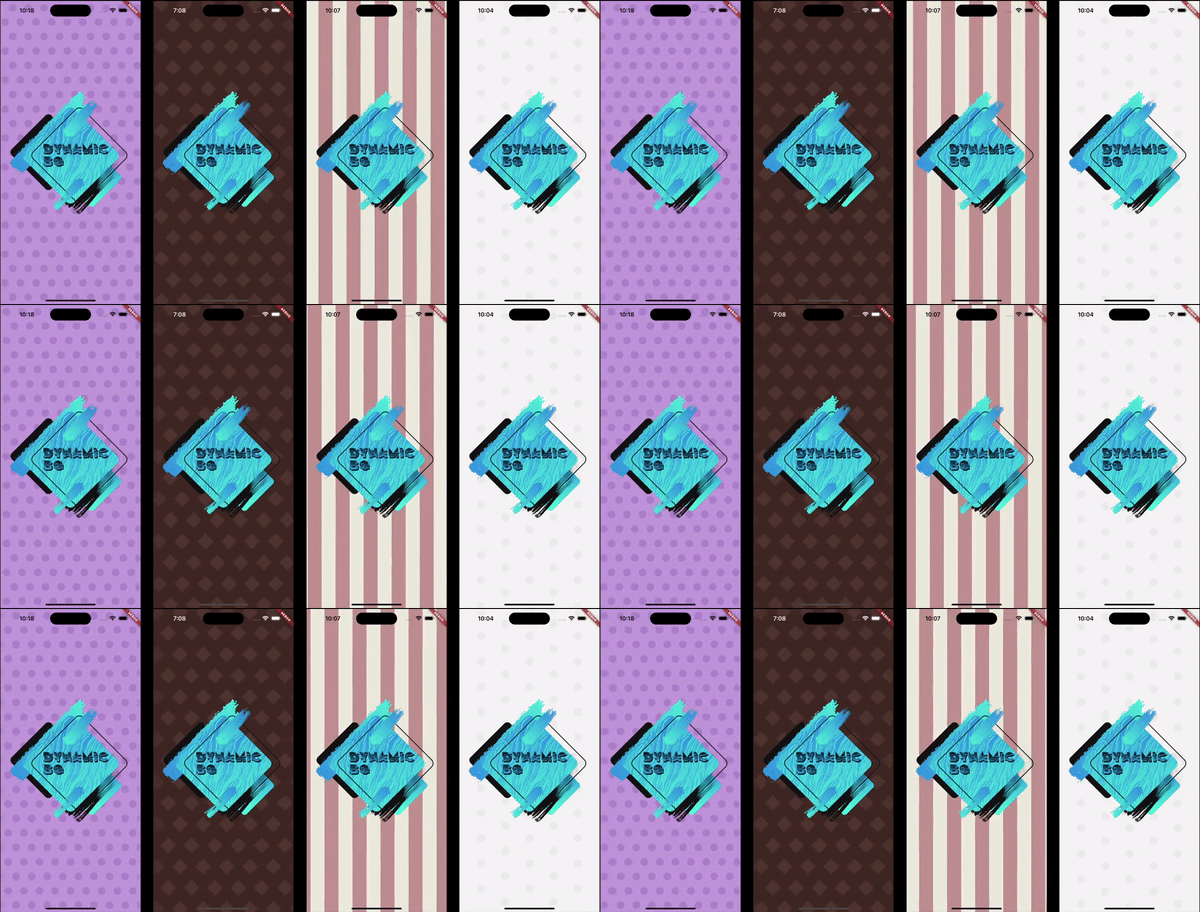
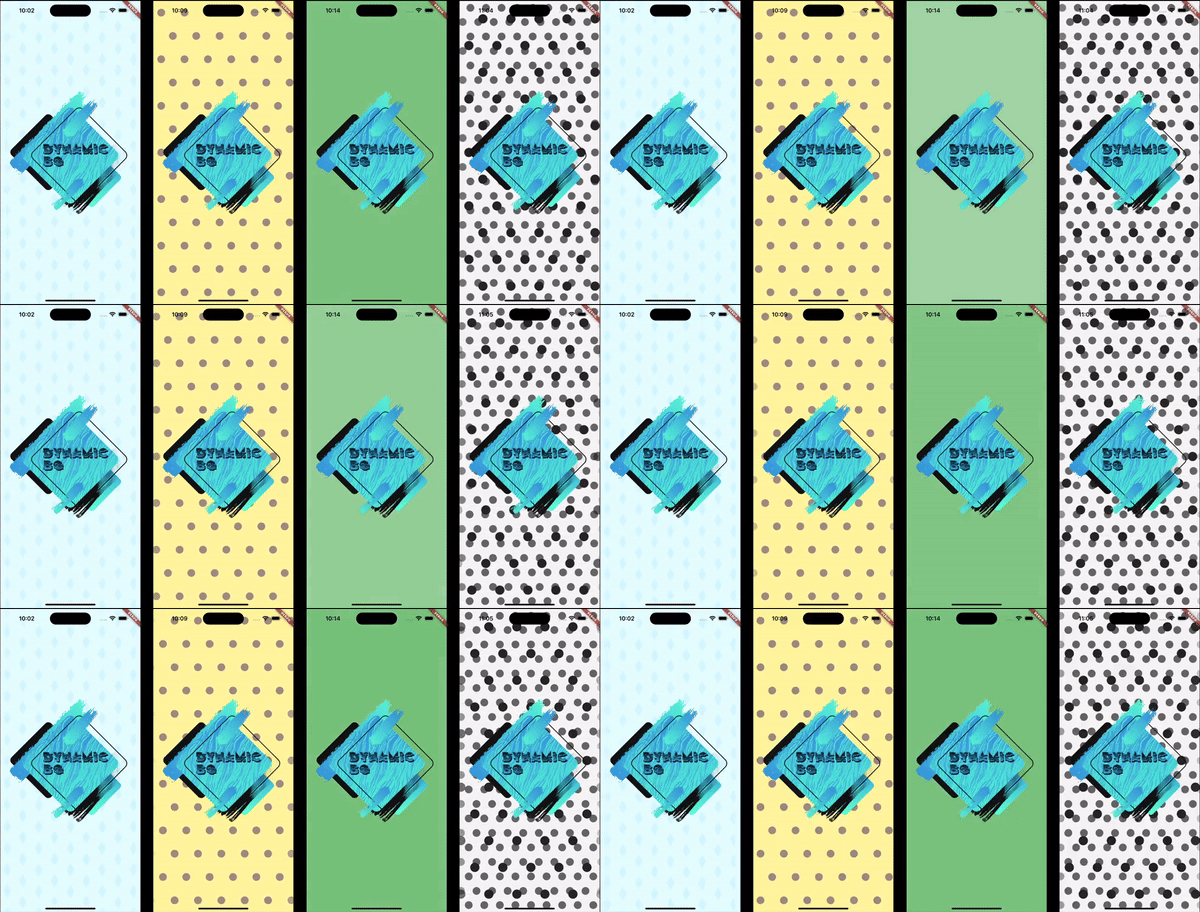
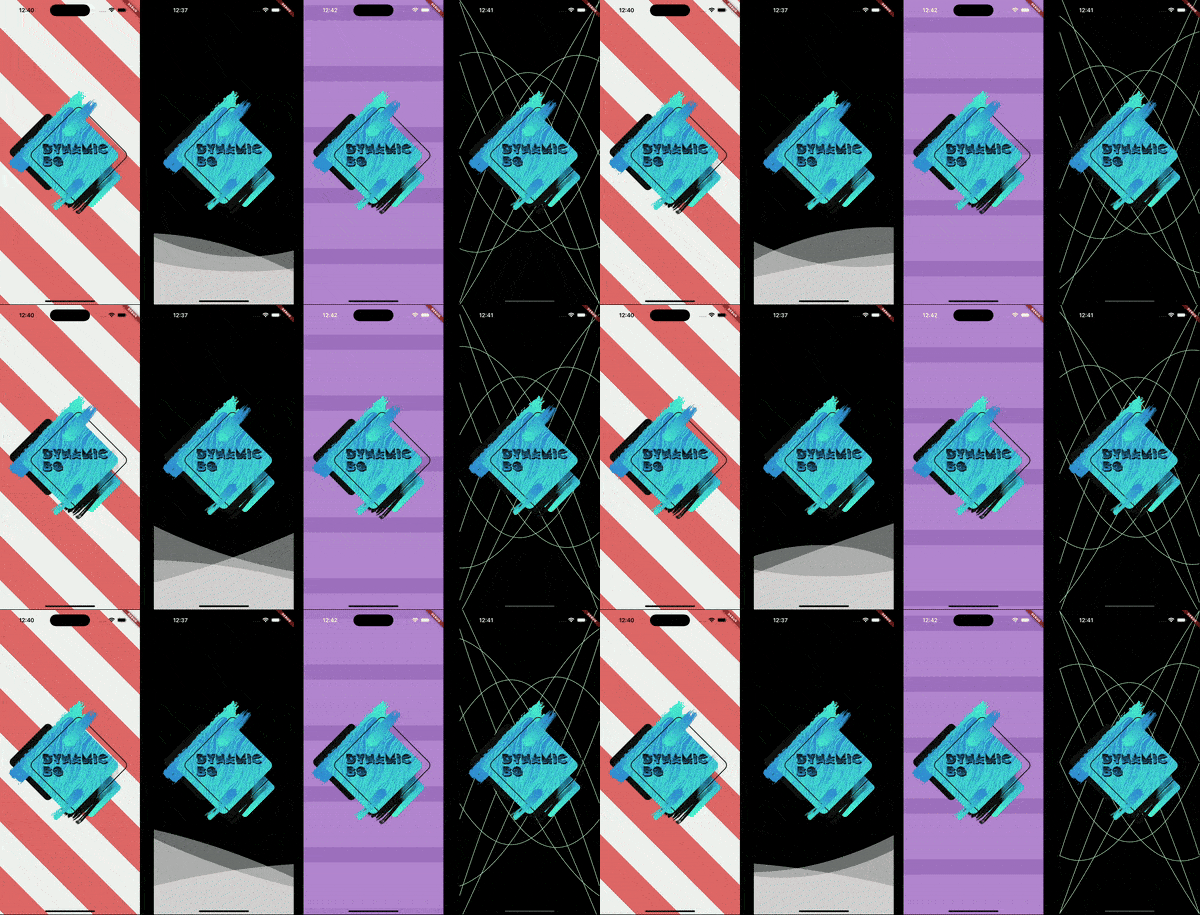
Four examples of different animated backgrounds. Four examples of different animated backgrounds. Four examples of different animated backgrounds.

Installation

In the pubspec.yaml of your project, add the following dependency:

dependencies:
  dynamic_background: ^0.5.0

Import it to each file you use it in:

import 'package:dynamic_background/dynamic_background.dart';

Usage

Example 1 - Simple circles scrolling

This example shows how to set up an animated background that shows blue circles scrolling from right to left on a pale blue background.

Note: The colors being used are provided with this package.

DynamicBg(
  painterData: ScrollerPainterData(
    shape: ScrollerShape.circles,
    backgroundColor: ColorSchemes.gentleBlueBg,
    color: ColorSchemes.gentleBlueFg,
    shapeOffset: ScrollerShapeOffset.shiftAndMesh,
  ),
  child: yourPageHere(),
),
Example 2 - Simple blue fader

This example shows how to set up an animated background that fades gently and randomly between different shades of blue.

Note: The colors being used are provided with this package.

DynamicBg(
  painterData: FaderPainterData(
    behavior: FaderBehavior.random,
    colors: ColorSchemes.gentleBlue,
  ),
  child: yourPageHere(),
),
Example 3 - Simple wave

This example shows how to set up an animated background with a blue, sine wave line in the middle of the screen.

Note: The colors being used are provided with this package.

DynamicBg(
  duration: const Duration(seconds: 5),
  painterData: WavePainterData(
    waves: [
      Wave(
        direction: WaveDirection.left2Right,
        amplitude: 50.0,
        offset: 0.5,
        color: Colors.transparent,
        lineColor: ColorSchemes.gentleBlueBg,
        lineThickness: 3.0,
      ),
    ],
  ),
  child: yourPageHere(),
),
Example 4 - Simple Lava Lamp

This example shows how to set up an animated background with moving circles to have a lava lamp effect.

Note: The colors being used are provided with this package.

DynamicBg(
  duration: const Duration(seconds: 35),
  painterData: LavaPainterData(
    width: 250.0,
    widthTolerance: 75.0,
    growAndShrink: true,
    growthRate: 10.0,
    growthRateTolerance: 5.0,
    blurLevel: 25.0,
    numBlobs: 5,
    backgroundColor: ColorSchemes.gentleWhiteBg,
    colors: [
      ColorSchemes.vibrantOrangeBg,
      ColorSchemes.vibrantOrangeFg,
      ColorSchemes.vibrantYellowBg,
      ColorSchemes.vibrantYellowFg,
    ],
    allSameColor: false,
    fadeBetweenColors: true,
    changeColorsTogether: false,
    speed: 20.0,
    speedTolerance: 5.0,
  ),
  child: yourPageHere(),
),
Example 5 - Prebuilt backgrounds

This example shows how to use prebuilt backgrounds.

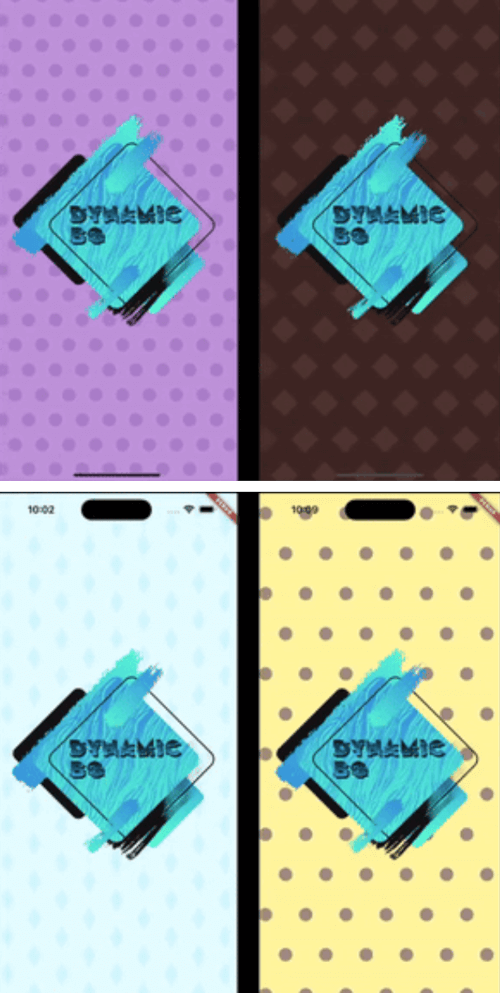
This example also show the use of a custom duration. The prebuilt backgrounds give suggestions in their comments on how best to use them; this includes duration and platform brightness.

DynamicBg(
  duration: const Duration(seconds: 45),
  painterData: PrebuiltPainters.chocolate,
  child: yourPageHere(),
),
Example 6 - Modify prebuilt backgrounds

This example shows how to modify prebuilt backgrounds to best fit your needs.

The copyWith method can also be used on your own custom backgrounds.

DynamicBg(
  duration: const Duration(seconds: 45),
  painterData: PrebuiltPainters.chocolate.copyWith(
    backgroundColor: ColorSchemes.gentleYellowBg,
  ),
  child: yourPageHere(),
),
Example 7 - Stack backgrounds

This example shows how to stack backgrounds for interesting new effects.

DynamicBg(
  painterData: ScrollerPainterData(
    direction: ScrollDirection.left2Right,
    backgroundColor: ColorSchemes.gentleWhiteBg,
    color: ColorSchemes.gentleBlackFg,
    shapeOffset: ScrollerShapeOffset.shiftAndMesh,
  ),
  child: DynamicBg(
    duration: const Duration(seconds: 45),
    painterData: ScrollerPainterData(
      backgroundColor: Colors.transparent,
      color: ColorSchemes.vibrantBlackFg,
      shapeWidth: 28.0,
      spaceBetweenShapes: 55.0,
      shapeOffset: ScrollerShapeOffset.shiftAndMesh,
    ),
    child: yourPageHere(),
  ),
),
Example 8 - Backgrounds for smaller widgets

This example shows that you can apply dynamic backgrounds to widgets rather than the entire screen. Here is a button with an animated background.

final double buttonWidth = 500.0;
final double buttonHeight = 65.0;
final BorderRadius buttonRadius = BorderRadius.circular(5.0);

ClipRRect(
  borderRadius: buttonRadius,
  child: DynamicBg(
    width: buttonWidth,
    height: buttonHeight,
    painterData: ScrollerPainterData(
      direction: ScrollDirection.right2Left,
      shape: ScrollerShape.stripesDiagonalForward,
      backgroundColor: Color.fromARGB(255, 214, 232, 185),
      color: Color.fromARGB(255, 198, 225, 151),
      shapeWidth: 24.0,
      spaceBetweenShapes: 24.0,
      fadeEdges: false,
    ),
    child: Material(
      color: Colors.transparent,
      child: InkWell(
        onTap: () {
          print('Button pressed');
        },
        borderRadius: buttonRadius,
        child: Center(
          child: Text(
            'Save',
            style: TextStyle(
              color: Colors.white,
              fontSize: 25.0,
              fontWeight: FontWeight.w800,
            ),
          ),
        ),
      ),
    ),
  ),
),

If you found this helpful, please consider donating. Thanks!

buy me a coffee      paypal      venmo


Kategorien

Abhängigkeiten

Abhängigkeiten 1 Einträge

Quell-Repository

Projekte, die dieses Paket verwenden

Noch keine Daten verfügbar.