Pakete, Repositories und App-Kategorien suchen

Cover von fluentui_system_icons
Paketdetailsv1.1.273

fluentui_system_icons

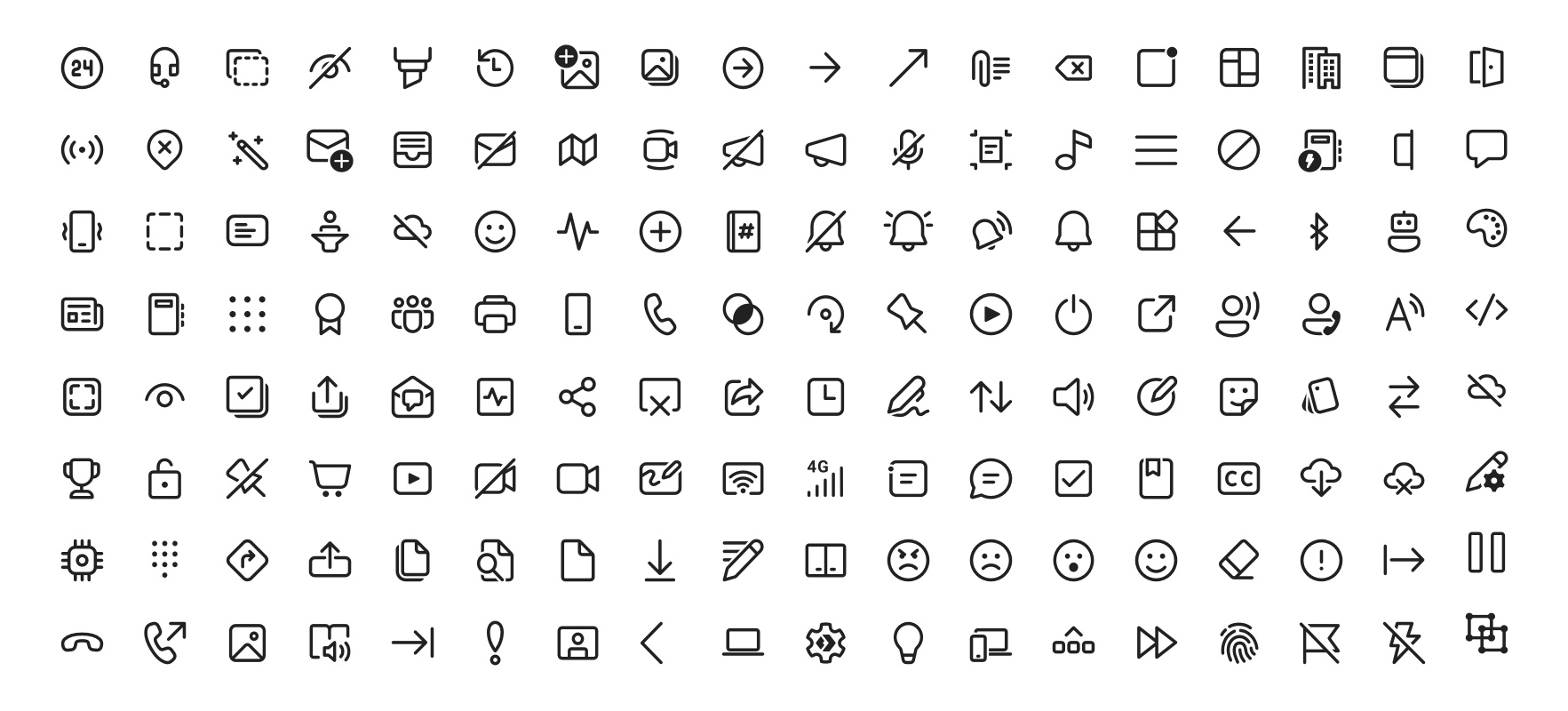
Fluent UI-Systemsymbole sind eine Sammlung vertrauter, freundlicher und moderner Symbole von Microsoft.

AndroidiOSWebmacOSWindowsLinux
30-Tage-Downloads
63.000
Likes
958
Pub-Punkte
160

Paket installieren

flutter pub add fluentui_system_icons

Paketübersicht

Aus öffentlichen Paketdaten erstellte Orientierung.

Fluent UI System Icons ist eine umfassende Sammlung moderner, sauberer und konsistenter Symbole, die von Microsoft entwickelt wurden. Für den Einsatz über Plattformen hinweg konzipiert, entsprechen diese Symbole dem Fluent Design System und bieten eine einheitliche visuelle Sprache für Anwendungen. Das Paket ermöglicht eine einfache Integration in Flutter-Projekte und unterstützt Android, iOS, Web, macOS, Windows und Linux. Durch Fokus auf Barrierefreiheit und Skalierbarkeit können Entwickler Benutzeroberflächen mit professionellen Symbolen verbessern, ohne zusätzlichen Gestaltungsaufwand.

Anwendungsfälle

  • App-UI-Verbesserung
  • Plattformübergreifender App-Entwurf
  • Modernes Interface-Design
  • Zugänglichkeitsorientiertes Design
  • markenkonsequente Iconografie

Hauptmerkmale

  • offizielle Microsoft-Ikonenset
  • Multiplattformunterstützung
  • Skalierbare Vektoricons
  • Barrierefreiheit optimiert
  • Einfache Flutter-Integration

Geeignet für

  • Entwickler, die Fluent Design verwenden
  • Plattformübergreifende mobile und Desktop-Anwendungen
  • Teams, die Markenkonsistenz priorisieren
  • UI-Designer, die moderne Symbole suchen
  • Projekte, die zugängliche Symbole erfordern

Hinweise

  • Erfordert Flutter 2.5 oder höher
  • Begrenzte Anpassungsmöglichkeiten
  • Abhängig von externen Quellaktualisierungen
  • Nicht geeignet für hochgradig angepasste Icon-Anforderungen
  • Möglicher Größenimpact bei vollständigem Icon-Satz

Original-README

Originaler README-Schnappschuss aus dem verknüpften Quell-Repository. Aktuelle Inhalte finden Sie im Repository.

Fluent UI System Icons

Pull request validation

Fluent UI System Icons are a collection of familiar, friendly and modern icons from Microsoft.

Fluent System Icons

Icon List

Direction

Within the metadata.json file for an icon, a property named directionType is used to indicate the direction of the icon. This property can have one of the following values:

  • unique, meaning that the icon is unique and has a specific RTL and LTR version
  • mirror, meaning that the icon can be mirrored for RTL or LTR languages

The property singleton is also used to indicate the default direction that should be used for the icon.

Installation

Android

The library is published via Maven Central, please ensure that the mavenCentral() repository has been added to the root build.gradle file:

repositories {
    ...
    mavenCentral()
}

Include the following dependency in your project's build.gradle:

implementation 'com.microsoft.design:fluent-system-icons:1.1.341@aar'

For library docs, see android/README.md.

iOS and macOS
CocoaPods
use_frameworks!

pod "FluentIcons", "1.1.341"
Carthage
git "git@github.com:microsoft/fluentui-system-icons.git" "1.1.341"

For library docs, see ios/README.md.

Flutter

In the pubspec.yaml of your flutter project, add the following dependency:

dependencies:
  ...
  fluentui_system_icons: ^1.1.341

For library docs, see flutter/README.md.

Plain svg

Inline svg directly. See packages/svg-icons/README.md.

Contributing

Importer

The importer generates the Android and iOS libraries from the icons in the assets directory.

Install dependencies from the repository root (this is a single yarn workspace, so dependencies for every package are installed in one go):

corepack enable
yarn install

Jump into the directory:

cd importer
yarn clean

List all the available commands:

yarn run
Build Pipeline

Our build pipeline runs deploy:android and deploy:ios to create the libraries. The build definitions are located in .github/workflows/.

Demo apps

You can build and run the demo apps following the steps below.

Android
  1. Follow the Importer section above and run the command yarn deploy:android
  2. Open the android directory in Android Studio
  3. Select the sample-showcase in the build configuration dropdown
  4. Click run
Flutter

Prerequisite: Make sure you have flutter configured in Android Studio

  1. Open the flutter directory in Android Studio
  2. Select the example in the directory and open it in Android Studio
  3. Click run

Contact

Please feel free to open a GitHub issue and assign to the following points of contact with questions or requests.

Code of Conduct

This project has adopted the Microsoft Open Source Code of Conduct. For more information see the Code of Conduct FAQ or contact opencode@microsoft.com with any additional questions or comments.

Kategorien

Quell-Repository

Projekte, die dieses Paket verwenden

Ranglisten