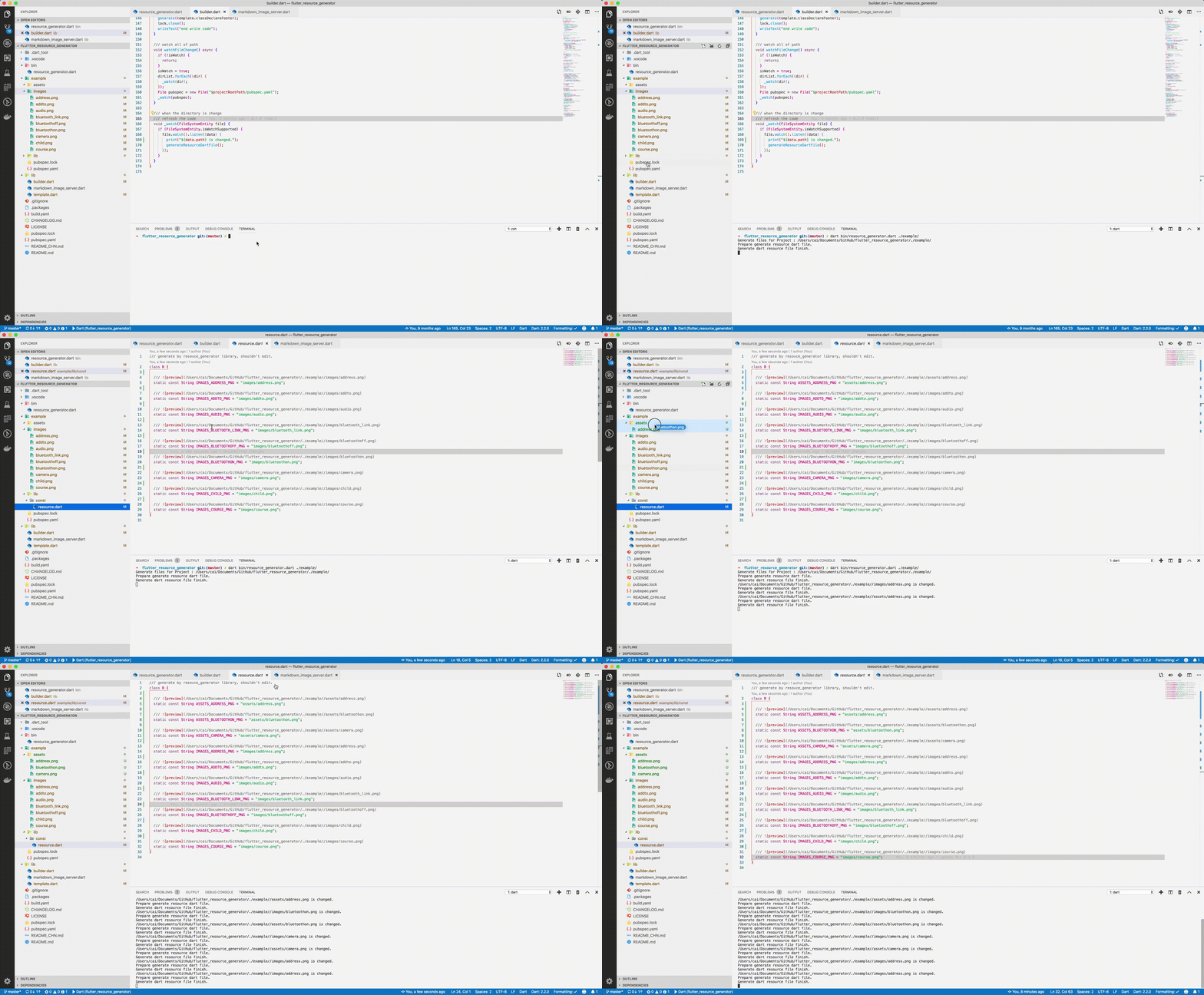
Aus öffentlichen Paketdaten erstellte Orientierung.
Ein Codegenerierungswerkzeug für Flutter, das automatisch eine Ressourcenklasse erstellt, indem es die in der Datei pubspec.yaml aufgeführten Assets scannt, ähnlich wie Androids R.java. Es vereinfacht den Zugriff auf Ressourcen durch typsichere, kompiliertzeitlich überprüfte Referenzen, wodurch Fehler reduziert und die Wartbarkeit verbessert wird. Die generierte Datei bietet kurze, lesbare Namen für Bilder, Schriftarten und andere Assets und vereinfacht so die Entwicklung über mehrere Plattformen hinweg.
Anwendungsfälle
Vereinfachung der Asset-Verwaltung in großen Flutter-Projekten
Verringerung von Laufzeitfehlern durch falsch geschriebene Asset-Pfade
Typsicheren Zugriff auf App-Ressourcen aktivieren
Automatisierung der Ressourcenklassenerstellung während des Builds
Verbesserung der Codelesbarkeit durch präzise Asset-Referenzen
Hauptmerkmale
Generiert automatisch eine Ressourcenklasse aus der pubspec.yaml
Bietet kurze, saubere Asset-Namen
Typsichere Ressourcenzugriffe
Unterstützt Bilder, Schriftarten und andere Ressourcen
Plattformübergreifende Kompatibilität
Geeignet für
Entwickler, die in Flutter-Anwendungen viele Ressourcen verwalten
Teams, die Fehler im Zusammenhang mit Assets reduzieren möchten
Projekte, die konsistente Benennungskonventionen für Ressourcen erfordern
Build-Pipelines erstellen, die automatisierte Ressourcenerzeugung erfordern
Anwendungen für mehrere Plattformen
Hinweise
Benötigt die Einrichtung von build_runner und Abhängigkeiten
Generierte Dateien sollten nicht manuell bearbeitet werden
Kann die Build-Zeit leicht erhöhen
Es ist erforderlich, die pubspec.yaml korrekt zu konfigurieren
Am besten in Kombination mit Code-Analysetools verwendet
Original-README
Originaler README-Schnappschuss aus dem verknüpften Quell-Repository. Aktuelle Inhalte finden Sie im Repository.
Automatically generate the dart file for pubspec.yaml
The purpose of this library is to help flutter developers
automatically generate asset corresponding dart files
to help developers release their hands from this meaningless job,
and the open source community has a lot of the same functionality.
This library is based on dartlang's build library.
dart pub global activate flutter_asset_generator

# or

dart pub global activate -s git https://github.com/fluttercandies/flutter_asset_generator.git
Run below commands:
fgen
or
fgen -s $flutter_project
Support options
Use $ fgen -h or $ fgen --help see usage document.
fgen -h
-w, --[no-]watch    Continue to monitor changes after execution of orders.
                    (defaults to on)

-p, --[no-]preview  Generate file with preview comments.
                    (defaults to on)

-o, --output        Your resource file path.
                    If it's a relative path, the relative flutter root directory
                    (defaults to "lib/const/resource.dart")

-s, --src           Flutter project root path
                    (defaults to ".")

-n, --name          The class name for the constant.
                    (defaults to "R")

-h, --[no-]help     Help usage

-d, --[no-]debug    debug info
File name
Space, '.' and '-' in the path will be converted to _. @ will be converted to _AT_.
Because the two field names will be exactly the same.
Config file
The location of the configuration file is conventional.
Configuration via commands is not supported.
The specified path is fgen.yaml in the flutter project root directory.
The file is yaml format, every element is glob style.
The name of the excluded file is under the exclude node, and the type is a string array. If no rule is included, it means no file is excluded.
The include node is the name of the file that needs to be imported, and the type is a string array. If it does not contain any rules, all file are allowed.
In terms of priority, exclude is higher than include, in other words:
First import the file according to the include nodes, and then exclude the files.
Replacement Rules
File names can be replaced according to the configuration file as shown below: