Aus öffentlichen Paketdaten erstellte Orientierung.
Ein Flutter-Paket, das die Integration von Audiowellenformen in Anwendungen vereinfacht und benutzerdefinierte Visualisierungen für Musik- und Audio-Wiedergabe bietet. Es unterstützt mehrere Plattformen wie Android, iOS, Web, macOS, Windows und Linux und ist daher ideal für plattformübergreifende Audio-Apps. Entwickler können problemlos Echtzeit- oder vorab geladene Wellenformdaten mit verschiedenen Stiloptionen anzeigen. Die Bibliothek wurde auf Einfachheit und Leistung ausgelegt und ermöglicht eine reibungslose Darstellung sogar bei großen Audiodateien. Sie ist besonders nützlich für Musikplayer, Sprachaufnahme-Apps und Audiobearbeitungstools.
Anwendungsfälle
Musikplayer-Oberflächen
Sprachaufnahme-Visualisierung
Audio-Analysetools
Echtzeit-Audiomonitoring
Lern-Apps für Schallwellen
Podcast-Wiedergabe-UIs
Hauptmerkmale
Anpassbare Wellenform-Aussehen
Unterstützung für Echtzeit-Audio-Rendering
Plattformübergreifende Kompatibilität
Einfache Integration mit Audioplayer
Konfigurierbare Linienstärke und Farben
Glatte Leistung auf allen Plattformen
Geeignet für
Entwickler, die audiozentrierte Apps erstellen
UI-Designer, die dynamische Wellenformvisualisierungen benötigen
Pädagogische Software für Schallphysik
Mobile und Desktop-Audioanwendungen
Apps, die Echtzeit-Audio-Rückmeldung erfordern
Hinweise
Benötigt Audiopreprocessing für nicht-zeitnahe Nutzung
Kann die Leistung bei sehr langen Audio-Dateien beeinträchtigen
Beschränkt auf Wellenform-Visualisierung (keine Audiobearbeitung)
Am besten geeignet für Apps mit mittlerer bis hoher Audio-Datenfrequenz
Nicht für extrem hohe Auflösung Wellenformen optimiert
Original-README
Originaler README-Schnappschuss aus dem verknüpften Quell-Repository. Aktuelle Inhalte finden Sie im Repository.
A UI library for easily adding audio waveforms to your apps, with several customization options.
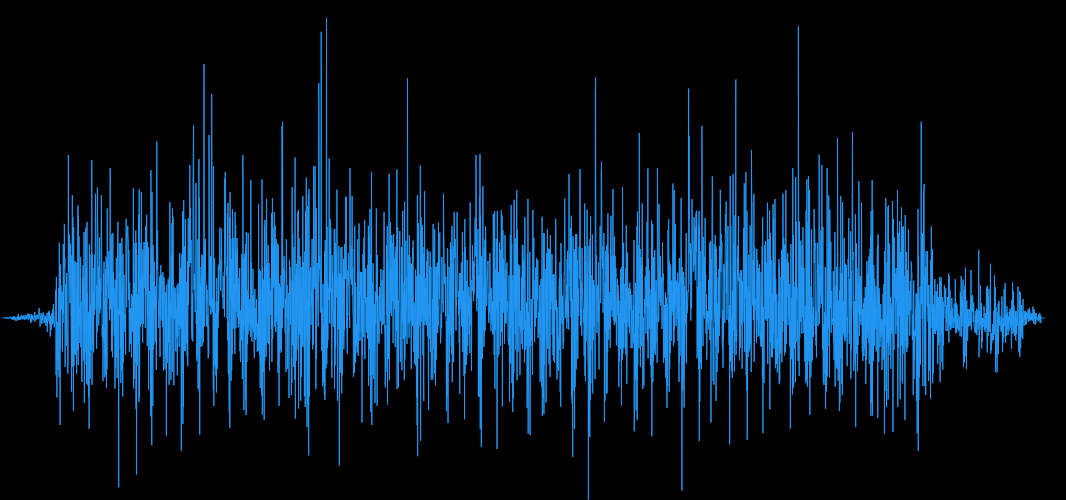
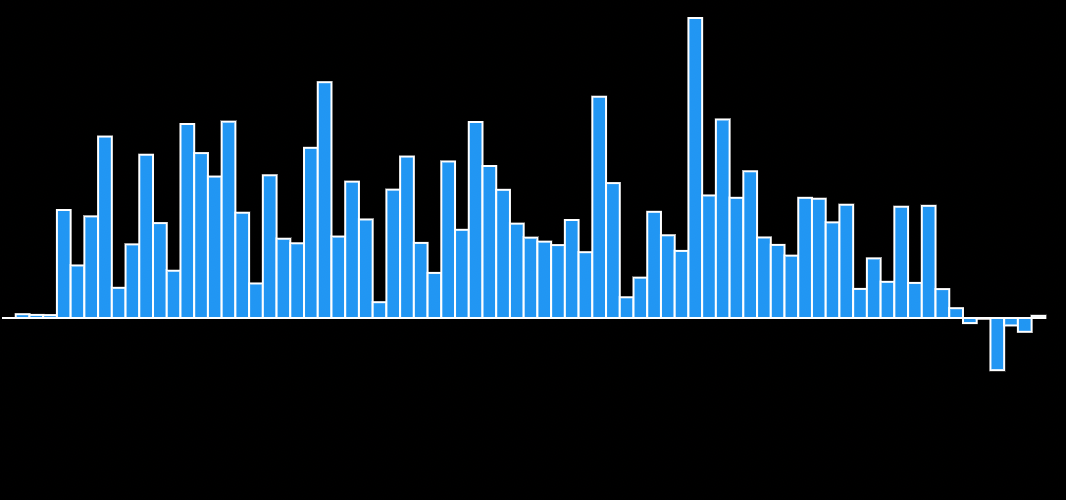
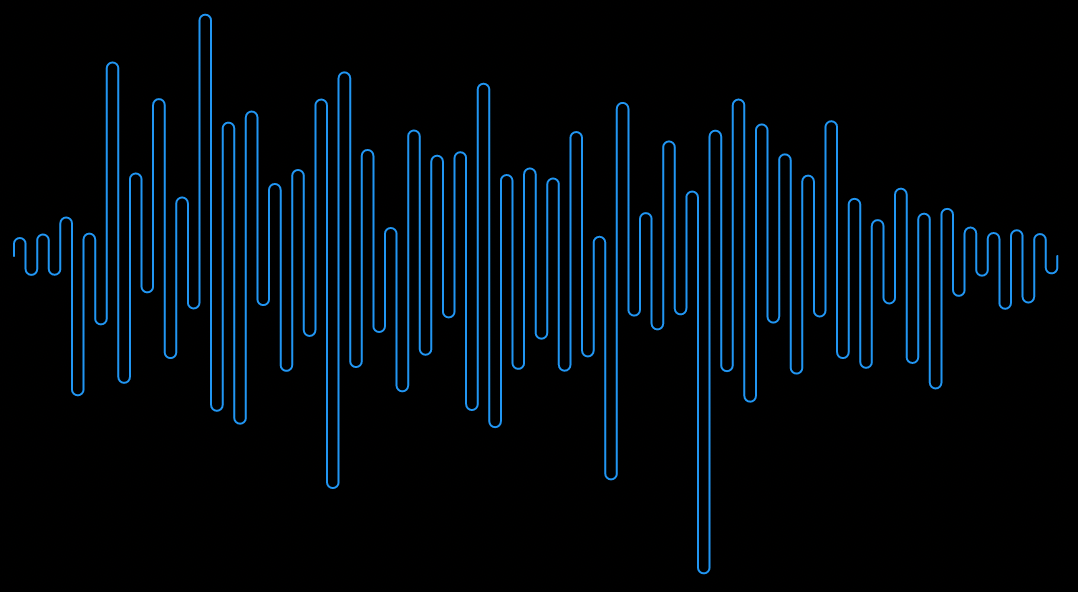
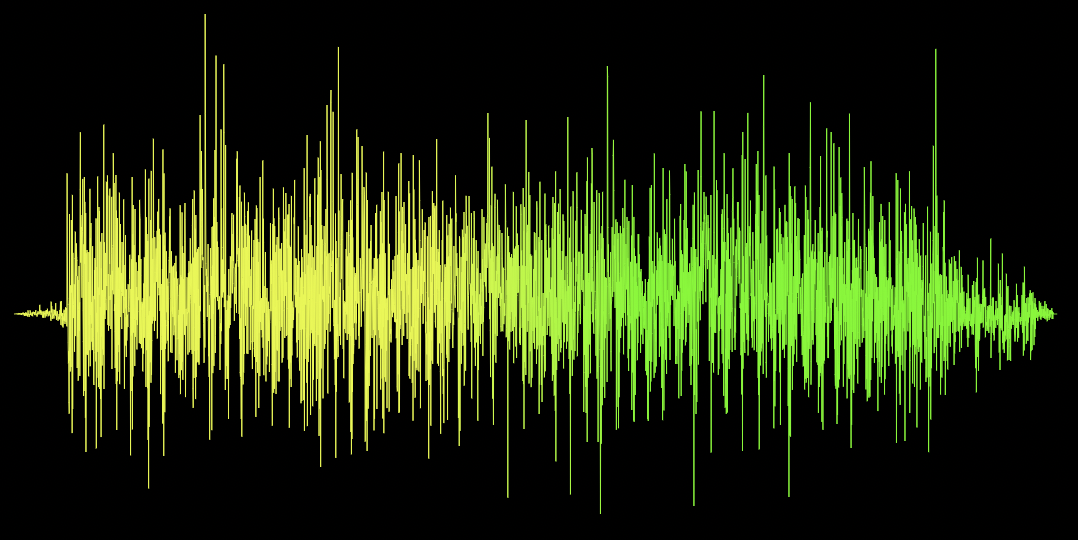
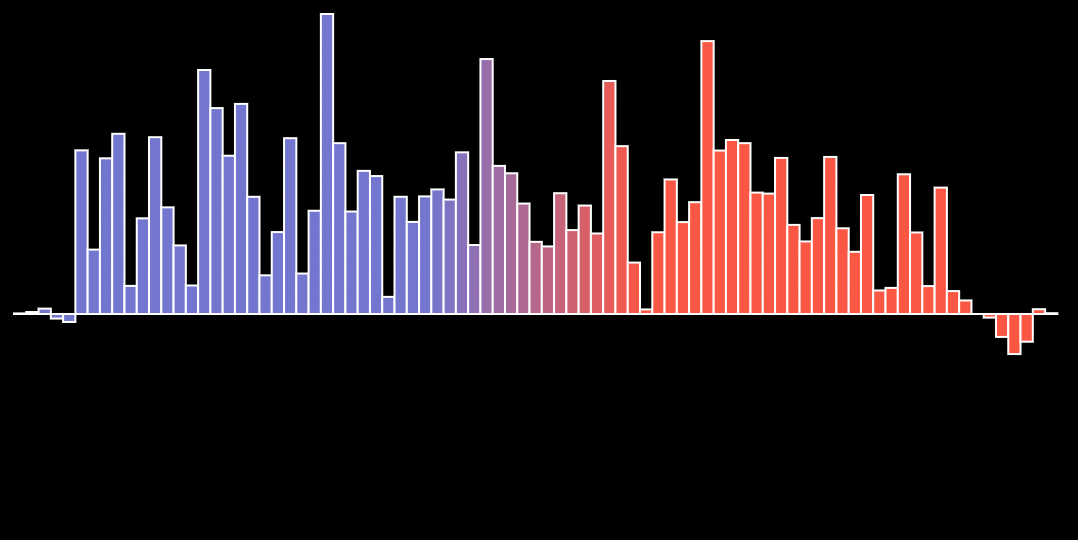
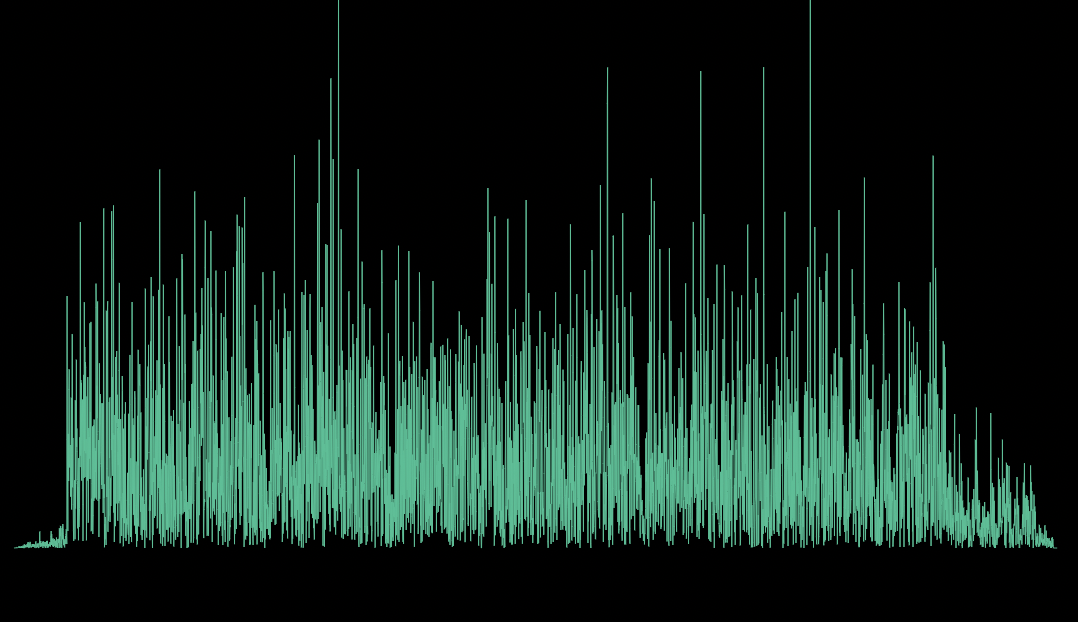
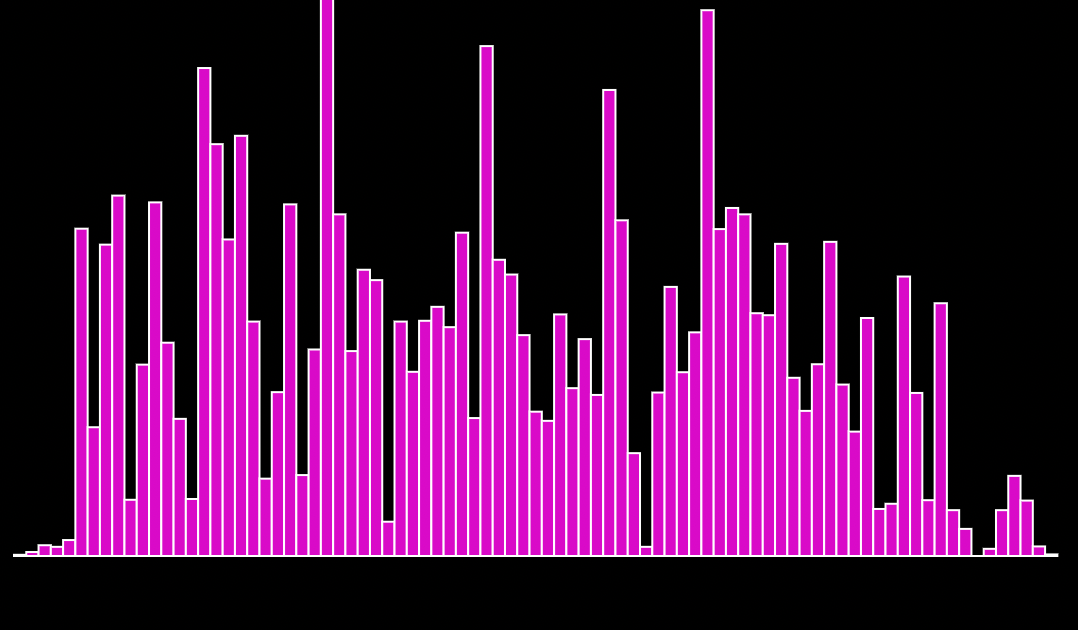
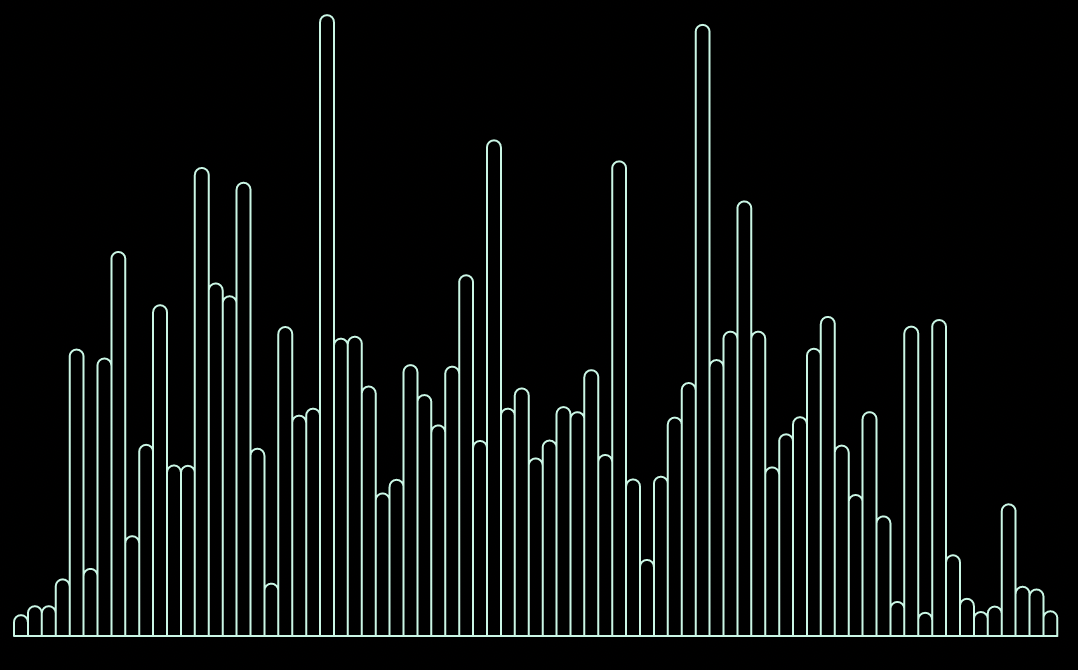
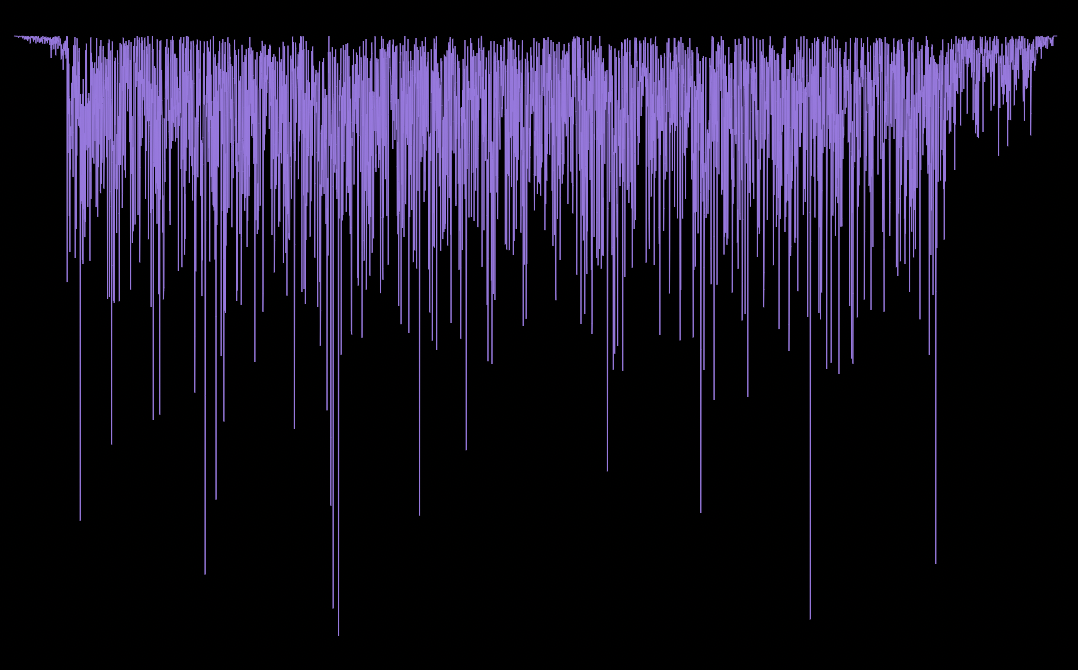
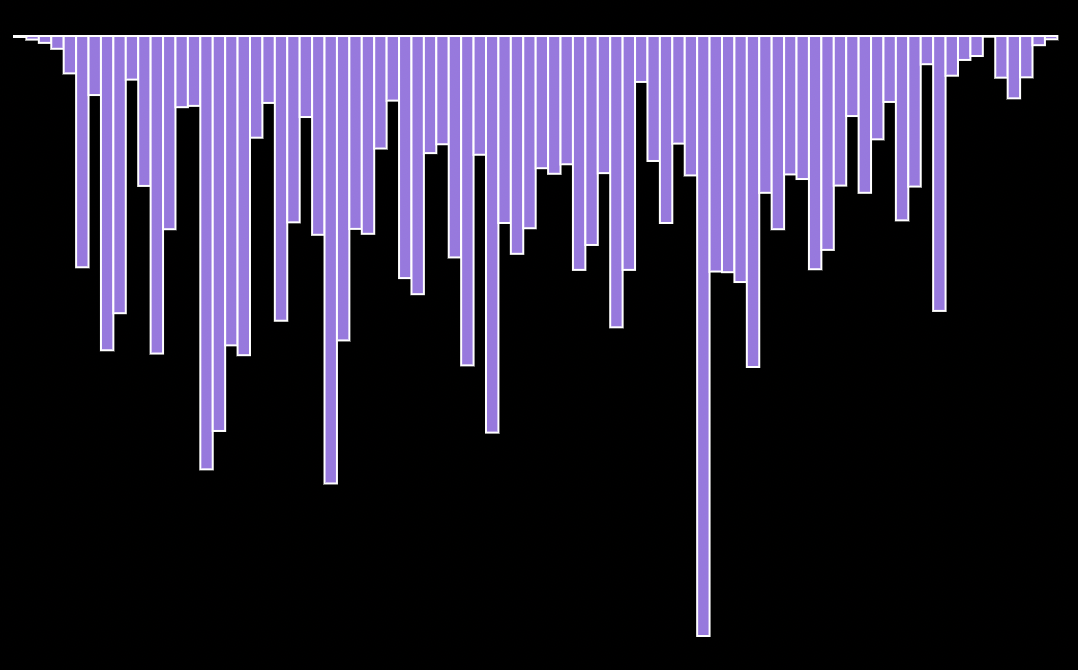
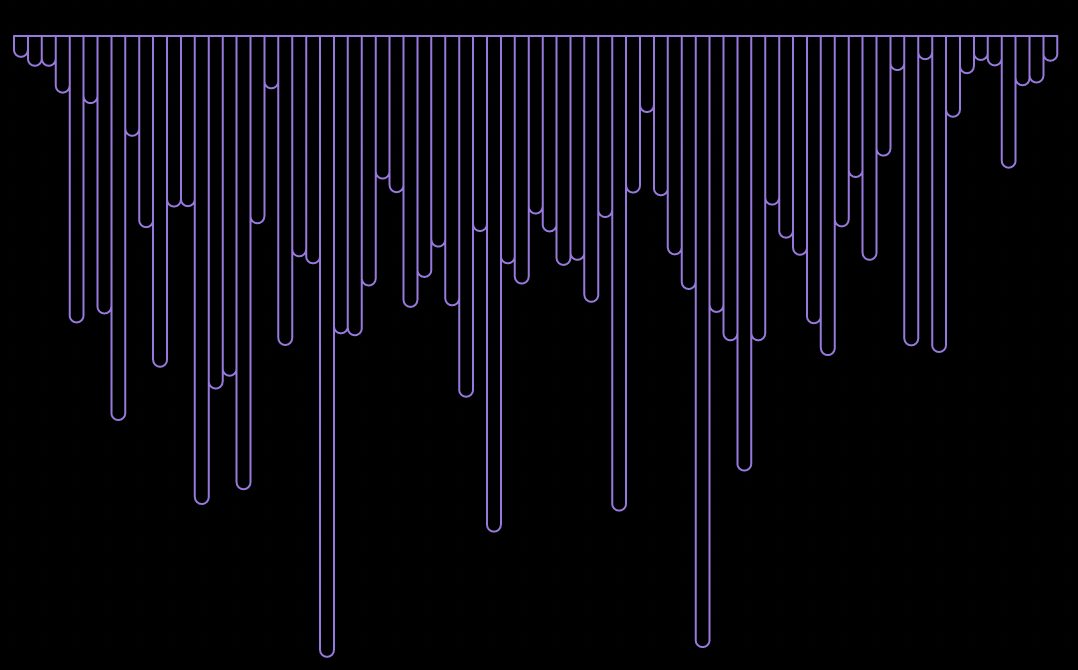
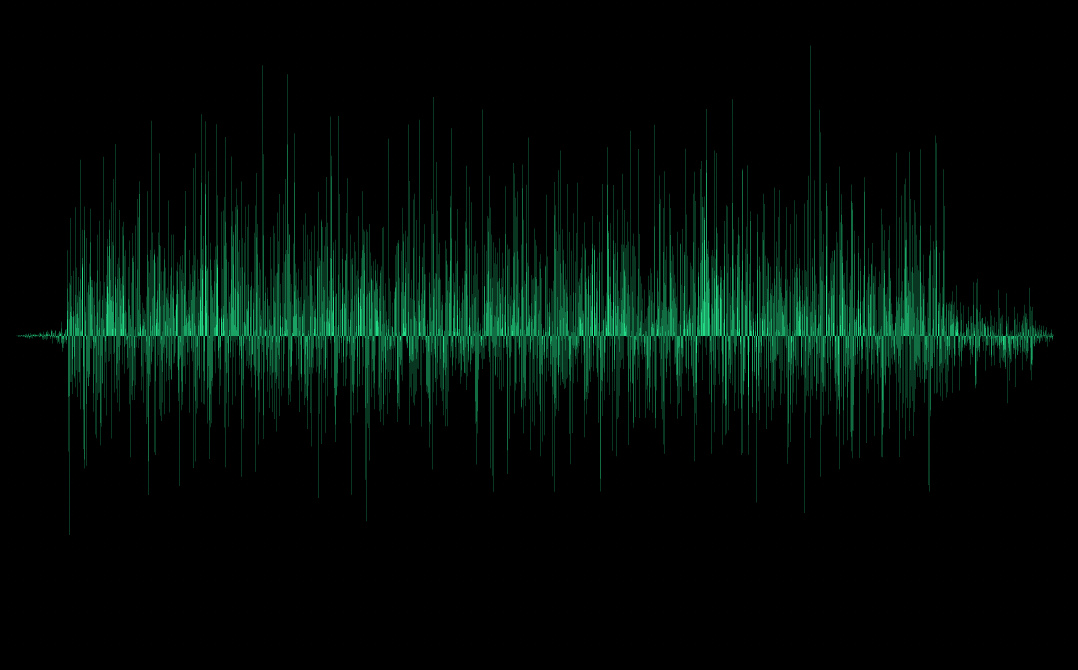
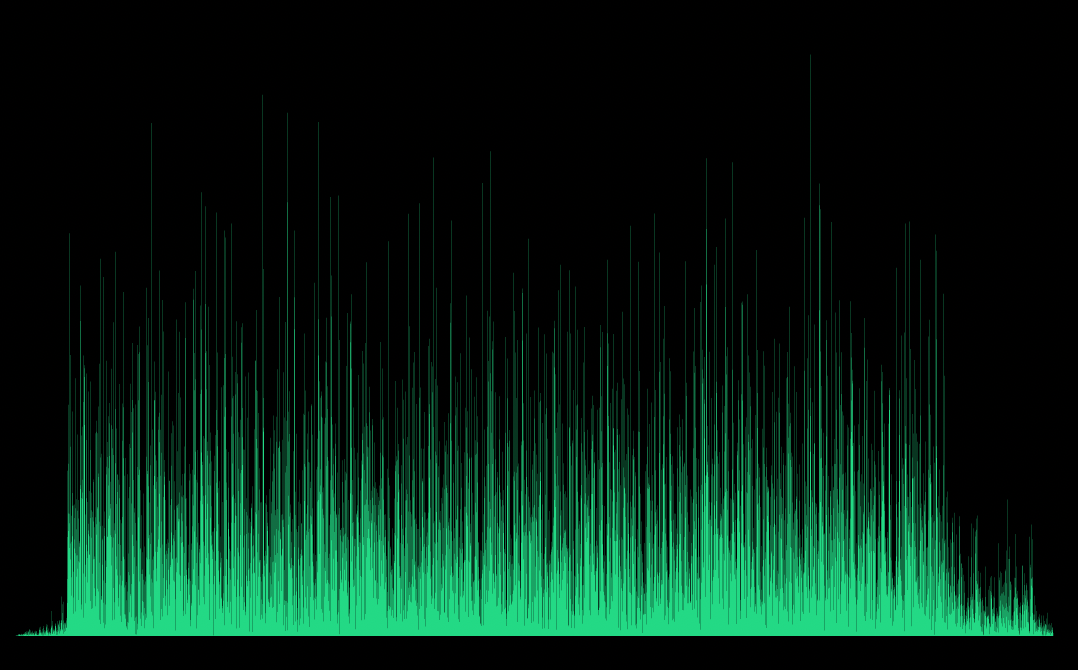
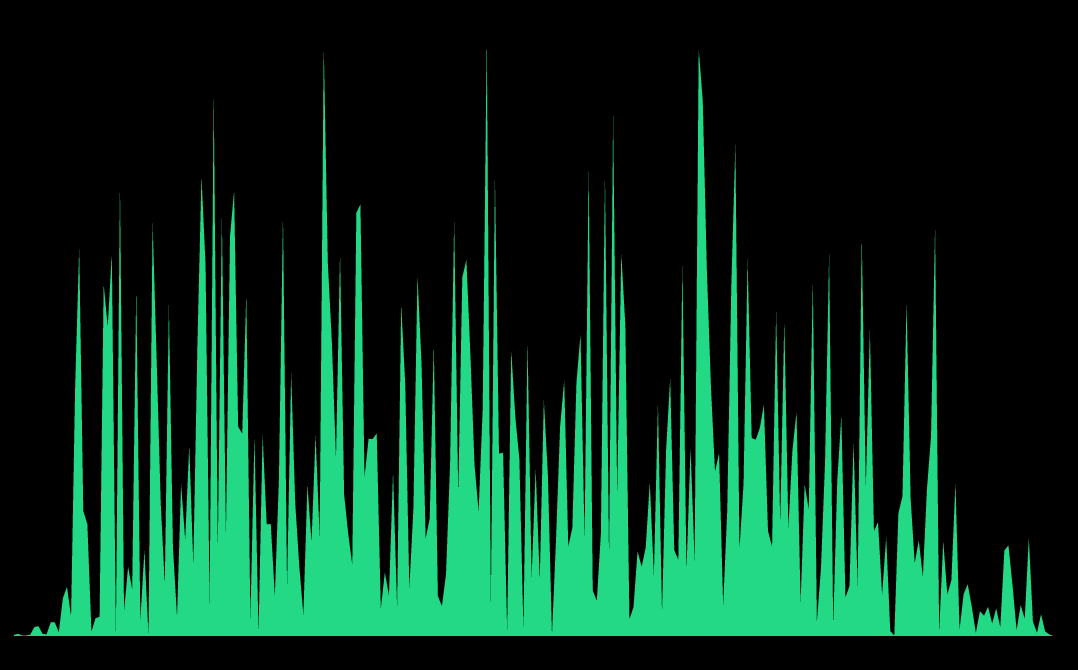
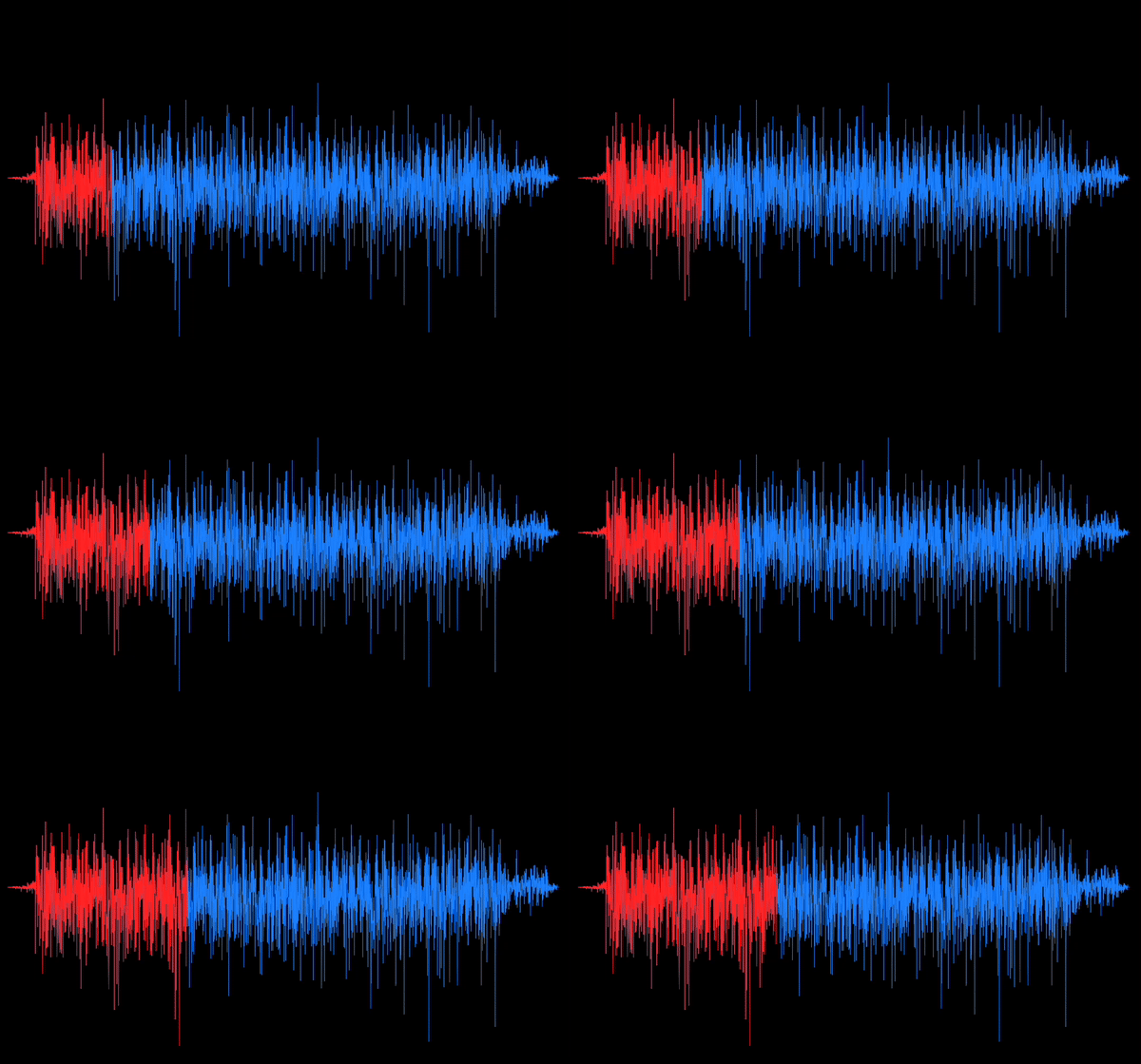
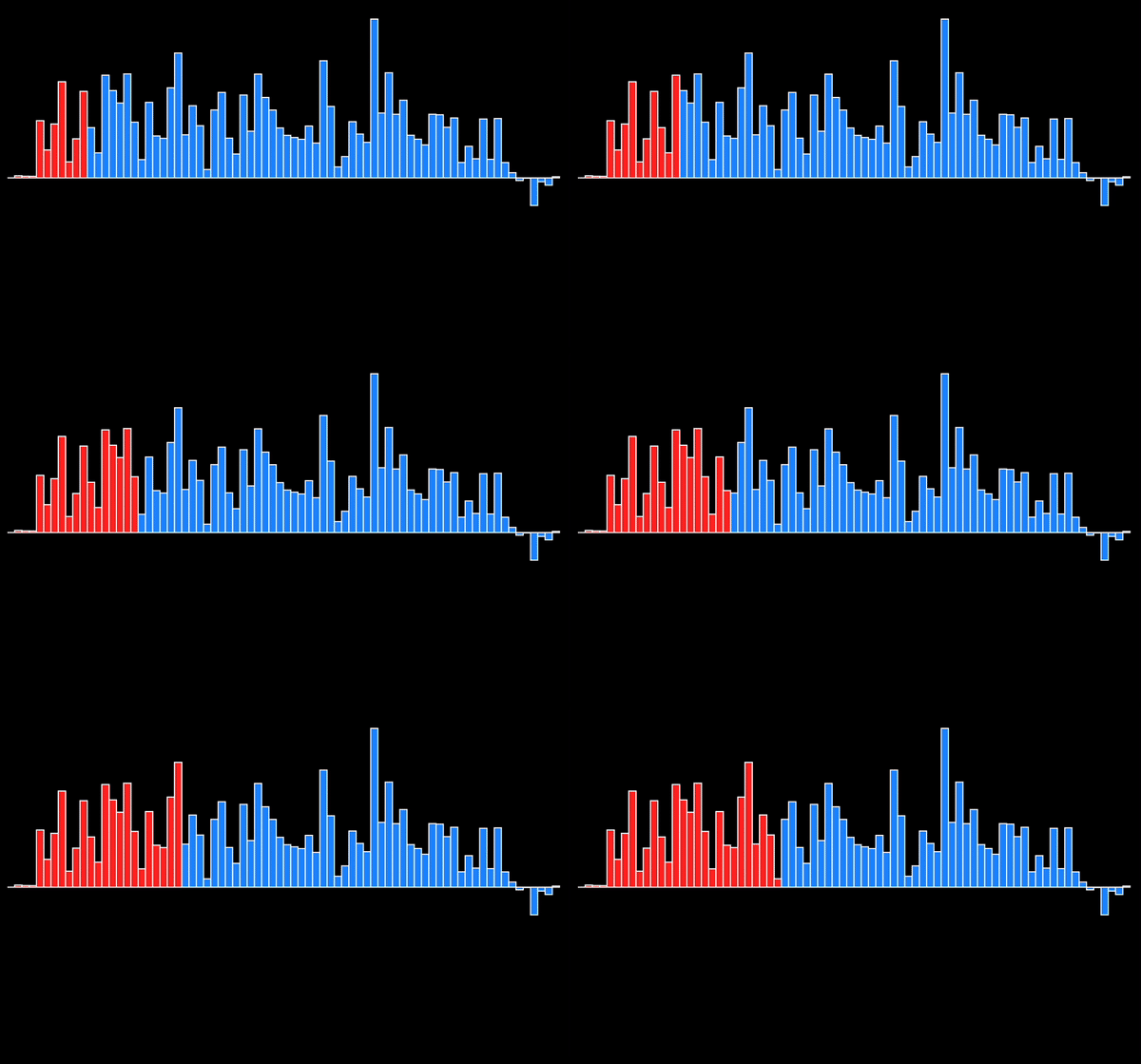
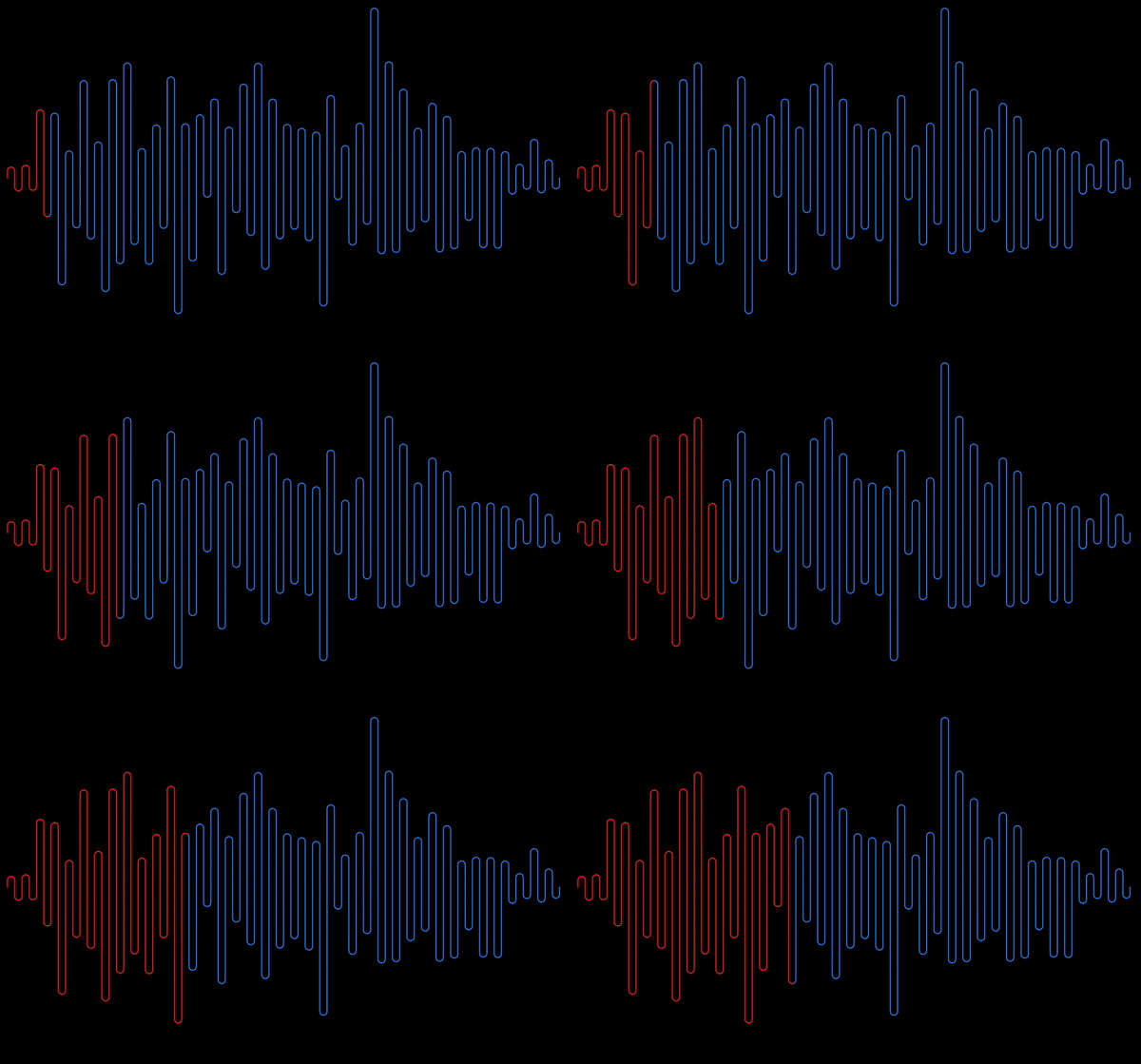
You can use the following available waveform types.
Polygon
Rectangle
Squiggly
Curved Polygon
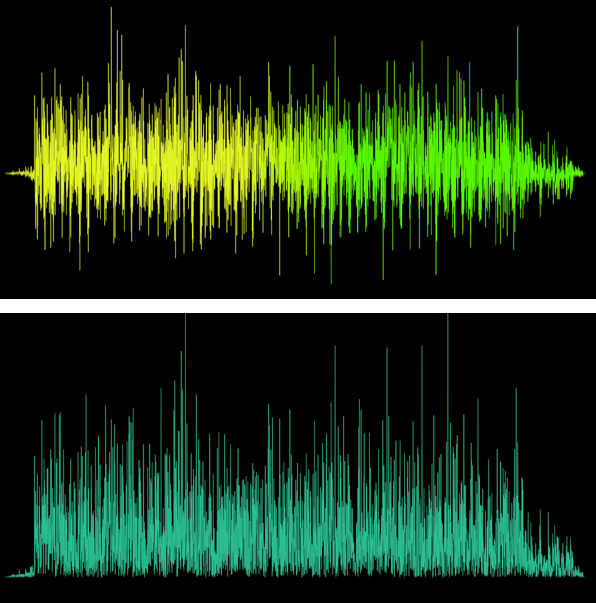
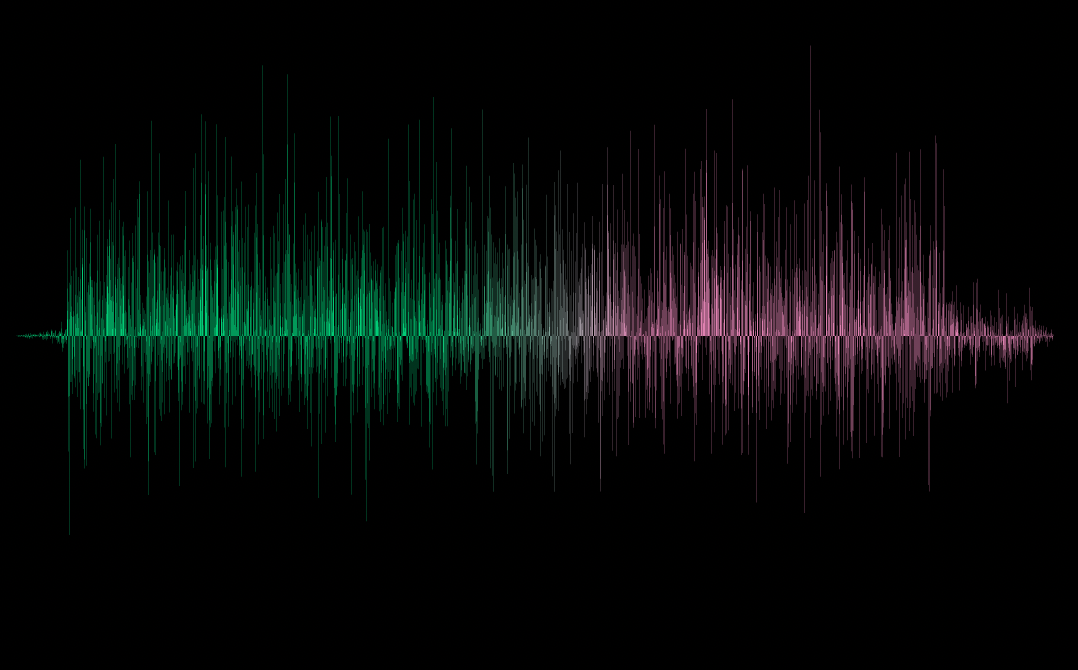
Need to add some gradient to your waveform? Say no more! You get it along with other customization options.
Want an active track for your audio out of the box?
You get that too!
Check out the short demo of what package offers here
Getting started
The package gives you the ability to add waveforms and customize them.
It's mostly like a UI library for waveforms with an additional ability to show active track for playing audio.
So it relies on you to provide the necessary audio data which it needs to draw the waveform.
The data we need is basically a list of points/samples that represents that audio.
You can use this audiowaveform program to get the audio json file which will provide us the samples.
After installing this program on your machine, generate the json file for an audio by using this command in your terminal.
audiowaveform -i test.mp3 -o test.json
The generated data needs to be processed following some rules which are necessary to get the waveforms drawn properly. To process the data use this processor.
Once you have the processed data points list then you can just pass it down to any of the waveforms available and get started using them.
Check out this article for detailed introduction on this section.
Usage
Usage of all waveforms available is the same with only exception of having more/less customization options for different waveforms.
// For a regular waveformPolygonWaveform(
samples: [],
height: height,
width: width,
)
// If you want active track for playing audio, pass [maxDuration] and [elapsedDuration]PolygonWaveform(
samples: [],
height: height,
width: width,
maxDuration: maxDuration,
elapsedDuration: elapsedDuration,
)
Check the Getting Started section on how to generate this.
height :
Waveform height.
width :
Waveform width.
Customization Options
inactiveColor :
Color of the inactive waveform.
activeColor :
Color of the active waveform.
inactiveGradient :
Gradient of the inactive waveform.
activeGradient :
Gradient of the active waveform.
absolute :
Waveform drawn is one sided either above x-axis or below it depending on what invert is set to.
Defaults to false.
invert :
Flips/inverts the waveform upside down.
Defaults to false.
borderWidth :
Width of the border around waveform.
Available only for RectangleWaveform.
isRoundedRectangle :
If true then rounded rectangles are drawn instead of regular rectangles.
Available only for RectangleWaveform.
isCentered :
If true then rectangles are centered along the Y-axis with respect to their center along their height.
If [absolute] is true then this would've no effect.
Available only for RectangleWaveform.
strokeWidth :
Waveform stroke width.
Available only for SquigglyWaveform, CurvedPolygonWaveform.
inactiveBorderColor:
Border color for inactive waveform.
Available only for RectangleWaveform.
activeBorderColor:
Border color for active waveform.
Available only for RectangleWaveform.
showActiveWaveform:
Whether to show active waveform or not.
Defaults to true.
More customization options coming soon!
Contributing Guide
Feature request : If you have any new feature in mind from which this package can benefit then please let me know by filing an issue here.
Improvements : Got any suggestions on improving the package, anything from API to performance then let me know by filing the issue here.
Bugs: If you happen to come across anything that shoudln't be happening then please file an issue here describing what the bug is and how to reproduce it with attached code and preview if possible.
Additional information
What started as a challenge out of curiosity, is now a package that I hope will be helpful to many of you and it was actually really fun building it.
Learned some good stuff while working on it and I hope to make it much more going forward.
If this package helped you then I would appreciate if you ⭐️ the repo which would be enough for me to keep continue working on it 🤓 and feel free to drop by and say hi anytime.