Aus öffentlichen Paketdaten erstellte Orientierung.
Flutter Fortune Wheel ist eine anpassbare Widget-Bibliothek zum Erstellen interaktiver Drehkreuze und Glücksleisten in Flutter-Anwendungen. Sie ermöglicht Entwicklern die Visualisierung zufälliger Auswahlprozesse, ideal für Spiele, Belohnungssysteme oder Verlosungsmechanismen. Das Paket unterstützt mehrere Plattformen wie Android, iOS, Web, macOS, Windows und Linux und ist daher äußerst vielseitig. Mit flüssigen Animationen und einfacher Integration über pub erhöht es die Benutzerengagement durch dynamische visuelle Rückmeldungen. Entwickler können Segmente, Farben und Drehverhalten an das Design ihrer App anpassen.
Anwendungsfälle
Gamifizierte Nutzerbelohnungen
Interaktive Verlosungen
Preis-Auswahl-Schnittstellen
Engagierende Onboarding-Erlebnisse
Zufällige Inhaltsanzeige
Mechanik des Treueprogramms
Hauptmerkmale
glatte Drehanimationen
Anpassbare Radsegmente
Unterstützung für mehrere Plattformen
Einfache Integration mit pub
Konfigurierbare Drehzeit und Geschwindigkeit
Ereignisrückrufe für die Spin-Abschluss
Geeignet für
Game-Entwickler
App-Designer, die Interaktivität suchen
Marketing-Apps mit Preismechanismen
Bildungsanwendungen mit zufälligen Quizfragen
UX-orientierte mobile Anwendungen
Hinweise
Erfordert sorgfältige Behandlung der Animationszeit
Für komplexe Designs kann eine Leistungsoptimierung erforderlich sein
Am besten geeignet für gelegentliche interaktive Ereignisse
Benötigt externe Abhängigkeiten für vollständige Funktionalität
Original-README
Originaler README-Schnappschuss aus dem verknüpften Quell-Repository. Aktuelle Inhalte finden Sie im Repository.
Flutter Fortune Wheel
This Flutter package includes wheel of fortune widgets, which allow you to visualize random selection processes.
They are highly customizable and work across mobile, desktop and the web.
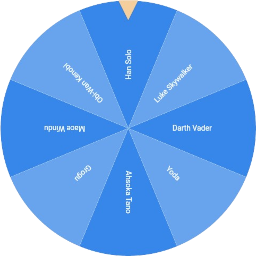
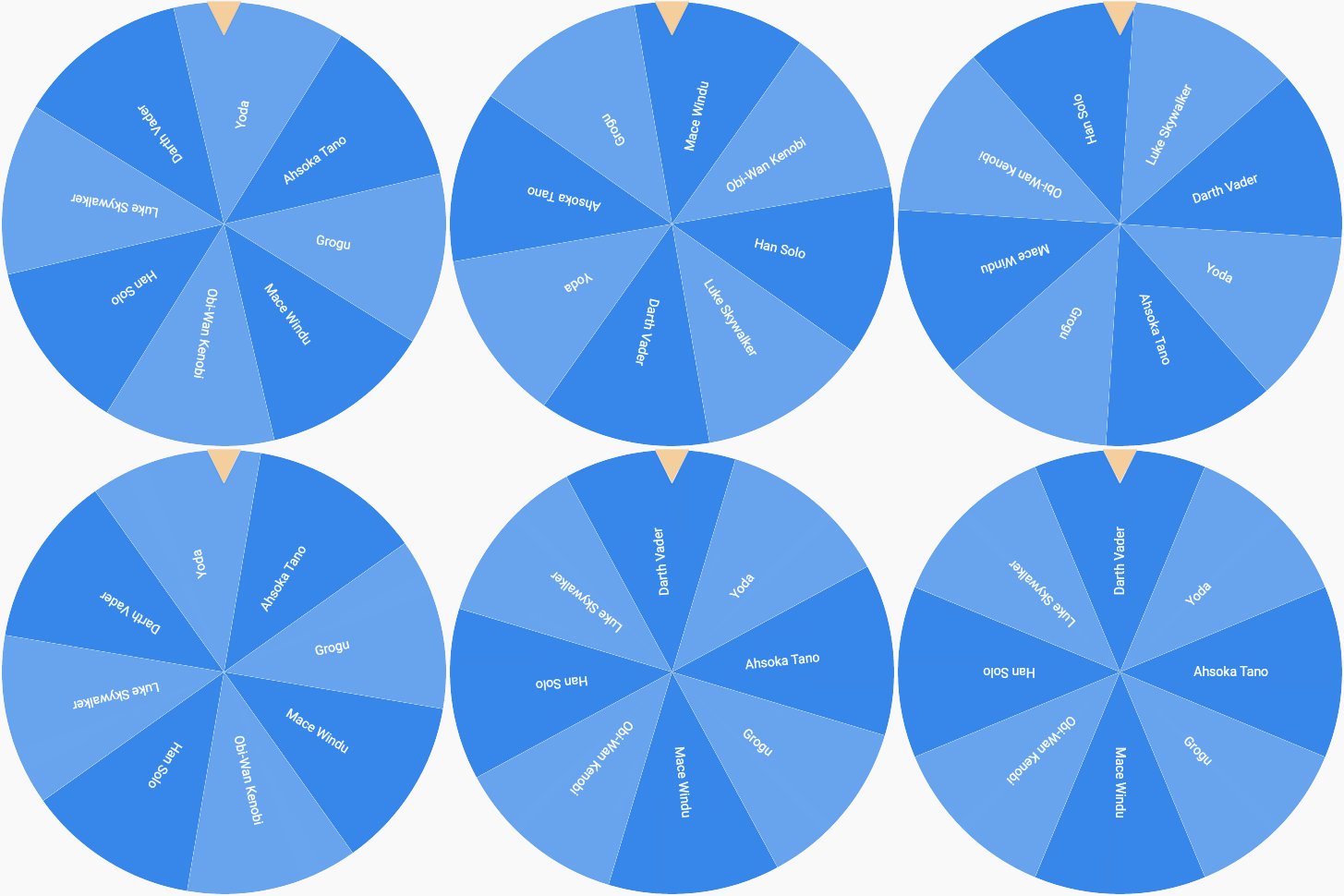
The wheel of fortune is the most iconic visualization.
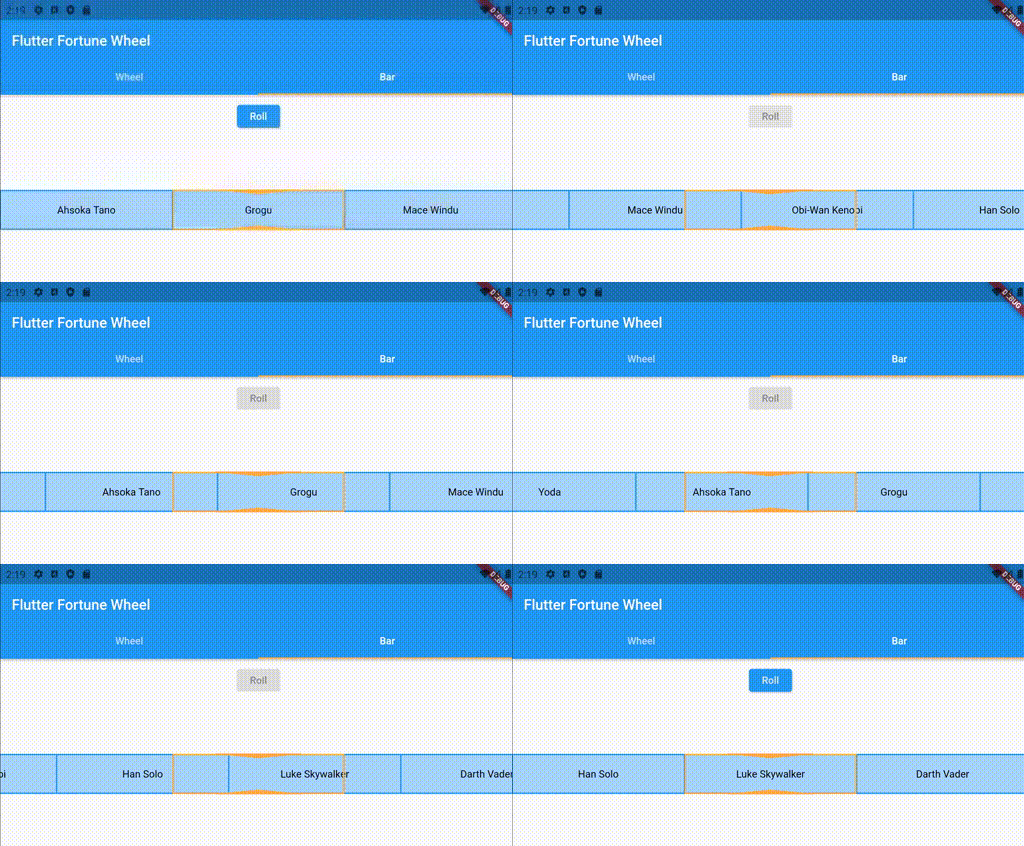
Unfortunately, a circular shape is not the best solution when vertical screen space is scarce. Therefore,
the fortune bar, which is smaller in the vertical direction, is provided as an alternative. See below for an example:
By default, the fortune widgets react to touch and drag input. This behavior can be customized using the physics property, which expects an implementation
of the PanPhysics class.
If you want to disable dragging, simply pass an instance of NoPanPhysics.
FortuneItems can be styled individually using their style property. Styling a FortuneWidget's
items according to a common logic is achieved by passing a StyleStrategy.
By default, the FortuneWheel uses the AlternatingStyleStrategy
and the FortuneBar uses the UniformStyleStrategy.
As with drag behavior, you can pass custom implementations to the styleStrategy property.
// styling FortuneItems individuallyFortuneWheel(
selected: Stream.value(0),
items: [
FortuneItem(
child: Text('A'),
style: FortuneItemStyle(
color: Colors.red, // <-- custom circle slice fill color
borderColor: Colors.green, // <-- custom circle slice stroke color
borderWidth: 3, // <-- custom circle slice stroke width
),
),
FortuneItem(child: Text('B')),
],
)
// common styling for all items of a FortuneWidgetFortuneBar(
// using alternating item styles on a fortune bar
styleStrategy: AlternatingStyleStrategy(),
selected: Stream.value(0),
items: [
FortuneItem(child: Text('Han Solo')),
FortuneItem(child: Text('Yoda')),
FortuneItem(child: Text('Obi-Wan Kenobi')),
],
)
Indicator Styling
The position indicators can be customized by passing a list of FortuneIndicators to FortuneWidget.indicators. By default, the FortuneWheel uses a TriangleIndicator and the FortuneBar uses a RectangleIndicator. You may either pass styled versions of these existing widgets or create your own implementations, since indicators can be any kind of widget. Here is an example of using a customized indicator:
FortuneWheel(
  selected: Stream.value(0),
  indicators: <FortuneIndicator>[
    FortuneIndicator(
      alignment: Alignment.bottomCenter, // <-- changing the position of the indicator
      child: TriangleIndicator(
        color: Colors.green, // <-- changing the color of the indicator
        width: 20.0, // <-- changing the width of the indicator
        height: 20.0, // <-- changing the height of the indicator
        elevation: 0, // <-- changing the elevation of the indicator
      ),
    ),
  ],
  items: [
    FortuneItem(child: Text('A'))
    FortuneItem(child: Text('B')),
  ],
)
Contributions
Contributions are much appreciated.
If you have any ideas for alternative visualizations, feel free to
open a pull request or
raise an issue.
The same holds for any requests regarding existing widgets.