Aus öffentlichen Paketdaten erstellte Orientierung.
flutter_img ist ein Flutter-Paket, das ein erweitertes Bild-Widget bereitstellt, das Bilder effizient aus Assets, Netzwerken und SVG-Dateien laden und anzeigen kann. Es vereinfacht die Bildverarbeitung auf mehreren Plattformen wie Android, iOS, Web, macOS, Windows und Linux. Das Paket unterstützt gängige Bilddateiformate wie PNG und JPG sowie skalierbare Vektorgrafiken (SVG), wodurch es ideal für Apps mit flexibler und reaktiver Bildwiedergabe ist. Mit minimalem Setup über `flutter pub add flutter_img` können Entwickler leistungsstarke Bildfunktionen nahtlos in ihre Anwendungen integrieren.
Anwendungsfälle
Netzwerk-Bilder werden geladen
Lokale Asset-Bilder anzeigen
Rendering von SVGs in Flutter-Apps
Plattformübergreifende Bildunterstützung
Einfache Bild-Widget-Ersatz
Hauptmerkmale
Unterstützt PNG, JPG und SVG
Verarbeitet sowohl Asset- als auch Netzwerkbilder
Minimale Konfiguration erforderlich
Funktioniert auf allen wichtigen Plattformen
Eingebaute Fehler- und Ladezustände
Geeignet für
Apps, die SVG-Unterstützung benötigen
Entwickler, die einfache Bild-Widgets suchen
Plattformübergreifende Projekte
UI-intensive Anwendungen
Schnellprototypen
Hinweise
Beschränkt auf grundlegende Bildoperationen
Kein integrierter fortgeschrittener Cache
Abhängig von externer SVG-Rendern-Bibliothek
Nicht geeignet für komplexe Bildverarbeitung
Kann zusätzliche Abhängigkeiten für erweiterte Funktionen erfordern
Original-README
Originaler README-Schnappschuss aus dem verknüpften Quell-Repository. Aktuelle Inhalte finden Sie im Repository.
flutter_img
A Flutter widget with SVG code support and the ability to handle SVG, png, and jpg pictures from
assets and the network. Cached photos can be handled by it.
❗ In order to start using flutter_img you must have the Flutter SDK
installed on your machine.
Add flutter_img to your pubspec.yaml:
dependencies:flutter_img:
Install it:
flutter pub add flutter_img
Parameters
Param
Description
String src
src is the one and only positional parameter here, and it's required it will take the asset link, HTTP image link, or SVG code as a string. as you know it takes a string, so for SVG code make sure there is no new line.
double? height
If you want to set image height explicitly you can pass a height value or it will adjust the height based on image height and screen height
double? width
Similar to the height, the width parameter also can be used for explicit value
BoxShape? shape
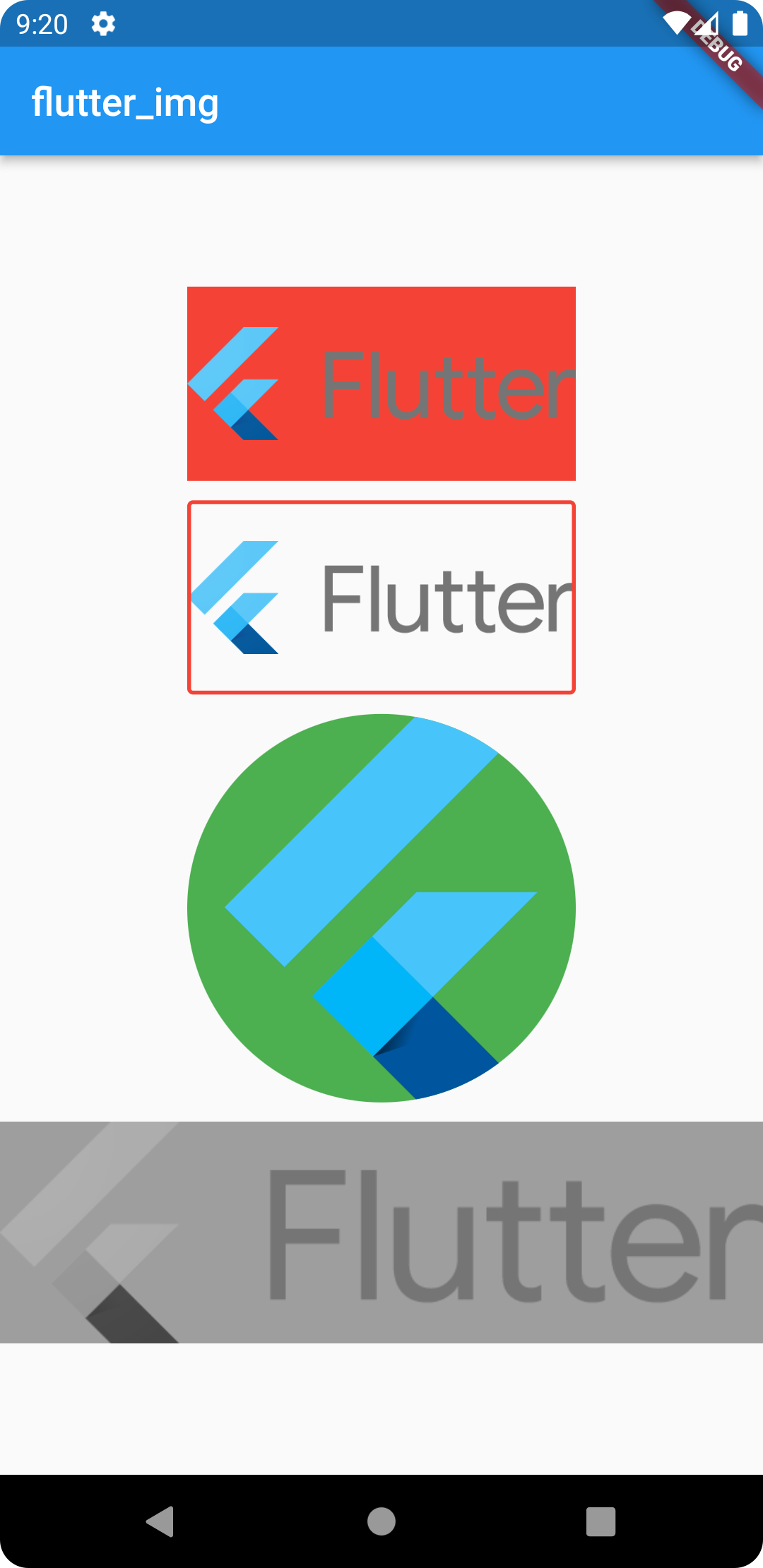
The shape parameter can be used to change the shape of the image.
BoxBorder? border
The border parameter can be used to add the shape of the image.
BorderRadiusGeometry? borderRadius
using borderRadius You can add a border to the image
EdgeInsetsGeometry? margin
the margin of the image
EdgeInsetsGeometry? padding
the padding of the image
ColorFilter? colorFilter
The colorFilter allow you to set a color filter over the image
Widget? placeholder
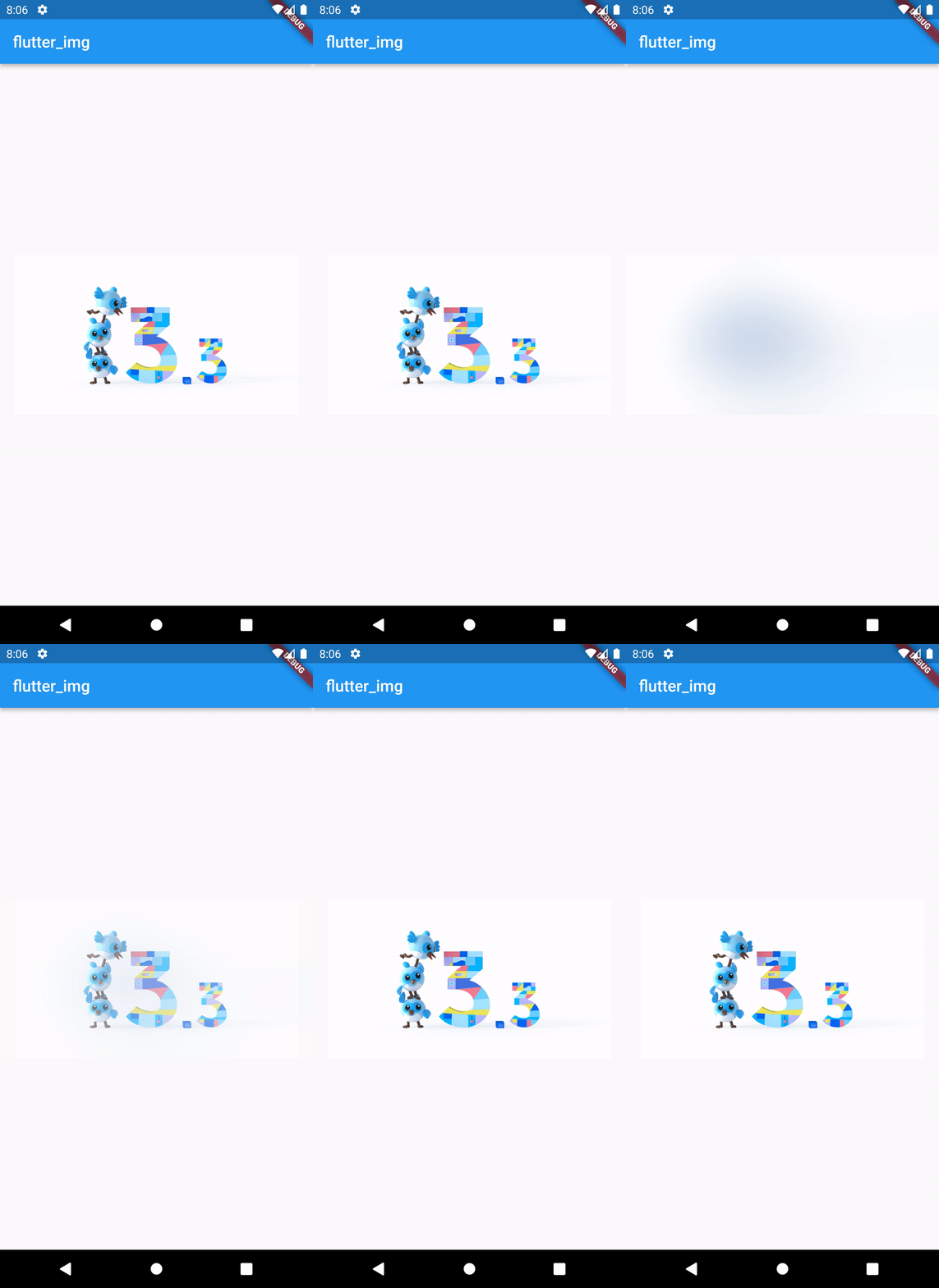
The placeholder parameter allows you to provide any widget as a placeholder before the network image is fully loaded. this parameter only works with png, jpg/jpeg network images. asset images or SVG images will not be affected
String? blurHash
The blurHash parameter also allows you to load blurhash images before the network image is fully loaded. this parameter only works with png, jpg/jpeg network images. asset images or SVG images will not be affected. By default, if you don't provide placeholder blurhash will apply. and the default value is L5H2EC=PM+yV0g-mq.wG9c010J}I
Color? bgColor
bgColor will set the background color of the image
Widget? errorWidget
errorWidget parameter allows you to provide any widget that will visible if network request failed or any error happened during loading network image
final String? package
package is the name of the package where the image is located. It's only used for asset images