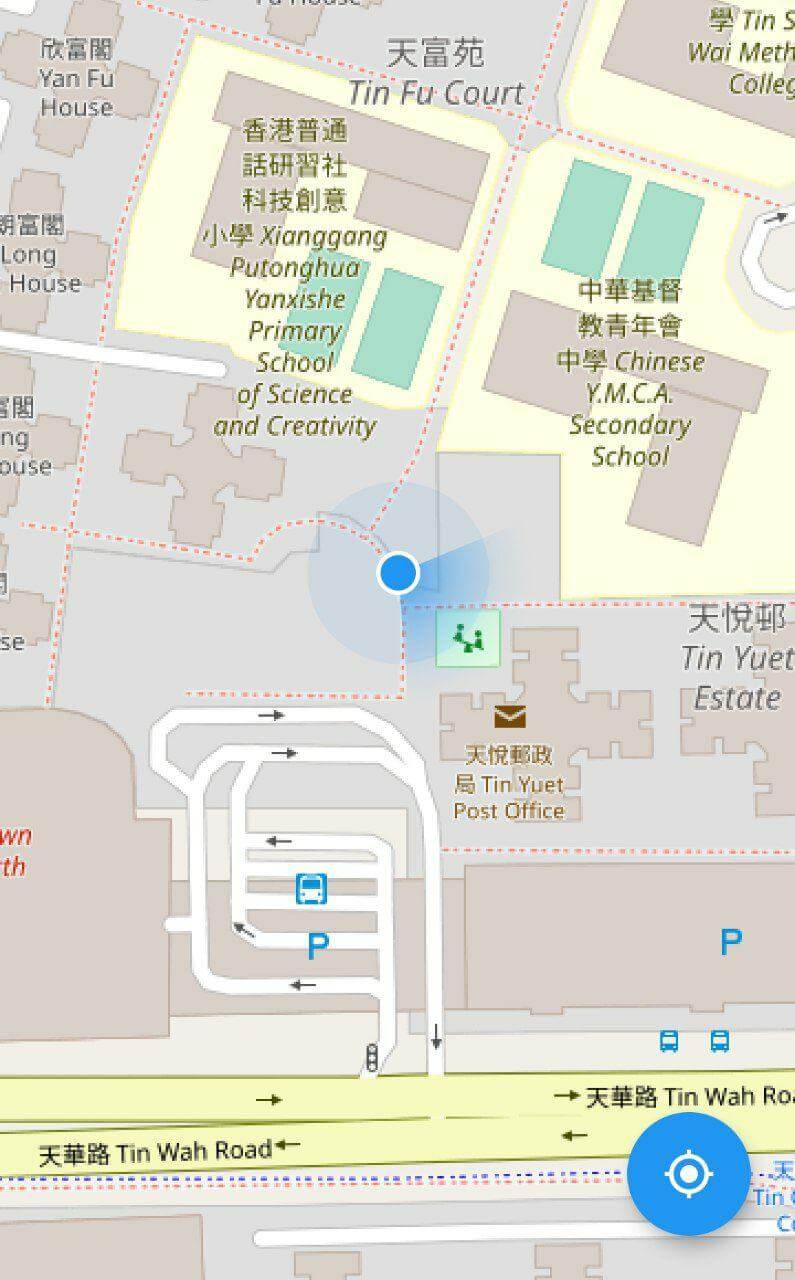
Aus öffentlichen Paketdaten erstellte Orientierung.
Ein Flutter-Plugin, das die Anzeige der aktuellen Position eines Geräts auf einer Karte mit flutter_map ermöglicht. Es bietet eine einfache Möglichkeit, die Echtzeitposition des Benutzers mit einem anpassbaren Marker darzustellen und so geolokationsbasierte Anwendungen zu verbessern. Das Plugin integriert sich nahtlos in das flutter_map-Paket und unterstützt mehrere Plattformen wie Android, iOS, Web, macOS, Windows und Linux. Es ist ideal für Anwendungen, die Standortbewusstsein erfordern, wie Navigationstools, Lieferverfolgung oder Standortfreigabedienste.
Anwendungsfälle
Echtzeit-Standortverfolgung
Navigations-Apps
Lieferung und Logistik
Standortbasierte Dienste
Kartenüberlagerungen mit Benutzerposition
Hauptmerkmale
Zeigt aktuelle Geräteposition an
Anpassbarer Standortmarker
Nahtlose Integration mit flutter_map
Unterstützt mehrere Plattformen
Automatische Aktualisierungen bei Ortsänderungen
Geeignet für
Entwickler, die kartengestützte Apps erstellen
Apps, die Echtzeit-GPS-Verfolgung benötigen
Plattformübergreifende Geolokationslösungen
standortbewusste Dashboards
Hinweise
Standortberechtigungen erforderlich
Kann Akku verbrauchen, wenn aktiv
Abhängig von der Installation von flutter_map
Die Genauigkeit hängt vom Geräte-GPS ab
Erforderliche ordnungsgemäße Behandlung von Berechtigungsanfragen
Original-README
Originaler README-Schnappschuss aus dem verknüpften Quell-Repository. Aktuelle Inhalte finden Sie im Repository.
flutter_map_location_marker
flutter_map_location_marker is a flutter_map plugin for
displaying the device's current location on a map. It provides a simple and flexible way to add a
customizable location marker to your map.
Join flutter_map Discord server to talk
about flutter_map_location_marker, get help and help others in the #plugins channel.
Features
Simple: The only thing you need to do is to add a CurrentLocationLayer() to your map
because all parameters have good default values.
Flexible: The default implementation receives the device's position from
the geolocator package and the device's heading from
the flutter_rotation_sensor package, but with
type conversion, streams from other sources are also supported.
Auto-following: The map follows the new location when the location is updated. This feature is
disabled by default.
Auto-rotating: The map can be rotated automatically in navigation mode. This feature is
disabled by default.
Customization: The location marker can be fully customized, including the colors of the
accuracy circle and heading sector.
Usage
Add flutter_map_location_marker to your pubspec.yaml:
dependencies:flutter_map_location_marker:any# or latest version
Add permission by following the instructions from
the geolocator package.
Custom Stream:
Use your own stream, such as position stream from another library or predefined route, as the
source.
No Stream:
Use Flutter setState() to update position and heading.
Navigation Mode:
Rotate the map to keep heading pointing upward.
Default Stream:
Share the default streams between your app and this plugin.
FAQ
Q: How can I get
the positionStream
, headingStream
or their origin streams from a CurrentLocationLayer widget?
A: You should not get these streams from a CurrentLocationLayer widget. Instead, create your own
streams with the same types and also pass them to all widgets that need them. CurrentLocationLayer
doesn't own the streams; it just listens to them. You can use any implementation of position and
heading streams, as long as the stream types are Stream<LocationMarkerPosition?> and
Stream<LocationMarkerHeading?>, respectively. You may
see this example
to know about how to do this.