Pakete, Repositories und App-Kategorien suchen

Paketdetailsv0.1.15

flutter_mobile_vision_2

(+Nicht NULL)Flutter-Implementierung für Google Mobile Vision. Scannen Sie Barcodes, erkennen Sie Text und erkennen Sie Gesichter.

AndroidiOS
30-Tage-Downloads
52
Likes
50
Pub-Punkte
140

Paket installieren

flutter pub add flutter_mobile_vision_2

Paketübersicht

Aus öffentlichen Paketdaten erstellte Orientierung.

Flutter Mobile Vision 2 ist ein Flutter-Plugin, das Zugriff auf die Google Mobile Vision-APIs für Barcode-Scanning, Texterkennung und Gesichtserkennung bietet. Es ermöglicht Entwicklern, Echtzeit-Bildanalyse direkt in mobilen Apps für Android und iOS zu integrieren. Das Paket unterstützt Live-Kamerastreams und bietet zuverlässige Leistung bei der Erkennung von Barcodes, Extraktion von gedrucktem oder handschriftlichem Text sowie Erkennung von Gesichtsmerkmalen wie Augen, Nase und Mund. Durch seine Einfachheit und Effizienz verbindet es native Vision-Funktionen mit dem plattformübergreifenden Framework von Flutter.

Anwendungsfälle

  • Barcode-Scanning in Einzelhandels-Apps
  • Textextraktion aus Bildern
  • Gesichtserkennung für die Benutzerauthentifizierung
  • Echtzeit-Dokumentenscanning
  • Bildbasierte Dateneingabe

Hauptmerkmale

  • Live-Kamera-Integration
  • Barcode-Scannen
  • Texterkennung (OCR)
  • Gesichtserkennung
  • Plattformübergreifende Unterstützung (Android & iOS)

Geeignet für

  • Mobile Apps, die OCR erfordern
  • Tools für Einzelhandels- und Bestandsmanagement
  • Dokumentendigitalisierungs-Apps
  • Benutzeridentitätsverifizierungssysteme
  • Apps, die eine Echtzeit-Bildanalyse erfordern

Hinweise

  • Kameraberechtigungen erforderlich
  • Abhängig von Google Play Services (Android)
  • Eingeschränkte Offline-Funktionalität
  • Kann Gerätekompatibilitätsprüfungen erfordern
  • Die Leistung variiert je nach Hardware

Original-README

Originaler README-Schnappschuss aus dem verknüpften Quell-Repository. Aktuelle Inhalte finden Sie im Repository.

flutter_mobile_vision_2

https://pub.dartlang.org/packages/flutter_mobile_vision_2

This is a simple non-null migration for https://github.com/edufolly/flutter_mobile_vision Thanks to Edufolly

pub package

Flutter implementation for Google Mobile Vision.

Based on Google Mobile Vision.

Android Samples -=- iOS Samples

Liked? :star: Star the repo to support the project!


Migration from fluttermobilevision by edufolly

If you are migrating from edufolly's package, please note the following changes.

[1]

import 'package:fluttermobilevision/fluttermobilevision.dart';

has been changed to

import 'package:flutter_mobile_vision_2/flutter_mobile_vision_2.dart';

so update your imports.

[2]

io.github.edufolly.fluttermobilevision

has been changed to

 ng.com.piccmaq.flutter.flutter_mobile_vision_2

so update your AndroidManifest.xml


Features

  • [x] Android

    • [x] Barcode Scan
      • [x] Front or Back camera.
      • [x] Select preview sizes.
      • [x] Simple scan.
      • [x] Toggle torch.
      • [x] Toggle auto focus.
      • [x] Specify types of barcodes that will be read.
      • [x] Tap to capture.
      • [x] Select barcode type to be scanned.
      • [x] Scan multiple barcodes.
      • [x] Barcode coordinates.
      • [x] Show barcode text.
      • [x] Standard code.
    • [x] Recognize Text
      • [x] Front or Back camera.
      • [x] Select preview sizes.
      • [x] Simple OCR.
      • [x] Toggle torch.
      • [x] Toggle auto focus.
      • [x] Multiple recognition.
      • [x] Text language.
      • [x] Text coordinates.
      • [x] Hide recognized text.
      • [x] Standard code.
    • [x] Detect Faces
      • [x] Front or Back camera.
      • [x] Select preview sizes.
      • [x] Simple detection.
      • [x] Toggle torch.
      • [x] Toggle auto focus.
      • [x] Multiple detection.
      • [x] Face coordinates.
      • [x] Hide detection information.
      • [x] Standard code.
    • [x] Generalization of capture activities.
    • [x] Choose between back and front camera.
    • [x] Control camera FPS.
  • [ ] iOS

    • [ ] Barcode Scan
      • [ ] Future Tasks
    • [ ] Recognize Text
      • [ ] Future Tasks
    • [ ] Detect Faces
      • [ ] Future Tasks
Your feature isn't listed? Open a issue right now!

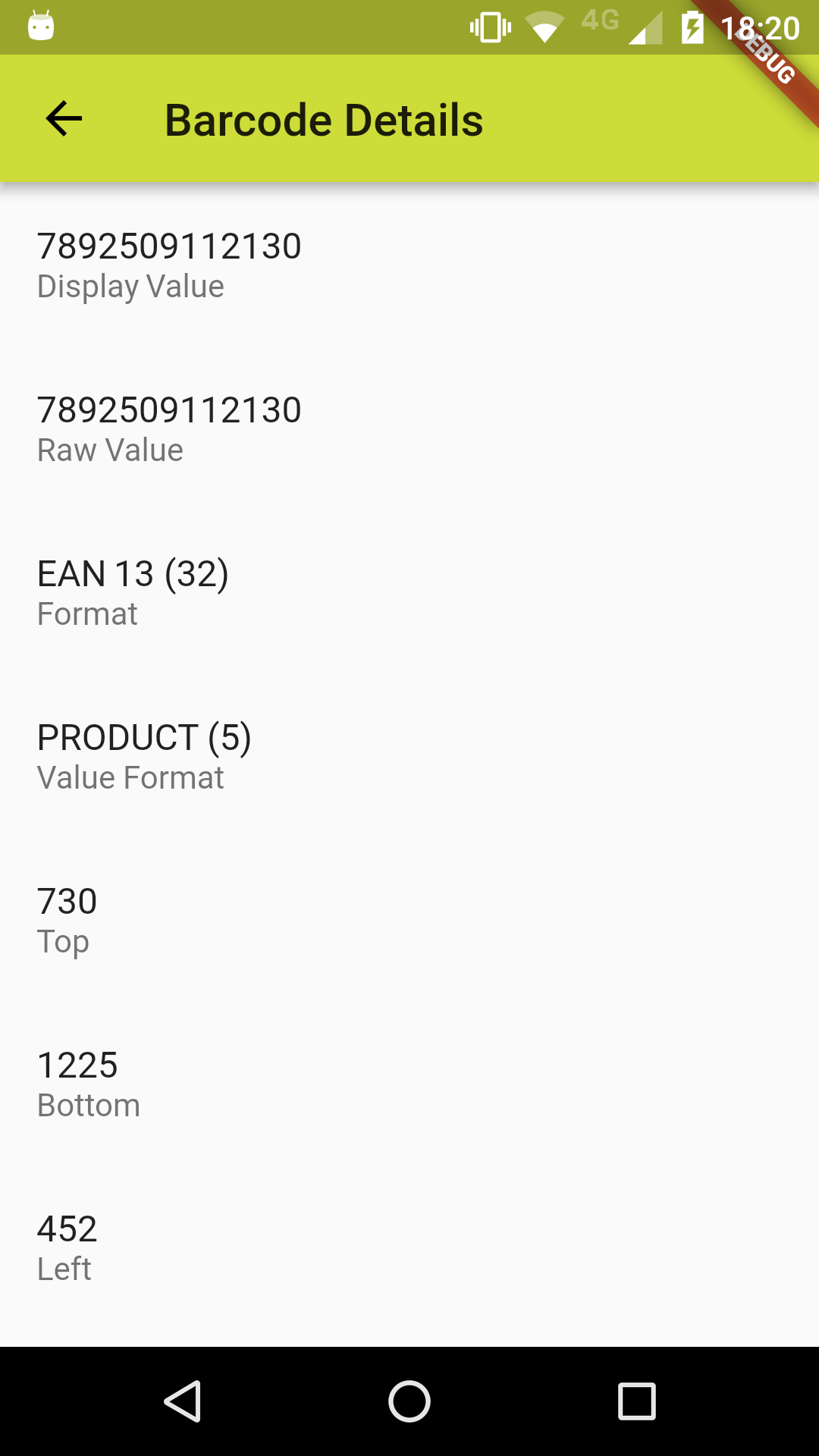
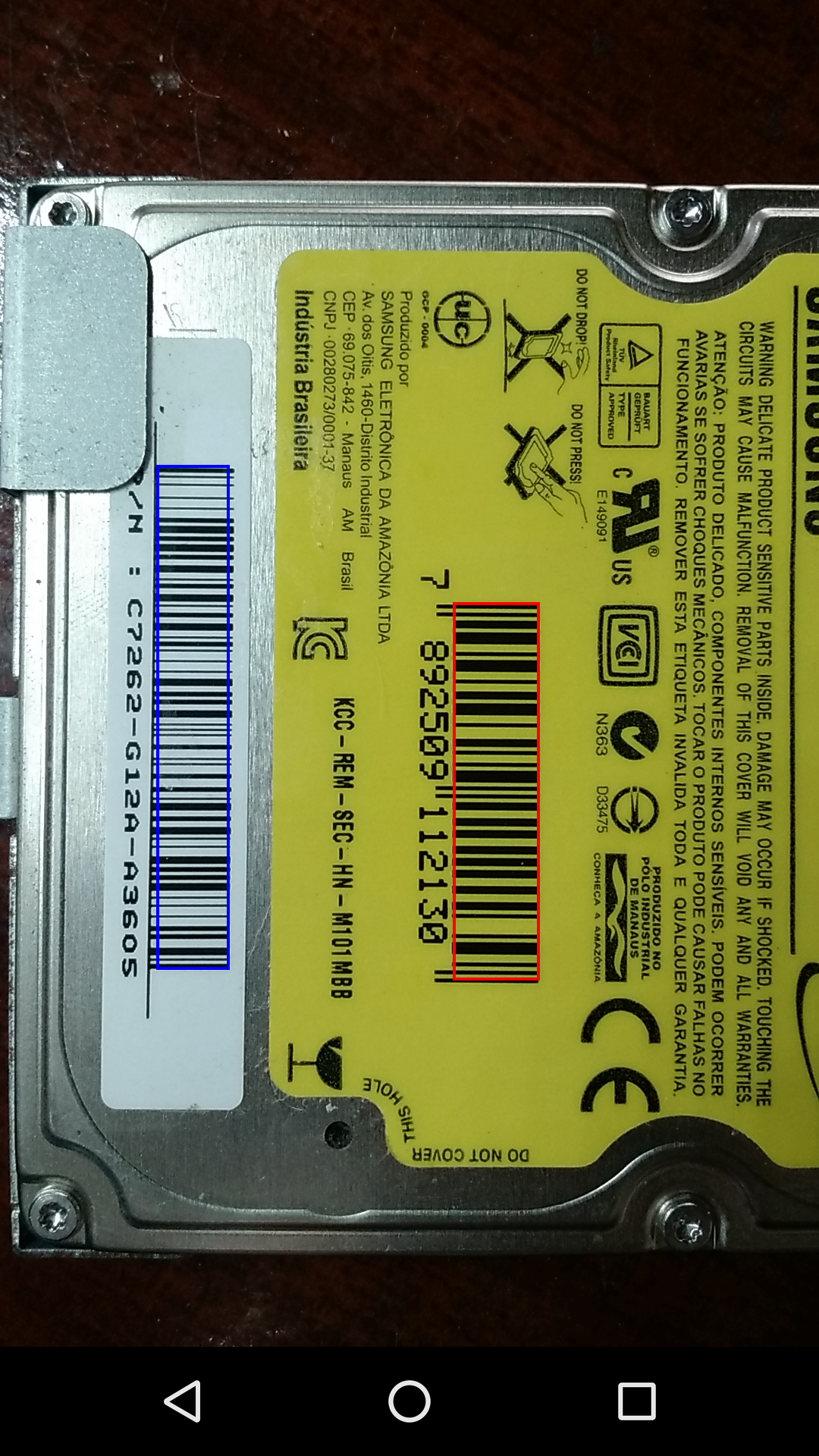
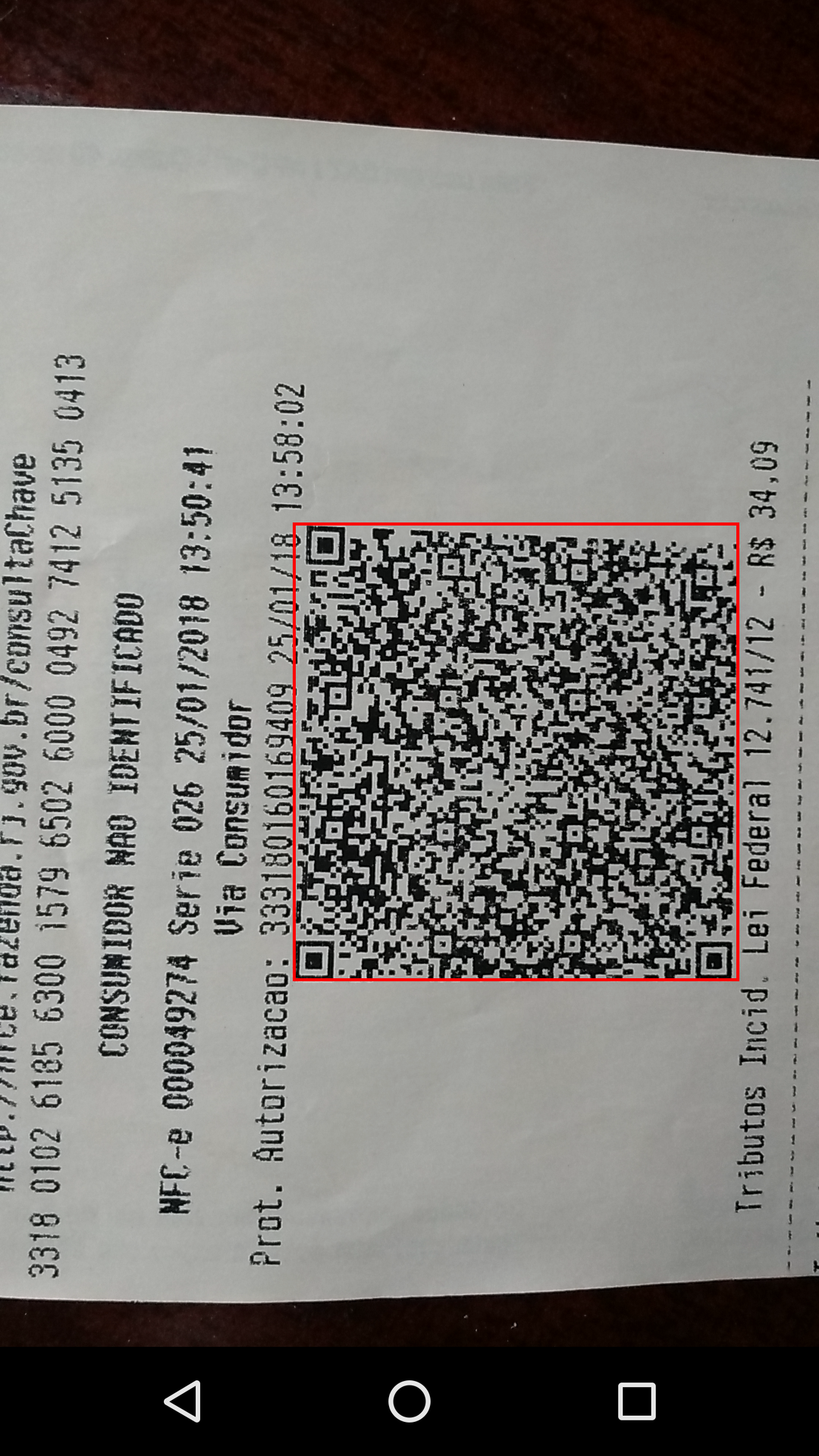
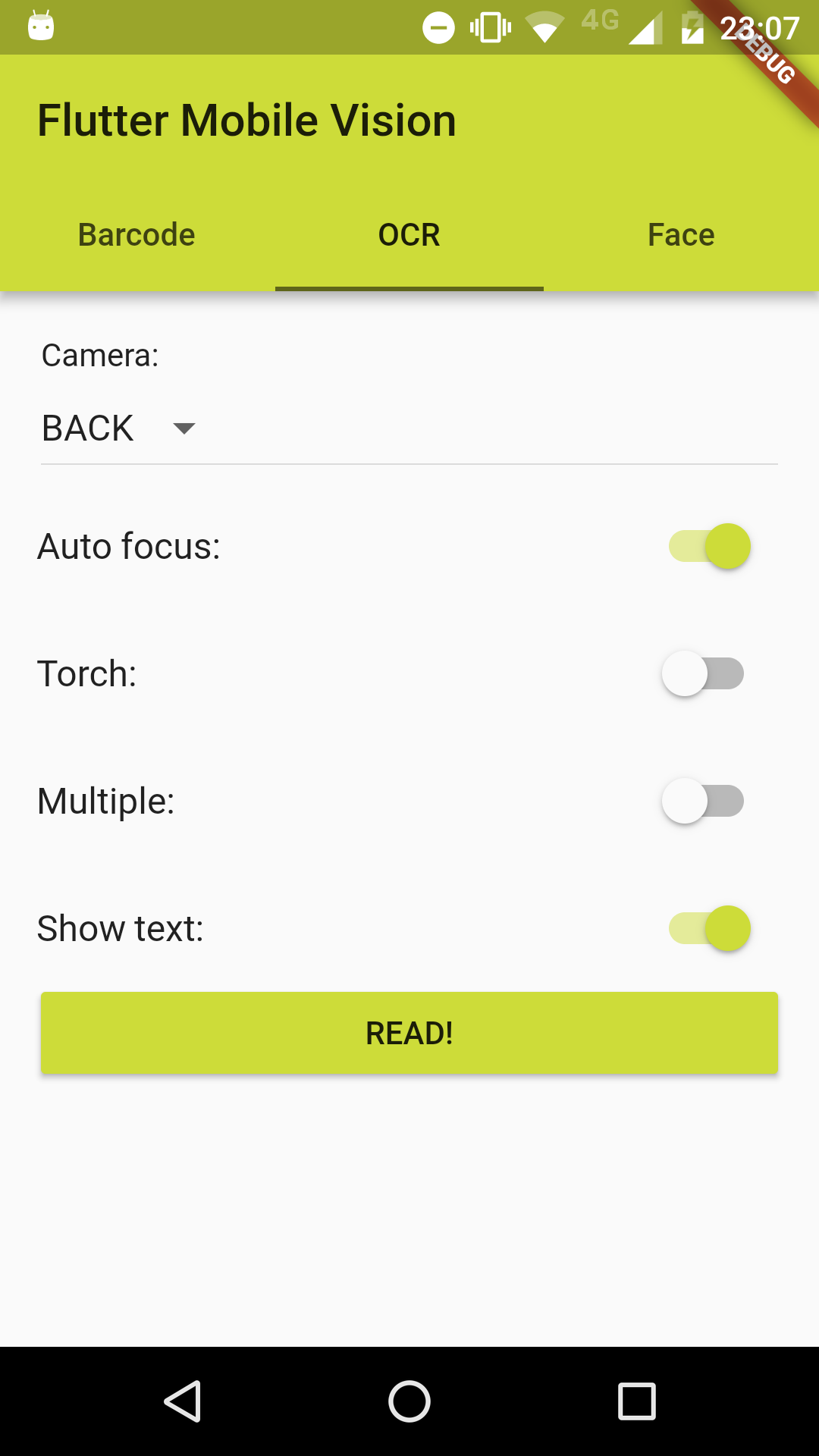
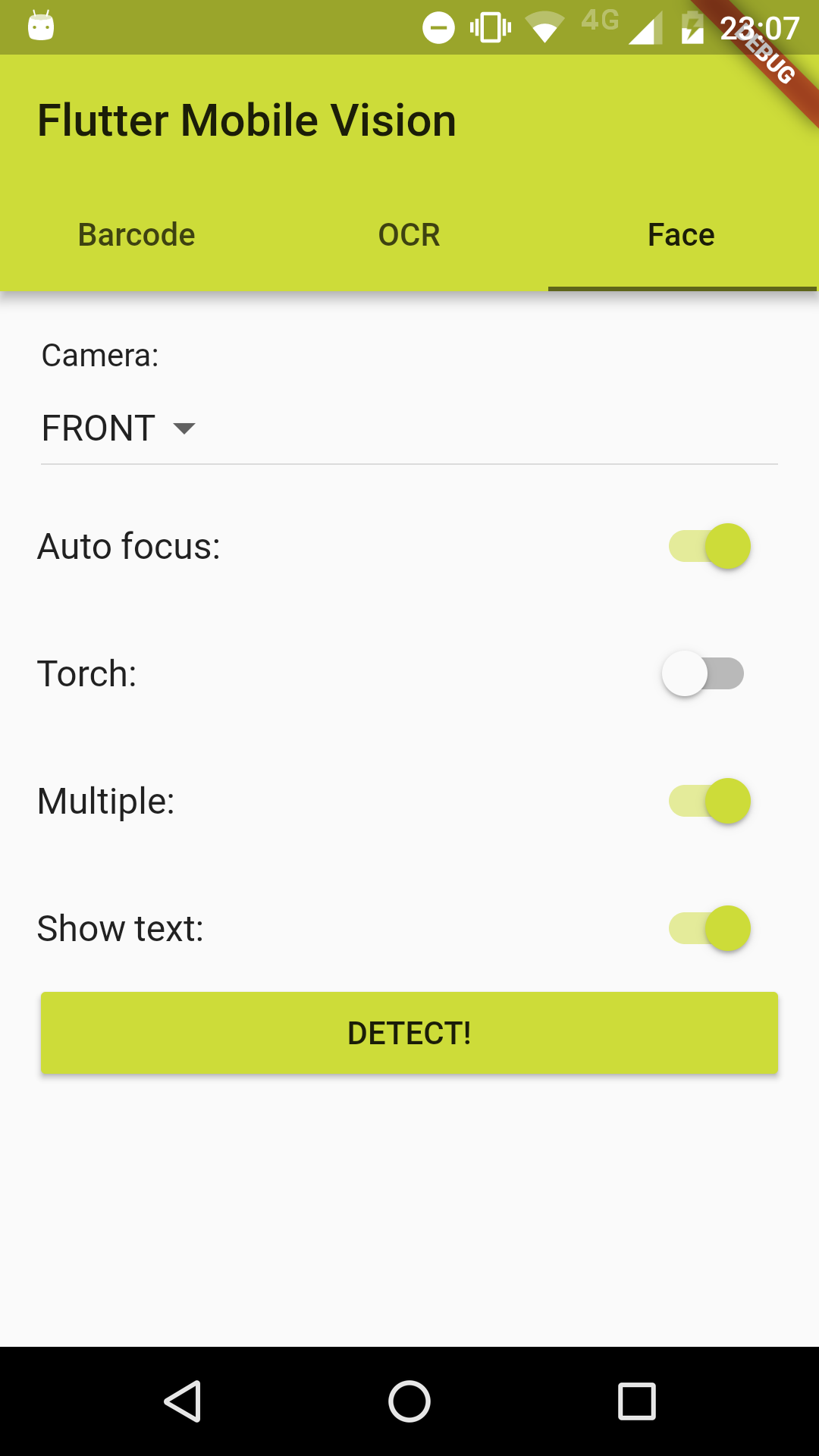
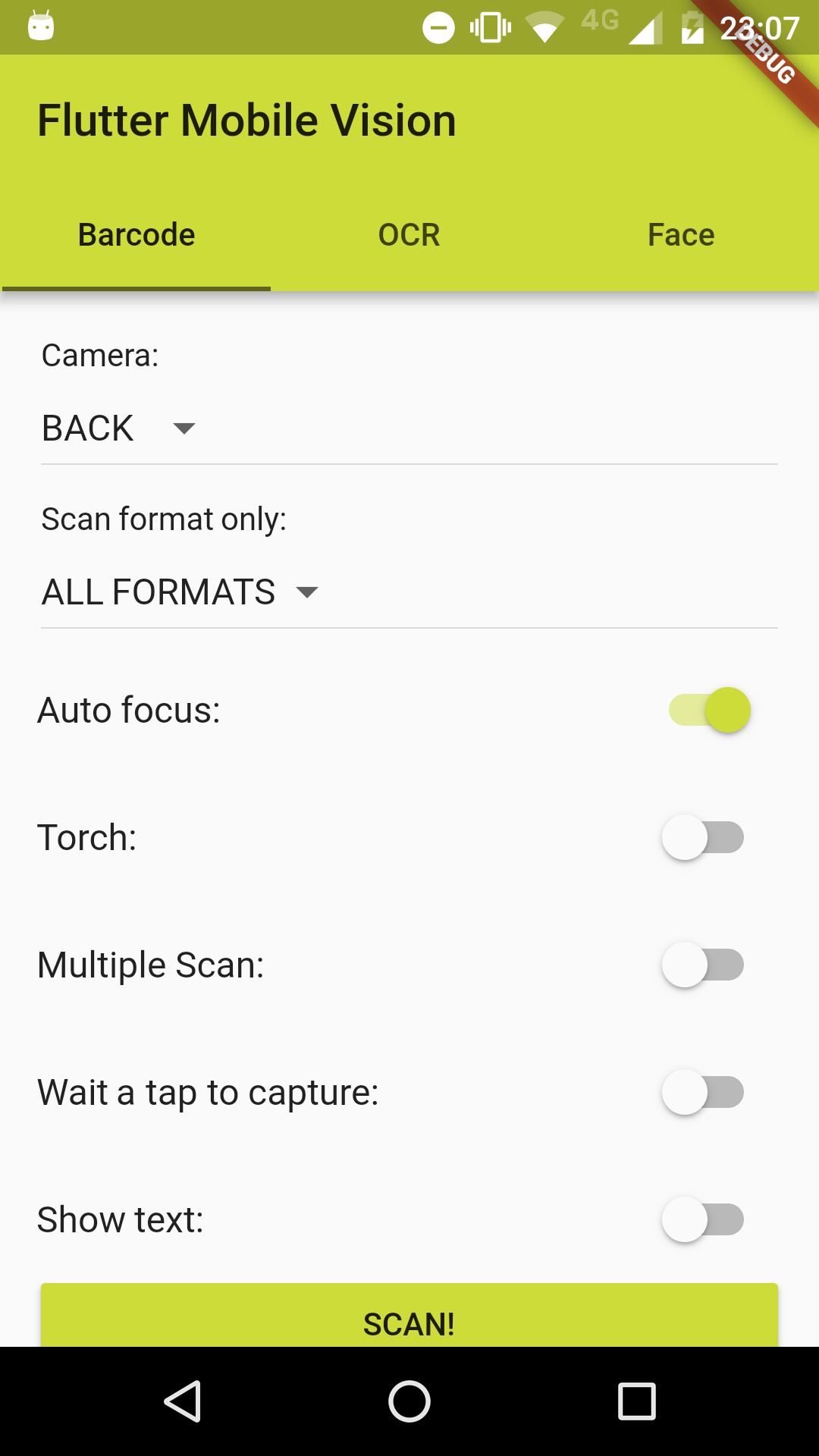
Screenshots

Usage

Example

To use this plugin :

  • add the dependency to your pubspec.yaml file:
  dependencies:
    flutter:
      sdk: flutter
    flutter_mobile_vision_2: ^0.1.9
  • add FlutterMobileVision.start() to initState():
@override
void initState() {
  super.initState();
  FlutterMobileVision.start().then((x) => setState(() {}));
}

or for a better implementation:

@override
void initState() {
  super.initState();
  FlutterMobileVision.start().then((previewSizes) => setState(() {
    _previewBarcode = previewSizes[_cameraBarcode].first;
    _previewOcr = previewSizes[_cameraOcr].first;
    _previewFace = previewSizes[_cameraFace].first;
  }));
}

Barcode

//...
List<Barcode> barcodes = [];
try {
  barcodes = await FlutterMobileVision.scan(
    flash: _torchBarcode,
    autoFocus: _autoFocusBarcode,
    formats: _onlyFormatBarcode,
    multiple: _multipleBarcode,
    waitTap: _waitTapBarcode,
    //OPTIONAL: close camera after tap, even if there are no detection.
    //Camera would usually stay on, until there is a valid detection
    forceCloseCameraOnTap: true,
    //OPTIONAL: path to save image to. leave empty if you do not want to save the image
    imagePath: '', //'path/to/file.jpg'
    showText: _showTextBarcode,
    preview: _previewBarcode,
    camera: _cameraBarcode,
    fps: 15.0,
  );
} on Exception {
  barcodes.add(new Barcode('Failed to get barcode.'));
}
//...
Android

For Android, you must do the following before you can use the plugin:

  • Add the camera permission to your AndroidManifest.xml

    <uses-feature android:name="android.hardware.camera" />

    <uses-permission android:name="android.permission.CAMERA" />

  • Add the Barcode activity to your AndroidManifest.xml (after other activity nodes)

    <activity android:name="ng.com.piccmaq.flutter.flutter_mobile_vision_2.barcode.BarcodeCaptureActivity" />

iOS

If you can help, the community thanks. Your fork is needed. :wink:


OCR

//...
List<OcrText> texts = [];
try {
  texts = await FlutterMobileVision.read(
    flash: _torchOcr,
    autoFocus: _autoFocusOcr,
    multiple: _multipleOcr,
    showText: _showTextOcr,
    previewSize: _previewOcr,
    preview: _previewOcr,
    camera: _cameraOcr,
    fps: 2.0,
  );
} on Exception {
  texts.add(new OcrText('Failed to recognize text.'));
}
//...
Android

For Android, you must do the following before you can use the plugin:

  • Add the camera permission to your AndroidManifest.xml

    <uses-feature android:name="android.hardware.camera" />

    <uses-permission android:name="android.permission.CAMERA" />

  • Add the OCR activity to your AndroidManifest.xml (after other activity nodes)

    <activity android:name="ng.com.piccmaq.flutter.flutter_mobile_vision_2.ocr.OcrCaptureActivity" />

iOS

If you can help, the community thanks. Your fork is needed. :wink:


Face Detection

//...
List<Face> faces = [];
try {
  faces = await FlutterMobileVision.face(
    flash: _torchFace,
    autoFocus: _autoFocusFace,
    multiple: _multipleFace,
    showText: _showTextFace,
    preview: _previewFace,
    camera: _cameraFace,
    fps: 15.0,
  );
} on Exception {
  faces.add(new Face(-1));
}
//...
Android

For Android, you must do the following before you can use the plugin:

  • Add the camera permission to your AndroidManifest.xml
    <uses-feature android:name="android.hardware.camera" />

    <uses-permission android:name="android.permission.CAMERA" />

  • Add the Face Detection activity to your AndroidManifest.xml (after other activity nodes)

    <activity android:name="ng.com.piccmaq.flutter.flutter_mobile_vision_2.face.FaceCaptureActivity" />

iOS

If you can help, the community thanks. Your fork is needed. :wink:

Kategorien

Quell-Repository

Projekte, die dieses Paket verwenden

Noch keine Daten verfügbar.