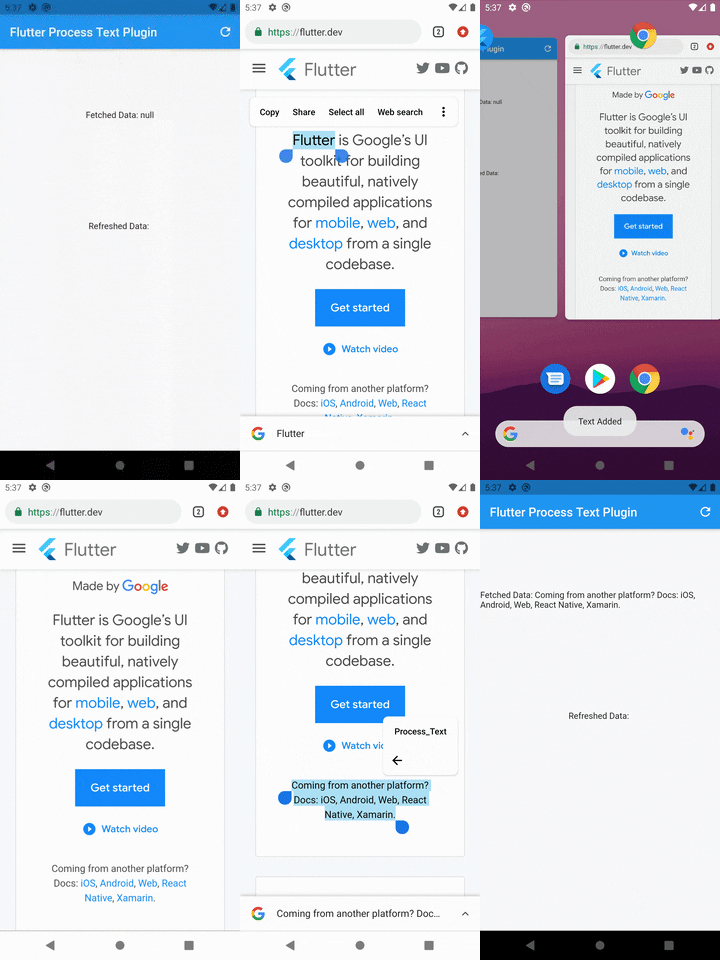
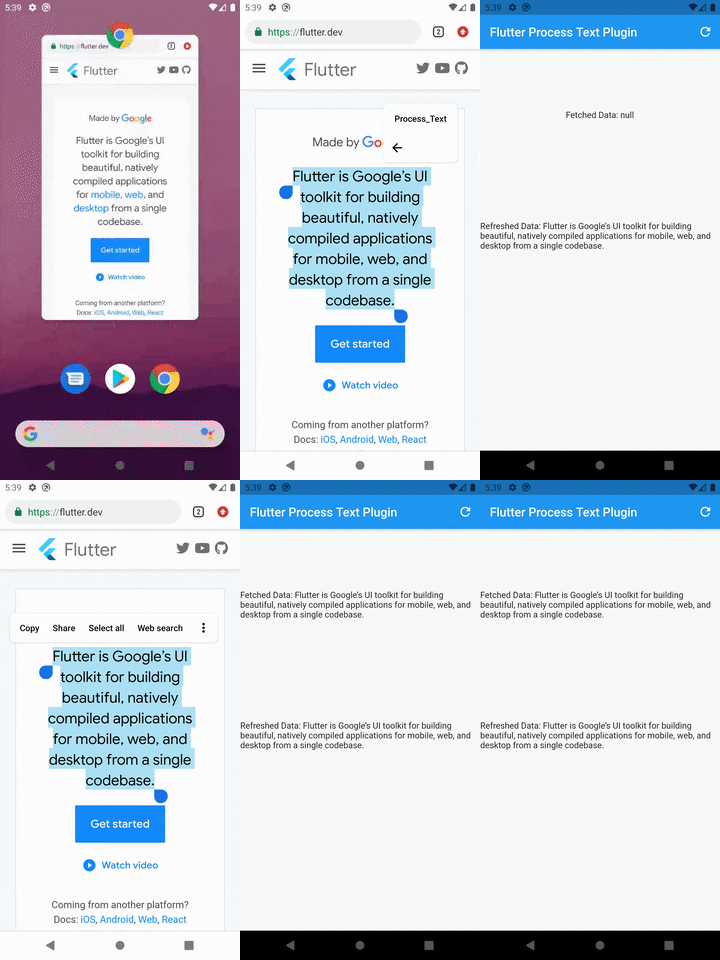
Aus öffentlichen Paketdaten erstellte Orientierung.
Ein Flutter-Plugin, das die Überwachung von Prozess-Textströmen ermöglicht und Anwendungen erlaubt, kontinuierliche Intent-Daten von externen Quellen zu empfangen. Es ist für Android und iOS konzipiert und erleichtert die nahtlose Integration in systemnahe Textverarbeitungsabläufe. Das Plugin erfasst Text-Intents in Echtzeit und eignet sich daher ideal für Anwendungsfälle wie die Überwachung der Zwischenablage, Textfreigabe oder die Integration mit dem Textoutput anderer Apps. Mit Fokus auf Einfachheit und plattformübergreifende Kompatibilität bietet es Entwicklern eine unkomplizierte API zum Zugriff auf eingehende Textströme.
Note: You may change the android:name from ProcessTextActivity to anything you want. also change the android:label from Process_Text to the process action text that you want to display.
Step 3: Create new activity class
Create a new Java/Kotlin file with the same name as android:name in step 2.
Copy the below code and paste in the newly created file.
package com.divyanshushekhar.flutter_process_text_example;

import com.divyanshushekhar.flutter_process_text.FlutterProcessTextPlugin;
import io.flutter.embedding.android.FlutterActivity;
import android.os.Bundle;

public class ProcessTextActivity extends FlutterActivity {

    @Override
    public void onCreate(Bundle savedInstanceState) {
        super.onCreate(savedInstanceState);
        boolean issAppRunning = MainActivity.getIsAppRunning();
        FlutterProcessTextPlugin.listenProcessTextIntent(issAppRunning);
    }
}
Note: Don't forget to change the package name in the above code.
Step 4: Changes in MainActivity
Make the necessary changes in the MainActivity class.
package com.divyanshushekhar.flutter_process_text_example;

import io.flutter.embedding.android.FlutterActivity;

import android.app.ActivityManager;
import android.content.Context;
import android.os.Bundle;
import java.util.List;

public class MainActivity extends FlutterActivity {
   private static boolean isAppRunning;

   public static boolean getIsAppRunning() {
     return isAppRunning;
   }

   @Override
   public void onCreate(Bundle savedInstanceState) {
       super.onCreate(savedInstanceState);
        isAppRunning = isAppRunning(this);
   }

    public static boolean isAppRunning(Context context) {
        final String packageName = context.getPackageName();
        final ActivityManager activityManager = (ActivityManager) context.getSystemService(Context.ACTIVITY_SERVICE);
        final List<ActivityManager.RunningAppProcessInfo> processInfo = activityManager.getRunningAppProcesses();
        if (processInfo != null)
        {
            for (final ActivityManager.RunningAppProcessInfo info : processInfo) {
                if (info.processName.equals(packageName)) {
                    return true;
                }
            }
        }
        return false;
    }
}
Step 5: Connect to flutter
First thing you need to do is to call the initialize method from the FlutterProcessText class in the initState() {} of the page.
There are two ways to work with stream, either create a StreamSubscription to listen for the incoming data or store the Stream and use it in StreamBuilder.