Aus öffentlichen Paketdaten erstellte Orientierung.
flutter_sensors ist ein Flutter-Plugin, das den Zugriff auf die eingebauten Sensoren des Geräts wie Beschleunigungsmesser, Gyroskop und Magnetometer ermöglicht. Es ermöglicht Entwicklern die Erfassung von Echtzeit-Daten zu Bewegung und Orientierung von Android- und iOS-Geräten. Das Plugin bietet eine einfache, konsistente API zum Abonnieren von Sensorereignissen und ist daher ideal für Anwendungen, die Bewegungstracking oder interaktive Erlebnisse basierend auf der Gerätebewegung erfordern. Es integriert sich nahtlos in Flutter’s reaktives Framework und ermöglicht eine effiziente Verarbeitung von Sensorströmen.
Anwendungsfälle
bewegungsbasierste Spielsteuerung
Fitness- und Aktivitätsverfolgung
Anwendungen für erweiterte Realität
Geräteausrichtungserkennung
Interaktive Benutzeroberflächenelemente
Hauptmerkmale
Echtzeit-Sensordaten-Streaming
Unterstützung für Beschleunigungssensor, Gyroskop und Magnetometer
Interaktive und immersiv erlebte Benutzererfahrungen
Integration von tragbaren und Fitness-Technologien
Hinweise
Erforderliche Berechtigungen auf Android
Der Akkuverbrauch kann bei kontinuierlicher Sensorabfrage steigen
Die Datenpräzision hängt von der Gerätehardware ab
Nicht geeignet für hochpräzise industrielle Anwendungen
Original-README
Originaler README-Schnappschuss aus dem verknüpften Quell-Repository. Aktuelle Inhalte finden Sie im Repository.
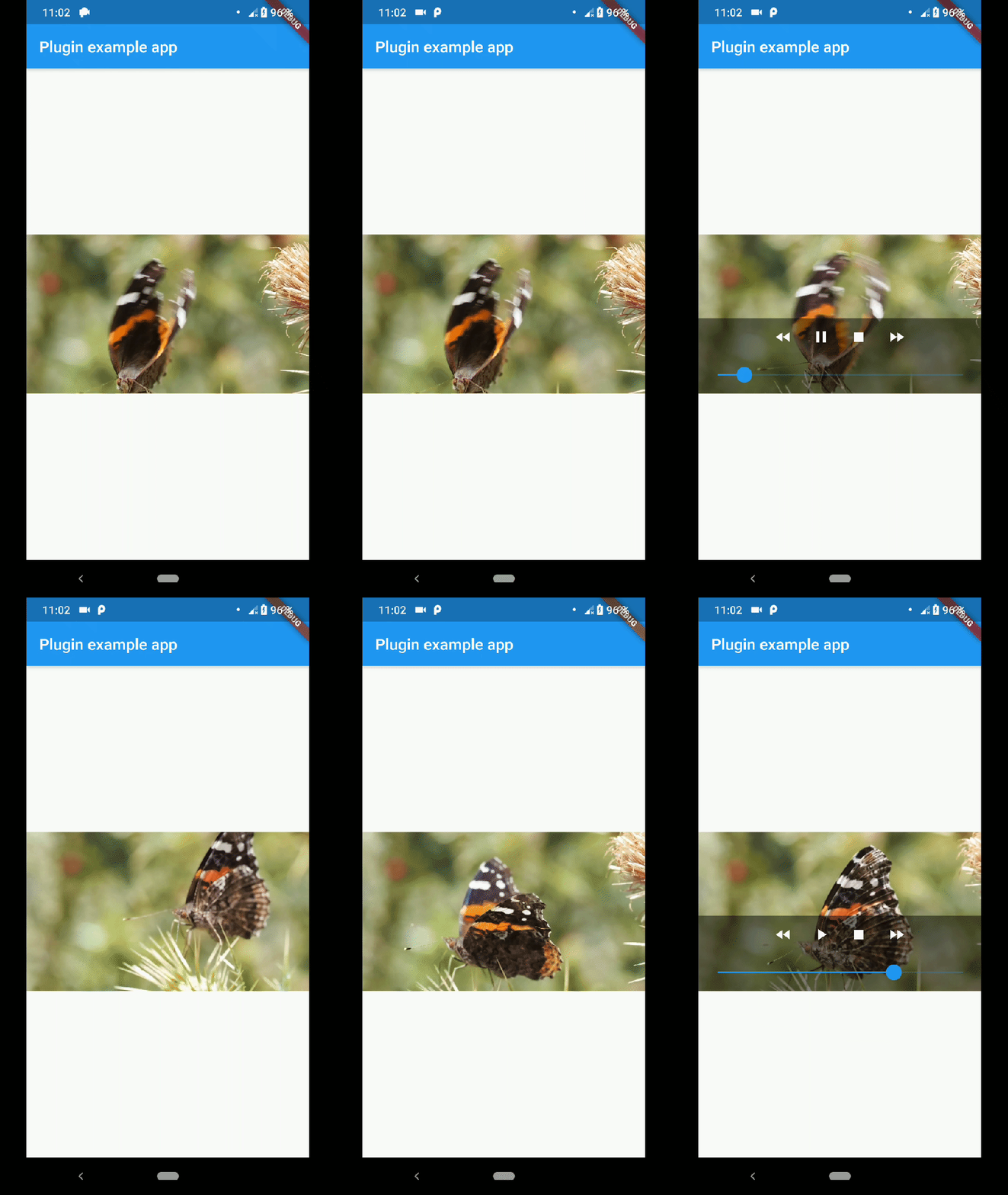
native_video_view
A video player widget displayed using the platform native player
(VideoView in Android and AVPlayer in iOS).
Disclaimer
This plugin uses VideoView because in some devices the ExoPlayer plugin
is not working correctly (due to decoders or something) and VideoView is
a reasonable alternative. In iOS is sorta similar to Google's
video_player so you should use
their plugin if you want a player for iOS only.
Installation
First you need to add the dependency in your pubspec.yaml.
native_video_view:^0.3.0
Then import the plugin in the .dart file you want to use it.
You need to add the necessary permissions to play the videos. If
you are playing videos from the internet, you need to add the internet
permissions in your AndroidManifest.xml located in the android
folder in your project.
keepAspectRatio: Wraps the video player in a AspectRatio widget.
The aspect ratio is calculated once the video is loaded. By default the
aspect ratio is 4/3.
showMediaController: Shows a default media controller overlay
in the video player widget.
enableVolumeControl: Adds an option in the MediaController to control the volume of the
playback.
useExoPlayer: Use ExoPlayer as the underlying player.
Android Only.
autoHide: Automatically hides the media controller after
a few seconds of no use. Default is true.
autoHideTime: The time after which the controller is hidden.
Default is 2 seconds.
onCreated: (required) Callback called when the PlatformView is
finished creating.
onPrepared: (required) Callback called when the player has
finished loading the video.
onCompletion: (required) Callback called when the video reached
the end.
onError: Callback called if an error occurs in the player.
onProgress: Callback used to notify progress in the video
playback.
AudioFocus
To make the player get the audio focus of the system you just have to use the setting
requestAudioFocus when setting the video source. See the example below.