Pakete, Repositories und App-Kategorien suchen

Cover von flutter_splash_screen
Paketdetailsv4.0.0

flutter_splash_screen

Eine Splash-Screen-API für Flutter, die das programmatische Ausblenden und Anzeigen des Startbildschirms ermöglicht. Funktioniert unter Android und iOS.

AndroidiOS
30-Tage-Downloads
193
Likes
70
Pub-Punkte
140

Paket installieren

flutter pub add flutter_splash_screen

Paketübersicht

Aus öffentlichen Paketdaten erstellte Orientierung.

Ein Flutter-Paket, das eine programmatische API zum Steuern des Startbildschirms unter Android und iOS bereitstellt. Es ermöglicht Entwicklern, den Startbildschirm während des App-Starts dynamisch anzuzeigen und auszublenden, wodurch reibungslose Übergänge und benutzerdefinierte Startbildschirm-Logik möglich werden. Das Paket integriert sich nahtlos in native Plattformen und unterstützt sowohl iOS als auch Android ohne zusätzliche Konfiguration. Es ist ideal für Apps, die eine verzögerte Anzeige des Startbildschirms oder bedingte Behandlung des Startbildschirms basierend auf dem App-Zustand benötigen.

Anwendungsfälle

  • Dynamische Splash-Kontrolle
  • App-Initialisierungsverzögerungen
  • Bedingte Splash-Anzeige
  • Onboarding-Integration
  • Benutzerdefinierte Splash-Übergänge
  • Splash-Management nach der Anmeldung

Hauptmerkmale

  • Programmatische Anzeige/Ausblendung
  • Unterstützung für Android und iOS
  • Minimale Einrichtung
  • Native Plattformintegration
  • Keine zusätzliche Konfiguration erforderlich
  • Glatte Übergangsbearbeitung

Geeignet für

  • Apps mit Onboarding-Flows
  • Apps, die verzögerte Startbildschirme erfordern
  • Entwickler verwalten die Splash-Zeit
  • Quer Cross-Platform-Splash
  • Apps mit komplexer Startlogik

Hinweise

  • Benötigt native Plattform-Einrichtung für volle Funktionalität
  • Nur auf Startbildschirm beschränkt
  • Nicht geeignet für komplexe UI-Überlagerungen
  • Möglicherweise sind zusätzliche Stile für benutzerdefinierte Designs erforderlich
  • Hängt von der korrekten Initialisierungsreihenfolge ab

Original-README

Originaler README-Schnappschuss aus dem verknüpften Quell-Repository. Aktuelle Inhalte finden Sie im Repository.

flutter_splash_screen

Download PRs Welcome flutter_splash_screen release License MIT RN

A splash screen API for flutter which can programatically hide and show the splash screen. Works on Android and iOS.

Content

Changes

Examples

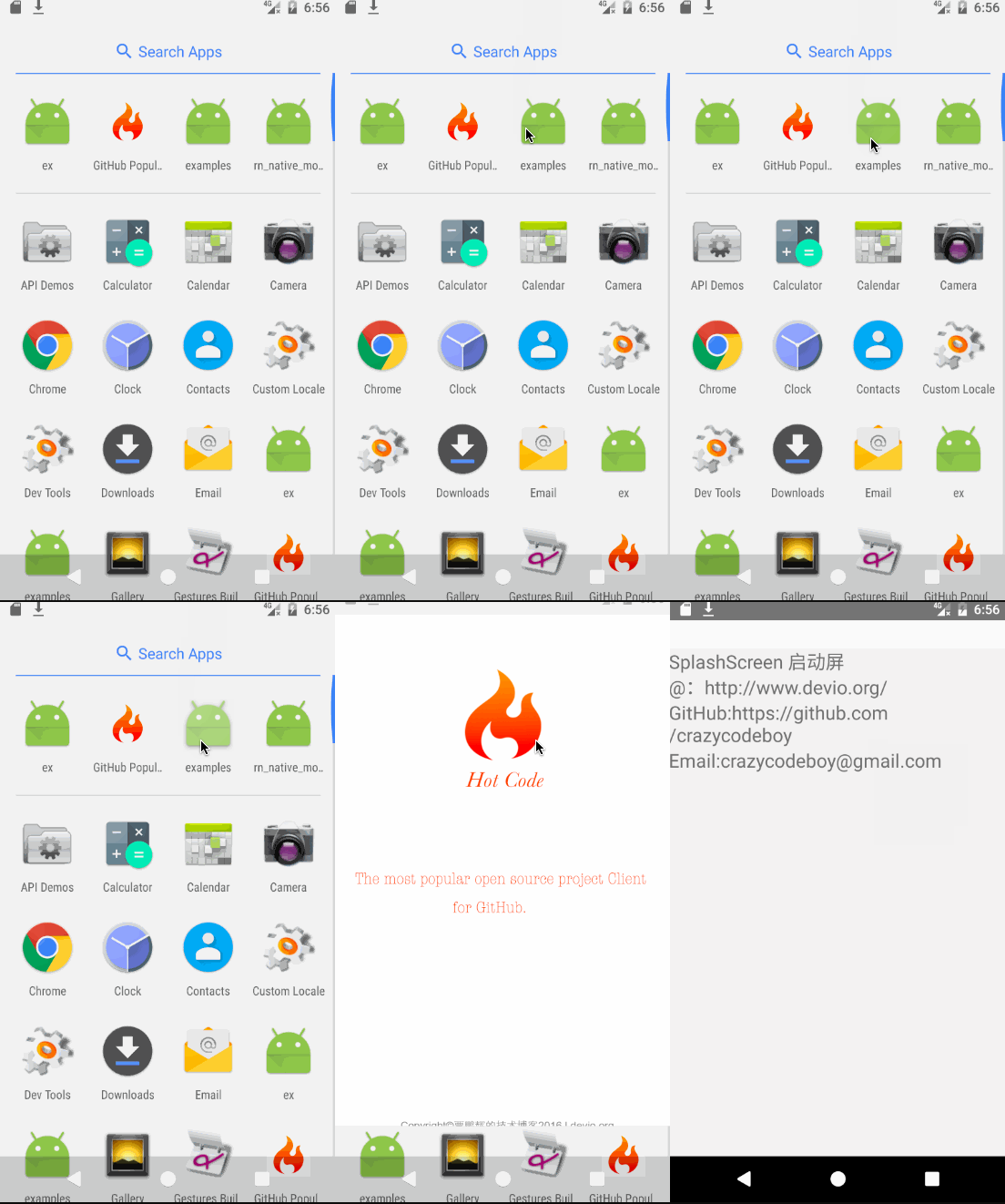
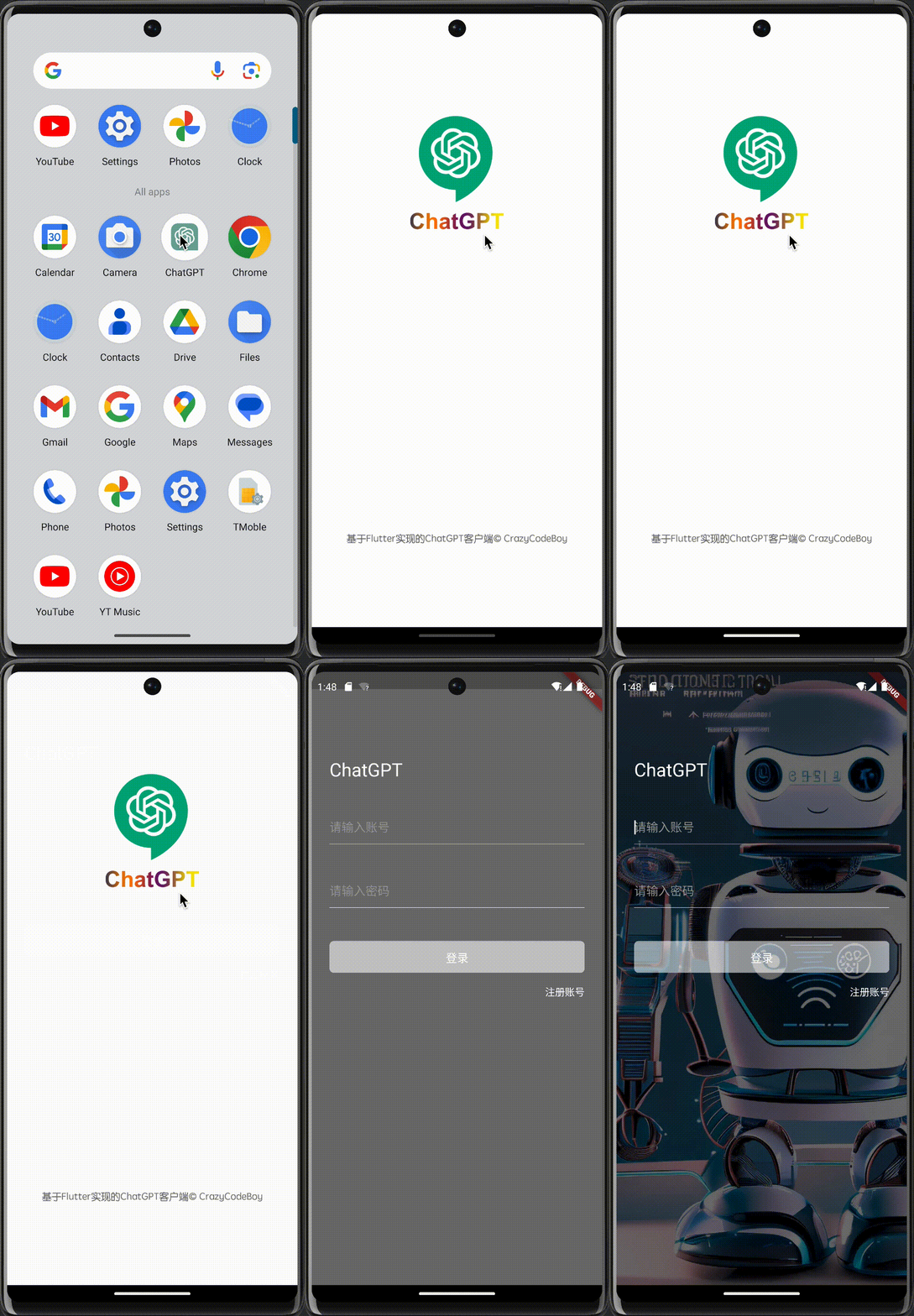
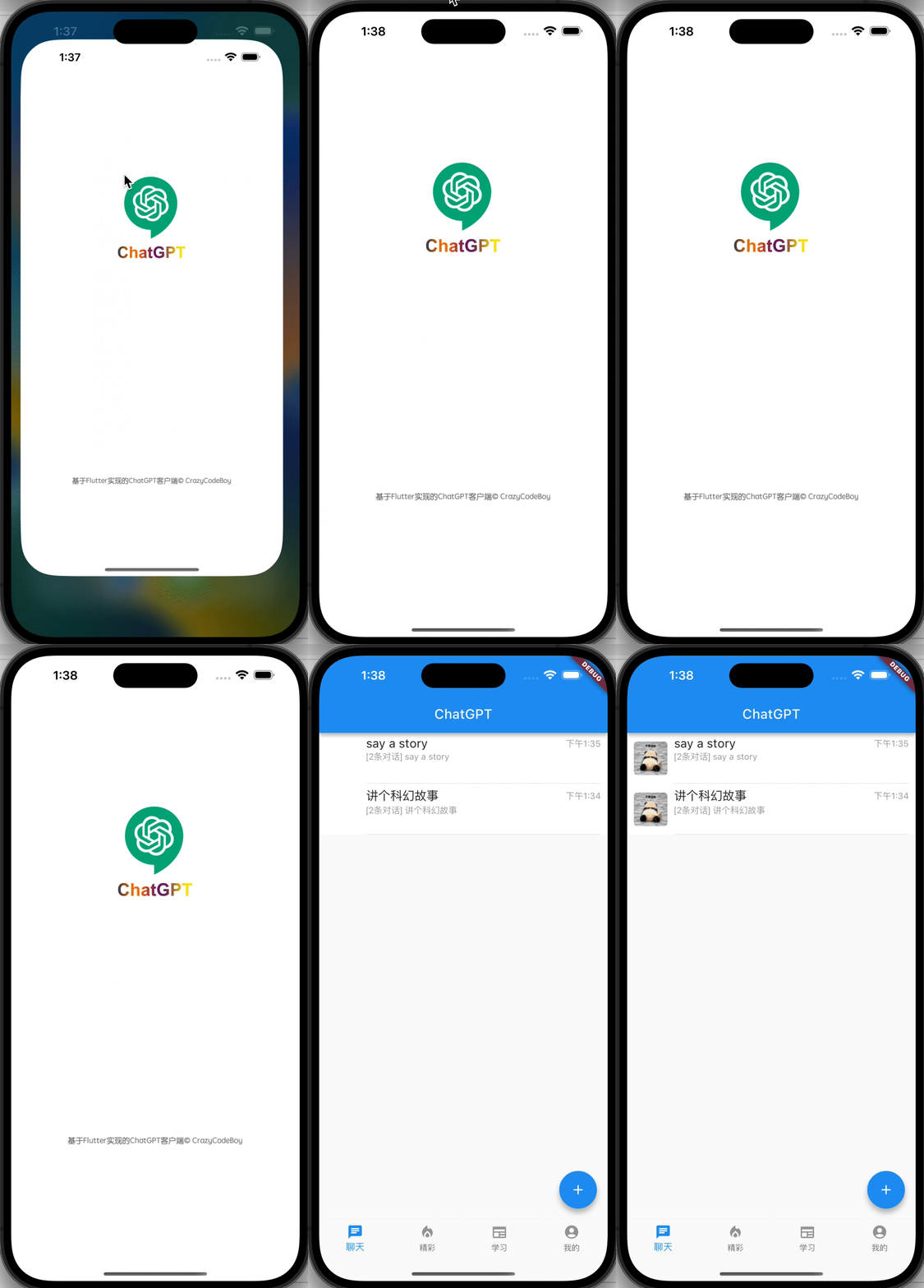
Screenshots Screenshots
flutter_splash_screen-Android flutter_splash_screen-iOS

1. Installation

Depend on it

Run this command:

flutter pub add flutter_splash_screen

2. Plugin Configuration

Android
Update the MainActivity.kt

Update the MainActivity.kt to use flutter_splash_screen via the following changes:

package org.devio.flutter.splashscreen.example

import android.os.Bundle
import io.flutter.embedding.android.FlutterActivity

import org.devio.flutter.splashscreen.SplashScreen // add

class MainActivity : FlutterActivity() {
    override fun onCreate(savedInstanceState: Bundle?) {
        // SplashScreen.show(this) 
        // or enable full screen
        SplashScreen.show(this, true)
        super.onCreate(savedInstanceState)
    }
}
Create launch_screen.xml file

Create a file called launch_screen.xml in app/src/main/res/layout (create the layout-folder if it doesn't exist). The contents of the file should be the following:

<?xml version="1.0" encoding="utf-8"?>
<FrameLayout xmlns:android="http://schemas.android.com/apk/res/android"
    android:layout_width="match_parent" android:layout_height="match_parent"
    android:background="@android:color/white">

    <ImageView android:layout_width="match_parent" android:layout_height="match_parent"
        android:layout_gravity="center|top" android:scaleType="centerCrop"
        android:src="@mipmap/launch_screen" />
</FrameLayout>

Customize your launch screen by creating a launch_screen.png-file and placing it in an appropriate mipmap-folder. Android automatically scales drawable, so you do not necessarily need to provide images for all phone densities. You can create splash screens in the following folders:

  • mipmap-ldpi
  • mipmap-mdpi
  • mipmap-hdpi
  • mipmap-xhdpi
  • mipmap-xxhdpi
  • mipmap-xxxhdpi

Add a color called primary_dark in app/src/main/res/values/colors.xml

<?xml version="1.0" encoding="utf-8"?>
<resources>
    <color name="primary_dark">#000000</color>
</resources>

Optional steps:

If you want the splash screen to be transparent, follow these steps.

Open android/app/src/main/res/values/styles.xml and add <item name="android:windowIsTranslucent">true</item> to the file. It should look like this:


<resources>
    <!-- Base application theme. -->
    <style name="AppTheme" parent="Theme.AppCompat.Light.NoActionBar">
        <!-- Customize your theme here. -->
        <!--设置透明背景-->
        <item name="android:windowIsTranslucent">true</item>
    </style>
</resources>

To learn more see examples

If you want to customize the color of the status bar when the splash screen is displayed:

Create android/app/src/main/res/values/colors.xml and add

<?xml version="1.0" encoding="utf-8"?>
<resources>
    <color name="status_bar_color"><!-- Colour of your status bar here --></color>
</resources>

Create a style definition for this in android/app/src/main/res/values/styles.xml:

<?xml version="1.0" encoding="utf-8"?>
<resources>
    <style name="SplashScreenTheme" parent="SplashScreen_SplashTheme">
        <item name="colorPrimaryDark">@color/status_bar_color</item>
    </style>
</resources>

Change your show method to include your custom style:

SplashScreen.show(this,R.style.SplashScreenTheme);
iOS

Customize your splash screen via LaunchScreen.storyboard,

Learn more to see examples

Usage

Use like so:

import 'dart:async';

import 'package:flutter/material.dart';
import 'package:flutter_splash_screen/flutter_splash_screen.dart';

void main() => runApp(MyApp());

class MyApp extends StatefulWidget {
  @override
  _MyAppState createState() => _MyAppState();
}

class _MyAppState extends State<MyApp> {
  @override
  void initState() {
    super.initState();
    hideScreen();
  }

  ///hide your splash screen
  Future<void> hideScreen() async {
    Future.delayed(Duration(milliseconds: 1800), () {
      FlutterSplashScreen.hide();
    });
  }

  ...

API

Method Type Optional Description
show() function false Open splash screen (Native Method )
hide() function false Close splash screen

Testing

Contribution

Issues are welcome. Please add a screenshot of you bug and a code snippet. Quickest way to solve issue is to reproduce it in one of the examples.

Pull requests are welcome. If you want to change the API or do something big it is best to create an issue and discuss it first.


MIT Licensed

Kategorien

Quell-Repository

Projekte, die dieses Paket verwenden