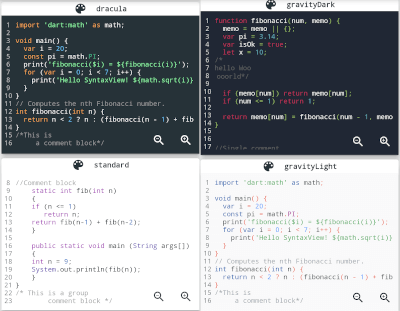
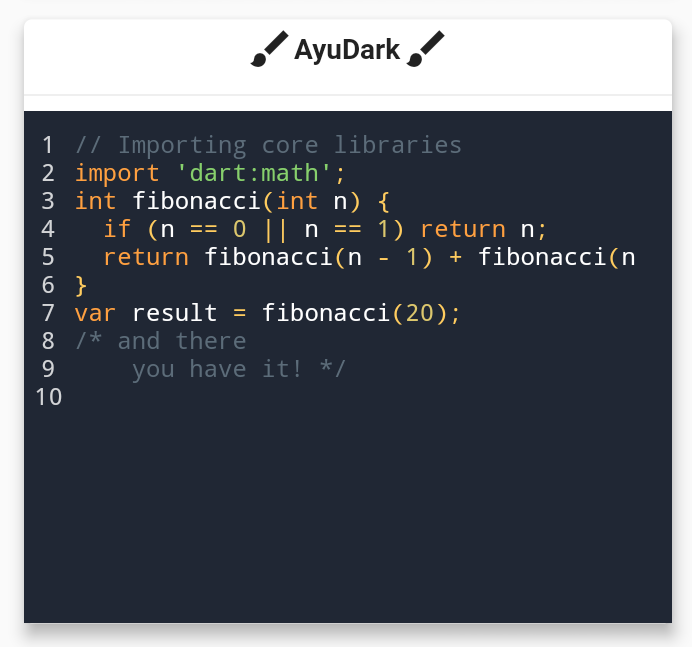
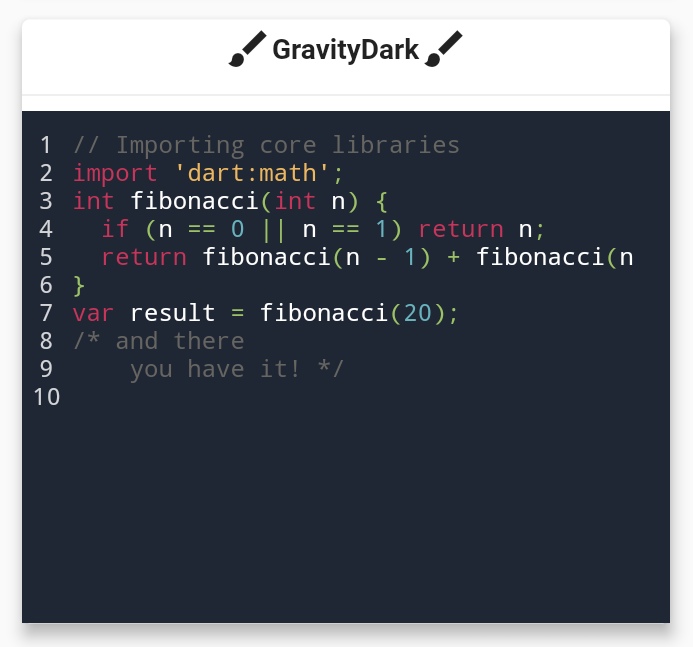
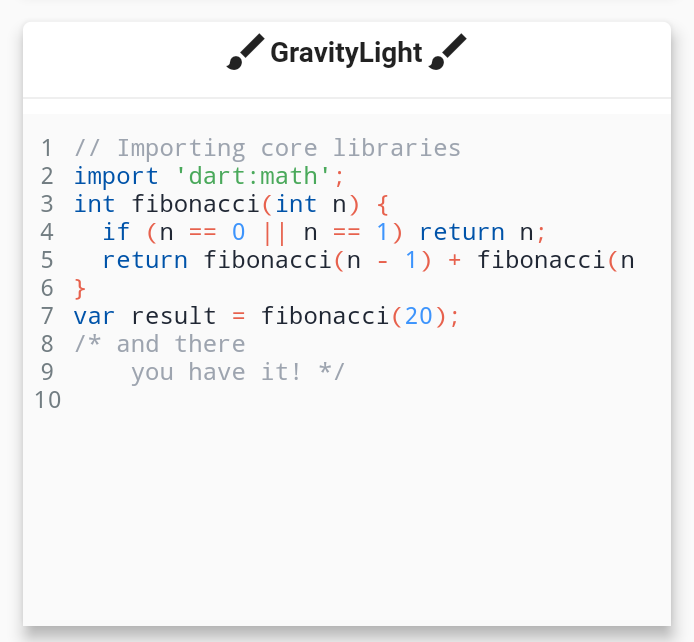
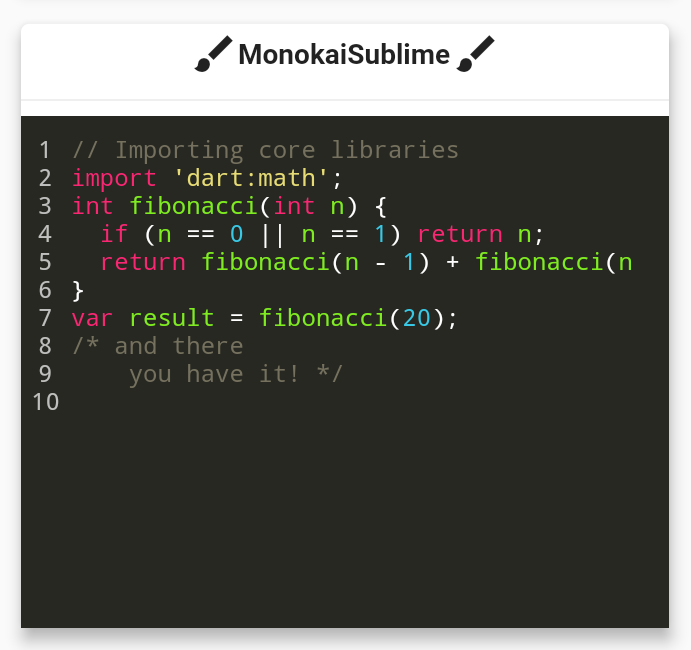
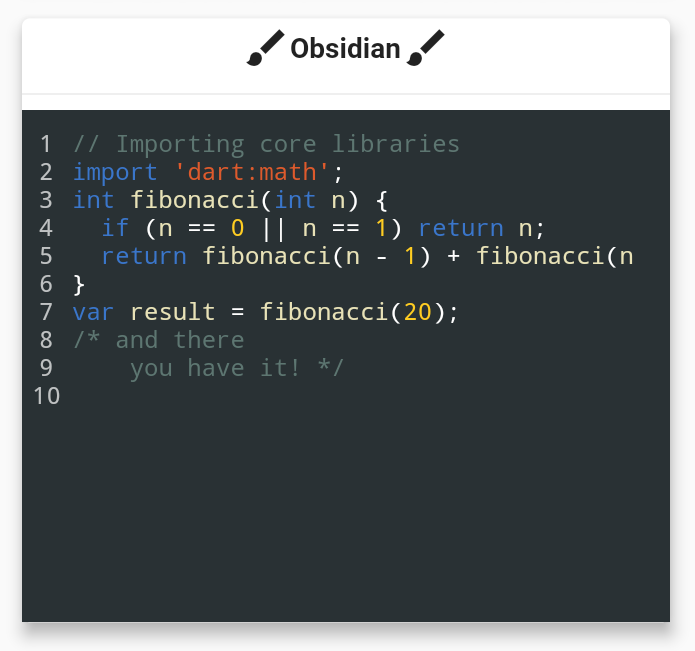
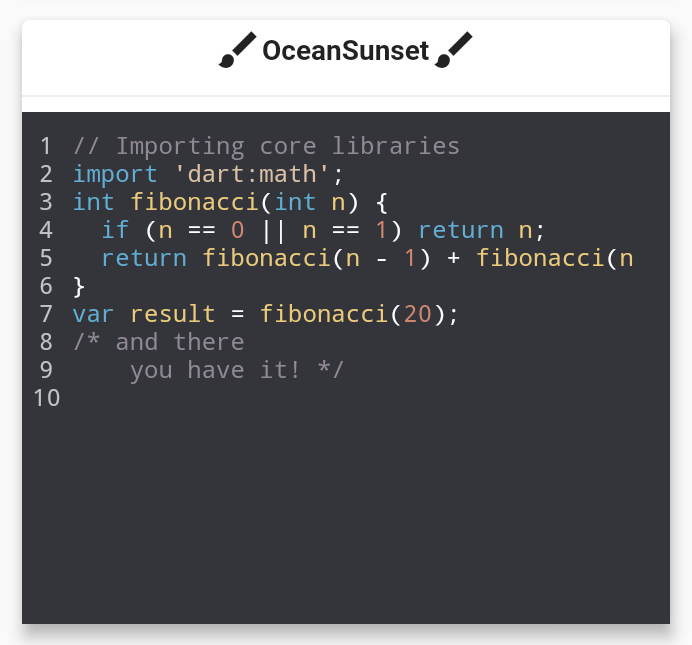
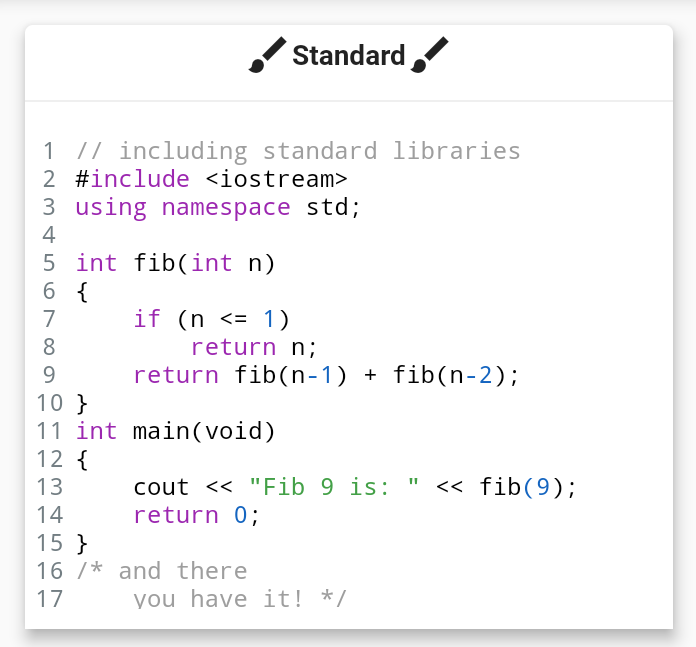
Aus öffentlichen Paketdaten erstellte Orientierung.
Ein Flutter-Widget, das die Syntax-Hervorhebung für Code-Abschnitte mit einer reinen Dart-Implementierung bereitstellt. Es unterstützt mehrere Programmiersprachen und rendert hervorgehobenen Text effizient, ohne externe Abhängigkeiten zu benötigen. Ideal zum Anzeigen von Code in Dokumentationen, Tutorials oder Entwicklungstools innerhalb von Flutter-Anwendungen. Das Widget ist leichtgewichtig und kompatibel mit allen wichtigen Plattformen, einschließlich Mobilgeräte, Web und Desktop.
Anwendungsfälle
Codebeispiele in Apps anzeigen
Syntax in der Dokumentation hervorheben
Code-Editor-Komponenten erstellen
Bildungsaufgaben mit Code-Snippets
Präsentation von Programmier-Tutorials
Hauptmerkmale
Reine Dart-Implementierung
Unterstützt mehrere Programmiersprachen
Plattformübergreifende Kompatibilität
Leichtgewichtig und effizient
Keine nativen Abhängigkeiten
Anpassbare Themen
Geeignet für
Entwickler von Bildungsanwendungen
Dokumentation und Tutorials-Apps
Code-Sharing-Plattformen
Interne Entwicklerwerkzeuge
UIs, die hervorgehobenen Code erfordern
Hinweise
Beschränkt auf statischen Text (nicht bearbeitbar)
Unterstützt keine Echtzeitbearbeitung
Die Anpassung des Themas erfordert manuelle Konfiguration
Die Leistung kann bei sehr großen Codeblöcken variieren
Original-README
Originaler README-Schnappschuss aus dem verknüpften Quell-Repository. Aktuelle Inhalte finden Sie im Repository.
flutter_syntax_view
Flutter Syntax Highlighter
Basic Usage
classHomePageextendsStatelessWidget{
constHomePage({super.key});
finalString code = """
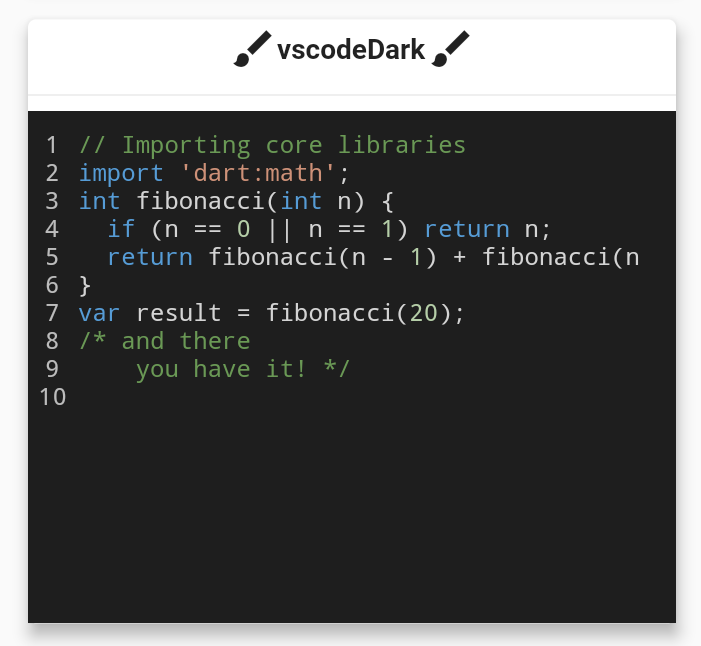
// Importing core libraries
import 'dart:math';
int fibonacci(int n) {
if (n == 0 || n == 1) return n;
return fibonacci(n - 1) + fibonacci(n - 2);
}
final int result = fibonacci(20);
/* and there
you have it! */
""";
@overrideWidgetbuild(BuildContext context) {
returnScaffold(
body: Center(
child: SyntaxView(
code: code, // Code text
syntax: Syntax.DART, // Language
syntaxTheme: SyntaxTheme.vscodeDark(), // Theme
fontSize: 12.0, // Font size
withZoom: true, // Enable/Disable zoom icon controls
withLinesCount: true, // Enable/Disable line number
expanded: false, // Enable/Disable container expansion
selectable: true// Enable/Disable code text selection
),
),
);
}
}
Create a Custom SyntaxTheme
classAppColors{
staticconstColor backgroundColor = Color(0xff1A1A19);
staticconstColor linesCountColor = Color(0xffEFE9D5);
staticconstColor commentStyle = Color(0xffEEDF7A);
staticconstColor zoomIconColor = Color(0xff77CDFF);
staticconstColor stringStyle = Color(0xffF87A53);
staticconstColor baseStyle = Color(0xffF5F5F5);
staticconstColor keywordStyle = Color(0xffCAE0BC);
staticconstColor classStyle = Color(0xffB9E5E8);
}
classHomePageextendsStatelessWidget{
HomePage({super.key});
staticconstString code = r"""
import 'dart:math' as math;
// Coffee class is the best!
class Coffee {
late int _temperature;
void heat() => _temperature = 100;
void chill() => _temperature = -5;
void sip() {
final bool isTooHot = math.max(37, _temperature) > 37;
if (isTooHot)
print("myyy liiips!");
else
print("mmmmm refreshing!");
}
int? get temperature => temperature;
}
void main() {
var coffee = Coffee();
coffee.heat();
coffee.sip();
coffee.chill();
coffee.sip();
}
/* And there
you have it */""";
finalSyntaxTheme myCustomTheme = SyntaxTheme.standard().copyWith(
backgroundColor : AppColors.backgroundColor,
linesCountColor : AppColors.linesCountColor,
commentStyle : constTextStyle(color: AppColors.commentStyle),
zoomIconColor : AppColors.zoomIconColor,
stringStyle : constTextStyle(color: AppColors.stringStyle),
baseStyle : constTextStyle(color: AppColors.baseStyle),
keywordStyle : constTextStyle(color: AppColors.keywordStyle),
punctuationStyle: constTextStyle(color: AppColors.keywordStyle),
classStyle : constTextStyle(color: AppColors.classStyle),
);
@overrideWidgetbuild(BuildContext context) {
returnScaffold(
body: Center(
child: SyntaxView(
code: code, // Code text
syntax: Syntax.DART, // Language
syntaxTheme: myCustomTheme, // Theme
fontSize: 12.0, // Font size
withZoom: true, // Enable/Disable zoom icon controls
withLinesCount: true, // Enable/Disable line number
expanded: false, // Enable/Disable container expansion
selectable: true// Enable/Disable code text selection
),
),
);
}
}
if you are familiar with Regular Expressions in Dart and would like contribute in adding further syntax support. it will be very appreciated!
Contributors ✨
Thanks goes to these wonderful people!
Features and bugs
If you face any problems feel free to open an issue at the issue tracker. If you feel the library is missing a feature, please raise a ticket on Github. Pull request are also welcome.