Eine leichte und hochgradig anpassbare SVG-Avatar-Bibliothek für Flutter-Apps. Bietet einen Customizer-Widget, CircleAvatar und andere nützliche Funktionen, die sofort verwendbar sind.
Aus öffentlichen Paketdaten erstellte Orientierung.
Fluttermoji ist eine leichte, anpassbare SVG-basierte Avatar-Bibliothek für Flutter, die die Erstellung von Profilbildern und Chat-Köpfen vereinfacht. Sie bietet ein Customizer-Widget zur dynamischen Avatar-Erzeugung, eine CircleAvatar-Implementierung sowie nützliche Funktionen, die nahtlos in Anwendungen integriert werden können. Mit Skalierbarkeit im Fokus entwickelt, unterstützt sie mehrere Plattformen wie Android, iOS, Web, macOS, Windows und Linux. Die Bibliothek ermöglicht Entwicklern die einfache Erzeugung einzigartiger Avatare mit SVGs mit minimalem Code – ideal für soziale Apps, Messaging-Schnittstellen oder Benutzerprofile.
Anwendungsfälle
Benutzerprofil-Avatare
Chat-Köpfe der Nachrichten-App
Soziale-Medien-App-Oberflächen
Onboarding-Bildschirme
Mehrbenutzer-Dashboards
Hauptmerkmale
SVG-basierte Avatar-Darstellung
Anpassungswerkzeug für Echtzeit-Anpassung
CircleAvatar-Integration
Plattformübergreifende Unterstützung
Hochgradig anpassbare Erscheinung
Leicht und schnelle Leistung
Geeignet für
Entwickler, die soziale oder Messaging-Apps erstellen
Teams, die brandierte Avatare benötigen
Apps, die dynamische Benutzerprofil-Visualisierungen erfordern
Projekte, die sich auf Leistung und minimale Paketgröße konzentrieren
Hinweise
Grundkenntnisse von SVGs erforderlich
Beschränkt auf avatar-spezifische Anwendungsfälle
Möglicherweise sind zusätzliche Stile für komplexe Benutzeroberflächen erforderlich
Nicht geeignet für nicht-Avatar-Grafiken
Original-README
Originaler README-Schnappschuss aus dem verknüpften Quell-Repository. Aktuelle Inhalte finden Sie im Repository.
fluttermoji
A light-weight and highly customizable SVG graphic set for Flutter, which provides a Customizer Widget, CircleAvatar and other utility functions.
This package provides you three easy-to-use widgets -
Name
Description
Screenshot
FluttermojiCircleAvatar
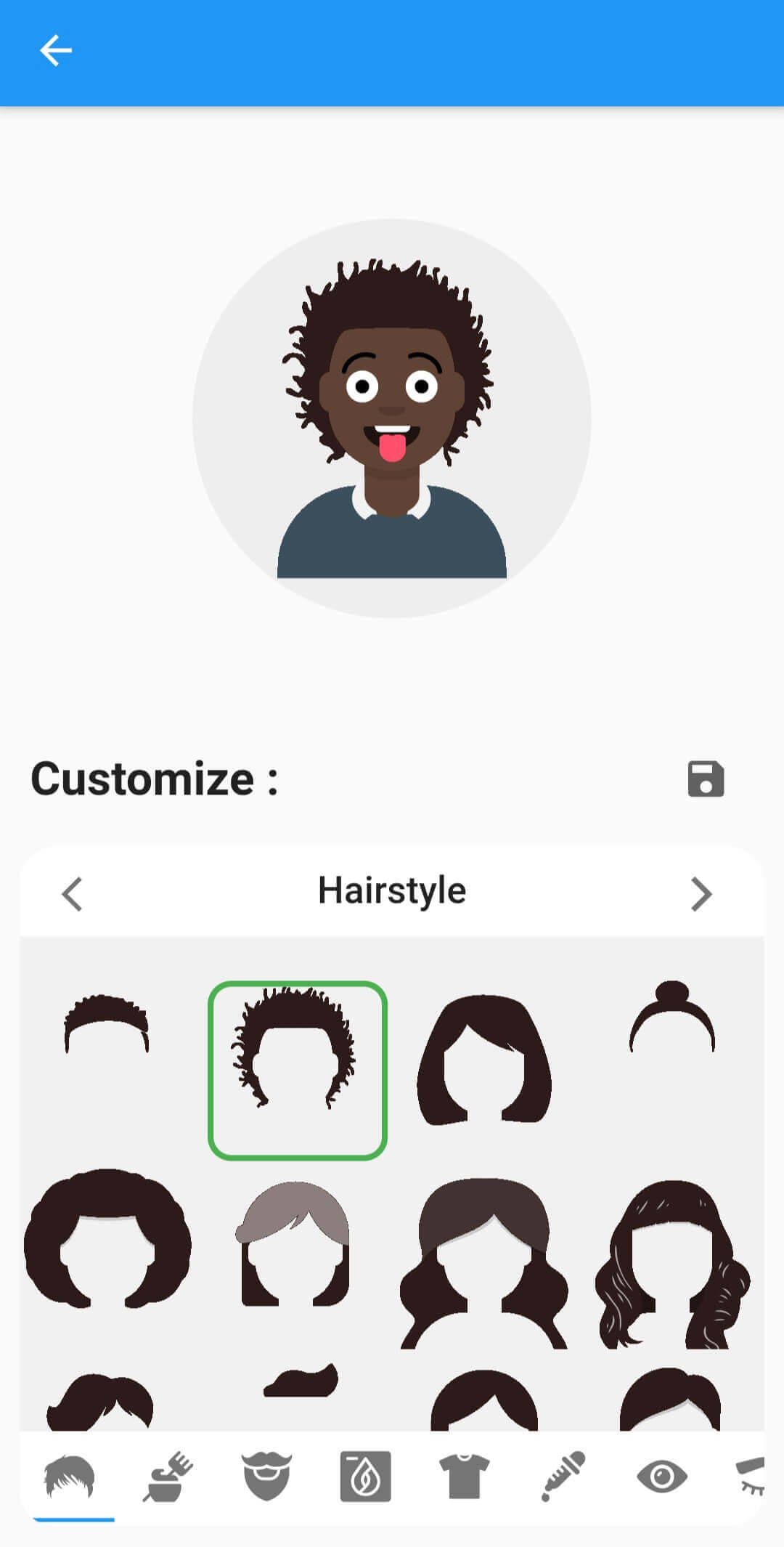
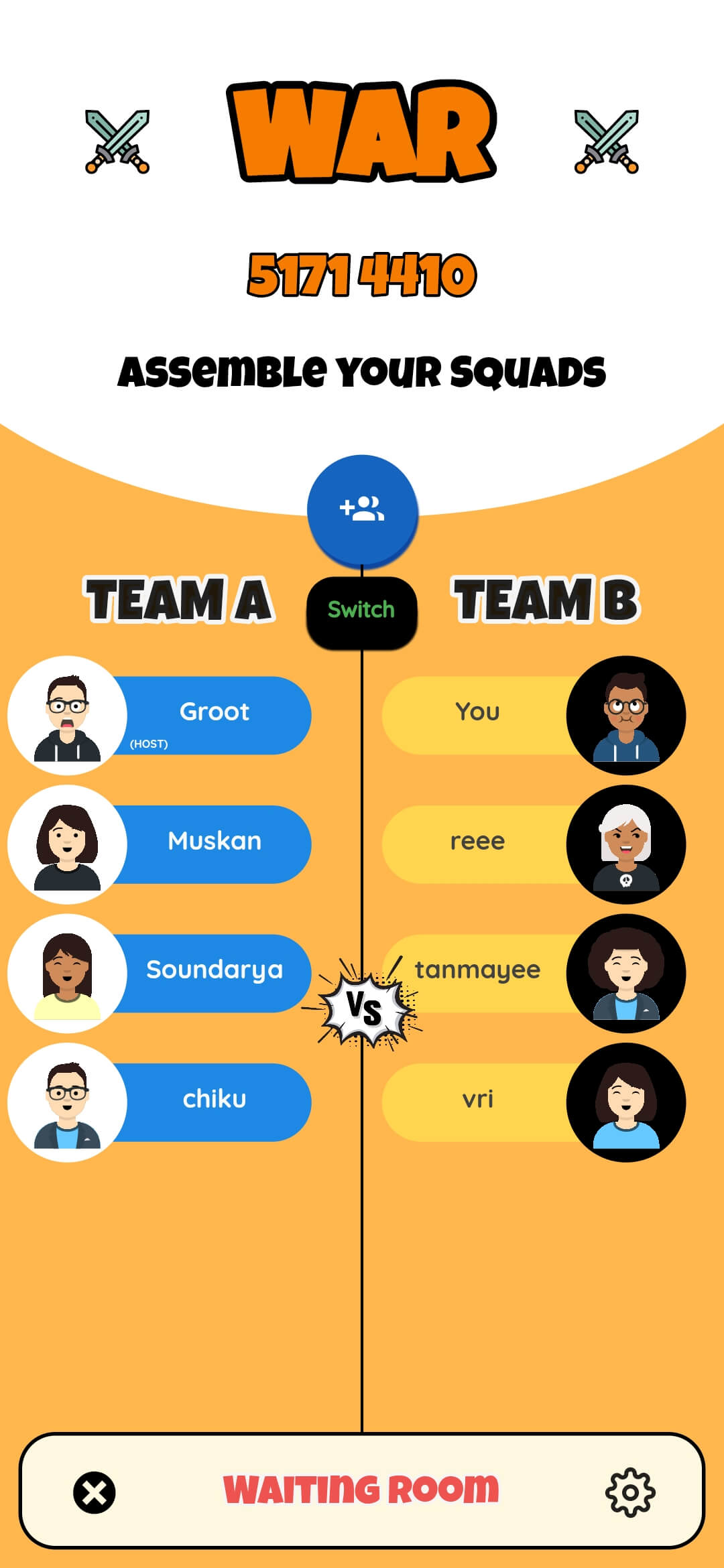
Use your fluttermoji anywhere in your Flutter app with a simple customizable widget. Supports material dark theme too.
FluttermojiCustomizer
A comprehensize UI to customize the user's fluttermoji. Offers previews of each individual component and whose looks can be tweaked with a FluttermojiThemeData
FluttermojiSaveWidget
Renders a save button by default OR can be used as an [InkWell] wrapper for the [child] widget.
The appearance of the widgets can be tweaked with FluttermojiThemeData. It let's you change things like the customizer's background colours, the box decoration etc.
Use the given utility functions to send and receive Fluttermoji data from your server/DB efficiently.
Depend on it by importing your package in the pubspec.yaml file.
dependencies:fluttermoji:latest_version
Add the following import to your .dart file
import'package:fluttermoji/fluttermoji.dart';
Add the FluttermojiCircleAvatar widget to display your Fluttermoji where needed.
FluttermojiCircleAvatar();
To allow your users to personalize their Fluttermoji, add the following widget and pair it with the above one in your page.
FluttermojiCustomizer();
That's all it takes, simple right ? The two widgets communicate with each other and update in real-time throughout your widget tree.
Usage Guidelines
The package offers a ton of features in the simplest way possible, however there are some points worth noting.
FluttermojiCircleAvatar only renders the local user's avatar. To display the avatar of other users', you'll have to use the SvgPicture.string() method from flutter_svg .
FluttermojiCircleAvatar would render a default avatar until customized and saved by the local user for the first time.
Use the canvaskit renderer when building for web, the default html renderer will not work with SVGs.
The fluttermoji's attributes are saved to local app/browser storage. Clearing app/browser data would mean clearing these attributes as well.
You can create a FluttermojiThemeData instance to configure the look and feel of the widgets to your liking.