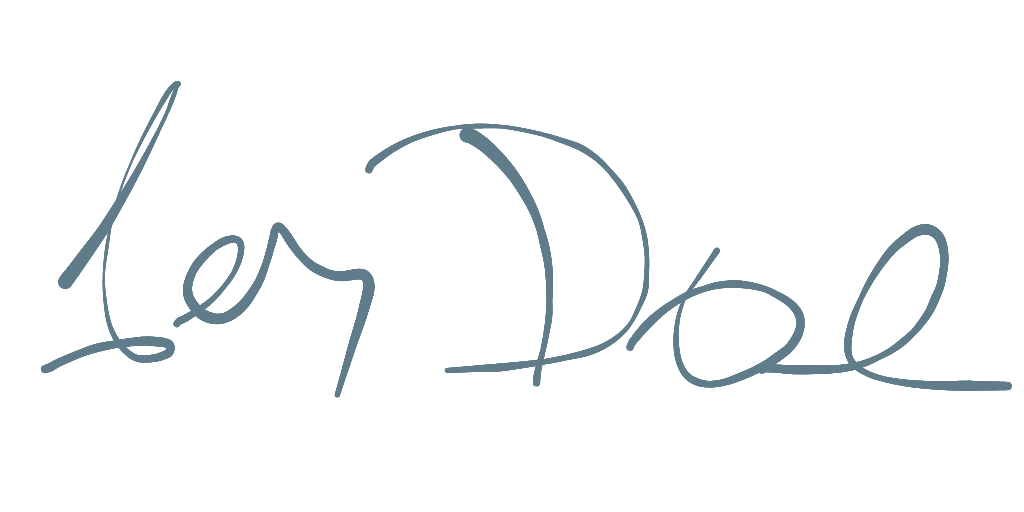
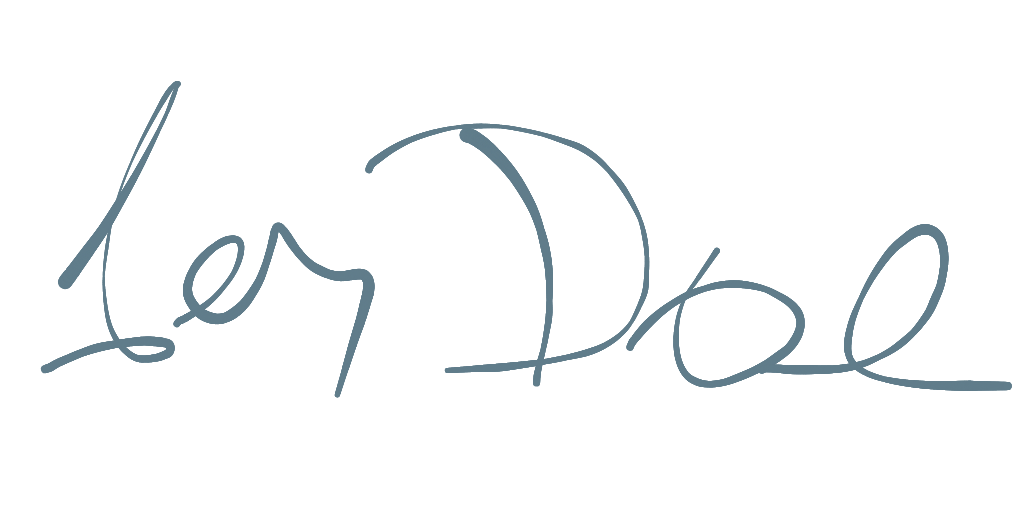
Das Signature-Pad-Widget, mit dem Sie glatte Unterschriften zeichnen können. Mit einer Vielzahl von Zeichen- und Exporteinstellungen. Und unterstützt auch SVG.
Aus öffentlichen Paketdaten erstellte Orientierung.
Ein Flutter-Widget zur Erstellung von reibungslosen, interaktiven Unterschriftspads mit anpassbaren Zeichen- und Exportoptionen. Unterstützt mehrere Plattformen wie Mobile, Web und Desktop. Bietet SVG-Export und flexible Gestaltungsmöglichkeiten für unterschiedliche App-Anforderungen. Ideal für Formulare, Authentifizierung und digitale Dokumentation, bei denen Benutzerunterschriften erforderlich sind.
Anwendungsfälle
Digitale Formularübermittlungen
Benutzerauthentifizierung über Signatur
E-Signatur-Erfassung
Dokumentenfreigabeprozesse
Online-Vertragsunterzeichnung
Mobile App-Registrierung
Hauptmerkmale
Glatte Unterschriftzeichnung
SVG-Exportunterstützung
Anpassbare Strichbreite und -farbe
Plattformübergreifende Kompatibilität
Echtzeit-Rendern
Konfigurierbare Exporteinstellungen
Geeignet für
Apps, die elektronische Signaturen erfordern
Formular-lastige Anwendungen
Mobile- und Web-Anwendungen mit Benutzereingaben
digitale Dokumentenworkflows
Bildungs- oder Unternehmenssoftware
Hinweise
Benötigt Benutzertouch-Eingabe
Die Leistung kann sich auf Geräten mit geringer Leistung unterscheiden
Der SVG-Export erfordert möglicherweise zusätzliche Verarbeitung
Beschränkt auf 2D-Zeichnung
Keine integrierte Speicherung oder Überprüfung
Nicht für hochfrequente Anwendungsfälle optimiert
Original-README
Originaler README-Schnappschuss aus dem verknüpften Quell-Repository. Aktuelle Inhalte finden Sie im Repository.
Hand Signature
A Flutter plugin providing a Signature Pad for drawing smooth signatures. This library is written in a pure Dart/Flutter environment to provide support for all platforms. It's easy to use, with a variety of drawing and export settings, and also supports SVG files.
The signature pad drawing is based on Cubic Bézier curves and offers a choice between performance and 'beauty' modes.
Features
Cross-Platform: Works on any platform supported by Flutter.
Customizable: Adjust stroke width, color, and smoothing.
Multiple Drawing Types: Choose between line, shape, and arc presets for different visual styles. It's also possible to implement a custom drawing experience.
Velocity and Pressure Based Stroke: The thickness of the line can vary based on the drawing speed and pressure.
Export Options: Export signatures as PNG, SVG, or raw data (JSON/Map).
Import/Export: Save and load signature data state.
Usage
Here is a simple example of how to use the signature pad.
This class handles the logic behind the signature, controlling input touches and managing the control points of the signature curve.
SignaturePathSetup defines how input data will be handled.
threshold: Controls the minimal distance between two points. A higher distance creates a smoother, but less precise, curve.
smoothRatio: (0 - 1) Controls how smooth the curve will be. A higher ratio creates a smoother, but less precise, curve. The best results are typically between 0.5 and 0.75.
velocityRange: Controls the curve size based on the drawing speed. A thin line corresponds to a fast movement, while a thick line corresponds to a slow movement.
presureRatio: (0 - 1) Ratio between pressure sensitivity and velocity. 0.0 = only velocity, 1.0 = only pressure. Some platforms/devices (like mouse pointer) doesn't support sensitivity'
args: Custom variables - mostly used for custom HandSignatureDrawer.
HandSignature
This widget handles touch gestures and draws the curve on the canvas.
control: The HandSignatureControl that processes input and stores the raw data.
drawer: The HandSignatureDrawer that handles the painting of the signature.
backgroundColor: The background color of the signature canvas.
placeholder: A widget to display when the signature is empty.
Drawers
Drawers are responsible for rendering the signature on the canvas. You can use one of the pre-built drawers or create your own.
Pre-built Drawers
LineSignatureDrawer: Basic line with a single line width.
ShapeSignatureDrawer: Default drawer, mimics an ink pen. It varies line width based on velocity and/or pressure. This is a good option for exporting to SVG.
ArcSignatureDrawer: Also mimics an ink pen, but is less performant than ShapeSignatureDrawer. This is the default drawer when exporting to an image.
DynamicSignatureDrawer: Dynamically selects the drawing type based on provided arguments.
MultiSignatureDrawer: Combines multiple drawers, allowing for complex effects and layering.
Custom Drawer
You can create a custom drawer by extending HandSignatureDrawer and implementing the paint method. This allows full control over how the signature is rendered.
Check custom_sample.dart for dynamic setup and drawing.
Exporting
You can modify properties like canvas size, stroke width, and color during export. You can also provide a custom drawer when exporting to an image. The most common export formats are SVG and PNG. During export, data are re-rendered with the preferred setup and output dimensions.
State can be saved with toMap() and restored with the import() method.
final control = HandSignatureControl();
// Export to SVGfinal svg = control.toSvg();
// Export to PNGfinal png = await control.toImage(
width: 512,
height: 512,
drawer: ShapeSignatureDrawer(
color: Colors.black,
),
);
// Export to raw datafinal data = control.toMap();
// Import from raw data
control.import(data);
SVG:
shape: Generates a reasonably small file that is well-supported by most programs.
arc: Generates a larger SVG file, which some programs may struggle to handle.
line: A simple Bezier curve.
Image: Export to an Image or Picture object, which can then be converted to PNG bytes.
arc: Default drawer when exporting image data.
drawer: Specifies HandSignatureDrawer to use during canvas export.
JSON/Map: Export the current state as raw data, which can be used later to restore the signature.
Data is exported with timestamp and pressure information for each point.
Displaying an exported SVG file
You can display an exported SVG file using a library like flutter_svg.