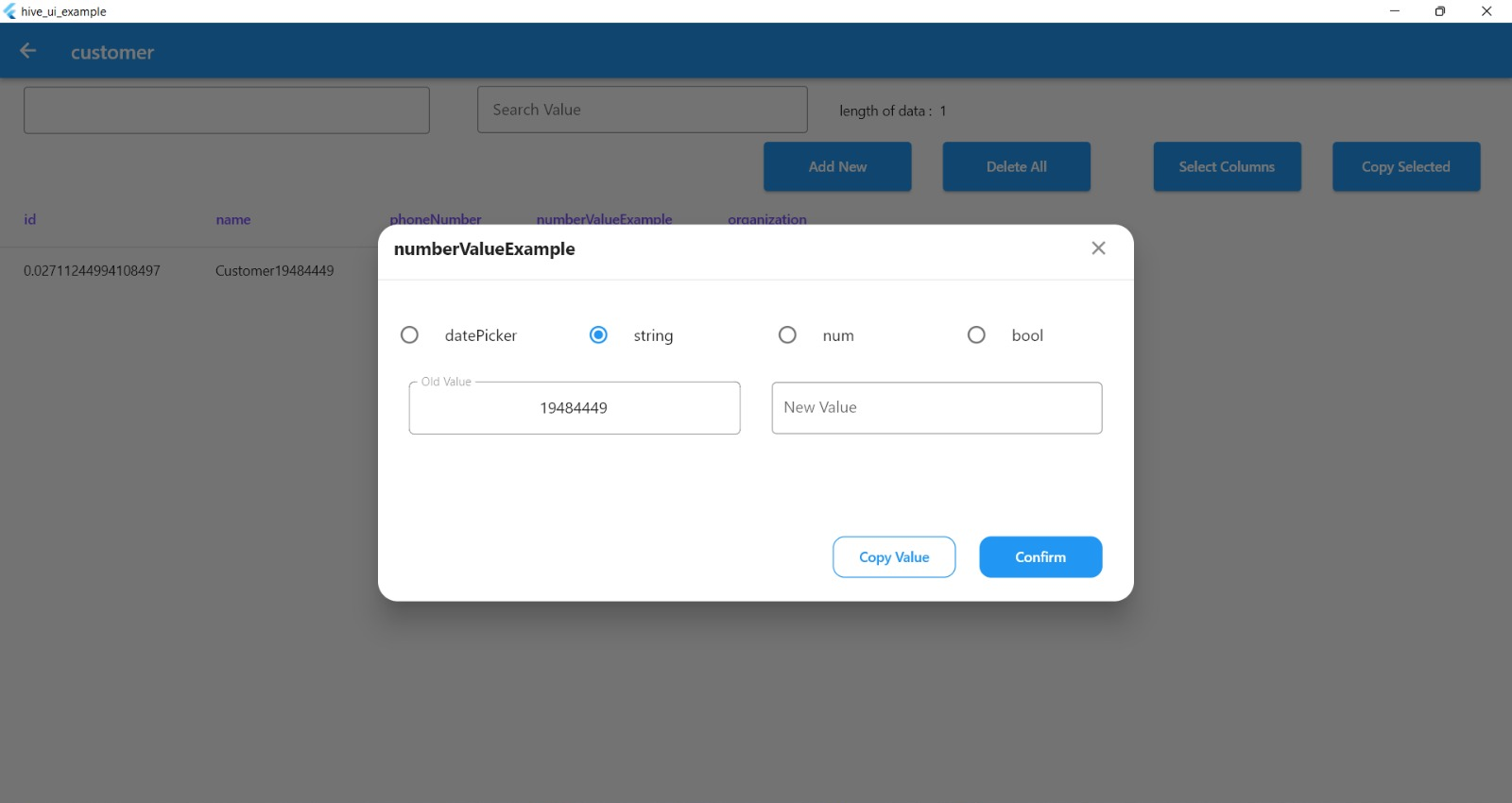
DBMS Hive Ui ist ein Paket, das eine intelligente Methode zum Arbeiten mit der Hive-Datenbank bietet. Es ist einfach, Zeilen anzuzeigen, zu bearbeiten und neue Zeilen zu erstellen.
Aus öffentlichen Paketdaten erstellte Orientierung.
Hive_UI ist ein Flutter-Paket, das die Interaktion mit der NoSQL-Datenbank Hive vereinfacht, indem es eine intuitive, visuelle Oberfläche zum Anzeigen, Bearbeiten und Erstellen von Datenbankzeilen bereitstellt. Für Entwickler konzipiert, die während der Entwicklung oder beim Debuggen eine vereinfachte Möglichkeit zur Verwaltung lokaler Daten suchen, integriert es sich nahtlos in das leichte, schnelle Speichersystem von Hive. Das Paket steigert die Produktivität durch Echtzeit-Datenüberprüfung und -Änderung ohne manuelle Codeänderungen. Es unterstützt mehrere Plattformen wie Android, iOS, macOS, Windows und Linux und ist somit vielseitig für plattformübergreifende Anwendungen.
Anwendungsfälle
Entwicklungsdetails
Echtzeit-Datenüberprüfung
lokale Datenbankverwaltung
Schnellprototypen
Datenvisualisierung in Apps
Hive-Datensätze visuell bearbeiten
Hauptmerkmale
Visueller Datenbrowser
Live-Zeilenbearbeitung
Einfache Erstellung neuer Einträge
Plattformübergreifende Unterstützung
Nahtlose Hive-Integration
Intuitive Benutzeroberfläche für Datenbankoperationen
Geeignet für
Flutter-Entwickler
App-Debugger
Lokale Datenprüfer
Schnellprototyping von Anwendungen
Teams, die Hive für Offline-Speicherung verwenden
Hinweise
Nicht für den Produktiveinsatz vorgesehen
Erfordert Entwickler-spezifische Einrichtung
Beschränkt auf Hive-Datenbanktyp
Kann die App-Größe leicht erhöhen
Am besten während der Entwicklungsphase verwendet
Keine integrierten Sicherheitsfunktionen
Original-README
Originaler README-Schnappschuss aus dem verknüpften Quell-Repository. Aktuelle Inhalte finden Sie im Repository.
Hive UI
A Flutter package that allows you to easily work with Hive databases. With this package, you can explore all database boxes, edit table rows, add new rows to tables, search boxes by column name and value, delete rows or all data from a box, copy selected values and select specific color for the Hive UI view.
Features
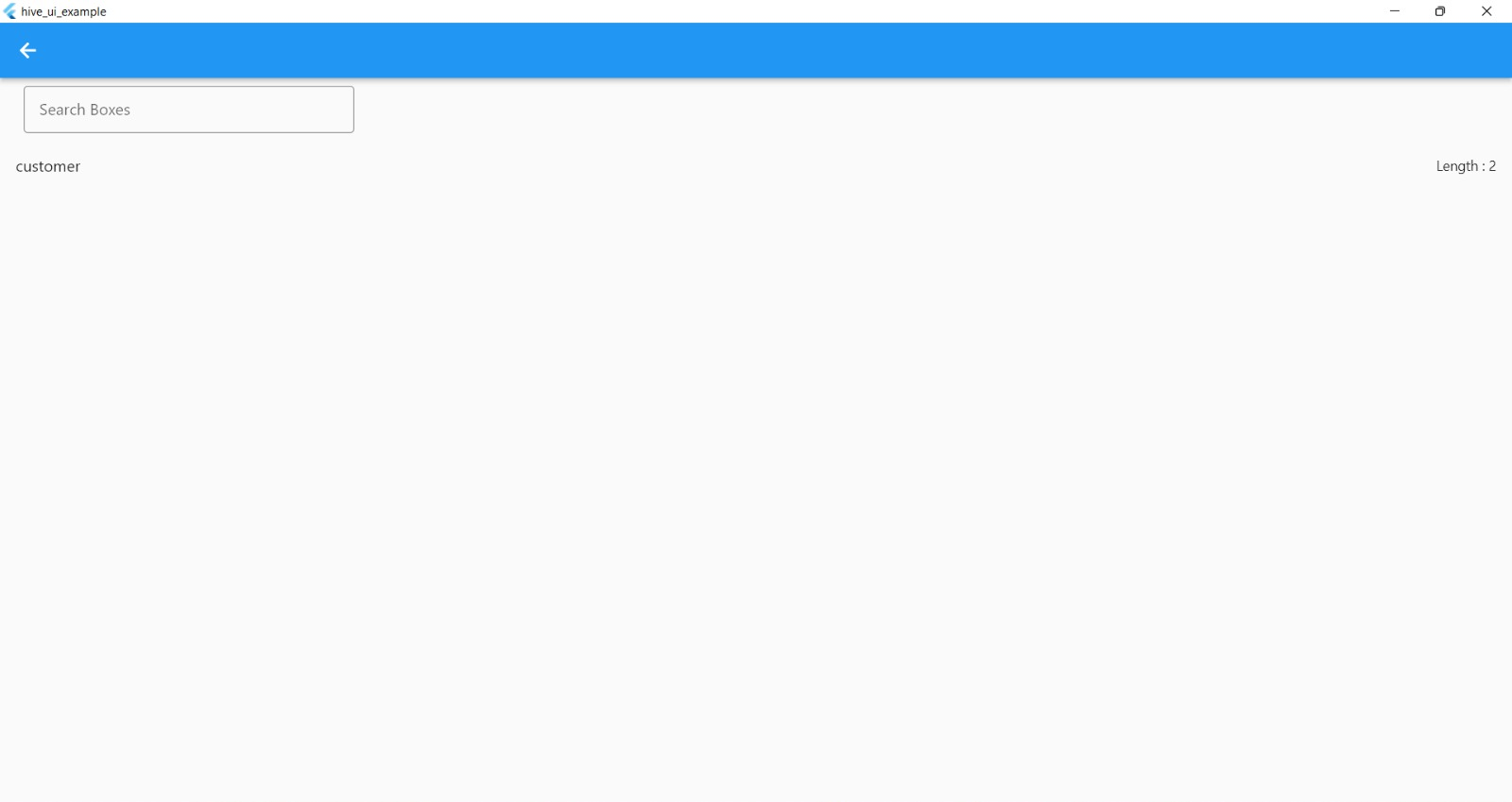
Explore all database boxes
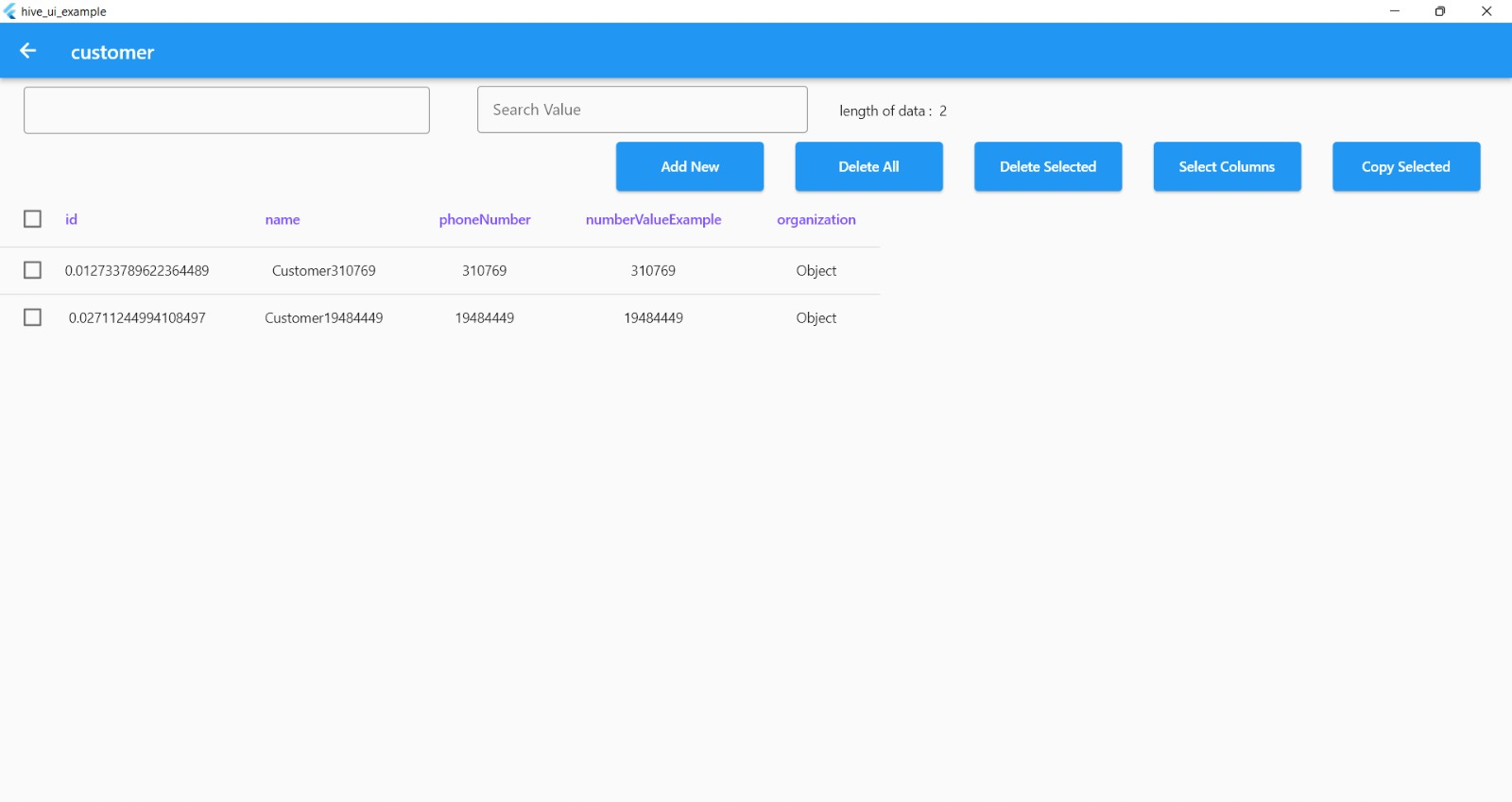
Edit any table rows and set new values
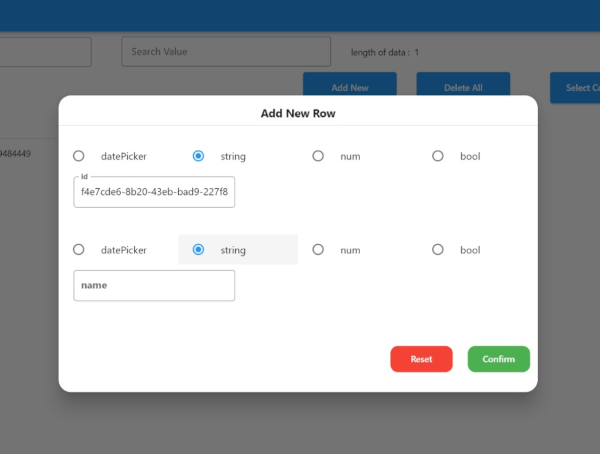
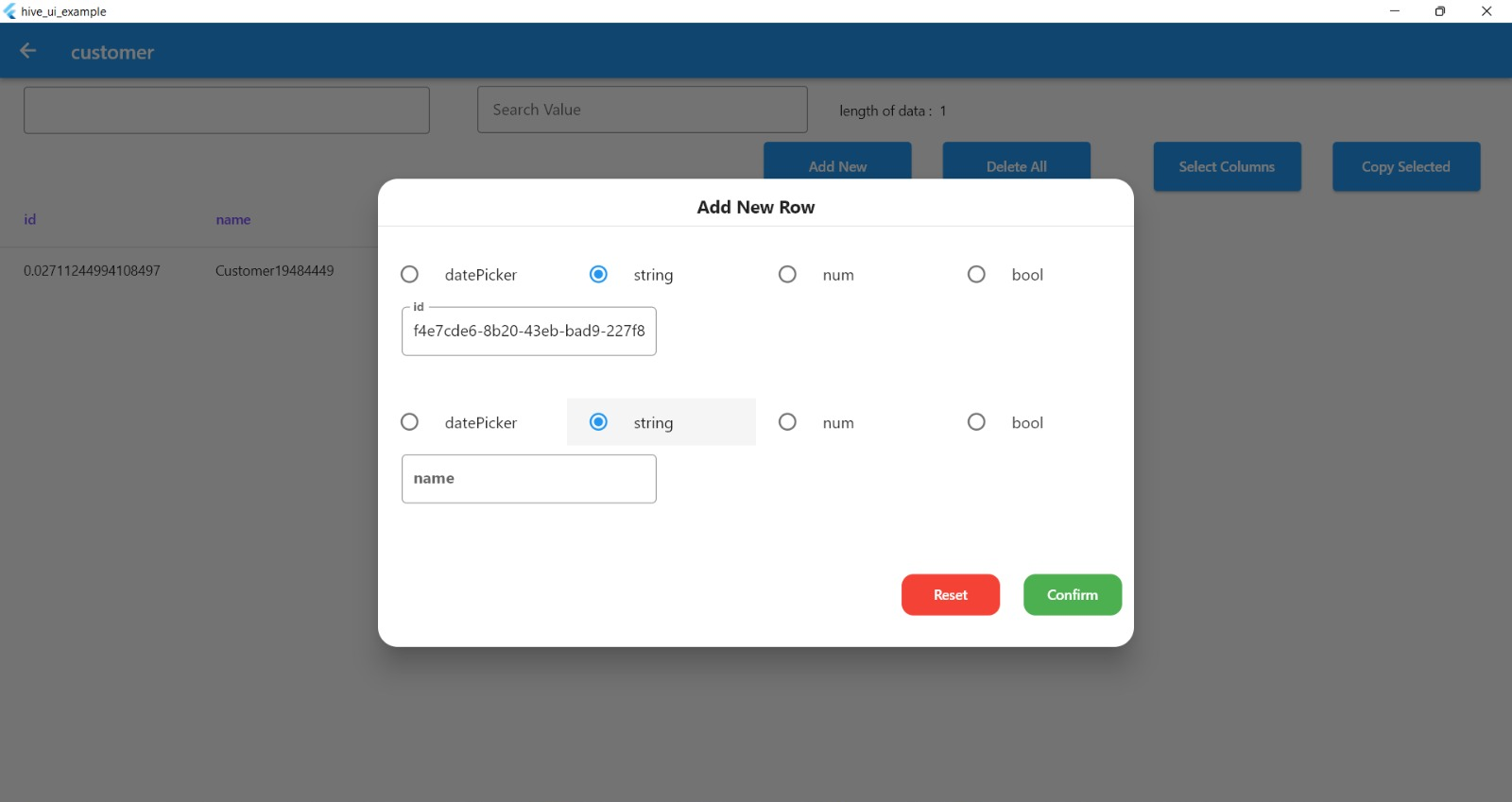
Add new row to table database
Search boxes by column name and value
Delete a single row or all data from a box
Copy selected values
Select specific color for the Hive UI view
Support all platfoem (Android - Web - IOS - Windows - Linux - Mac )
Requirements
Hive must be installed
All boxes must be open
toJson and fromJson methods must be implemented for each box
Usage
Add the package as a dependency in your 'pubspec.yaml' file:
dependencies:
  hive_ui: ^1.0.4
Import the package in your dart file where you want to use it by adding the following line at the top of the file:
You can see a full example of how to use the package in the Example example directory.
Issues
If you encounter any issues while using the package, please file a bug report in the GitHub issue tracker.
Contributing
If you would like to contribute to the package, please read the contributing guidelines before submitting a pull request.
HiveBoxesView Parameters
Parameters
Name
hiveBoxes
The hiveBoxes parameter is a map of boxes to display. In this example, it is set to Boxes.allBoxes, which likely refers to a static property of a Boxes class that contains all the boxes that need to be displayed.
onError
The onError parameter is a callback function that is called when an error occurs. In this example, it is set to a function that shows a toast message with the error message passed as a parameter.
dateFormat
The dateFormat parameter is the format of the date and time that is used in the view. In this example, it is set to the format "yyyy-MM-dd".
appBarColor
The appBarColor parameter is the color of the app bar. In this example, it is set to a variable called primaryColor.
columnTitleTextStyle
he columnTitleTextStyle and rowTitleTextStyle parameters are the text styles of the column and row titles respectively. In this example, they are set to specific styles with fontWeight: FontWeight.w600 and fontSize: 14.sp for columns and fontSize: 12.sp for rows.