Aus öffentlichen Paketdaten erstellte Orientierung.
hl_image_picker ist ein Flutter-Paket, das die Auswahl von Bildern und Videos aus Gerätebibliotheken vereinfacht, Bildschneiden unterstützt und die direkte Aufnahme neuer Medien über die Kamera ermöglicht. Es bietet eine nahtlose, plattformübergreifende Erfahrung für Android und iOS und bietet eine intuitive Oberfläche zur Verwaltung von Mediendateien innerhalb von Apps. Das Paket lässt sich nahtlos in bestehende Flutter-Projekte integrieren und verbessert die Benutzerinteraktion bei der Bearbeitung von Foto- oder Videouploads.
Anwendungsfälle
Bilder und Videos aus der Gerätebibliothek auswählen
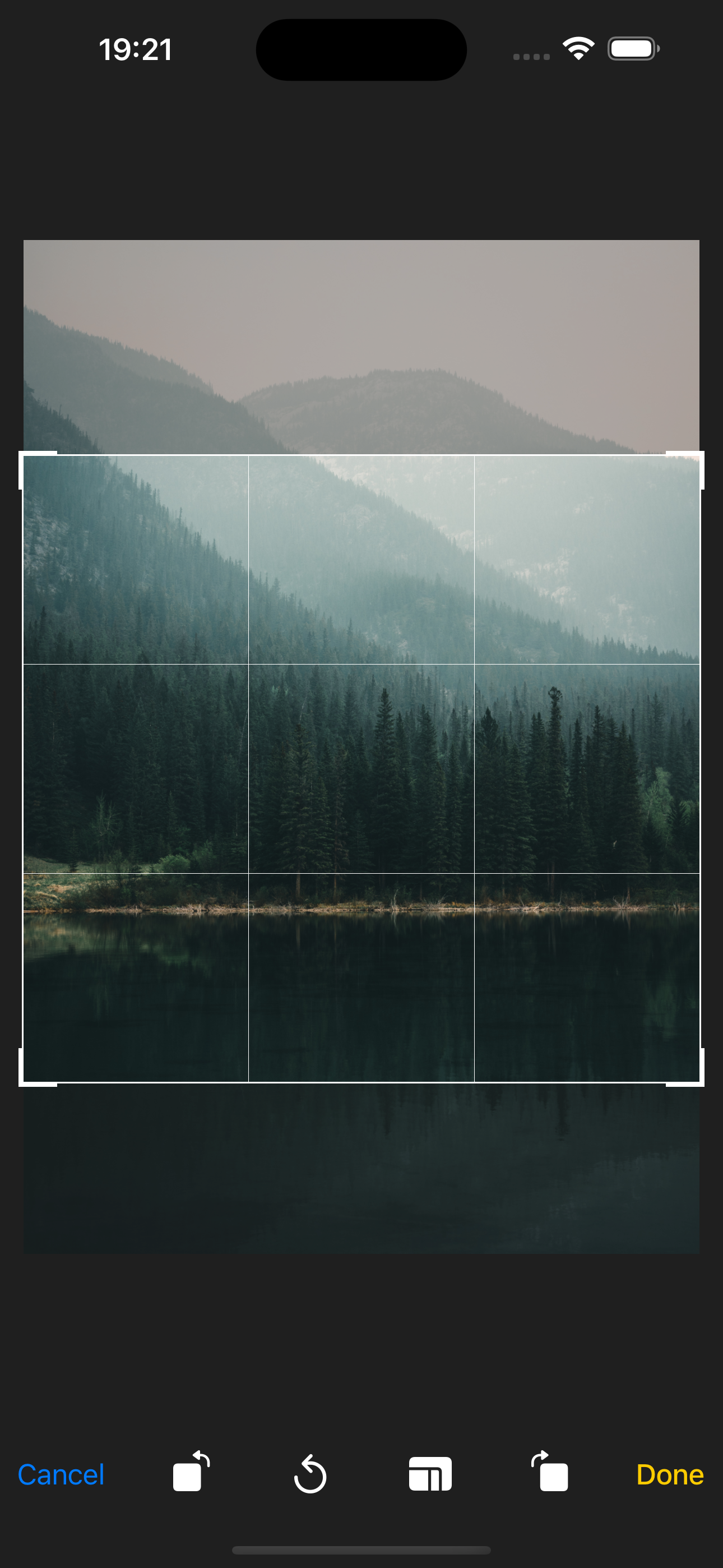
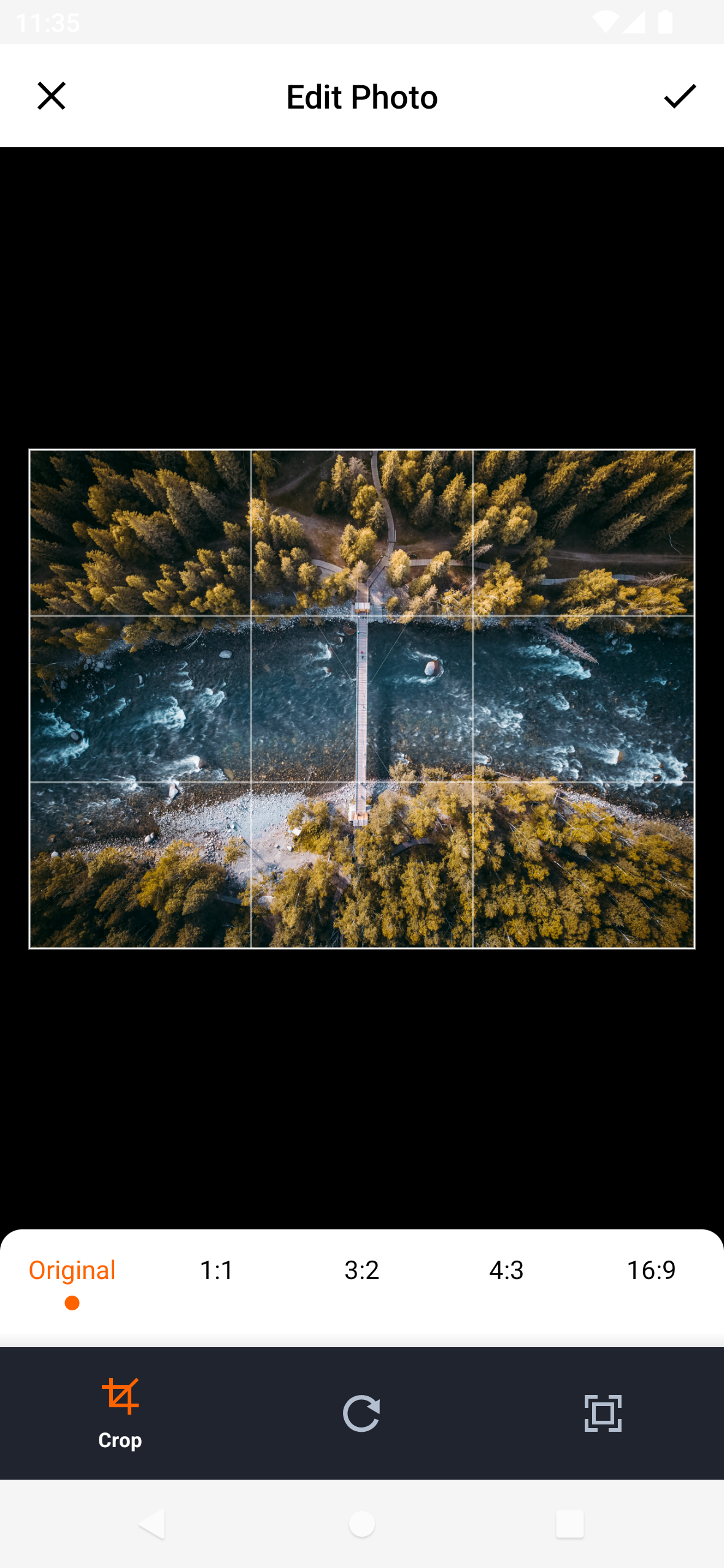
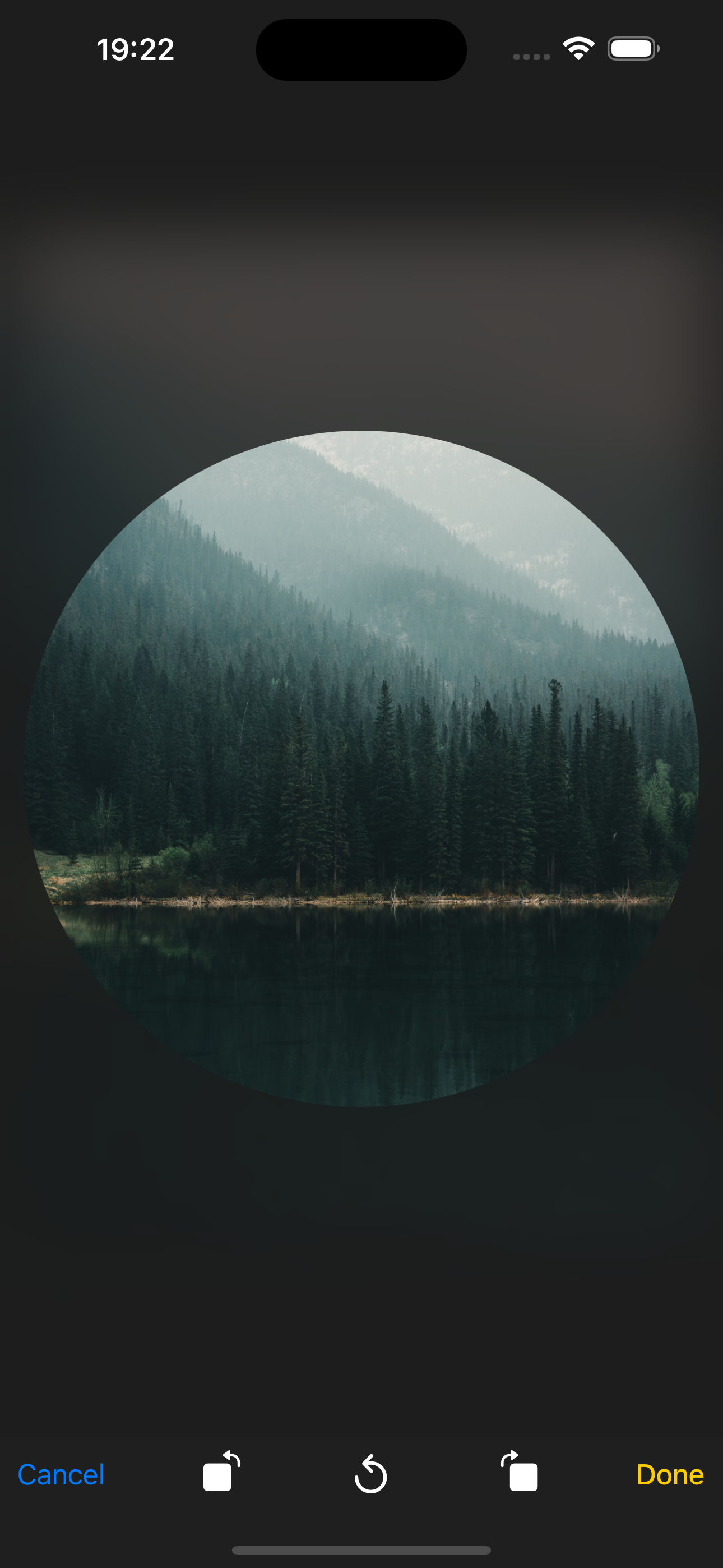
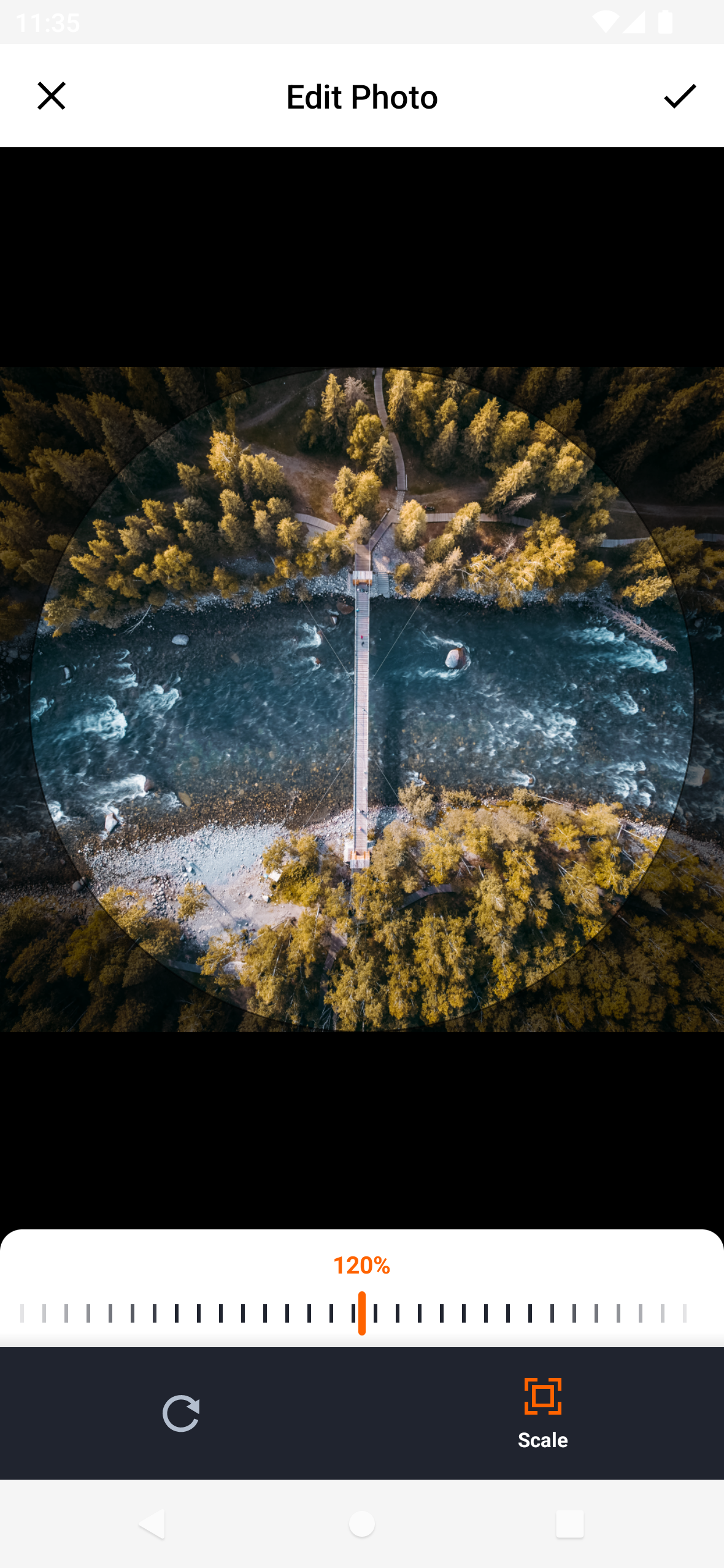
Auswahl der Bilder vor dem Hochladen zuschneiden
Neue Fotos und Videos über die Kamera aufnehmen
Medienauswahl in Formularworkflows integrieren
Aktivieren des Hochladens von Benutzerprofilsbildern
Hauptmerkmale
Cross-Platform-Unterstützung für Android und iOS
Eingebaute Bildausschnittfunktion
Kamerabildaufnahme für neue Medien
Einfache Integration in Flutter-Projekte
Sauber und anpassbarer UI
Geeignet für
Apps, die Medienuploads erfordern
Soziale Medien-Plattformen
Benutzerprofil-Verwaltungssysteme
E-Commerce-Produktbildsammlung
Foto-Bearbeitungs- oder -Teilungsanwendungen
Hinweise
Erforderliche Berechtigungen für Kamera- und Speicherzugriff
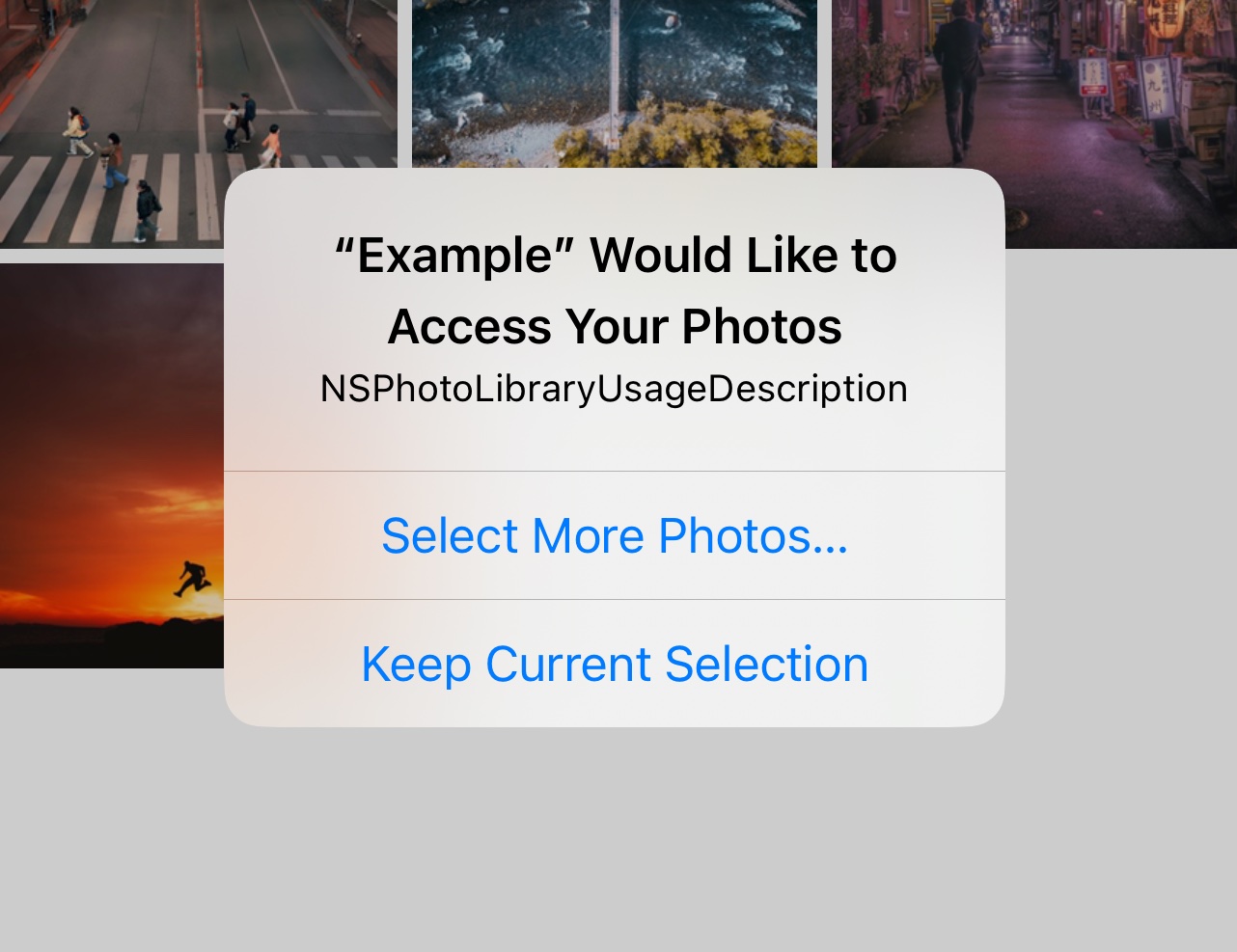
Möglicherweise sind zusätzliche Konfigurationen für die iOS-Privatsphäre-Einstellungen erforderlich
Beschränkt auf grundlegende Medieneditierungs-Funktionen
Abhängig von den zugrundeliegenden Plattform-Kamera-APIs
Nicht geeignet für fortgeschrittene Videobearbeitung
Original-README
Originaler README-Schnappschuss aus dem verknüpften Quell-Repository. Aktuelle Inhalte finden Sie im Repository.
Flutter Image Picker Plugin
Android
iOS
Support
SDK 21+
11.0+
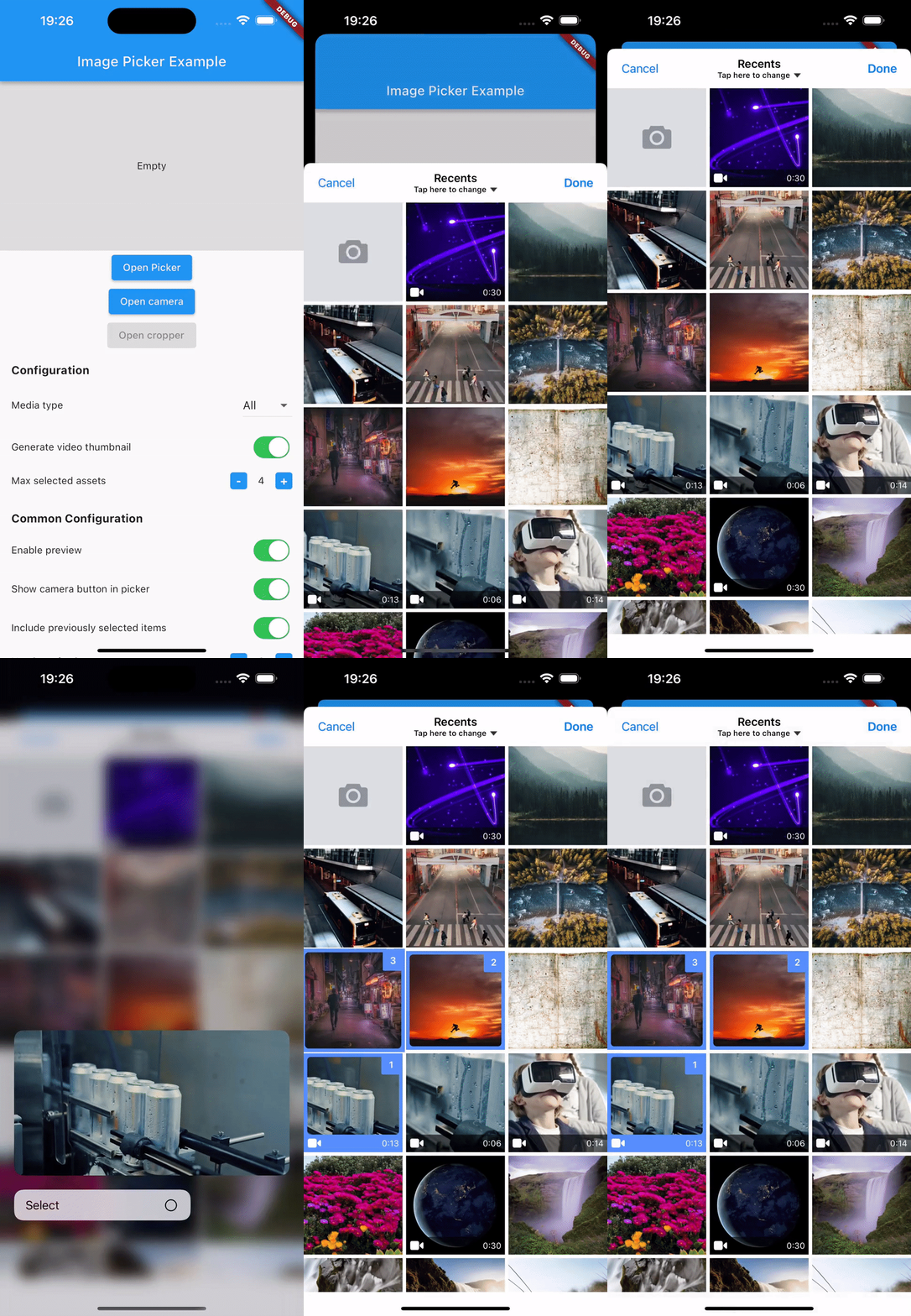
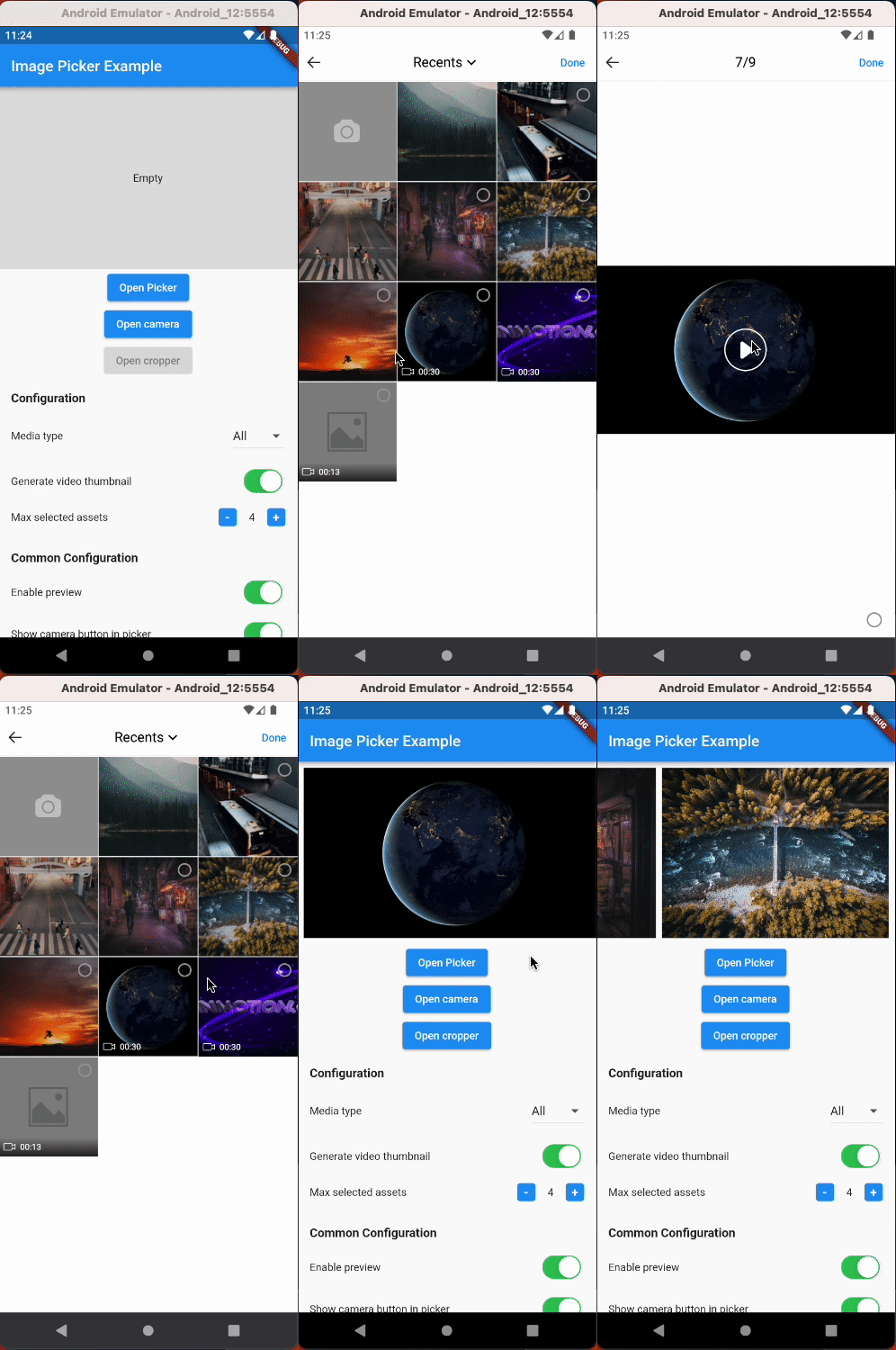
Simplify media selection, cropping, and camera functionality in your Flutter app. Choose images/videos from the library, crop images, and capture new photos/videos with ease.
Features:
Select images/videos from the library
Take a photo or record a video
Open image cropper
Support crop multiple images
Support quality compression for selected images
Support gif selection
iOS
Android
Installation
$ flutter pub add hl_image_picker
Note: If you are developing an application exclusively for either Android or iOS, you don't need to install hl_image_picker. Instead, you can choose one of the following packages based on your target platform:
To use the plugin, you need to perform the following setup steps:
iOS
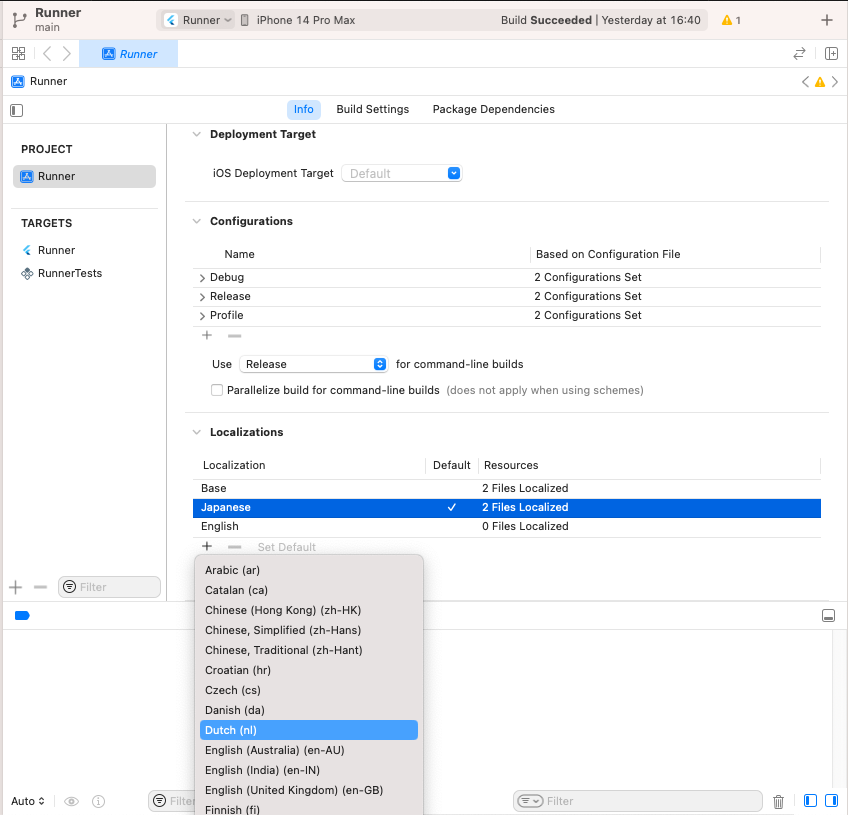
Add Privacy Description to your ios/Runner/Info.plist file.
<key>NSPhotoLibraryUsageDescription</key>
<string>This app requires access to the photo library</string>

<key>NSCameraUsageDescription</key>
<string>This app requires access to the camera</string>

<!-- Include this description only if your plugin requires recording videos and needs access to the device's microphone. -->
<key>NSMicrophoneUsageDescription</key>
<string>This app requires access to the microphone</string>
iOS 14 You can suppress the automatic prompting from the system by setting PHPhotoLibraryPreventAutomaticLimitedAccessAlert to yes in Info.plist
<!-- Android 12 and lower --><uses-permissionandroid:name="android.permission.READ_EXTERNAL_STORAGE" /><uses-permissionandroid:name="android.permission.WRITE_EXTERNAL_STORAGE" /><!-- Targeting Android 13 or higher --><uses-permissionandroid:name="android.permission.READ_MEDIA_IMAGES" /><uses-permissionandroid:name="android.permission.READ_MEDIA_VIDEO" /><!-- Request the camera permission --><uses-featureandroid:name="android.hardware.camera"android:required="false" /><uses-permissionandroid:name="android.permission.CAMERA" /><!-- Add this permission if you need to record videos --><uses-permissionandroid:name="android.permission.RECORD_AUDIO" />
A list of string IDs representing the initially selected images or videos from the library. This allows users to pre-select items before opening the picker.