Aus öffentlichen Paketdaten erstellte Orientierung.
Das Intent-Paket ist ein einfacher Flutter-Plugin, der die Handhabung von Android-Intents vereinfacht. Es ermöglicht eine nahtlose Kommunikation zwischen Flutter-Anwendungen und nativen Android-Komponenten und erlaubt Entwicklern, Aktivitäten zu starten, Broadcasts zu senden und Intents mit minimalem Code zu verwalten. Ideal zum Teilen von Daten, Öffnen externer Apps oder Auslösen systemweiter Aktionen wie das Senden von E-Mails oder Nachrichten. Der Plugin abstrahiert die komplexe Android-Intent-API in einfach verwendbare Dart-Methoden und macht sie auch für Anfänger zugänglich. Mit klarer Dokumentation und aktiver Pflege dient es als zuverlässiger Übergang zwischen Flutter und den nativen Funktionen von Android.
Anwendungsfälle
Inhalt zwischen Apps teilen
Externe Anwendungen starten
Broadcast-Intents senden
Systemeinstellungen öffnen
Tiefenlinks verarbeiten
Geräteaktionen auslösen
Hauptmerkmale
Einfache Dart-Schnittstelle für Android-Intents
Unterstützt implizite und explizite Absichten
Einfache Integration in Flutter-Arbeitsabläufe
Minimale Boilerplate-Code
Aktives GitHub-Repository
Klare Dokumentation
Geeignet für
Flutter-Entwickler, die sich auf Android konzentrieren
Apps, die android-spezifische Aktionen erfordern
Freigabefunktionen und Tiefverknüpfungsfunktionen
Anfänger lernen die Android-Integration
Hinweise
Android-spezifische Funktionen
Beschränkt auf die Android-Plattform
Für den fortgeschrittenen Gebrauch ist Android SDK-Wissen erforderlich
Keine iOS-Unterstützung
Für bestimmte Intents können zusätzliche Berechtigungen erforderlich sein
Original-README
Originaler README-Schnappschuss aus dem verknüpften Quell-Repository. Aktuelle Inhalte finden Sie im Repository.
Warning I've stopped maintaining this project !
intent
A simple flutter plugin to deal with Android Intents - your one stop solution for Android Intents, written with :heart:.
Show some :heart: by putting :star:
intent tries to help you in launching another android activity using Android Intents. This Dart API replicates Android Intent API, so for detailed information on how to use it efficiently, when to send what kind of data, you may be interested in taking a look here, which explains things more elaborately.
intent is your one stop solution for handling different Android Intents from Flutter app.
It provides an easy to use Dart API, which can be used to launch different kind of Android Activities
You can view / create documents
Pick document(s) from Document Tree
Open default Assist Activity
Perform a Web Search
Request definition of a certain string to default Assist Activity
Open image for editing / viewing
Share text / multimedia to another activity
Send Email to specific user, while also setting CC & BCC
Share multiple documents at a time
Sync system content
Translate text
Set Wallpaper
Open any URL
Open Dialer for calling a specific number
Can pick a contact from your default phone activity
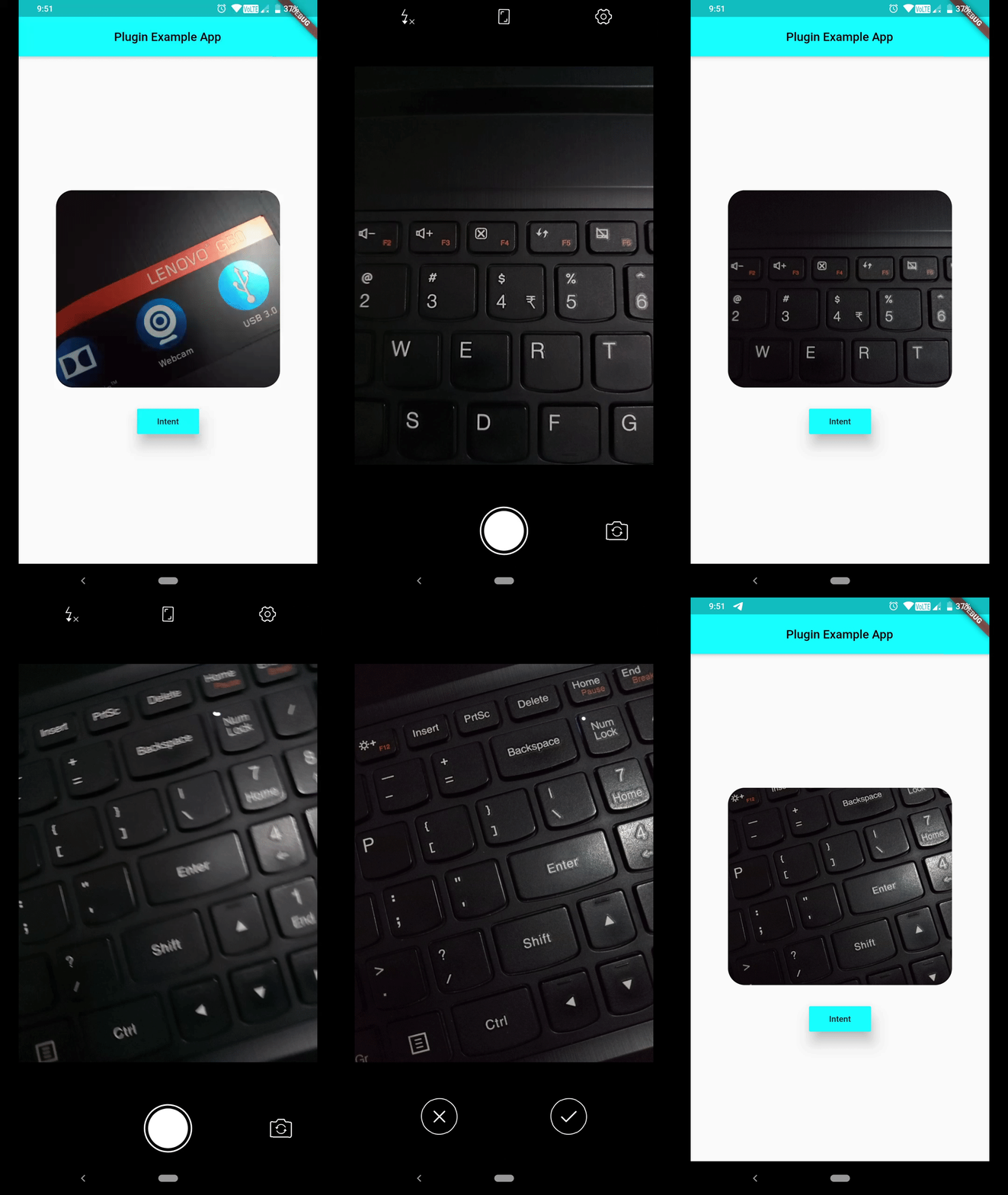
Can capture a photo using default Camera Activity
latest addition
Newest Addition: You can pass extra data's type information, while invoking Intent.putExtra(String extra, dynamic data, {String type}) as optional named param type. You don't even need to hardcode type names as Strings, rather a class named TypedExtra has been given to developers, which has all currently supported type names as static variables. Consider using them. And last but not least, this is not a breaking change !!!
But if you're interested in creating a chooser i.e. all eligible candidates shown up system, which can handle this intent, make sure you set createChooser named parameter to true, which is by default false.
Send Email to certain ID while setting Content and CC/ BCC :
Path to captured image can be grabbed from Intent().startActivityForResult().then(() { ... } ), which will be provided in form of List<String>, open file using that path, File(data[0]). Now you can work on that image file.
        Intent()
                ..setAction(Action.ACTION_IMAGE_CAPTURE)
                ..startActivityForResult().then((data) => print(data[0]), // gets you path to image captured
                onError: (e) => print(e));
If you're not interested in showing default activity launch animation, set following flag.
If you request for certain Activity and no eligible candidate was found, you'll receive one error message, which you can listen for using Future.catchError((e) {},) method.
PlatformException(Error, android.content.ActivityNotFoundException: NoActivity found to handle Intent { act=android.intent.action.SYSTEM_TUTORIAL }, null)
Currently a limited number of Actions are provided in Action class, but you can always use a string constant as an Action, which will help you in dealing with many more Activities.