Aus öffentlichen Paketdaten erstellte Orientierung.
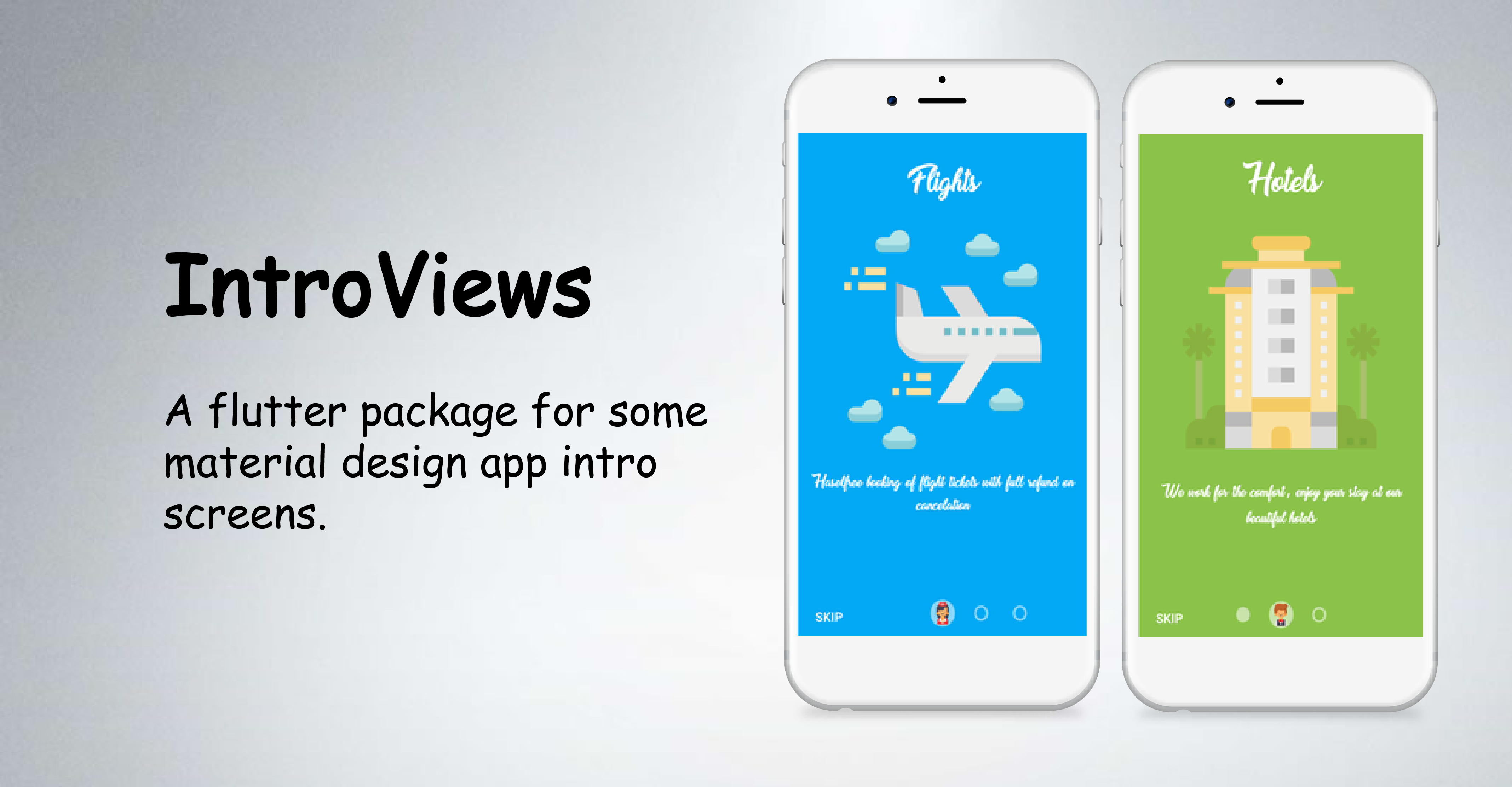
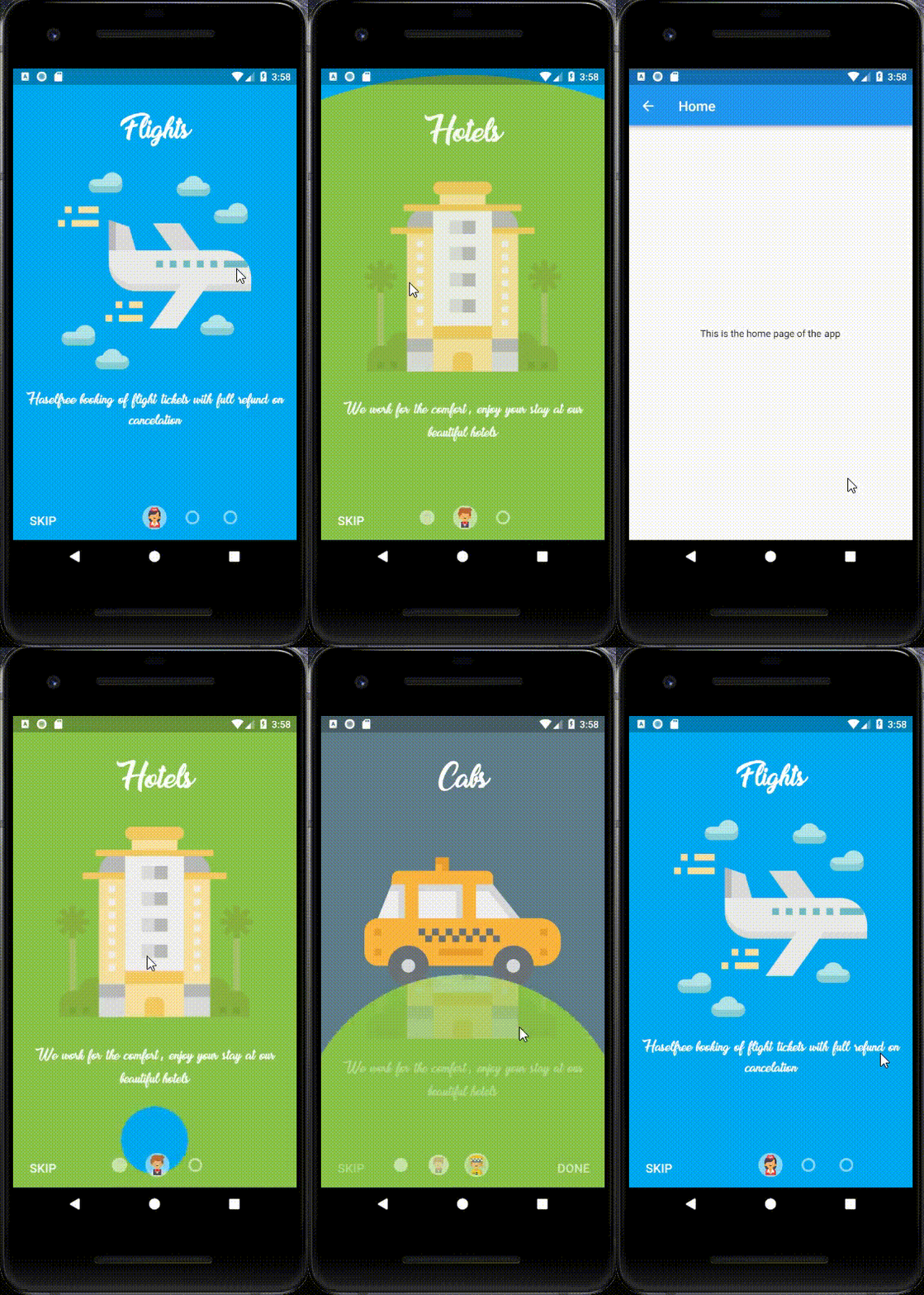
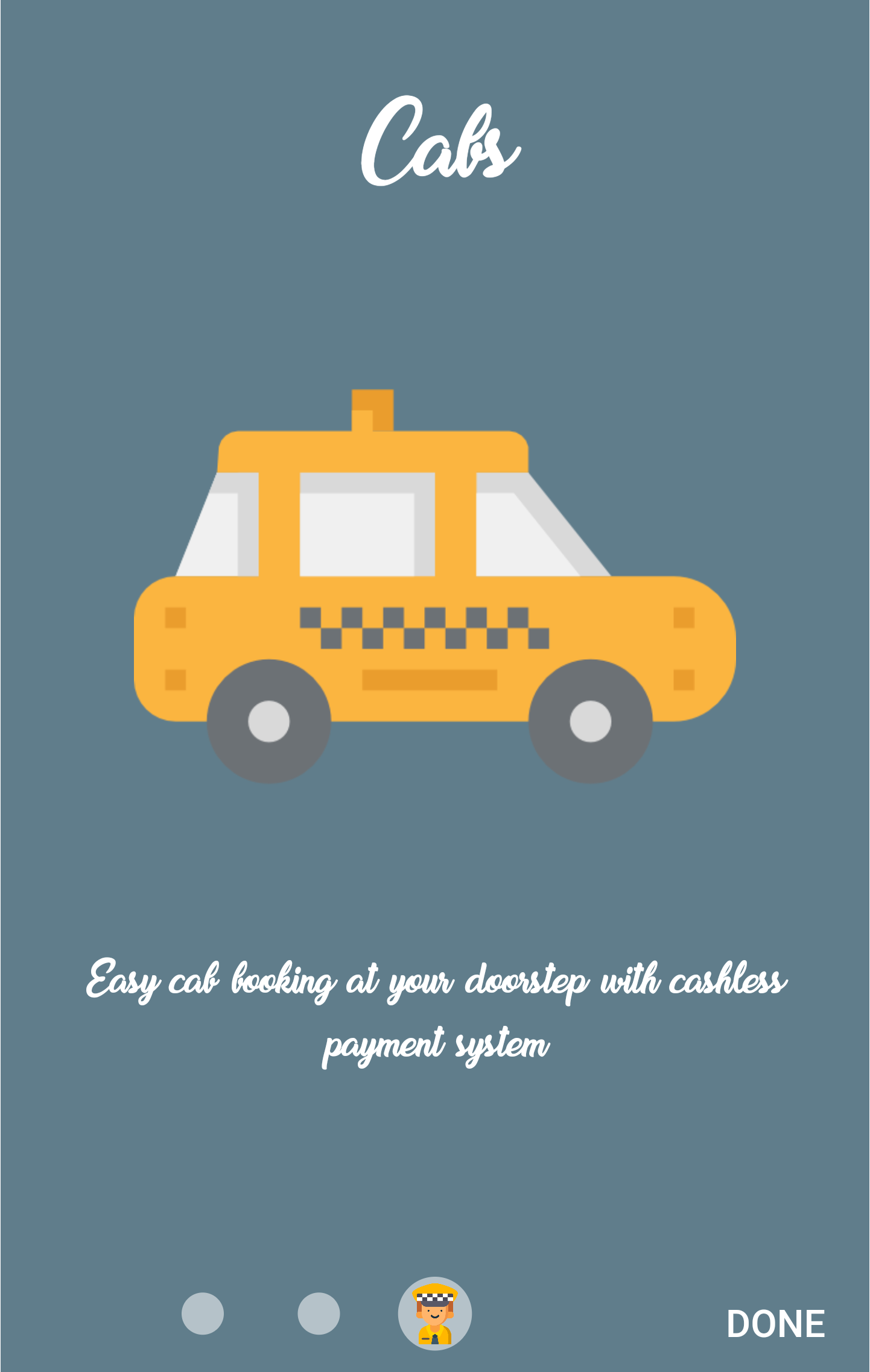
IntroViewsFlutter ist ein Flutter-Paket, das entwickelt wurde, um schicke, animierte Einführungsbildschirme mit einem Material-Design-Aesthetic zu erstellen. Es vereinfacht die Implementierung von Einführungsfolien für Apps und bietet reibungslose Übergänge sowie anpassbare Inhalte pro Folie. Ideal zum Anleiten neuer Benutzer durch App-Funktionen oder Tutorials, unterstützt es mehrere Plattformen wie Android, iOS, Web, macOS, Windows und Linux. Das Paket enthält eingebaute Animationen und benutzerfreundliche Widgets für eine schnelle Integration in Flutter-Projekte.
Anwendungsfälle
Onboarding-Bildschirme für Mobile Apps
Benutzer-Tutorial-Oberflächen
App-Funktionsdemonstrationen
Splash-Bildschirm-Alternativen
Mehrfach-Scroll-Willkommenerlebnisse
Hauptmerkmale
Material Design-konform
Eingebaute Slide-Animationen
Anpassbarer Folieninhalt
Unterstützt mehrere Plattformen
Einfache API für schnelle Einrichtung
Reaktionssicheres Layout-Handling
Geeignet für
Neue App-Entwickler
Produkt-Onboarding-Flows
Minimalistische UI-Designs
Plattformübergreifende Anwendungen
Schnellprototypen
Hinweise
Eingeschränkte Anpassungsmöglichkeiten jenseits der grundlegenden Gestaltung
Kann zusätzlicher Aufwand für komplexe Animationen erfordern
Abhängig vom Animationsframework von Flutter
Nicht ideal für hochinteraktives Onboarding
Am besten geeignet für einfache, lineare Einleitungssequenzen
Original-README
Originaler README-Schnappschuss aus dem verknüpften Quell-Repository. Aktuelle Inhalte finden Sie im Repository.
IntroViews is inspired by Paper Onboarding and developed with love from scratch. Checkout our fully responsive live example app.
Note : If you added more than four pages in the list then there might be overlapping between page icons and skip button, so my suggestion is just make the showSkipButton: false.
Documentation
PageViewModel Class
Dart attribute
Datatype
Description
Default Value
pageColor
Color?
Set color of the page.
Null
pageBackground
Widget
Set a widget as a background of the whole page (pageColor has priority)
Null
mainImage
Image / Widget
Set the main image of the page. If null, then the widget is omitted.
-
title
Text / Widget
Set the title text of the page. If null, then the widget is omitted.
-
body
Text / Widget
Set the body text of the page. If null, then the widget is omitted.
-
iconImageAssetPath
String?
Set the icon image asset path that would be displayed in page bubble.
If you encounter any problems feel free to open an issue. If you feel the library is missing a feature, please raise a ticket on GitHub and I'll look into it. Pull request are also welcome.