Aus öffentlichen Paketdaten erstellte Orientierung.
Ein Flutter-Paket, das effizient scrollbare Listen erstellt und Echtzeitbenachrichtigungen bereitstellt, wenn Listenelemente in den sichtbaren Bildschirmbereich gelangen oder diesen verlassen. Es nutzt die Stärke von `ListView`, fügt jedoch eine reaktive Mechanik zur Erkennung des Sichtbarkeitsstatus hinzu, was optimierte Darstellung, Lazy Loading und Leistungsverbesserungen ermöglicht. Ideal für Szenarien wie Bildladen, Analyseverfolgung oder Animationen, die durch Sichtbarkeit ausgelöst werden. Das Paket unterstützt alle wichtigen Plattformen, einschließlich Mobilgeräte, Web und Desktop.
Anwendungsfälle
Lazy Loading von Bildern oder Inhalten
Tracking der Sichtbarkeit für Analysen
Animationen bei Sichtbarkeit auslösen
Optimierung der Ressourcennutzung in langen Listen
Implementierung von unendlichem Scrollen mit Sichtbarkeitsprüfungen
Hauptmerkmale
Echtzeit-Erkennung im Sichtbereich
Effiziente Widget-Wiederverwendung mit ListView
Plattformübergreifende Unterstützung
Einfache callbackbasierte API
Minimales Boilerplate für die Integration
Geeignet für
Entwickler, die leistungsensitive Listen erstellen
Apps, die sichtbarkeitsbasierte Aktionen erfordern
inhaltsreiche Anwendungen mit dynamischen Daten
Teams, die glatte Scrollfunktion und Reaktionsfähigkeit priorisieren
Hinweise
Kann den Speicherverbrauch erhöhen, wenn viele Listener aktiv sind
Erfordert sorgfältige Behandlung von Callbacks, um Lecks zu vermeiden
Nicht ideal für sehr kurze Listen, bei denen die Overhead-Kosten die Vorteile überwiegen
Am besten geeignet für Listen mit häufigen Aktualisierungen oder großen Datensätzen
Original-README
Originaler README-Schnappschuss aus dem verknüpften Quell-Repository. Aktuelle Inhalte finden Sie im Repository.
inview_notifier_list
A Flutter package that builds a ListView or CustomScrollView and notifies when the widgets are on screen within a provided area.
Add the required property isInViewPortCondition to the InViewNotifierList widget. This is the function that defines the area which the widgets overlap should be notified as currently in-view.
deltaTop: It is the distance from top of the widget to be notified in the list view to top of the viewport(0.0).
deltaBottom: It is the distance from bottom of the widget to be notified in the list view to top of the viewport(0.0).
viewPortDimension: The height or width of the viewport depending on the srollDirection property provided. The image below showcases the values if the srollDirection is Axis.vertical.
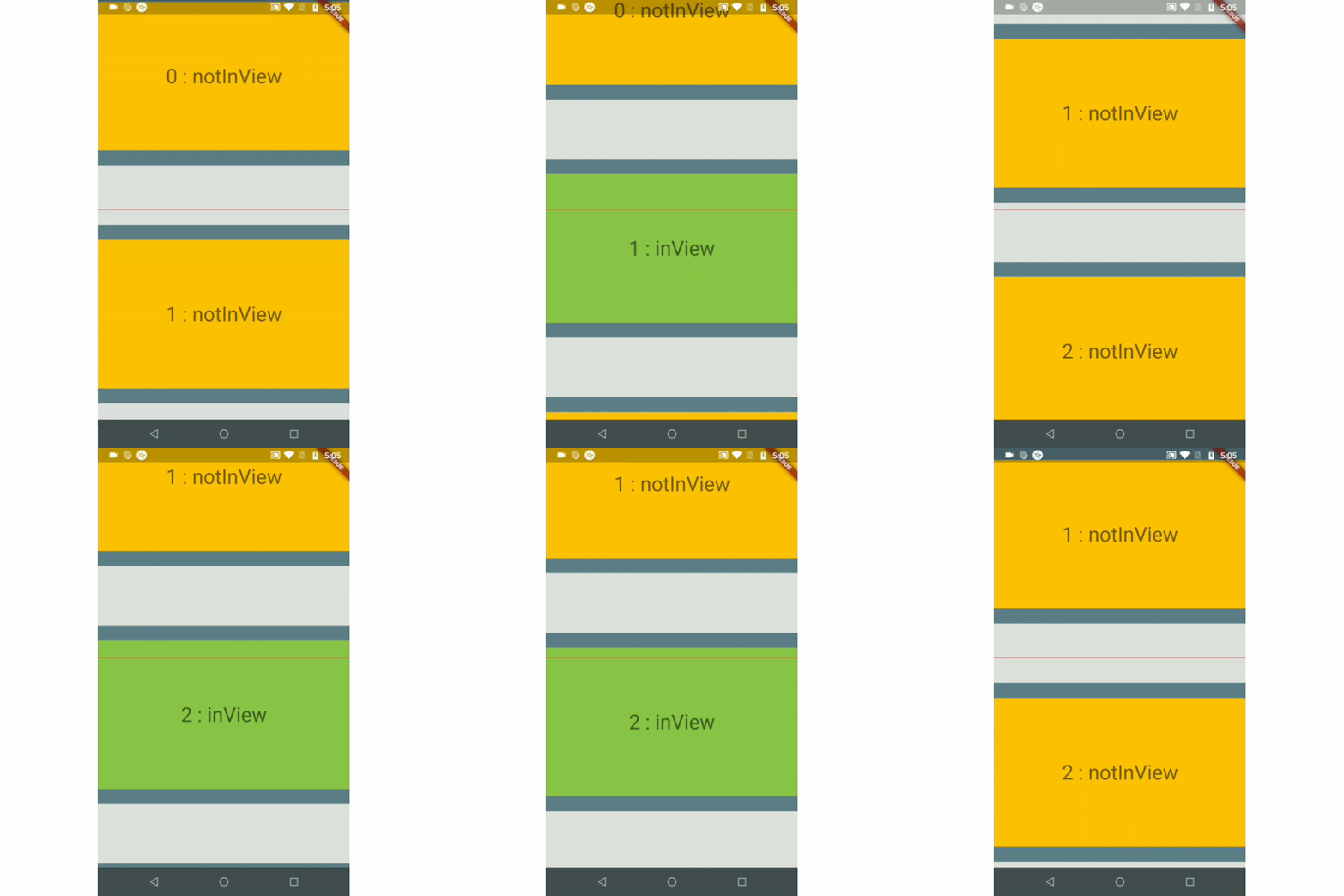
Here is an example that returns true only when the widget's top is above the halfway of the viewport and the widget's bottom is below the halfway of the viewport. It is shown in example1.
Use the InViewNotifierWidget to get notified if the required widget is currently in-view or not.
The InViewNotifierWidget consists of the following properties:
id: a required String property. This should be unique for every widget that wants to get notified.
builder : Signature for a function that creates a widget for a given index. The function that defines and returns the widget that should be notified as inView. See InViewNotifierWidgetBuilder.
isInViewPortCondition: [Required] The function that defines the area within which the widgets should be notified as in-view.
initialInViewIds: The String list of unique ids of the child widgets that should be initialized as in-view when the list view is built for the first time.
endNotificationOffset: The distance from the bottom of the list where the onListEndReached should be invoked. Defaults to the end of the list i.e 0.0.
onListEndReached: The function that is invoked when the list scroll reaches the end or the endNotificationOffset if provided.
throttleDuration: The duration to be used for throttling the scroll notification. Defaults to 200 milliseconds.
scrollDirection: The axis along which the scroll view scrolls.
scrollViewWrapper: An optional callback that wraps the internal scroll view with an additional widget, such as a pull-to-refresh or shimmer wrapper, while keeping in-view detection working. It receives the fully built scroll view and must return a widget that contains it.
Note: The wrapper must let ScrollNotification events bubble up from the inner scroll view (most widgets do by default). If the wrapper provides its own ScrollController, make sure it does not conflict with the one passed to InViewNotifierList.