Aus öffentlichen Paketdaten erstellte Orientierung.
json_editor_flutter ist ein benutzerfreundliches Flutter-Paket, das die interaktive Bearbeitung von JSON-Objekten in Ihrer App ermöglicht. Es bietet eine saubere und intuitive Oberfläche zum Erstellen, Ändern und Löschen von JSON-Schlüsseln und Werten. Das Widget unterstützt Echtzeit-Validierung und die Manipulation verschachtelter Objekte, wodurch es ideal für Entwickler wird, die direkt in ihrer Benutzeroberfläche mit JSON-Daten arbeiten müssen. Mit Unterstützung für alle wichtigen Plattformen lässt es sich nahtlos in Flutter-Anwendungen integrieren, die dynamische JSON-Eingaben erfordern.
Anwendungsfälle
Konfigurationsdateien bearbeiten
Debugging von API-Antworten
Formularersteller erstellen
JSON-Schema-Editoren erstellen
Prototyping-Datenstrukturen
Hauptmerkmale
Interaktive JSON-Baumansicht
Echtzeit-Validierung
Unterstützung für verschachtelte Objekte
Plattformübergreifende Kompatibilität
Einfache Integration mit Flutter-Formularen
Geeignet für
Entwickler, die Administrationspanele erstellen
App-Ersteller, die JSON-Eingabe benötigen
Lernwerkzeuge für das Erlernen von JSON
Werkzeuge für die API-Tests und -Debugging
Hinweise
Kann benutzerdefinierte Stile für komplexe Layouts erfordern
Beschränkt auf grundlegende JSON-Operationen
Nicht für sehr große JSON-Dateien optimiert
Keine integrierte Export-/Importfunktion
Original-README
Originaler README-Schnappschuss aus dem verknüpften Quell-Repository. Aktuelle Inhalte finden Sie im Repository.
JsonEditor class
Edit your JSON object with this package. Create, edit and format objects using this user friendly widget.
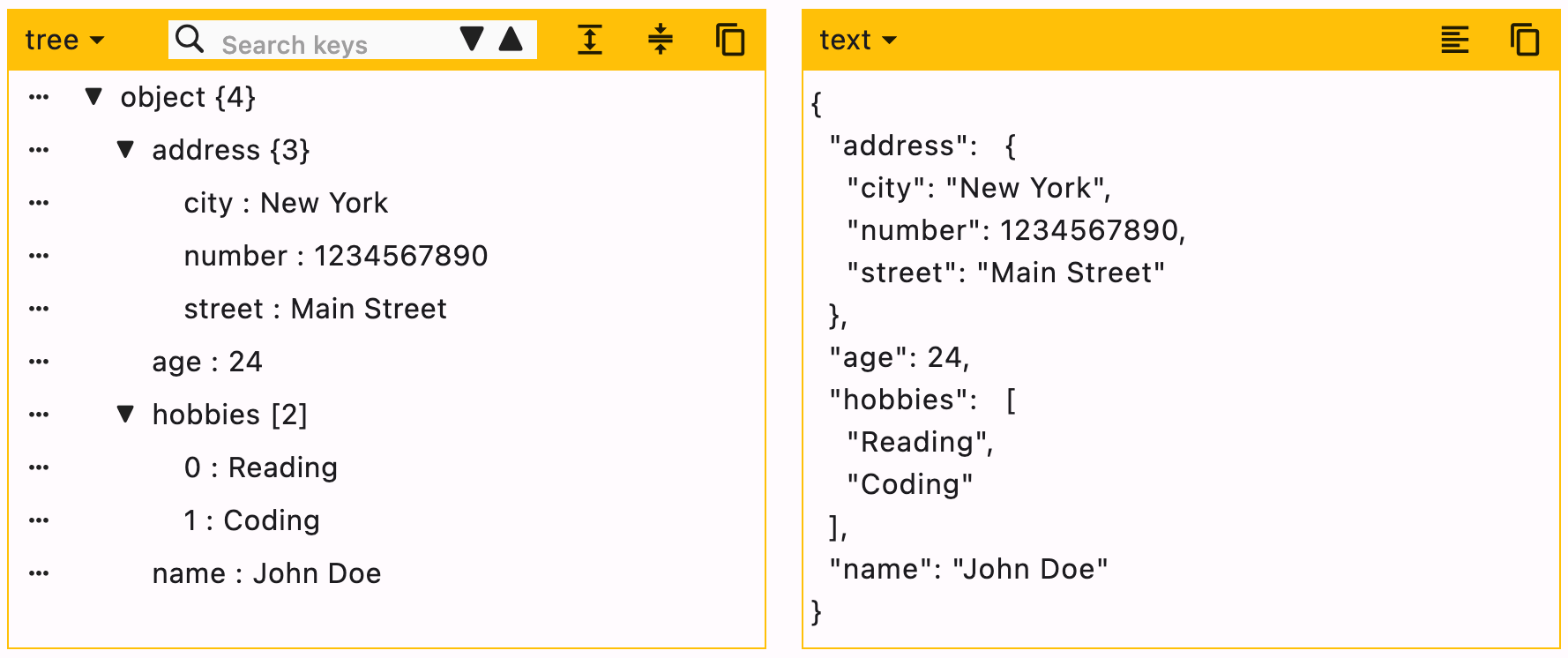
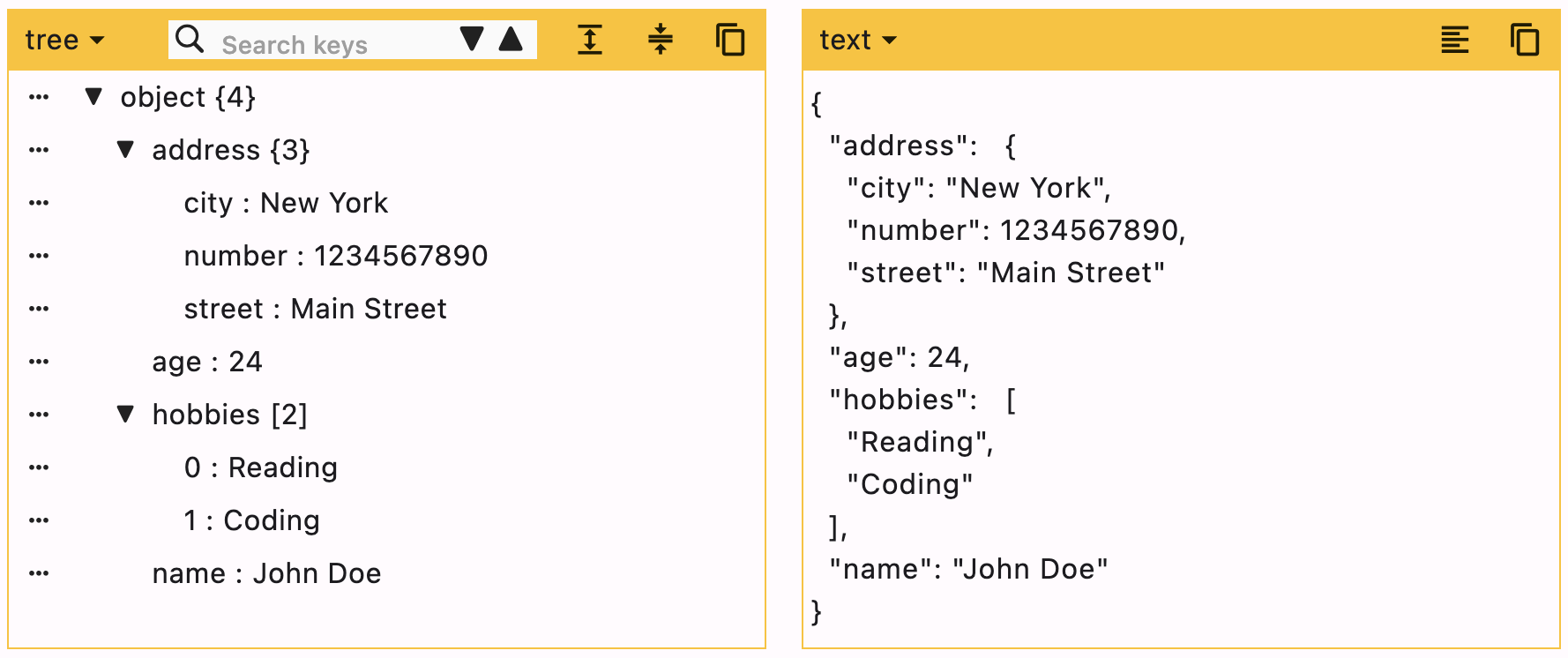
JSON can be edited in two ways, Tree editor or text editor. You can disable either of them.
When UI editor is active, you can disable adding/deleting keys by using enableMoreOptions. Editing keys and values can also be disabled by using enableKeyEdit and enableValueEdit.
When text editor is active, it will simply ignore enableMoreOptions, enableKeyEdit and enableValueEdit.
duration is the debounce time for onChanged function. Defaults to 500 milliseconds.
editors is the supported list of editors. First element will be used as default editor. Defaults to [Editors.tree, Editors.text].
[expandedObjects] refers to the objects that will be expanded by default. Index can be provided when the data is a List.
data = {
  "hobbies": ["Reading books", "Playing Cricket"],
  "education": [
    {"name": "Bachelor of Engineering", "marks": 75},
    {"name": "Master of Engineering", "marks": 72},
  ],
}
For the given data
To expand education pass => ["education"]
To expand hobbies and education pass => ["hobbies", "education"]
To expand the first element (index 0) of education list, this means we need to expand education too. In this case you need not to pass "education" separately. Just pass a list of all nested objects => [["education", 0]]