Aus öffentlichen Paketdaten erstellte Orientierung.
LoopPageView ist ein Flutter-Paket, das die Funktionalität von PageView erweitert, um nahtlose, endlose Scrollvorgänge in beide Richtungen zu ermöglichen. Es umschließt den Standard-PageView-Baukasten und ermöglicht es Benutzern, unendliche scrollbare Listen zu erstellen, ohne manuelle Indexverwaltung vornehmen zu müssen. Ideal für Karussells, Bildgalerien oder jede Benutzeroberfläche, die kontinuierliche Navigation erfordert. Das Paket unterstützt alle wichtigen Plattformen und vereinfacht die Implementierung mit minimalem Setup.
Anwendungsfälle
Unendliche Bildschubladen
Kontinuierliche Produktkarussells
Endlose Inhaltsfeed
interaktive Onboarding-Bildschirme
Dynamische Datenpräsentation
Hauptmerkmale
Bidirektionales Endlos-Scrolling
Einfache Builder-Muster-Integration
Plattformübergreifende Unterstützung
Minimales Boilerplate
Automatisches Index-Handling
Geeignet für
Entwickler, die unendliche Scroll-Schnittstellen erstellen
UI-Designer, die sanfte Übergänge benötigen
Apps mit sich wiederholenden Inhaltslayouts
Mobile und Web-Anwendungen, die eine flüssige Navigation erfordern
Hinweise
Kann die Leistung bei schweren Widgets beeinträchtigen
Erfordert sorgfältige Speicherverwaltung
Nicht ideal für sehr große Datensätze ohne Optimierung
Eingeschränkte Anpassung jenseits des grundlegenden Schleifens
Original-README
Originaler README-Schnappschuss aus dem verknüpften Quell-Repository. Aktuelle Inhalte finden Sie im Repository.
loop_page_view
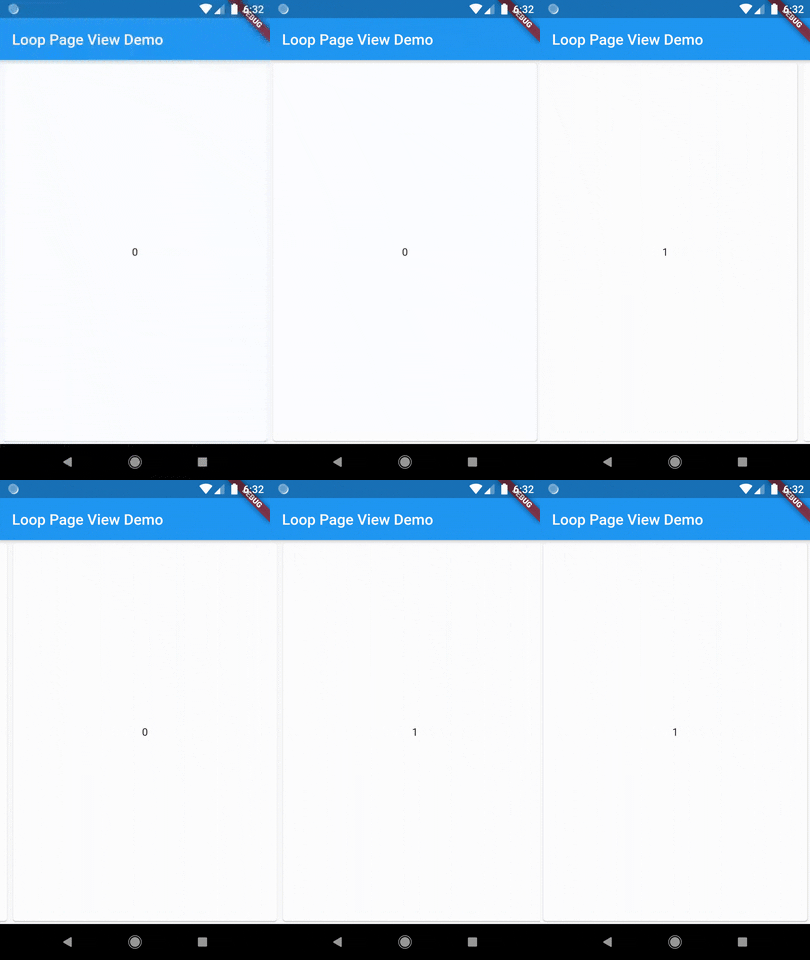
LoopPageView is an enhanced PageViewbuilder for Flutter, enabling infinite scrolling in both directions. It utilizes a customLoopPageController that supports direct animated jumps between pages and configurable scrolling and looping behavior. You can set the scrolling direction and control the start of infinite looping for precise customization
LoopPageView operates exactly like a PageViewbuilder constructor, but it always requires an item count, as well as a LoopPageController as its controller. The LoopPageController functions similarly to a PageController, but it correctly handles the endless scrolling of LoopPageView.
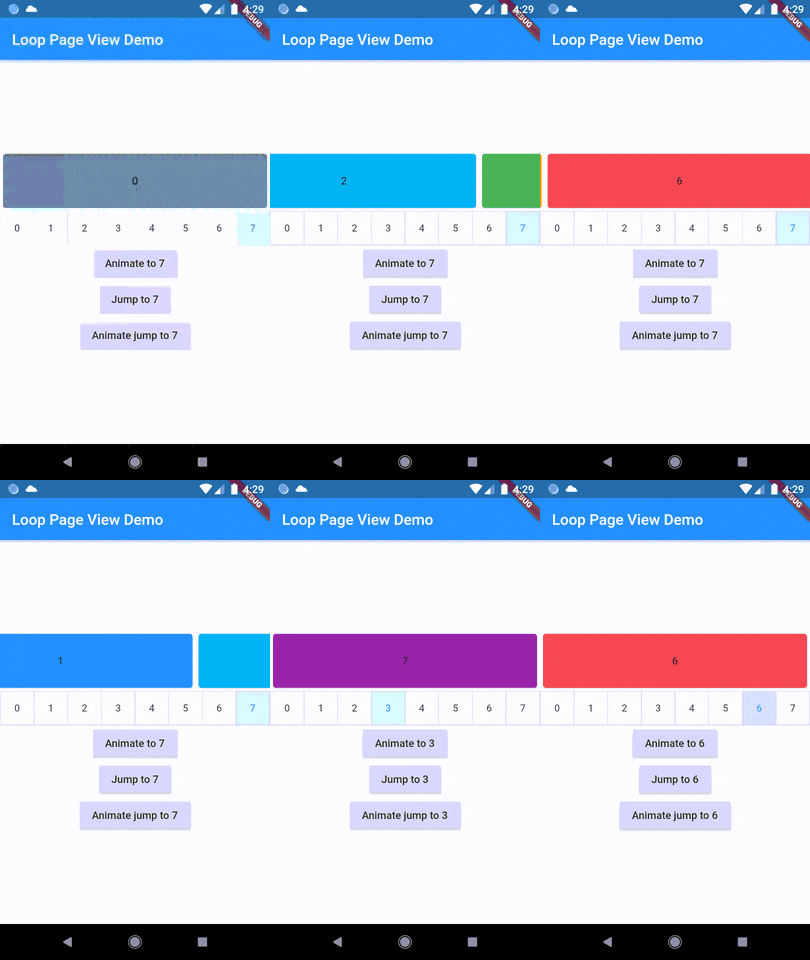
A new method, animateJumpToPage, has been added to LoopPageController. This allows it to animate a jump to any page without having to build the intervening pages, provided that viewportFraction is set to 1.0.
The direction to which the LoopPageViewController animates can be set by updating LoopPageViewController.scrollMode. LoopScrollMode.shortest animates in the direction that requires the least amount of steps. On the other hand, LoopScrollMode.forwards always animates forwards, and LoopScrollMode.backwards always animates backwards.
You can set when the infinite looping starts setting LoopPageViewContoller' LoopActivationMode with the following modes:
LoopActivationMode.immediate: This mode triggers infinite looping right from the first page, immediately after the LoopPageView is launched.
LoopActivationMode.afterFirstLoop: In this mode, infinite looping is only triggered after the first complete forward loop is performed.
LoopActivationMode.forwardOnly: This mode enables only forward infinite scrolling, preventing backward looping.