Pakete, Repositories und App-Kategorien suchen

Cover von motion_tab_bar
Paketdetailsv2.0.4

motion_tab_bar

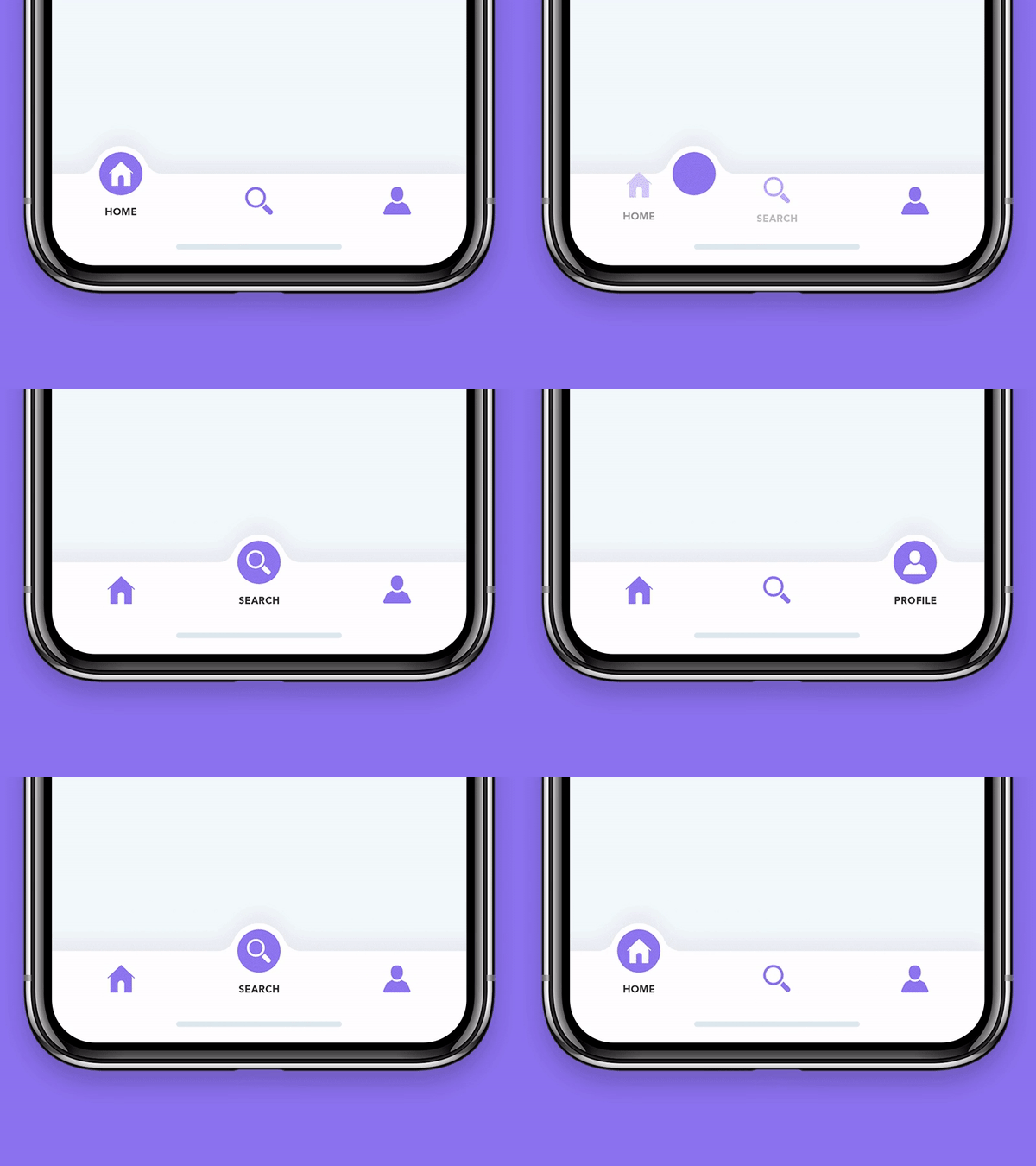
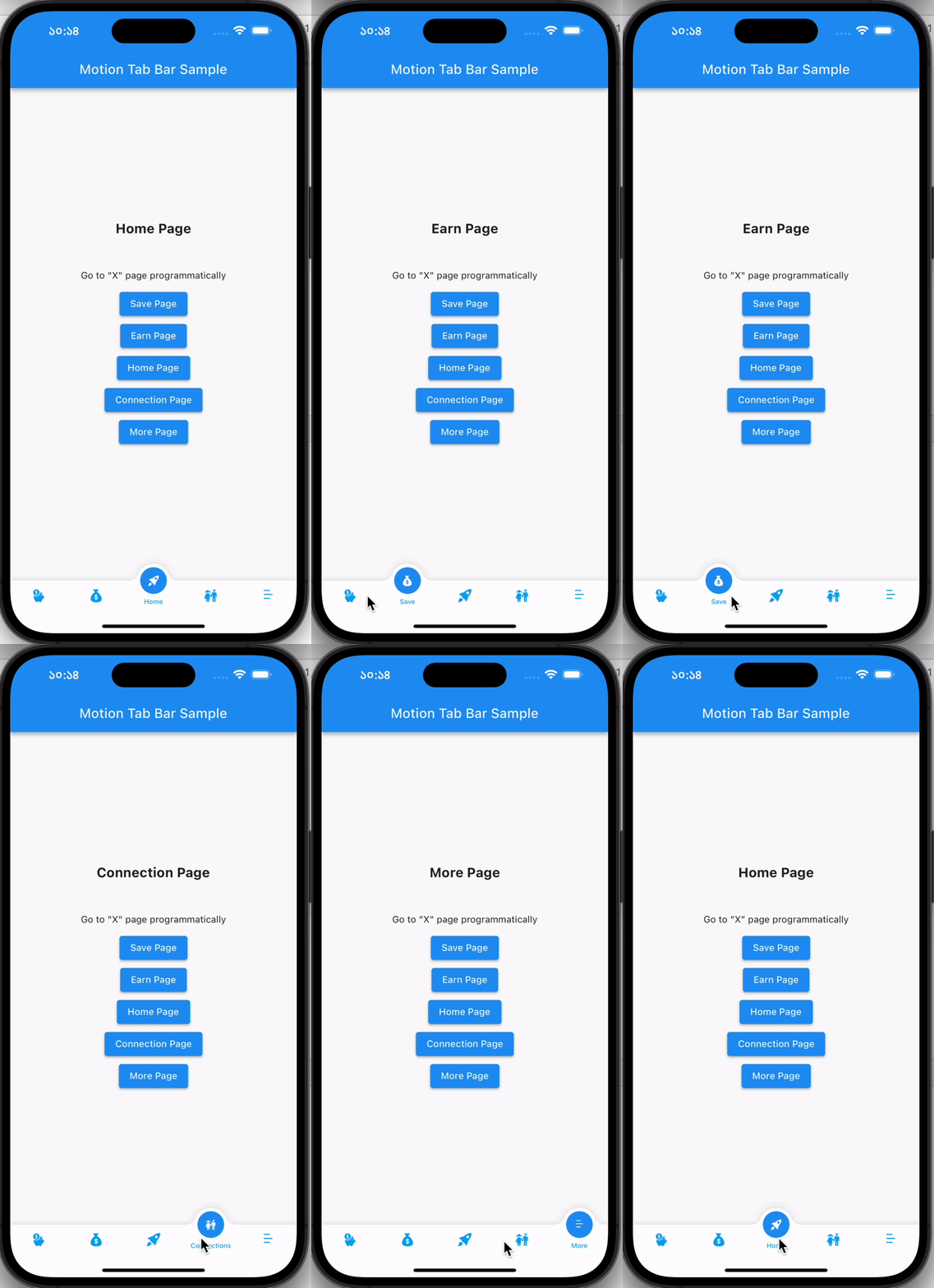
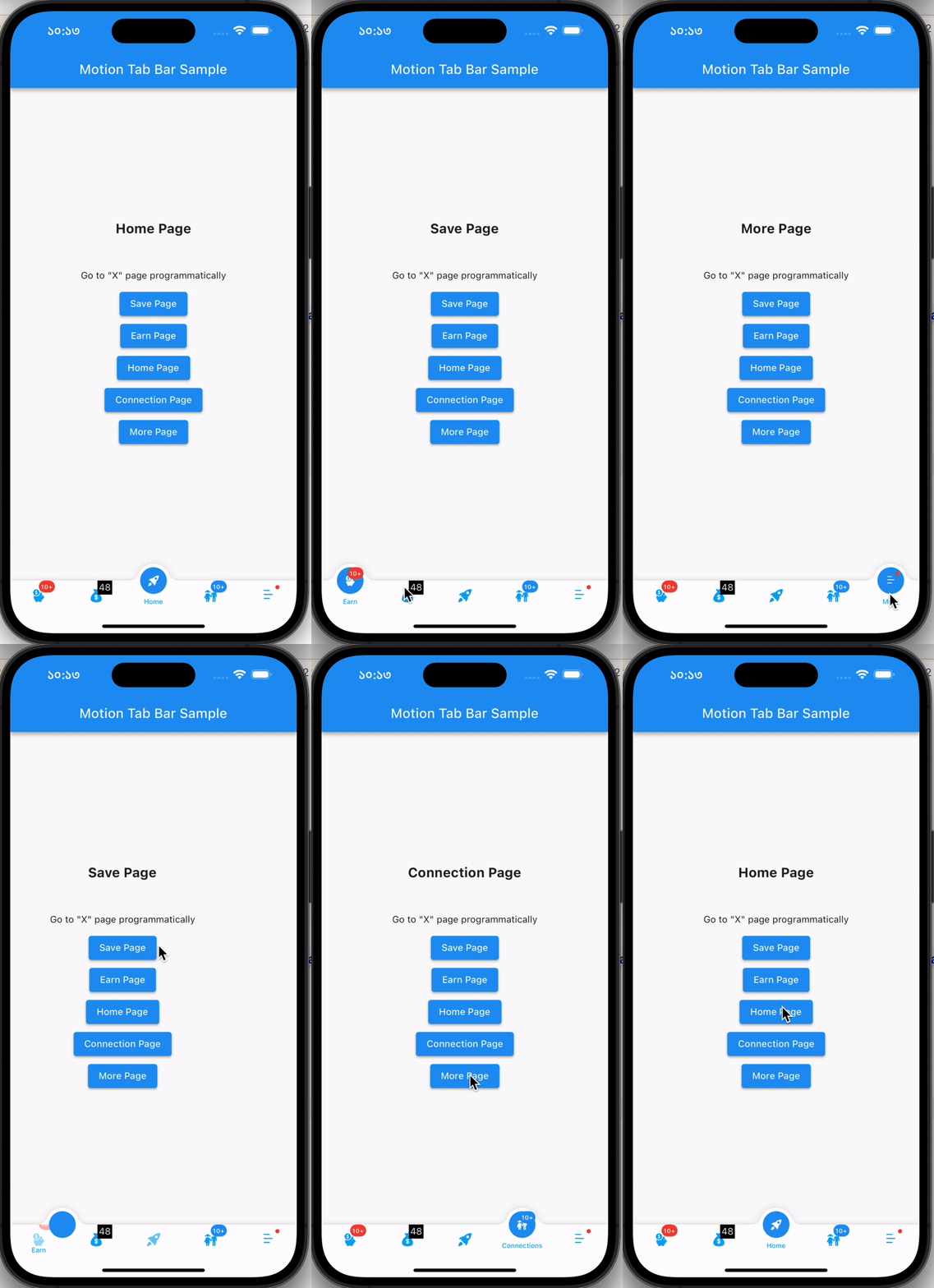
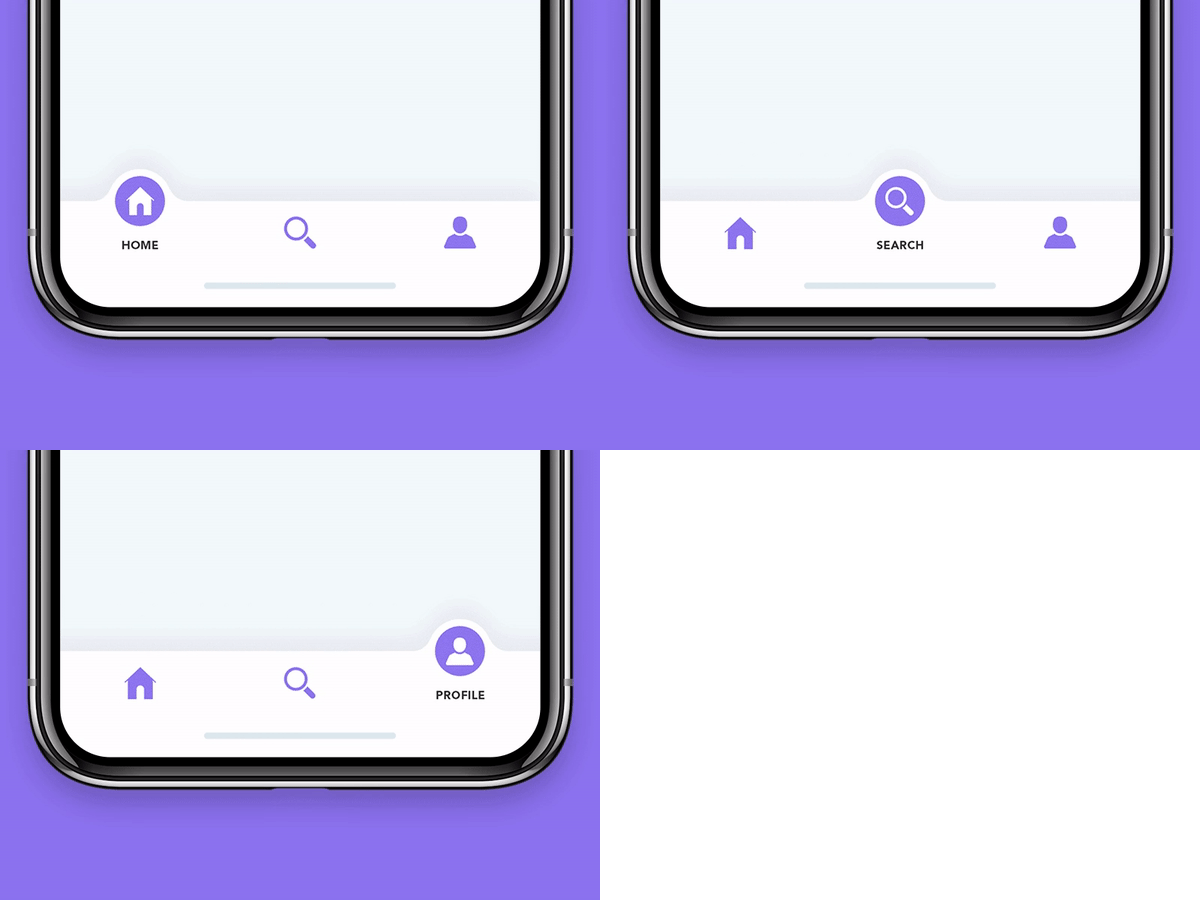
Eine animierte Bottom Navigation Bar für Flutter-Apps, bei der das Symbol animiert platziert wird und die Farben anpassbar sind.

AndroidiOSWebmacOSWindowsLinux
30-Tage-Downloads
725
Likes
261
Pub-Punkte
140

Paket installieren

flutter pub add motion_tab_bar

Paketübersicht

Aus öffentlichen Paketdaten erstellte Orientierung.

Motion Tab Bar ist eine animierte untere Navigationsleiste für Flutter mit glatten Icon-Übergängen und anpassbaren Farben. Sie verbessert die Benutzererfahrung durch dynamische Animationen beim Wechseln der Tabs und macht die Navigation visuell ansprechend. Das Paket unterstützt mehrere Plattformen wie Android, iOS, Web, macOS, Windows und Linux und sorgt so für konsistente Designs über Geräte hinweg. Entwickler können es mithilfe eines einfachen Befehls problemlos in ihre Apps integrieren. Seine geringe Größe und flexiblen Styling-Optionen machen es ideal für moderne, interaktive Benutzeroberflächen.

Anwendungsfälle

  • Animierte App-Navigation
  • Moderne mobile und Web-Oberflächen
  • Anpassbare Bottom-Navigation
  • Erhöhte Benutzerengagement
  • Plattformübergreifende Anwendungen
  • Interaktive Benutzeroberflächenkomponenten

Hauptmerkmale

  • Glatte Icon-Animationen
  • Anpassbare Farben
  • Plattformübergreifende Unterstützung
  • Einfache Integration
  • Leichtbauweise
  • Reaktive Übergänge

Geeignet für

  • Flutter-Entwickler, die animierte Navigation suchen
  • Apps, die visuelle Rückmeldung erfordern
  • designorientierte Anwendungen
  • Multiplattformprojekte
  • UI/UX-Verbesserungsmaßnahmen
  • Mobile- und Web-App-Entwickler

Hinweise

  • Kann die Leistung auf Low-End-Geräten beeinträchtigen
  • Eingeschränkte Anpassungsmöglichkeiten außer Farben und Animationen
  • Erfordert sorgfältige Tests auf allen Zielplattformen
  • Nicht geeignet für minimalistische Designs
  • Animation kann Benutzer ablenken, wenn sie übermäßig verwendet wird
  • Abhängig von Drittanbieterabhängigkeiten für volle Funktionalität

Original-README

Originaler README-Schnappschuss aus dem verknüpften Quell-Repository. Aktuelle Inhalte finden Sie im Repository.

Motion Tab Bar compatible with Flutter 3 and RTL support

pub package likes popularity pub points

A beautiful animated widget for your Flutter apps

MotionTabBar Gif

Without Badge With Badge
MotionTabBar Gif MotionTabBar Gif

Getting Started

Add the plugin:

dependencies:
  motion_tab_bar: ^2.0.4

Basic Usage

Use default TabController or MotionTabBarController:
  // TabController _tabController;
  MotionTabBarController? _motionTabBarController;

  @override
  void initState() {
    super.initState();
    
    //// Use normal tab controller
    // _tabController = TabController(
    //   initialIndex: 1,
    //   length: 4,
    //   vsync: this,
    // );

    //// use "MotionTabBarController" to replace with "TabController", if you need to programmatically change the tab
    _motionTabBarController = MotionTabBarController(
      initialIndex: 1,
      length: 4,
      vsync: this,
    );
  }

  @override
  void dispose() {
    super.dispose();

    // _tabController.dispose();
    _motionTabBarController!.dispose();
  }
Add Motion Tab Bar to Scaffold bottomNavigationBar:
  bottomNavigationBar: MotionTabBar(
    controller: _motionTabBarController, // ADD THIS if you need to change your tab programmatically
    initialSelectedTab: "Home",
    labels: const ["Dashboard", "Home", "Profile", "Settings"],
    icons: const [Icons.dashboard, Icons.home, Icons.people_alt, Icons.settings],

    // optional badges, length must be same with labels
    badges: [
      // Default Motion Badge Widget
      const MotionBadgeWidget(
        text: '10+',
        textColor: Colors.white, // optional, default to Colors.white
        color: Colors.red, // optional, default to Colors.red
        size: 18, // optional, default to 18
      ),

      // custom badge Widget
      Container(
        color: Colors.black,
        padding: const EdgeInsets.all(2),
        child: const Text(
          '11',
          style: TextStyle(
            fontSize: 14,
            color: Colors.white,
          ),
        ),
      ),

      // allow null
      null,

      // Default Motion Badge Widget with indicator only
      const MotionBadgeWidget(
        isIndicator: true,
        color: Colors.blue, // optional, default to Colors.red
        size: 5, // optional, default to 5,
        show: true, // true / false
      ),
    ],
    tabSize: 50,
    tabBarHeight: 55,
    textStyle: const TextStyle(
      fontSize: 12,
      color: Colors.black,
      fontWeight: FontWeight.w500,
    ),
    tabIconColor: Colors.blue[600],
    tabIconSize: 28.0,
    tabIconSelectedSize: 26.0,
    tabSelectedColor: Colors.blue[900],
    tabIconSelectedColor: Colors.white,
    tabBarColor: Colors.white,
    onTabItemSelected: (int value) {
      setState(() {
        // _tabController!.index = value;
        _motionTabBarController!.index = value;
      });
    },
  ),
add TabBarView to Scaffold body
  body: TabBarView(
    physics: NeverScrollableScrollPhysics(), // swipe navigation handling is not supported
    // controller: _tabController,
    controller: _motionTabBarController,
    children: <Widget>[
      const Center(
        child: Text("Dashboard"),
      ),
      const Center(
        child: Text("Home"),
      ),
      const Center(
        child: Text("Profile"),
      ),
      const Center(
        child: Text("Settings"),
      ),
    ],
  ),
to change tabs programmatically
...

ElevatedButton(
  // set MotionTabBarController index to new tab index
  onPressed: () => _motionTabBarController.index = 0,
  child: const Text('Dashboard Page'),
),
ElevatedButton(
  // set MotionTabBarController index to new tab index
  onPressed: () => _motionTabBarController.index = 1,
  child: const Text('Home Page'),
),

...

Catch me up on LinkedIn @Rezaul Islam

💙 to Code👨🏽‍💻 Flutter Expert • Dart Kotlin Swift Node Js • Android • Full Stack Developer

Kategorien

Abhängigkeiten

Abhängigkeiten 1 Einträge

Quell-Repository

Projekte, die dieses Paket verwenden

Noch keine Daten verfügbar.