Aus öffentlichen Paketdaten erstellte Orientierung.
Ein Flutter-Paket, das die native Videowiedergabe über Androids VideoView und iOSs AVPlayer integriert. Es bietet eine reibungslose, leistungsstarke Videowiedergabe durch Nutzung nativer Komponenten anstelle von Software-Lösungen. Dadurch wird eine bessere Kompatibilität mit verschiedenen Videoformaten und Hardware-Acceleration gewährleistet. Das Widget ist für Entwickler konzipiert, die optimale Video-Wiedergabequalität und -leistung auf Android- und iOS-Plattformen suchen.
Anwendungsfälle
Wiedergabe von Videos mit Hardwarebeschleunigung
Integration mit nativen Videosteuerungen
Unterstützung komplexer Videoformate
Medienintensive Anwendungen erstellen
Niedrige Latenzwiedergabe sicherstellen
Hauptmerkmale
Verwendet native Videoplayer auf Android und iOS
Hardware-beschleunigte Videowiedergabe
Minimaler Flutter-Aufwand
Plattformübergreifende Konsistenz
Unterstützt Vollbild- und Hintergrundwiedergabe
Geeignet für
Medien-Apps mit hohem Leistungsbedarf
Apps mit umfangreichen Videoinhalten
Entwickler legen Wert auf native Wiedergabequalität
Projekte, die minimale benutzerdefinierte Videologik benötigen
Hinweise
Eingeschränkte Anpassungsmöglichkeiten im Vergleich zu reinen Flutter-Widgets
Benötigt plattformspezifische Konfiguration für erweiterte Funktionen
Unterstützt möglicherweise nicht alle Video-Codecs out of the box
Abhängig von Native-Plattform-Updates
Weniger Kontrolle über Benutzeroberflächenelemente als bei benutzerdefinierten Implementierungen
Original-README
Originaler README-Schnappschuss aus dem verknüpften Quell-Repository. Aktuelle Inhalte finden Sie im Repository.
native_video_view
A video player widget displayed using the platform native player
(VideoView in Android and AVPlayer in iOS).
Disclaimer
This plugin uses VideoView because in some devices the ExoPlayer plugin
is not working correctly (due to decoders or something) and VideoView is
a reasonable alternative. In iOS is sorta similar to Google's
video_player so you should use
their plugin if you want a player for iOS only.
Installation
First you need to add the dependency in your pubspec.yaml.
native_video_view:^0.3.0
Then import the plugin in the .dart file you want to use it.
You need to add the necessary permissions to play the videos. If
you are playing videos from the internet, you need to add the internet
permissions in your AndroidManifest.xml located in the android
folder in your project.
keepAspectRatio: Wraps the video player in a AspectRatio widget.
The aspect ratio is calculated once the video is loaded. By default the
aspect ratio is 4/3.
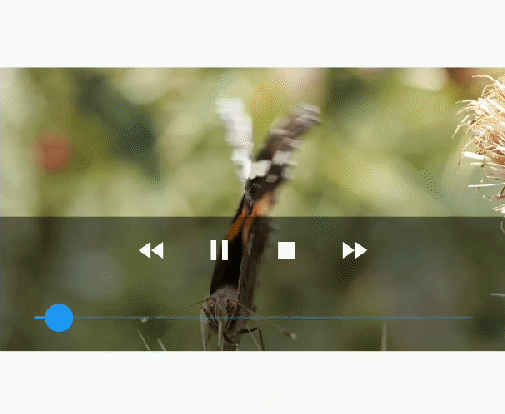
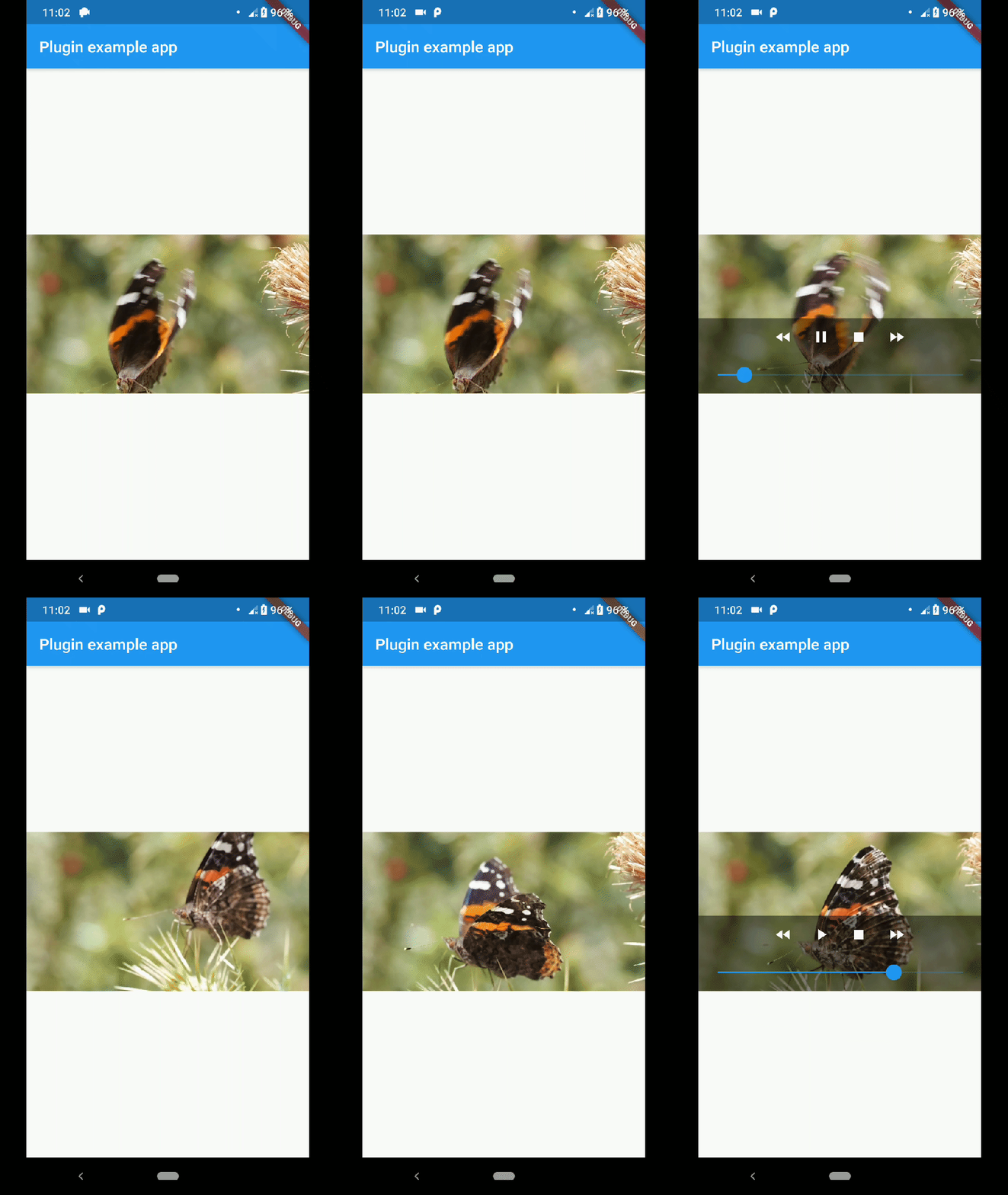
showMediaController: Shows a default media controller overlay
in the video player widget.
enableVolumeControl: Adds an option in the MediaController to control the volume of the
playback.
useExoPlayer: Use ExoPlayer as the underlying player.
Android Only.
autoHide: Automatically hides the media controller after
a few seconds of no use. Default is true.
autoHideTime: The time after which the controller is hidden.
Default is 2 seconds.
onCreated: (required) Callback called when the PlatformView is
finished creating.
onPrepared: (required) Callback called when the player has
finished loading the video.
onCompletion: (required) Callback called when the video reached
the end.
onError: Callback called if an error occurs in the player.
onProgress: Callback used to notify progress in the video
playback.
AudioFocus
To make the player get the audio focus of the system you just have to use the setting
requestAudioFocus when setting the video source. See the example below.