Aus öffentlichen Paketdaten erstellte Orientierung.
Ein Flutter-Paket zur Auswahl von Kartenorten mit kostenloser Geokodierung über Nominatim, das eine vollständig Open-Source-Lösung bietet. Es unterstützt die Integration von Mapbox für erweiterte Kartierungsfunktionen. Der Picker ermöglicht es Benutzern, Orte direkt auf einer Karte zu suchen und auszuwählen, was ihn ideal für Apps macht, die Adresseneingabe oder Standortauswahl ohne Abhängigkeit von bezahlten Diensten benötigen. Entwickelt für Einfachheit und Leistung, integriert sich nahtlos in Flutter-Projekte.
Anwendungsfälle
Adressensuche in Formularen
Standortauswahl für Liefer-Apps
Standortbasierte Funktionen in Reise-Apps
Kartenbasierte Einrichtung des Benutzerprofils
Standorteingabe, die offline funktioniert
Hauptmerkmale
Kostenlose Geokodierung mit Nominatim
Mapbox-Unterstützung
Einfache Integration mit Flutter
Echtzeit-Standortsuche
Anpassbare Kartenansicht
Geeignet für
Entwickler, die kostenlose Geokodierung suchen
Apps, die leichte Standortauswahl benötigen
Projekte, die API-Kosten vermeiden
Reise- und Logistik-Anwendungen
Open-Source ausgerichtete Teams
Hinweise
Abhängig von der Verfügbarkeit des externen Nominatim-Dienstes
Bei hohem Nutzung können Geschwindigkeitsbegrenzungen gelten
Mapbox erfordert einen separaten API-Schlüssel
Eingeschränkte Offline-Funktionalität
Internetverbindung für die Geokodierung erforderlich
Original-README
Originaler README-Schnappschuss aus dem verknüpften Quell-Repository. Aktuelle Inhalte finden Sie im Repository.
Nominatim Location Picker
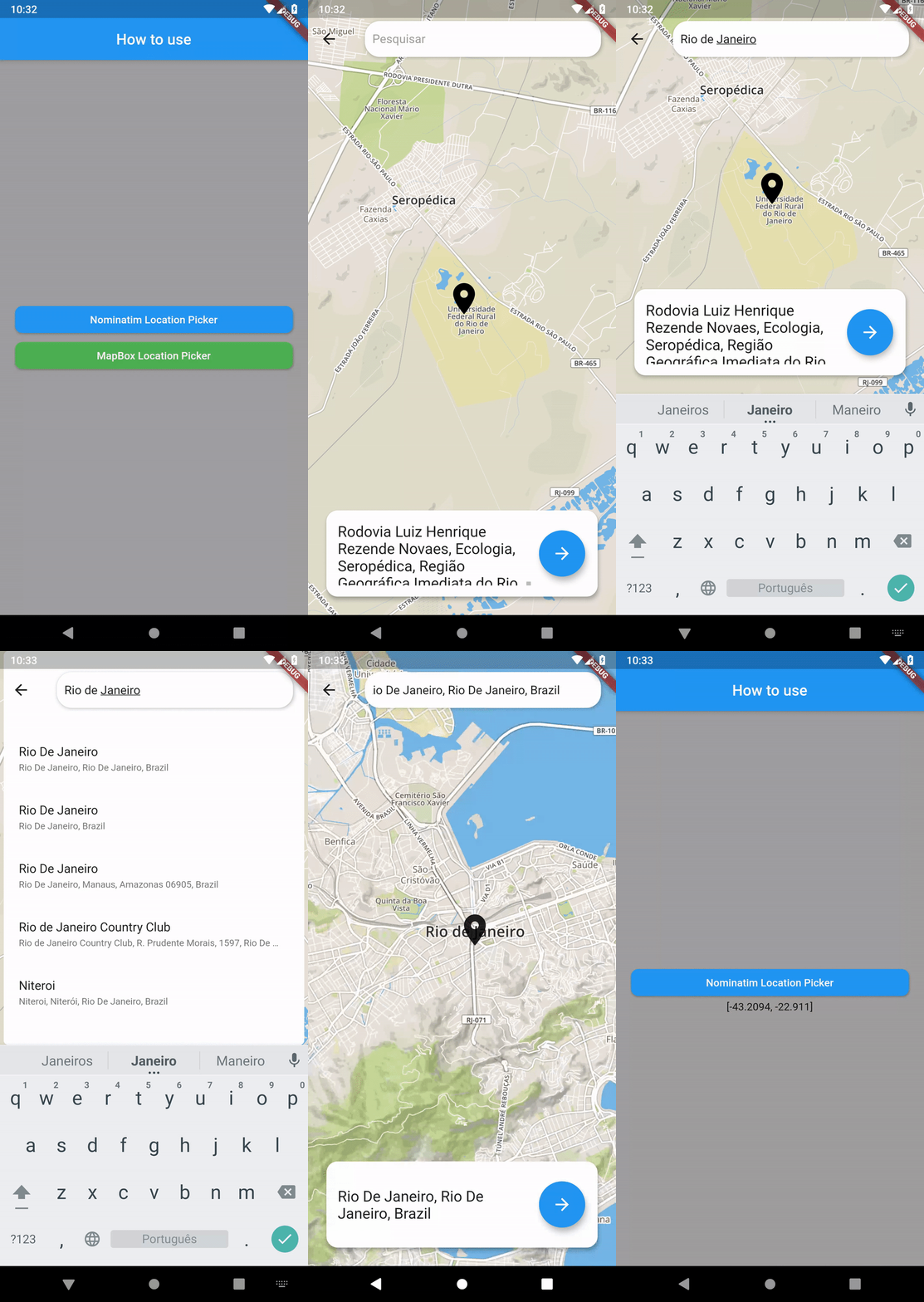
Nominatim Location Picker is a package that appears as a FREE alternative (WITH NO API KEYS OR EVEN ACCESSTOKEN, NONE OF THEM ARE NECESSARY) with support for Geocoding with a beautiful and coherent interface using the OpenStreetMap Nominatim.
In the current version, support for Mapbox has also been added, with an interface in line with Nominatim so you can choose which one to use or vary between the two of them.
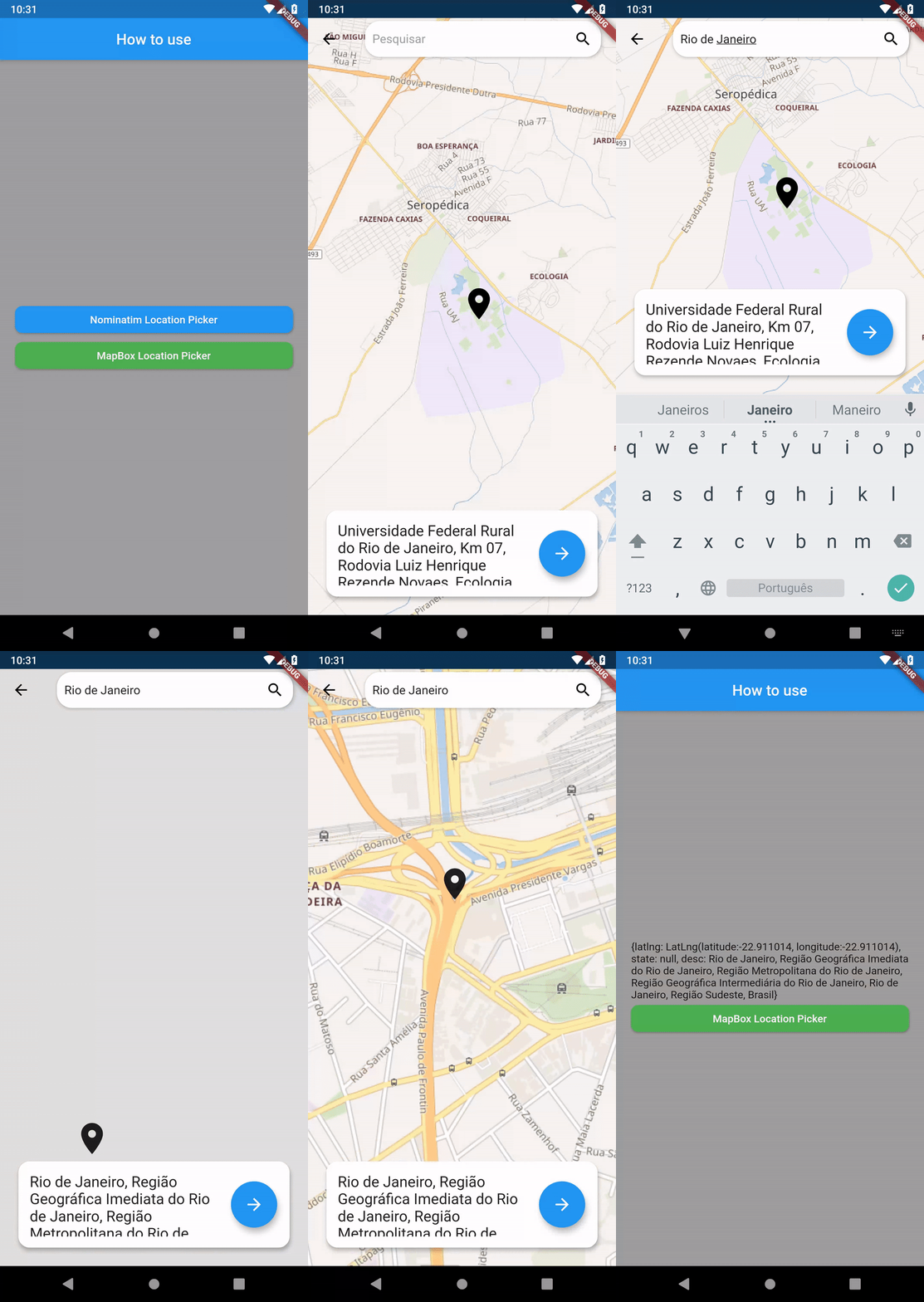
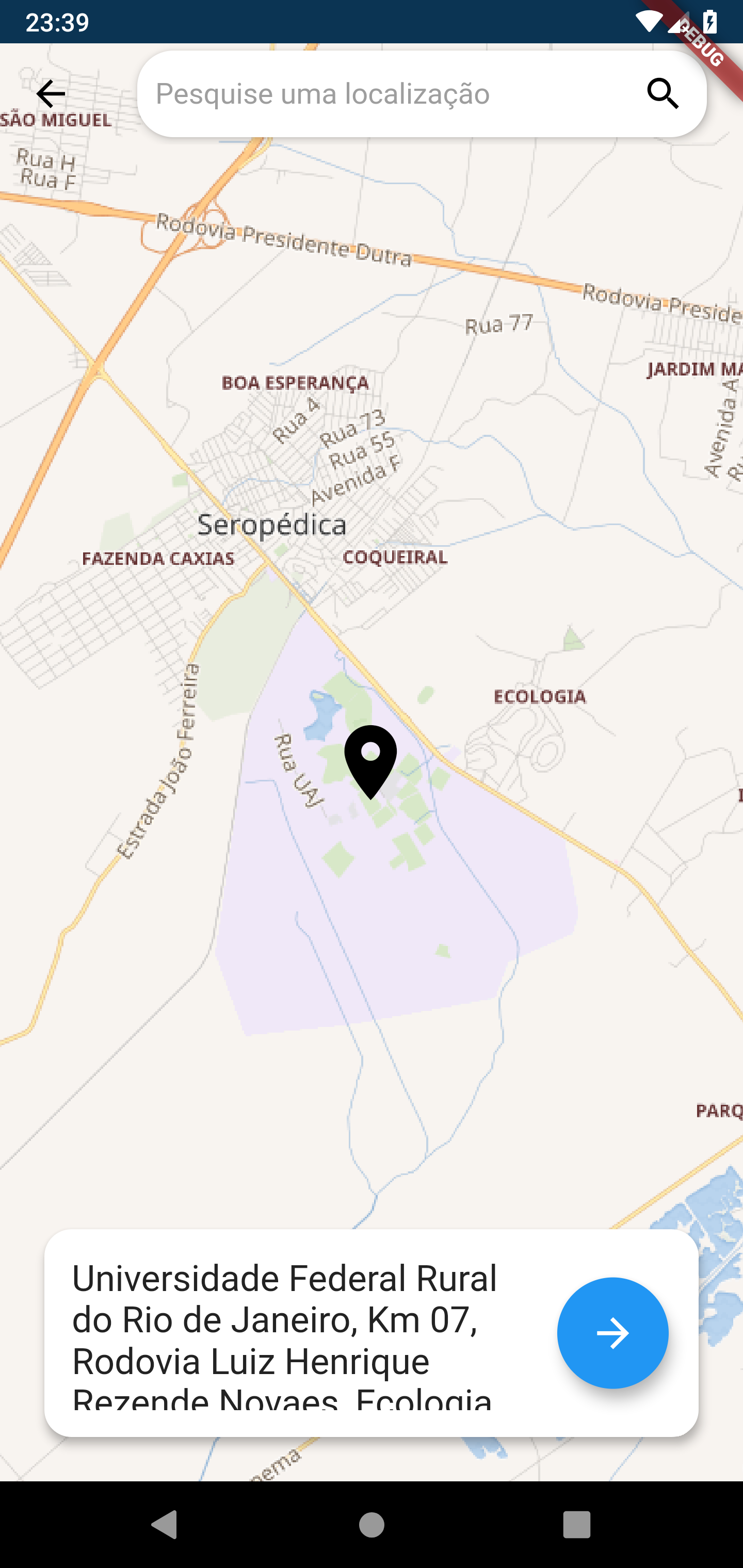
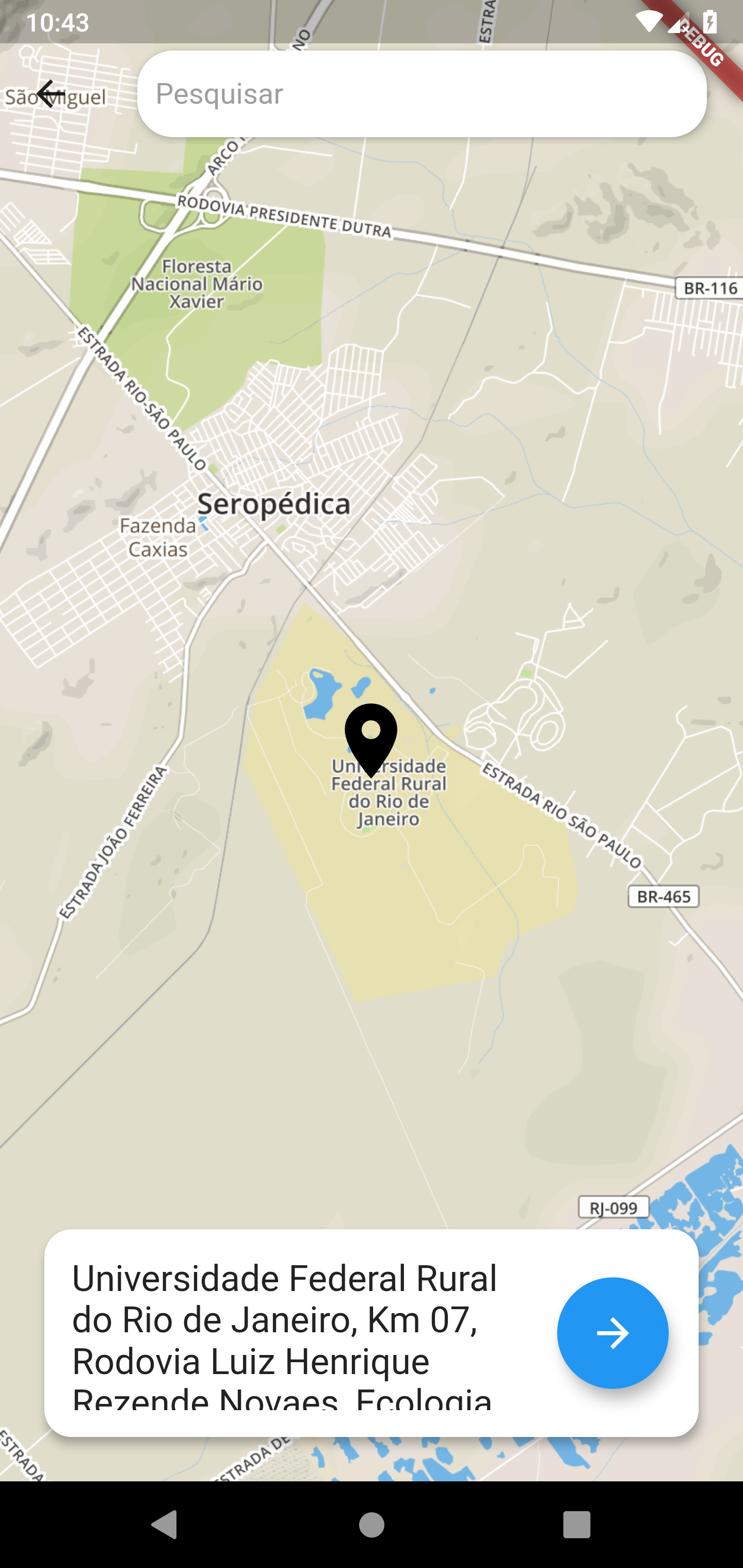
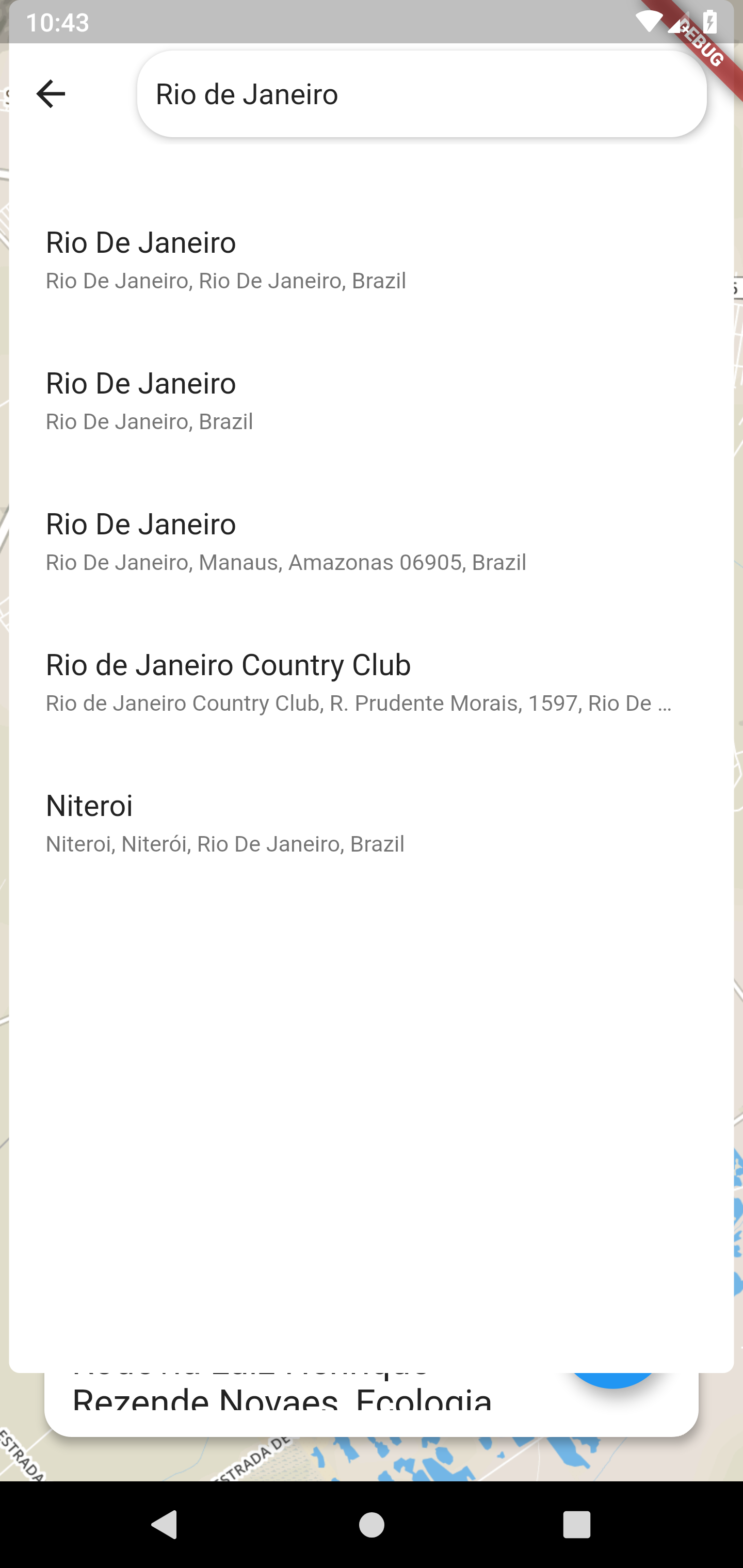
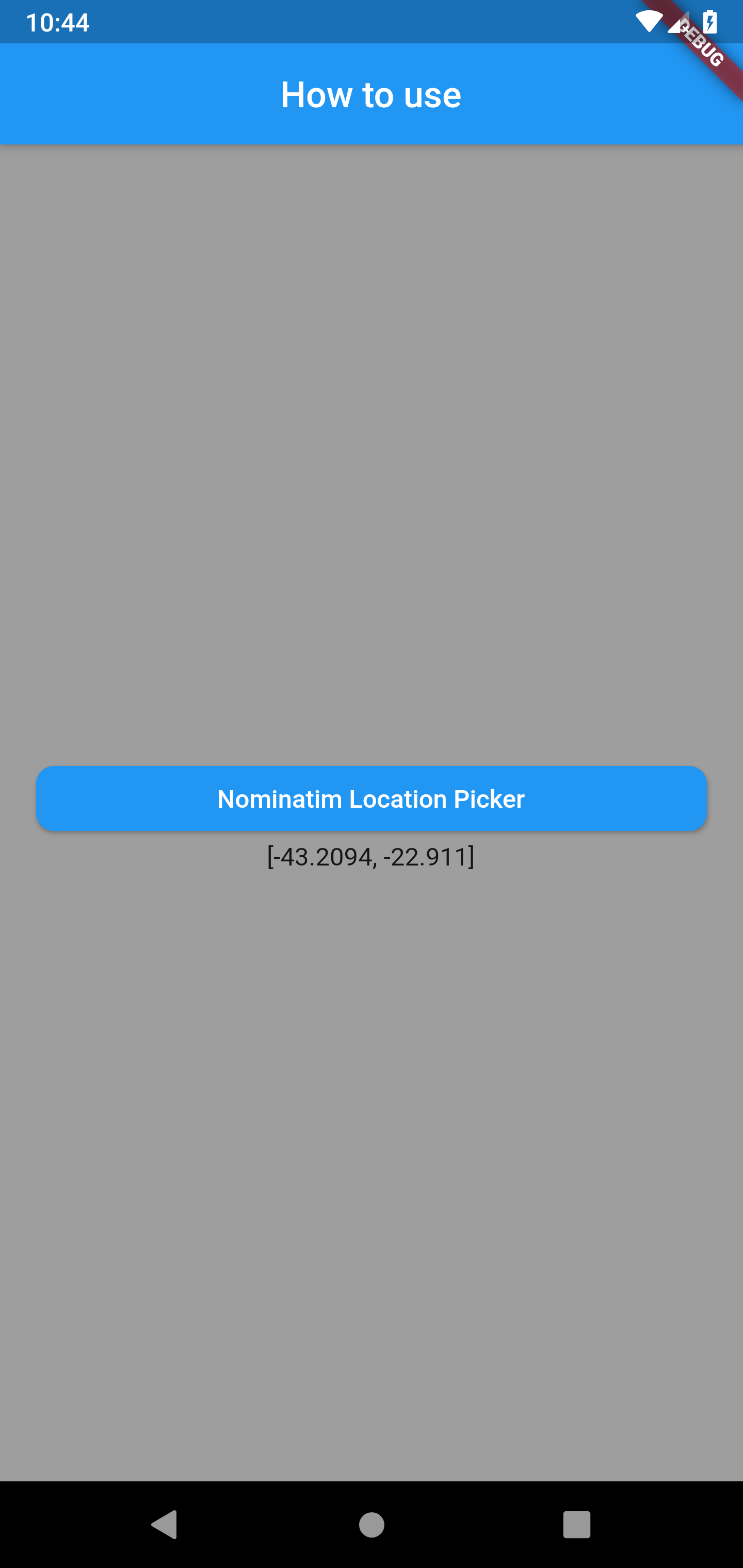
Nominatim Location Picker Screenshots
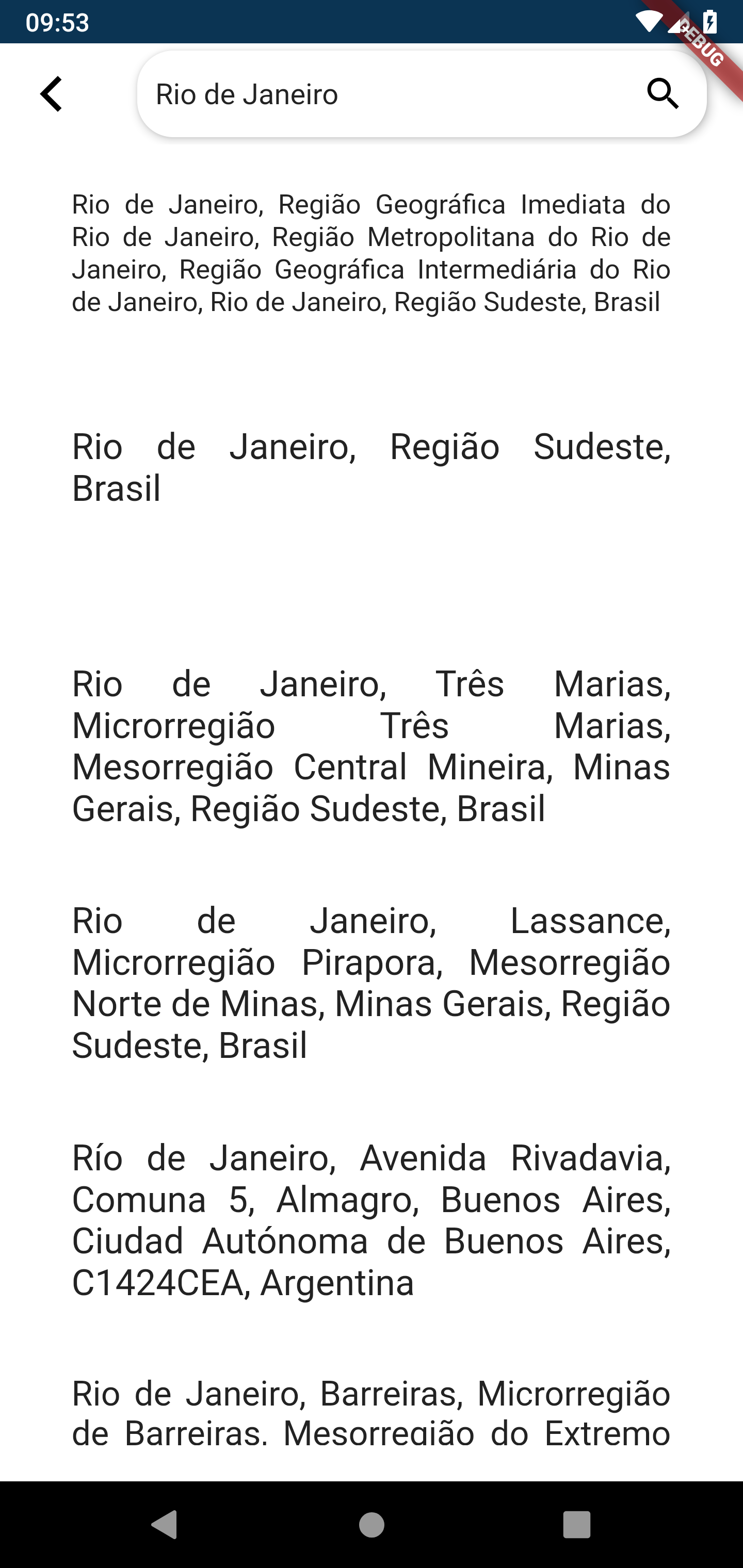
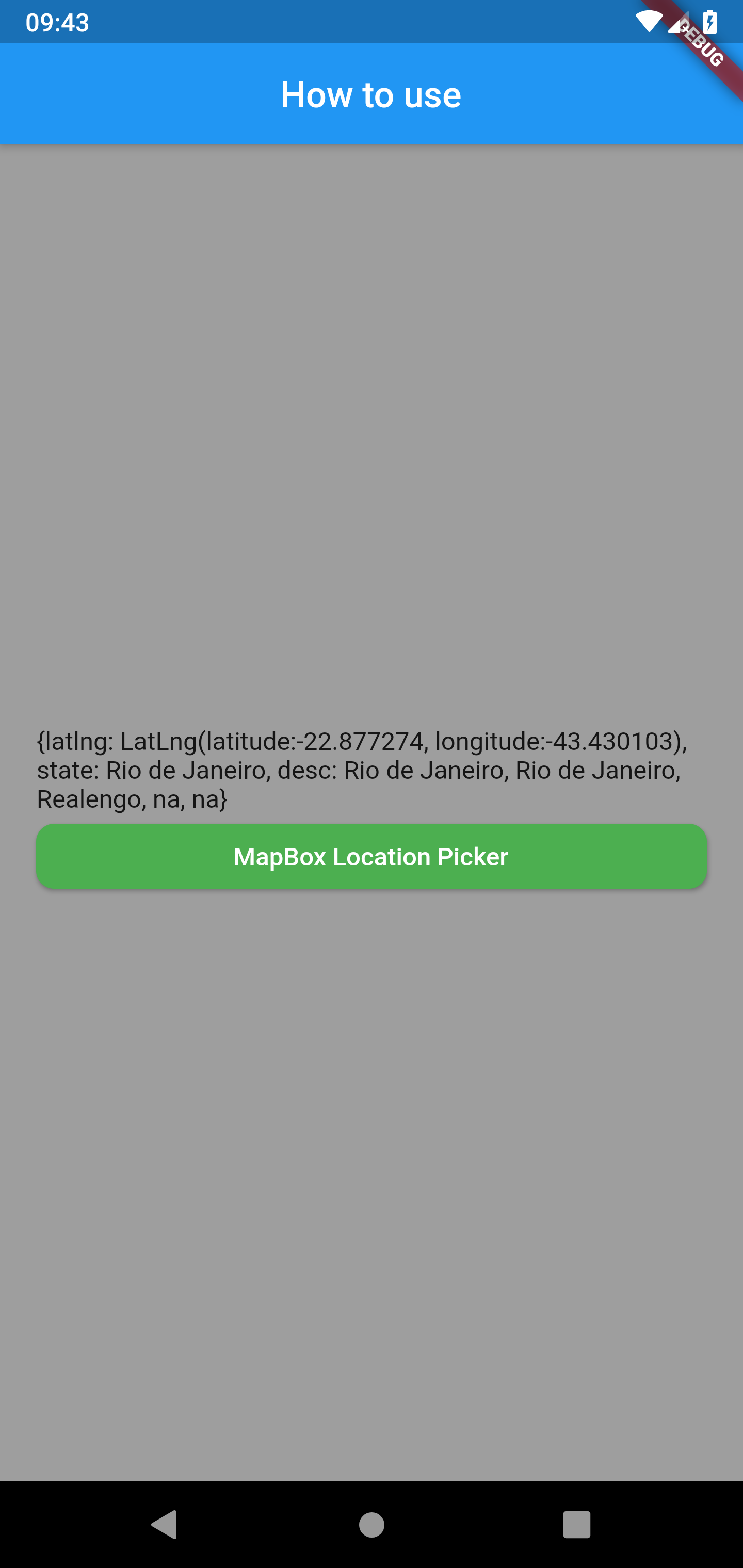
MapBox Location Picker Screenshots
Nominatim Location Picker's version 0.1.0+7 features!
- Custom Maps and Markers
- Support with the same interface for MapBox;
- Auto search with MapBox
- Geocoding search with Nominatim and Mapbox;
- Get Current User Location;
- Returns the Latitude and Longitude coordinates of the searched location;
- Returns the description of the searched location;
- Returns the Country, State, city and district of the searched Location in both Nominatim and MapBox;
OpenStreetMap Nominatim
Nominatim (from the Latin, 'by name') is a tool to search OpenStreetMap data
by name and address (geocoding) and to generate synthetic addresses of
OSM points (reverse geocoding). An instance with up-to-date data can be found
at https://nominatim.openstreetmap.org. Nominatim is also used as one of the
sources for the Search box on the OpenStreetMap home page.
Nominatim's Documentation
The documentation of the latest development version is in the
docs/ subdirectory. A HTML version can be found at
https://nominatim.org/release-docs/develop/ .
Nominatim's Limitations
No heavy uses (an absolute maximum of 1 request per second).
Provide a valid HTTP Referer or User-Agent identifying the application (stock User-Agents as set by http libraries will not do).
Clearly display attribution as suitable for your medium.
Data is provided under the ODbL license which requires to share alike (although small extractions are likely to be covered by fair usage / fair dealing).
MapBox
Mapbox is a large provider of custom online maps for websites and applications. Since 2010, it has rapidly expanded the niche of custom maps, as a response to the limited choice offered by map providers such as Google Maps.
MapBox's Documentation
Mapbox APIs are divided into four distinct services: Maps, Navigation, Search, and Accounts. Each of these services has its own overview page in this documentation. These overview pages are divided into the individual APIs that make up the service. The documentation for each API is structured by endpoints. An endpoint is a specific method within an API that performs one action and is located at a specific URL
android.permission.ACCESS_FINE_LOCATION Allows the API to determine as precise a location as possible from the available location providers, including the Global Positioning System (GPS) as well as WiFi and mobile cell data.
android.permission.ACCESS_COARSE_LOCATION Allows the API to use WiFi or mobile cell data (or both) to determine the device's location. The API returns the location with an accuracy approximately equivalent to a city block.
import'package:nominatim_location_picker/nominatim_location_picker.dart';
WidgetgetLocationWithMapBox() {
returnMapBoxLocationPicker(
popOnSelect: true,
apiKey: "YOUR API KEY",
limit: 10,
language: 'pt',
country: 'br',
searchHint: 'Pesquisar',
awaitingForLocation: "Procurando por sua localização",
onSelected: (place) {
setState(() {
_pickedLocationText = place.geometry.coordinates; // Example of how to call the coordinates after using the Mapbox Location Pickerprint(_pickedLocationText);
});
},
context: context,
);
}
MapBox Location Picker with Custom Maps and Markers