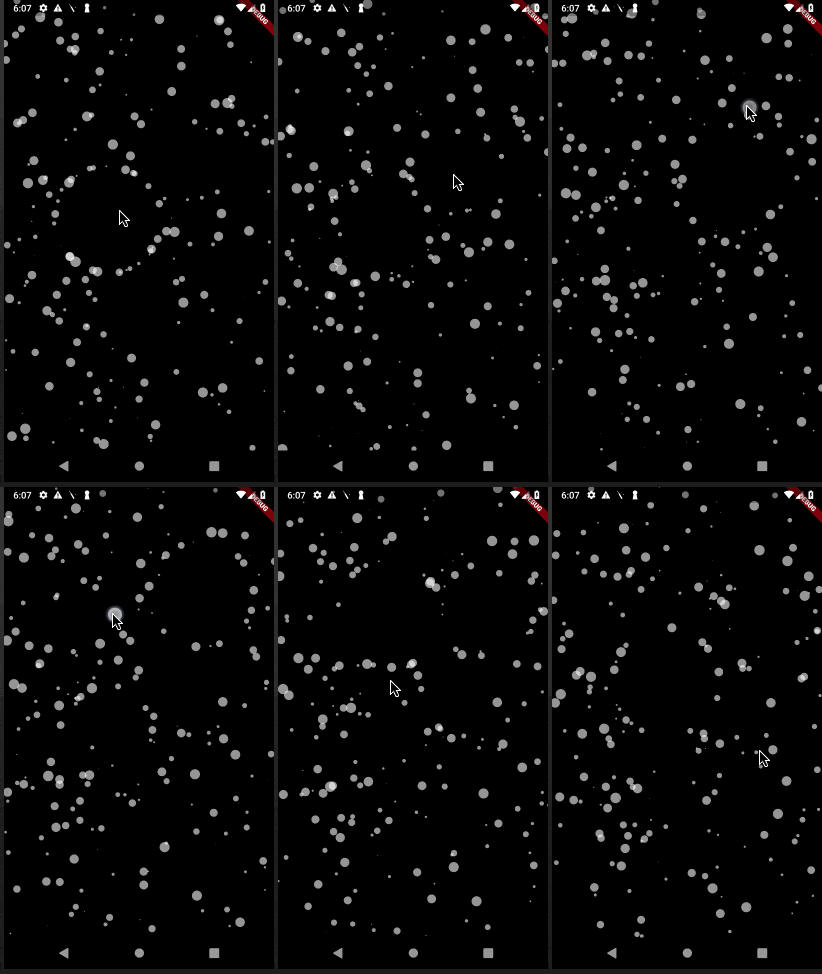
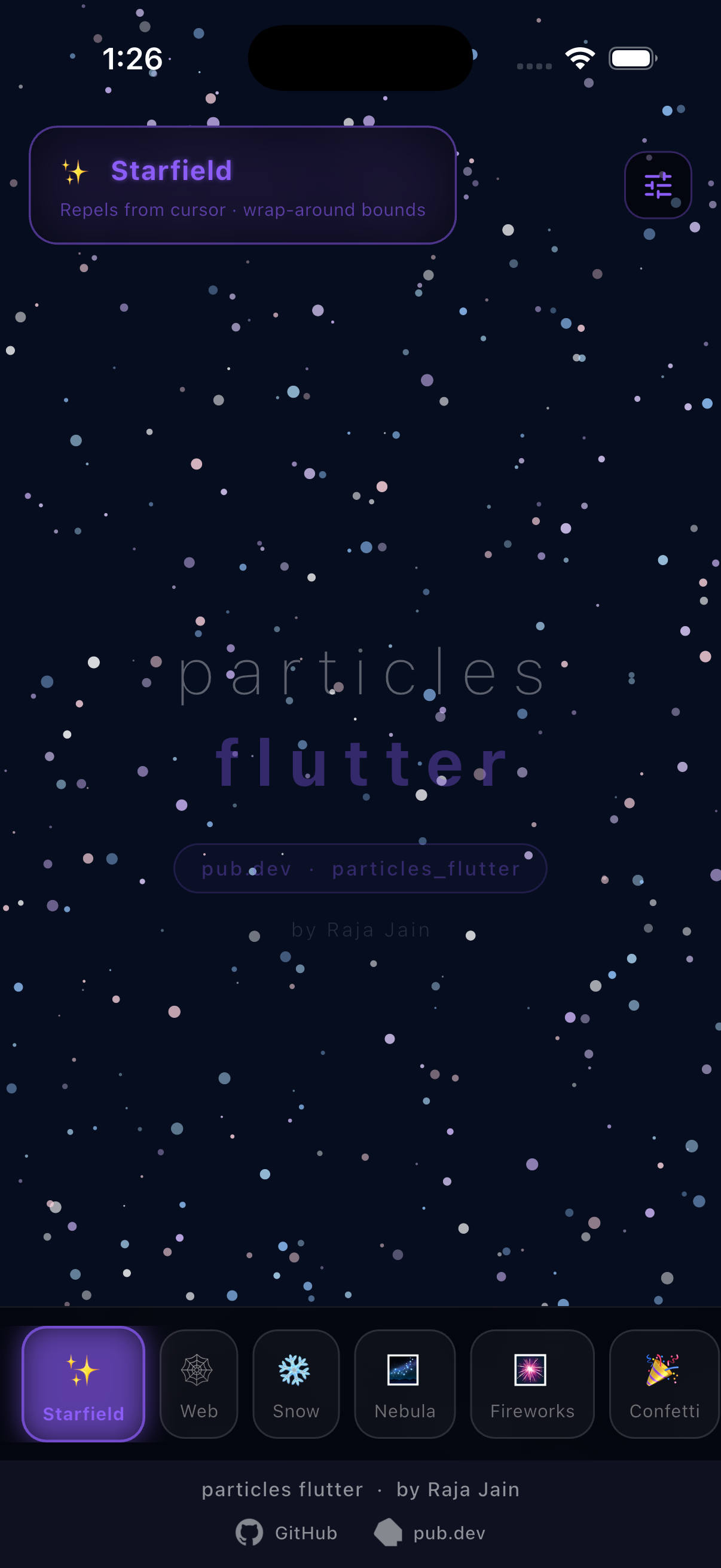
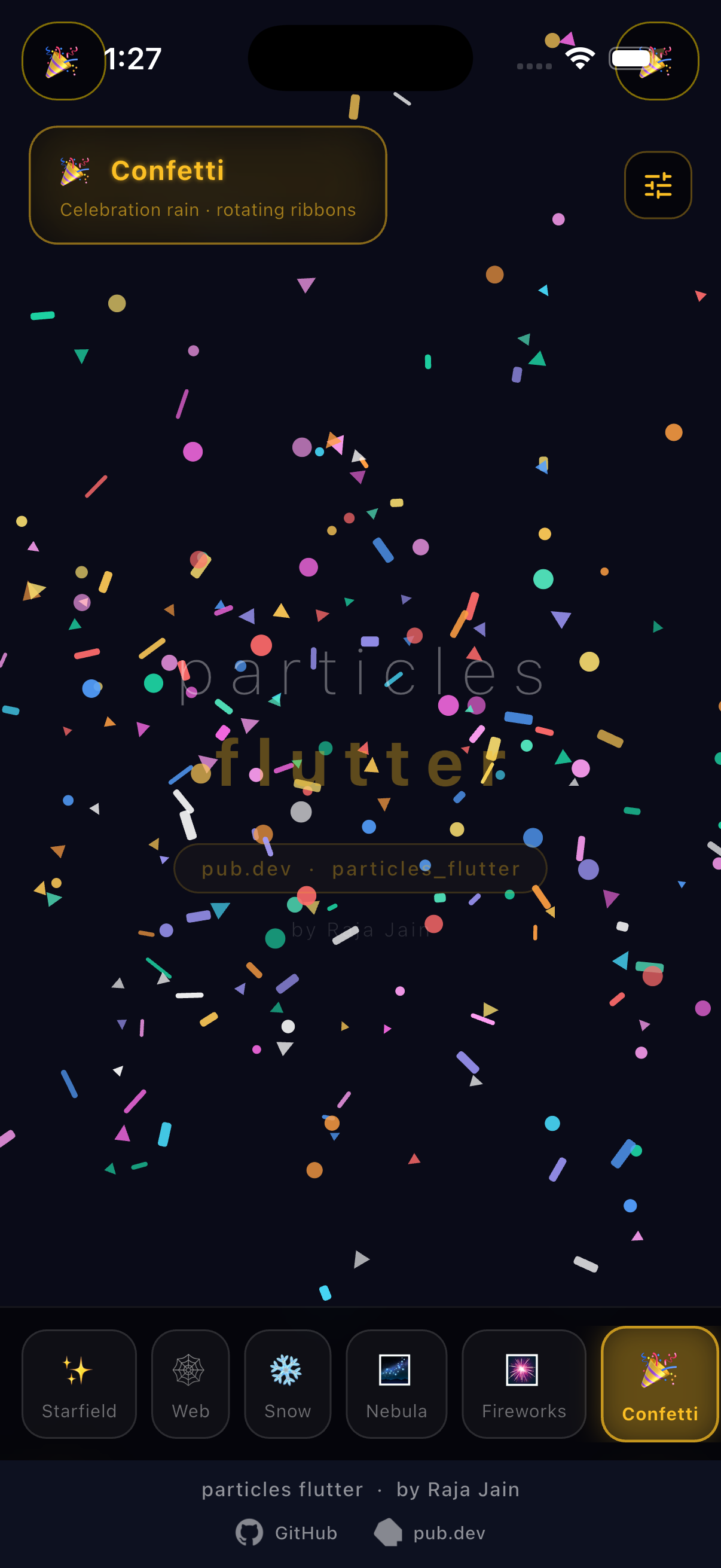
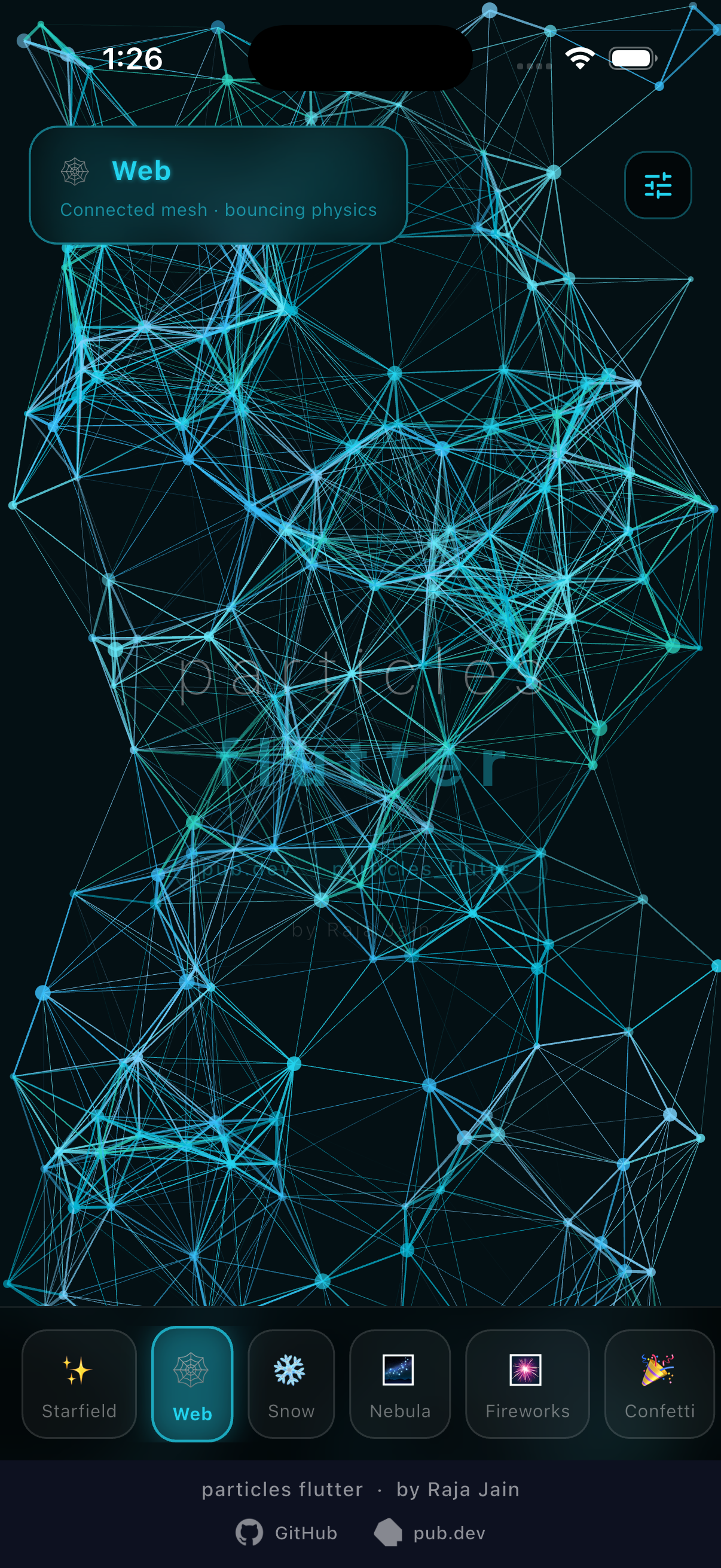
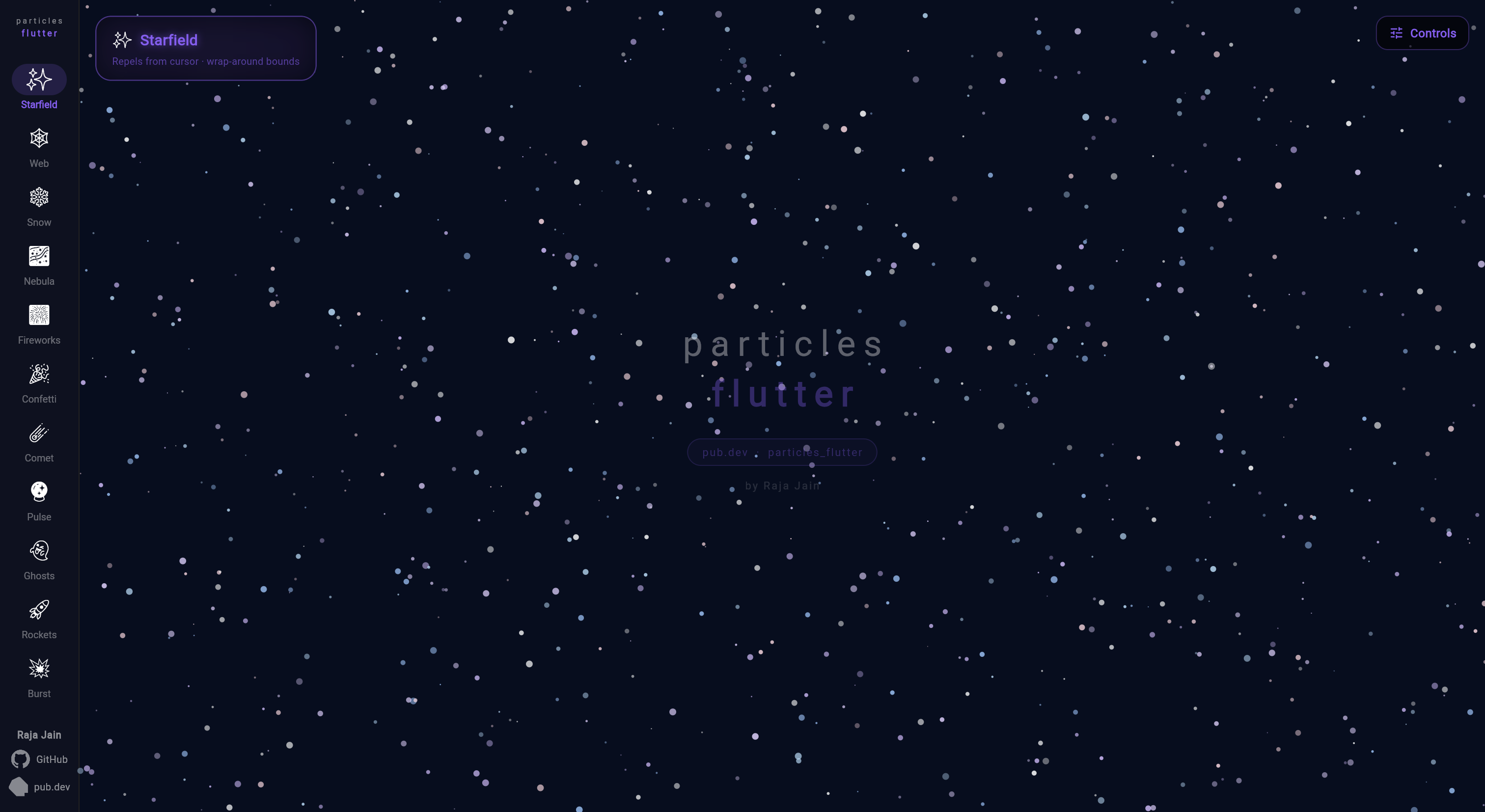
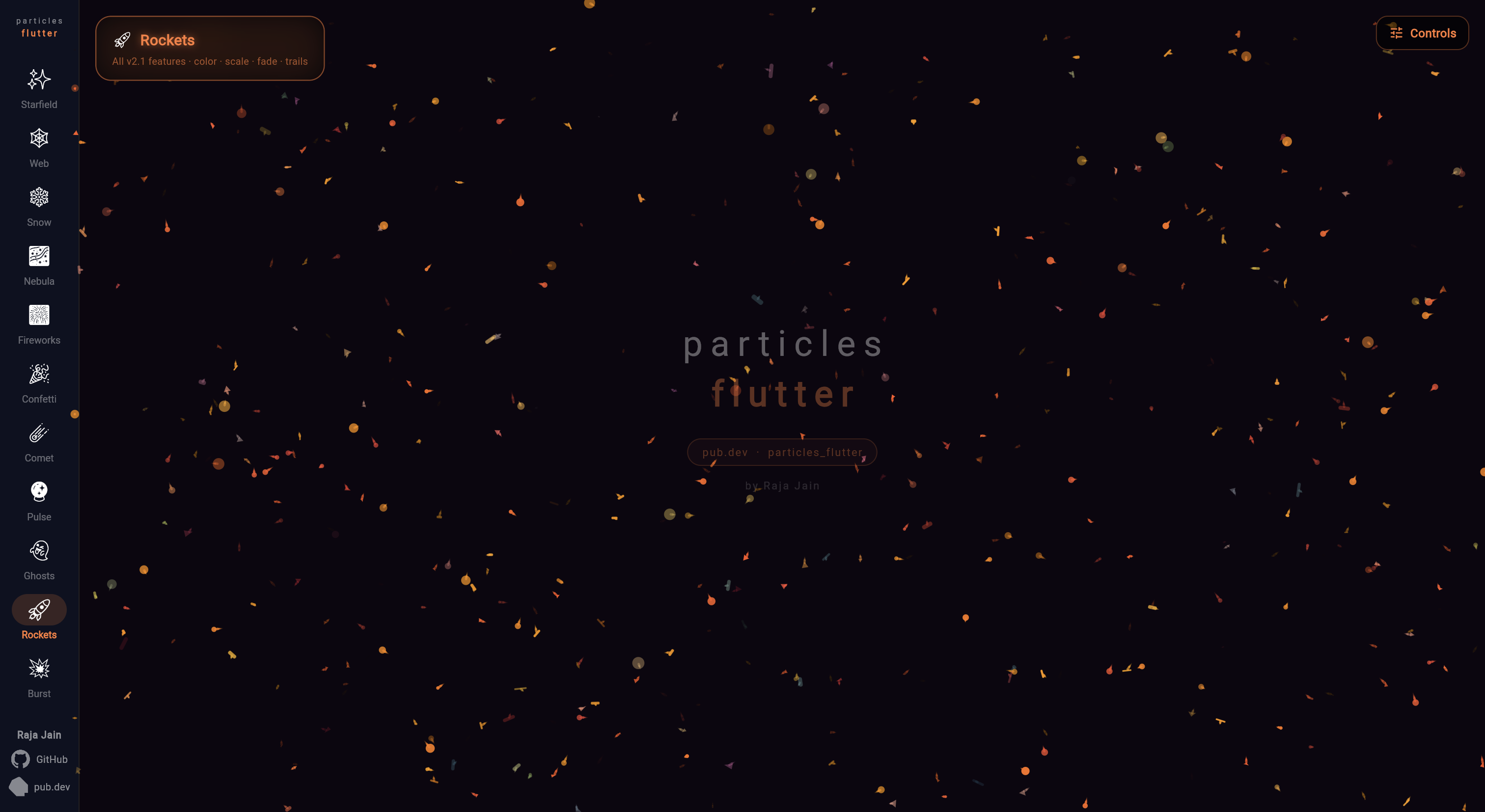
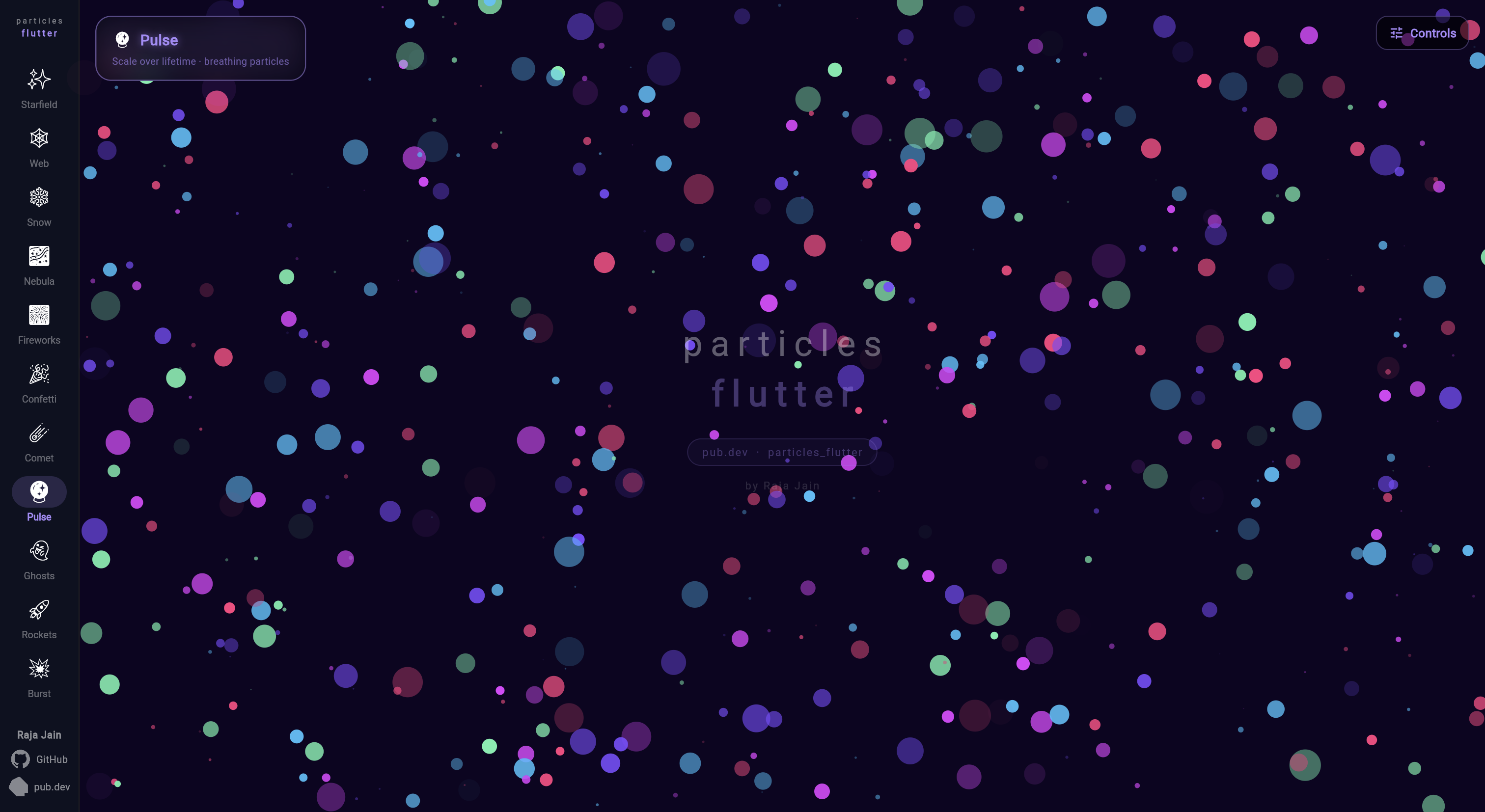
Ein Flutter-Paket für Partikelanimationen. Sie können die Animationsgeschwindigkeit, die Anzahl der Partikel auf dem Bildschirm, die Abmessungen und Formen der Partikel sowie Verbindungslinien usw. steuern.
Aus öffentlichen Paketdaten erstellte Orientierung.
Particles Flutter ist ein leichtgewichtiges Paket zur Erstellung dynamischer Partikelanimationen in Flutter-Anwendungen. Es ermöglicht Entwicklern die Anpassung der Animationsgeschwindigkeit, der Teilchenanzahl, Größe, Form und Verbindungslinien zwischen den Teilchen. Ideal zur Verbesserung von Benutzeroberflächen mit subtilen Hintergrundeffekten unterstützt es mehrere Plattformen wie Android, iOS, Web, macOS, Windows und Linux. Das Paket lässt sich problemlos über einen einfachen pub add-Befehl in bestehende Projekte integrieren und bietet visuelle Attraktivität durch anpassbare, interaktive Partikelsysteme.
Anwendungsfälle
Hintergrundanimationen
Interaktive Benutzeroberflächenelemente
Ladebildschirme
Visuelle Erzählung
App-Startbildschirme
Hauptmerkmale
Anpassbare Teilchenanzahl
Anpassbare Animationsgeschwindigkeit
Verbindungslinien zwischen Teilchen
Unterstützung für verschiedene Formen
Plattformübergreifende Kompatibilität
Einfache Integration über pub
Geeignet für
UI-Designer, die visuellen Glanz suchen
Entwickler, die ansprechende Onboarding-Erlebnisse erstellen
Apps mit animierten Hintergründen
Kreative digitale Produkte
Frontend-orientierte Flutter-Projekte
Hinweise
Kann die Leistung bei hohen Teilchenzahlen beeinträchtigen
Erfordert sorgfältige Optimierung für mobile Geräte
Eingeschränkte Kontrolle über das Verhalten einzelner Partikel
Am besten geeignet für statische oder langsam bewegte Animationen
Nicht ideal für komplexe interaktive Spiele
Original-README
Originaler README-Schnappschuss aus dem verknüpften Quell-Repository. Aktuelle Inhalte finden Sie im Repository.
particles_flutter
High-performance, fully customisable particle animations for Flutter.
Starfields, snow, confetti, fireworks, connected webs, comets, burst explosions — with physics, touch/hover interaction, lifetime animations, trails, and burst emitters.
All shapes support rotationSpeed and all lifetime animation parameters.
Starting position
Every particle accepts an optional startPosition — place it exactly where
you want instead of the default random spawn. Useful when adding particles
to a running list after initState (they'd otherwise start at (0, 0)):
Tip: Set both startOpacity: 0.0andendOpacity: 0.0 for a triangle fade — particles fade in to full opacity at mid-life, then back out. No visible pop on spawn or death.
CircularParticle(
  lifetime: 3.0,
  startOpacity: 0.0,  // fade in from invisible
  endOpacity: 0.0,    // fade out to invisible — triangle curve auto-applied
  ...
)
Particles.onParticleExpired fires the instant a particle's lifetime ends,
right before it's recycled/respawned. Use it to swap in new content for a
slot — e.g. cycling a small set of visible particles through a much larger
backing list (see Pool Cycle below).
Color/image are set at construction and are immutable, so to change what a
particle displays you build a fresh particle for that slot rather than
mutating the expired one in place:
Pull particles toward a point, or push them away — great for magnet/vortex
effects, or letting particles follow the pointer. position is a callback
re-evaluated every frame, so the point can move (e.g. track a drag).
Force falls off linearly from full strength at the center to zero at
radius. Use a negative strength to repel instead of attract.
ParticleShapeSampler turns rendered text or any image into a list of
point positions, so you can arrange particles into the shape of a word or
a logo. Combine with Particle.startPosition to spawn each particle
exactly on its sampled point.
import'package:particles_flutter/engine.dart';
// Sample the glyphs of a word into points.final points = awaitParticleShapeSampler.fromText(
'FLUTTER',
style: constTextStyle(fontSize: 96, fontWeight: FontWeight.w600),
step: 2, // sampling stride in px (lower = denser)
maxPoints: 1100, // cap the number of points
);
// Or sample the opaque pixels of an image:// final points = await ParticleShapeSampler.fromImage(uiImage, step: 3);final particles = [
for (final p in points)
CircularParticle(
radius: 1.4,
color: Colors.white,
velocity: Offset.zero,
startPosition: p, // spawn on the sampled point
),
];
Particles(
particles: particles,
width: size.width,
height: size.height,
);
Parameter
Type
Default
Description
step
double
4
Sampling stride in pixels; lower is denser
maxPoints
int?
null
Caps the number of points (randomly thinned)
alphaThreshold
int
32
Minimum pixel alpha (0–255) counted as "inside"
offset
Offset
Offset.zero
Added to every returned point
ParticleShapeSampler rasterizes offscreen via Picture.toImage. In a
testWidgets test, wrap calls in tester.runAsync(() async { ... }).
See the Text example scene for a full demo: particles fly in, assemble
into the word, scatter away from the pointer, and spring back.
Emission Controller
Spawn particles from a fixed point — great for fountains and fireworks.
Only visibleSlots particles ever render; each expiry swaps that slot for
the next item in a much bigger pool — the pattern behind showing a rotating
subset of photos/items from a larger backing list.
Particle.startPosition — place a particle exactly where you want at construction, instead of a random spawn (useful for particles added to a running list after initState)
Particles.onParticleExpired — callback fired the instant a particle's lifetime ends, before recycle/respawn — swap in new content for a slot (e.g. cycling a small visible set from a larger pool)
v3.0
Breaking: Dart SDK >=3.0.0 required (Flutter 3.10+). Projects on Dart 2.x must upgrade first.
BurstEmitter — fire fixed particle counts in radial, cone, directional, or custom spread patterns
BurstEmitterController — trigger bursts manually from gestures, game events, or any code
Tap-to-burst — BurstEmitterController.trigger() + onPointerDown for per-tap explosions
Overlap-safe pooling — multiple bursts in flight simultaneously; memory hard-capped at maxPoolSize
v2.1
Color over lifetime — smooth two-color or gradient transitions
Scale over lifetime — grow/shrink with curve support
Fade over lifetime — fade in, out, or triangle (both ends zero = auto mid-peak)
Particle trails — motion trails with configurable length and fade
Object pooling for ParticleLine — reduced GC pressure on line-connected scenes
Performance improvements — touch interaction, physics, and emitter update loops
All releases are fully backward compatible — no changes needed to existing code.