Pakete, Repositories und App-Kategorien suchen

Cover von path_morph
Paketdetailsv1.1.1

path_morph

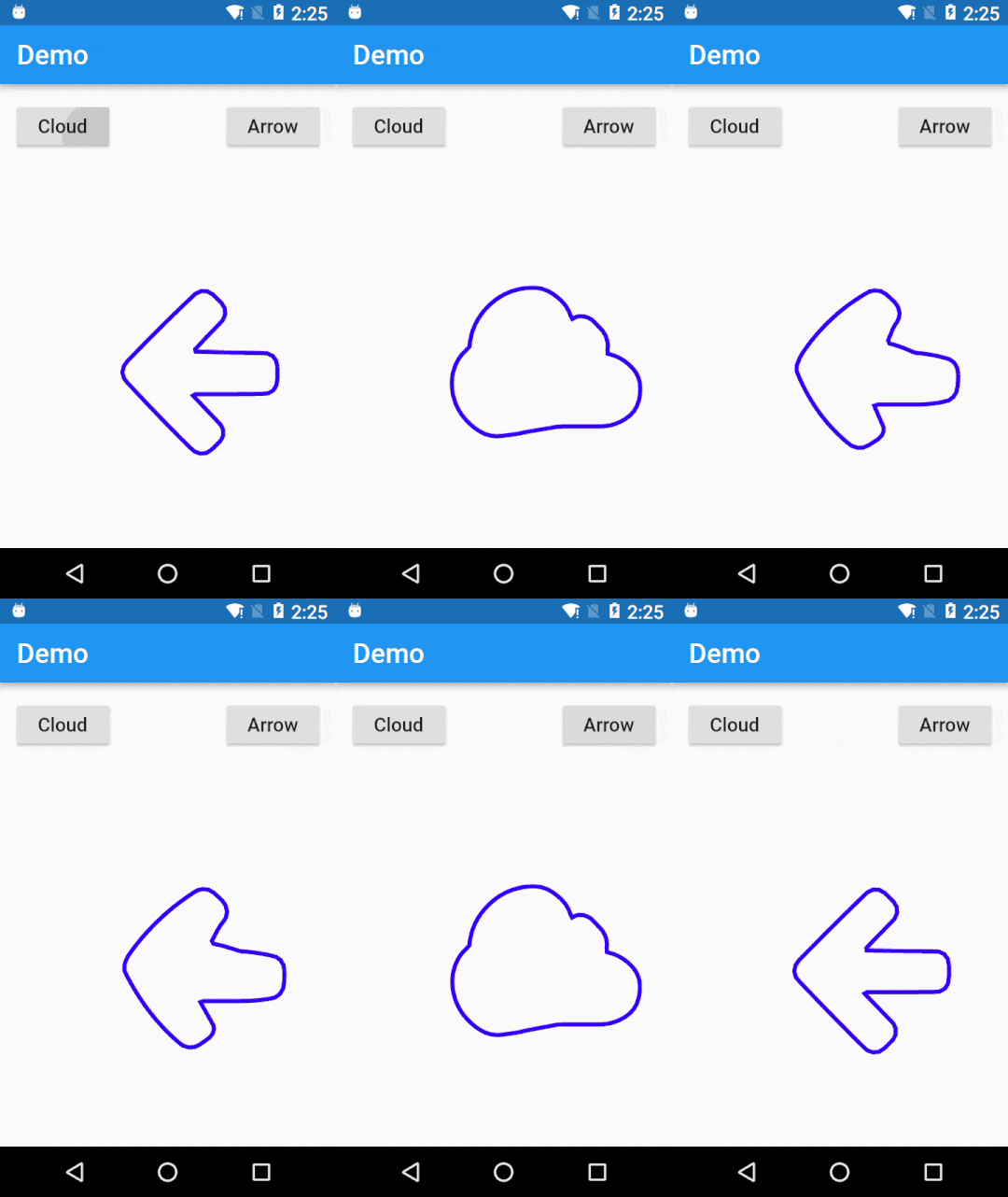
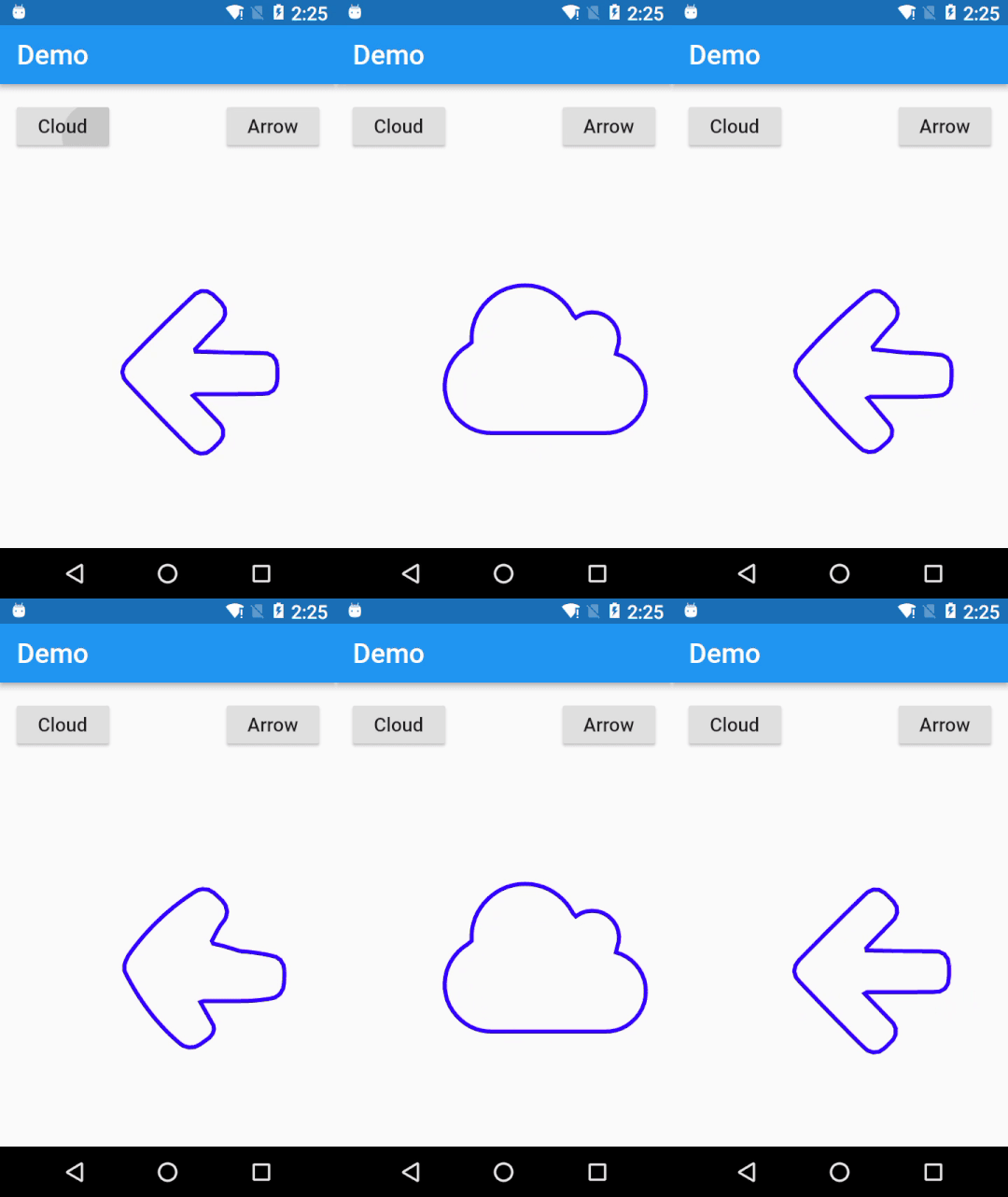
Dieses Paket ermöglicht die Erstellung von Pfad-Interpolationsanimationen. Mit anderen Worten: Es erlaubt das Verformen eines Pfads in einen anderen.

AndroidiOSWebmacOSWindowsLinux
30-Tage-Downloads
98
Likes
61
Pub-Punkte
150

Paket installieren

flutter pub add path_morph

Paketübersicht

Aus öffentlichen Paketdaten erstellte Orientierung.

path_morph ist ein Flutter-Paket, das glatte Pfad-Interpolationsanimationen ermöglicht und Entwicklern die Möglichkeit gibt, einen benutzerdefinierten Pfad in einen anderen zu überführen. Es ist ideal für flüssige visuelle Übergänge zwischen Formen oder Konturen in Animationen. Das Paket unterstützt alle wichtigen Plattformen und integriert sich nahtlos in das Animationsystem von Flutter. Es funktioniert durch die Interpolation der Punkte zweier Pfade über die Zeit, wodurch ansprechende Ergebnisse für UI-Elemente wie Symbole, Lader oder dynamische Illustrationen entstehen.

Anwendungsfälle

  • Erstellen von animierten Icon-Übergängen
  • Fluide Formenmorphologien in der Benutzeroberfläche gestalten
  • Benutzerdefinierte Pfad-basierte Grafiken animieren
  • Interaktive Ladeanzeiger erstellen
  • Verbesserung der visuellen Geschichtenerzählung in Apps

Hauptmerkmale

  • glatte Pfadinterpolation
  • Plattformübergreifende Unterstützung
  • Einfache API für Pfadanimationen
  • Integration mit Flutter's AnimationController
  • Unterstützt komplexe Pfadgeometrien

Geeignet für

  • UI/UX-Designer, die dynamische Visualisierungen suchen
  • Entwickler, die animierte Illustrationen erstellen
  • Apps, die benutzerdefinierte Pfadübergänge erfordern
  • Interaktive Prototypen mit fließender Bewegung

Hinweise

  • Die Leistung kann bei sehr komplexen Pfaden variieren
  • Erforderliche sorgfältige Pfadstruktur für reibungslose Ergebnisse
  • Am besten geeignet für leichte Animationen
  • Nicht ideal für benutzerdefinierte Pfade in Echtzeit
  • Beschränkt auf statische Pfadformen ohne externe Eingabe
Original-README

Originaler README-Schnappschuss aus dem verknüpften Quell-Repository. Aktuelle Inhalte finden Sie im Repository.

Path Morph

This is a pure Dart package that lets you smoothly morph one Flutter Path object into another. You can think of this as a path tween animation. The idea is to take two paths, a source path and a destination path, and smoothly move the points of the source path until it looks exactly like the destination path.

Usage

First you need to sample two paths using the PathMorph.samplePaths() method, which returns a SampledPathData object.

SampledPathData data = PathMorph.samplePaths(path1, path2);

Then you call the PathMorph.generateAnimations() method to create an animation for every point in the path. This method needs an AnimationController object and a SampledPathData object as arguments. Additionally, it expects you to pass a function to it, one that takes two arguments itself. In the body of the function, you must call setState() and update the value of the shiftedPoints list, which is present in the SampledPathData object.

AnimationController controller = AnimationController(vsync: this,
                                    duration: Duration(seconds: 1));

PathMorph.generateAnimations(controller, data, (i,z) {
    setState((){
      data.shiftedPoints[i] = z;
    });
});

Lastly, while rendering the morph animation, you can call the PathMorph.generatePath() method and pass the shiftedPoints list to it. This returns a Path object you can draw on your canvas. If you are using a CustomPainter object, you'll want to pass the path as an argument to it.

@override
Widget build(BuildContext context) {
    return CustomPaint(painter: MyPainter(PathMorph.generatePath(data)));
}

Do take a look at the example project to get a better idea.

Important

This package currently allows you to morph two paths only if they both have an equal number of contours. You can think of a contour as a line you can draw without lifting the pen. For example, the path to draw a triangle, a circle, or a square has one contour only. But a path to draw two concentric circles will have two contours.

Kategorien

Quell-Repository

Projekte, die dieses Paket verwenden

Noch keine Daten verfügbar.