Pakete, Repositories und App-Kategorien suchen

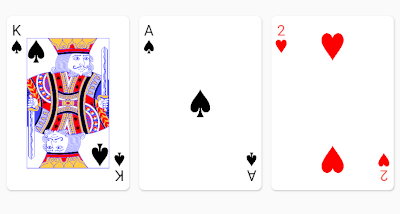
Cover von playing_cards
Paketdetailsv0.4.1+11

playing_cards

Eine Rendering-Bibliothek für Standard-52-Karten-Decks in Ihrer Flutter-Anwendung. Verwenden Sie dieses Paket, wenn Sie ansprechende Spielkarten ohne viel Aufwand darstellen möchten.

AndroidiOSWebmacOSWindowsLinux
30-Tage-Downloads
3
Likes
145
Pub-Punkte
150

Paket installieren

flutter pub add playing_cards

Paketübersicht

Aus öffentlichen Paketdaten erstellte Orientierung.

Ein Flutter-Paket, das die Darstellung ansprechender Standard-52-Karten-Decks in Ihren Anwendungen vereinfacht. Speziell für Spieleentwickler konzipiert, bietet es fertige Karten-Widgets mit angemessener Gestaltung und Layout, wodurch die schnelle Integration von kartenbasierten Benutzeroberflächen ohne umfangreiche individuelle Codierung möglich ist. Die Bibliothek unterstützt mehrere Plattformen und sorgt für konsistente, hochwertige Kartenvisualisierungen auf allen Geräten.

Anwendungsfälle

  • Kartenspielentwicklung
  • Interaktive Deck-Simulationen
  • Lern-Apps mit Karten
  • Digitale Poker- oder Solitaire-Apps
  • UI-Prototypen mit Karten

Hauptmerkmale

  • vorgefertigte Karten-Widgets
  • Plattformübergreifende Unterstützung
  • Hochauflösende Kartenentwürfe
  • Einfache Integration mit Flutter
  • Anpassbare Kartenlayouts

Geeignet für

  • Spieleentwickler
  • UI-Designer
  • Entwickler von Bildungs-Apps
  • Prototyping-Teams

Hinweise

  • Beschränkt auf Standard-52-Karten-Decks
  • Keine eingebaute Spiellogik
  • Benötigt manuelle Behandlung von Karteninteraktionen
  • Nicht für große Kartensammlungen optimiert

Original-README

Originaler README-Schnappschuss aus dem verknüpften Quell-Repository. Aktuelle Inhalte finden Sie im Repository.

playing_cards

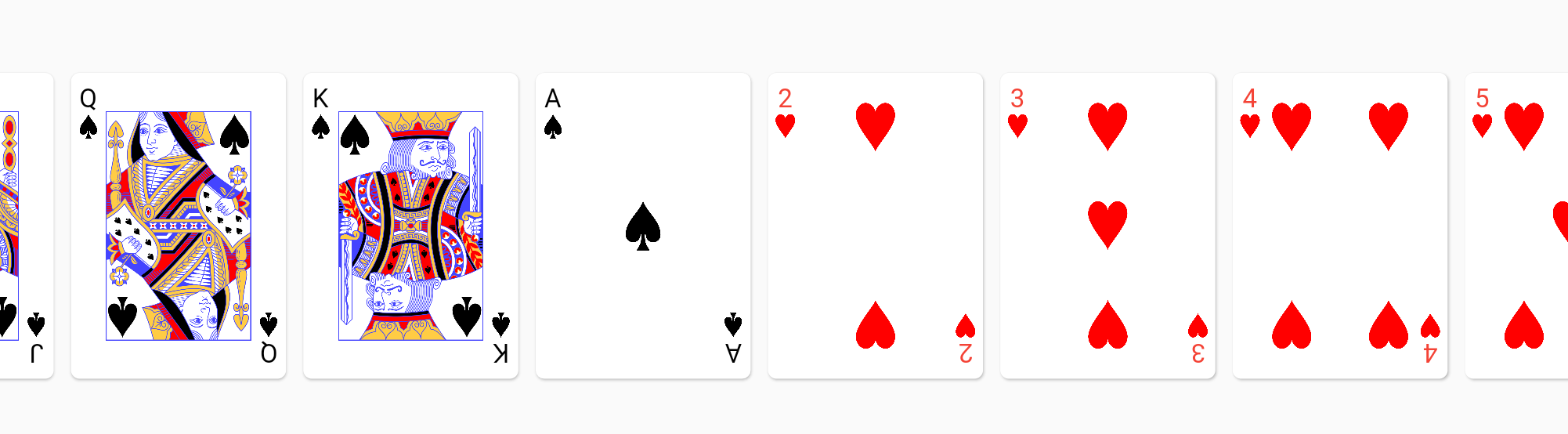
The playing_cards package for Flutter allows you to easily render playing cards from a standard 52 card deck. Good defaults are provided out of box, but full customization is possible if a style object is provided.

Getting Started

Here's a quick video overview if you don't like reading :-) https://www.youtube.com/watch?v=f9tOu972nhI

To import:

import 'package:playing_cards/playing_cards.dart';

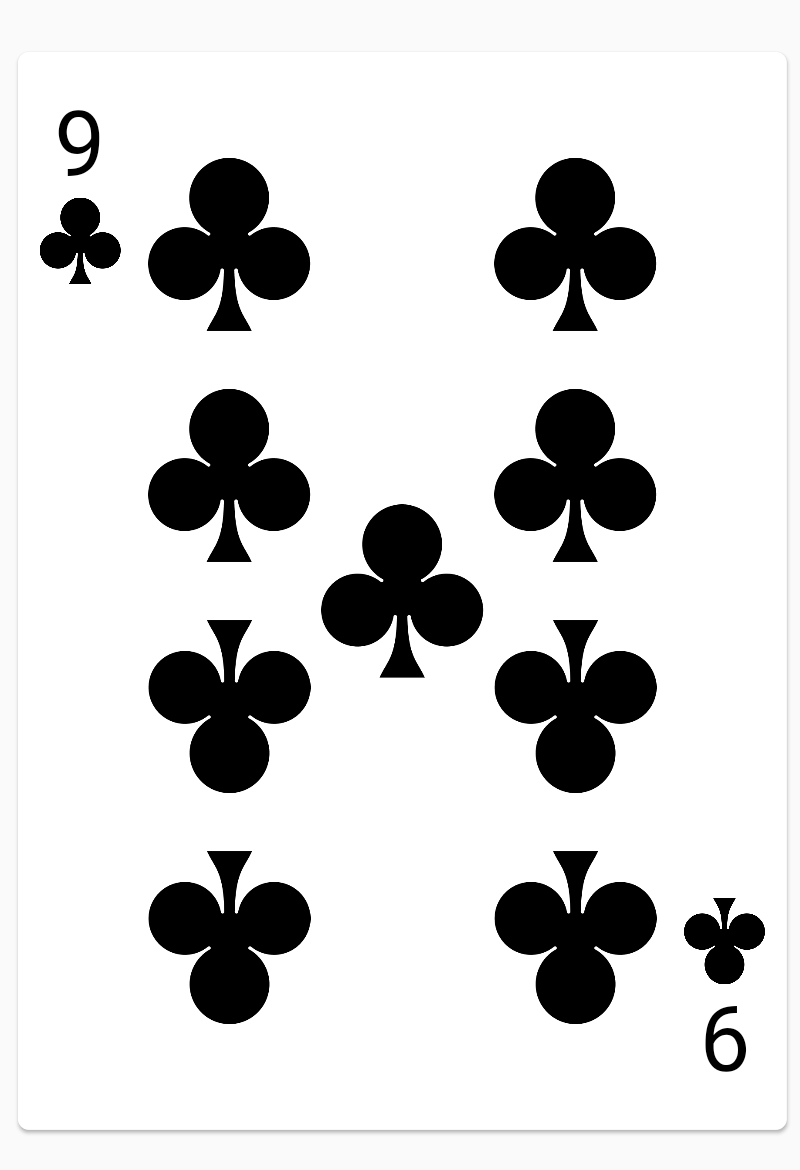
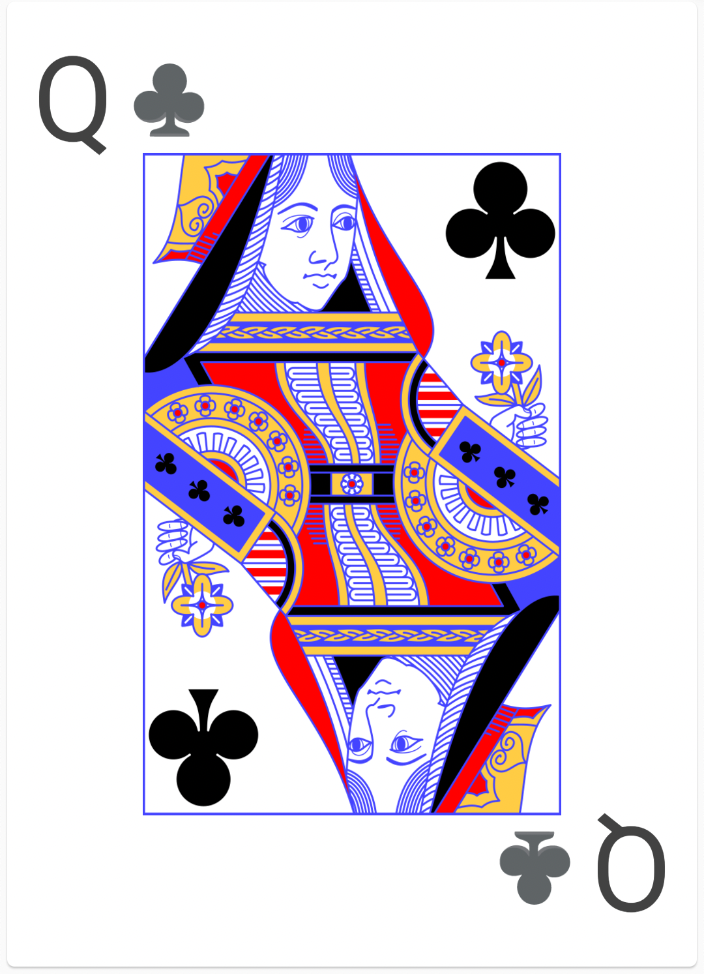
And here is a simple usage to render a nine of clubs:

PlayingCardView(card: PlayingCard(Suit.clubs, CardValue.nine))

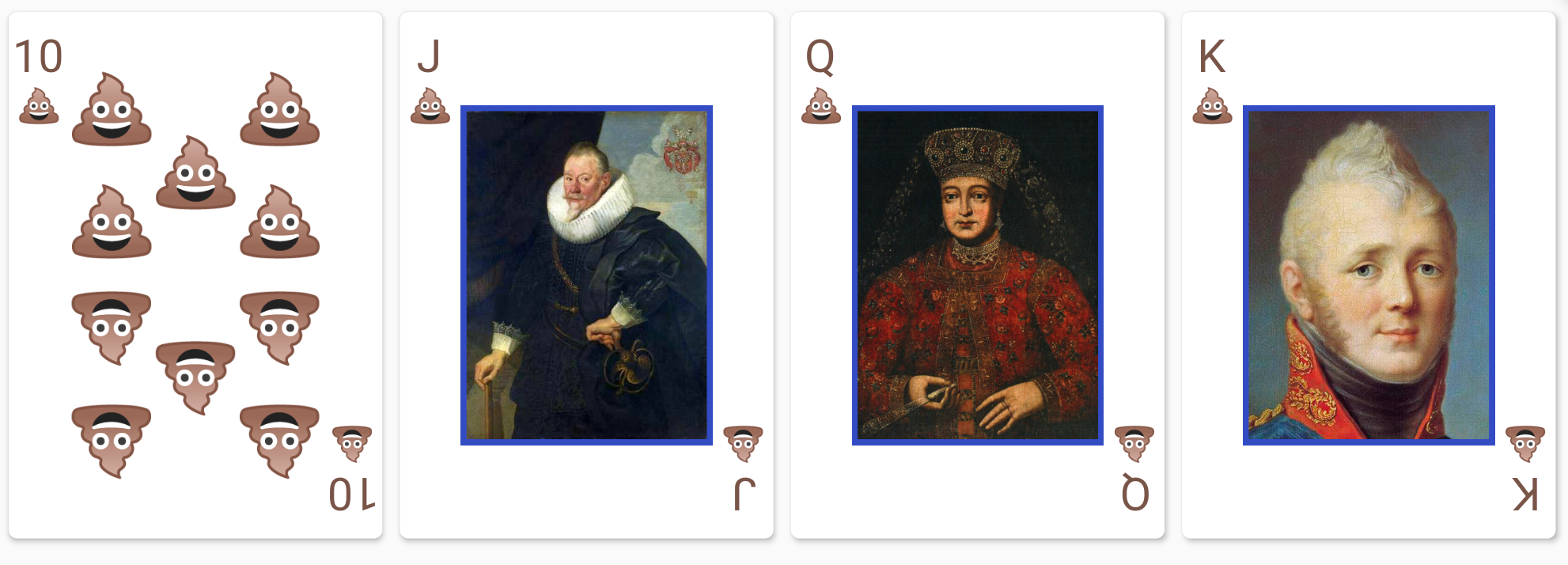
Here is an example of a fully styled deck:

// This style object overrides the styles for spades.
PlayingCardViewStyle myCardStyles = PlayingCardViewStyle(suitStyles: {
  Suit.spades: SuitStyle(
    builder: (context) => FittedBox(
          fit: BoxFit.fitHeight,
          child: Text(
            "💩",
            style: TextStyle(fontSize: 500),
          ),
        ),
    style: TextStyle(color: Colors.brown),
    cardContentBuilders: {
      CardValue.jack: (context) =>
          Image.asset("assets/jack_of_spades.png"),
      CardValue.queen: (context) =>
          Image.asset("assets/queen_of_spades.png"),
      CardValue.king: (context) =>
          Image.asset("assets/king_of_spades.png"),
    })
});
List<PlayingCard> deck = standardFiftyTwoCardDeck();
Container(
  height: 150,
  child: SingleChildScrollView(
    scrollDirection: Axis.horizontal,
    child: Row(
      children: deck.map((e) => PlayingCardView(card: e, style: myCardStyles)).toList(),
    ),
  ),
),

PlayingCardViewStyle also accepts a suitBesideLabel: true option to render the suit next to the rank, instead of below:

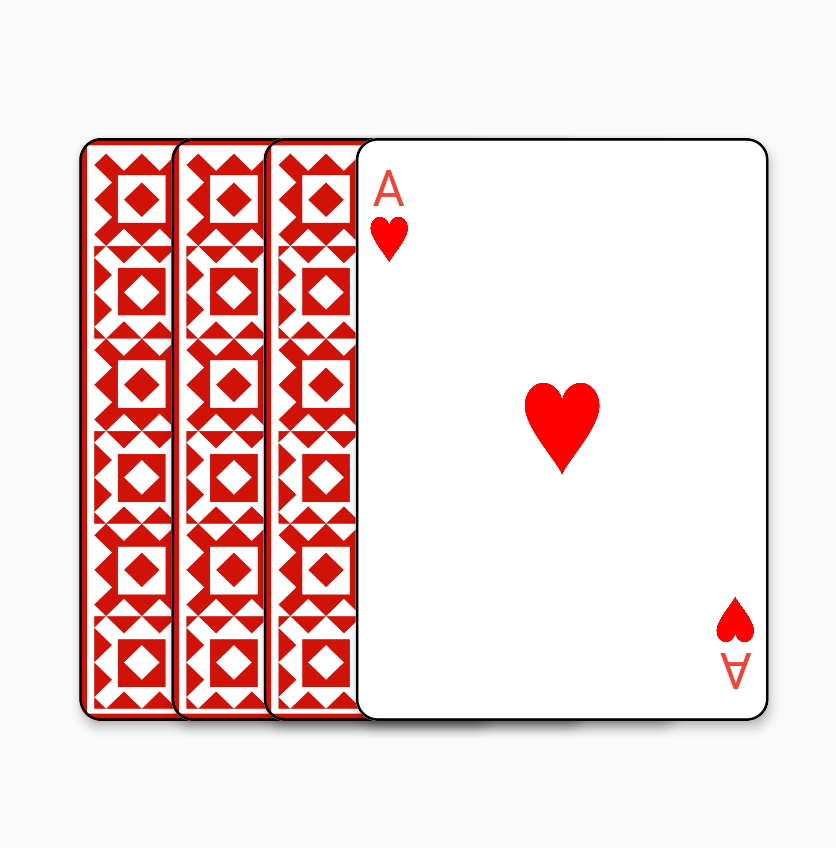
A flat fan widget is also provided for the common use cases of fanning cards out horizontally:

ShapeBorder shape = RoundedRectangleBorder(
  borderRadius: BorderRadius.circular(8),
  side: BorderSide(color: Colors.black, width: 1));
FlatCardFan(children: [
  PlayingCardView(
    card: PlayingCard(Suit.hearts, CardValue.ace),
    showBack: true,
    elevation: 3.0,
    shape: shape),
  PlayingCardView(
      card: PlayingCard(Suit.hearts, CardValue.ace),
      showBack: true,
      elevation: 3.0,
      shape: shape),
  PlayingCardView(
      card: PlayingCard(Suit.hearts, CardValue.ace),
      showBack: true,
      elevation: 3.0,
      shape: shape),
  PlayingCardView(
      card: PlayingCard(Suit.hearts, CardValue.ace),
      elevation: 3.0,
      shape: shape)
])

Jokers

Jokers are modelled as two joker CardValues (joker_1, joker_2) in a single joker Suit.

You can use the standardFiftyFourCardDeck() function in deck.dart to create a deck with two Jokers.

Kategorien

Quell-Repository

Projekte, die dieses Paket verwenden

Noch keine Daten verfügbar.