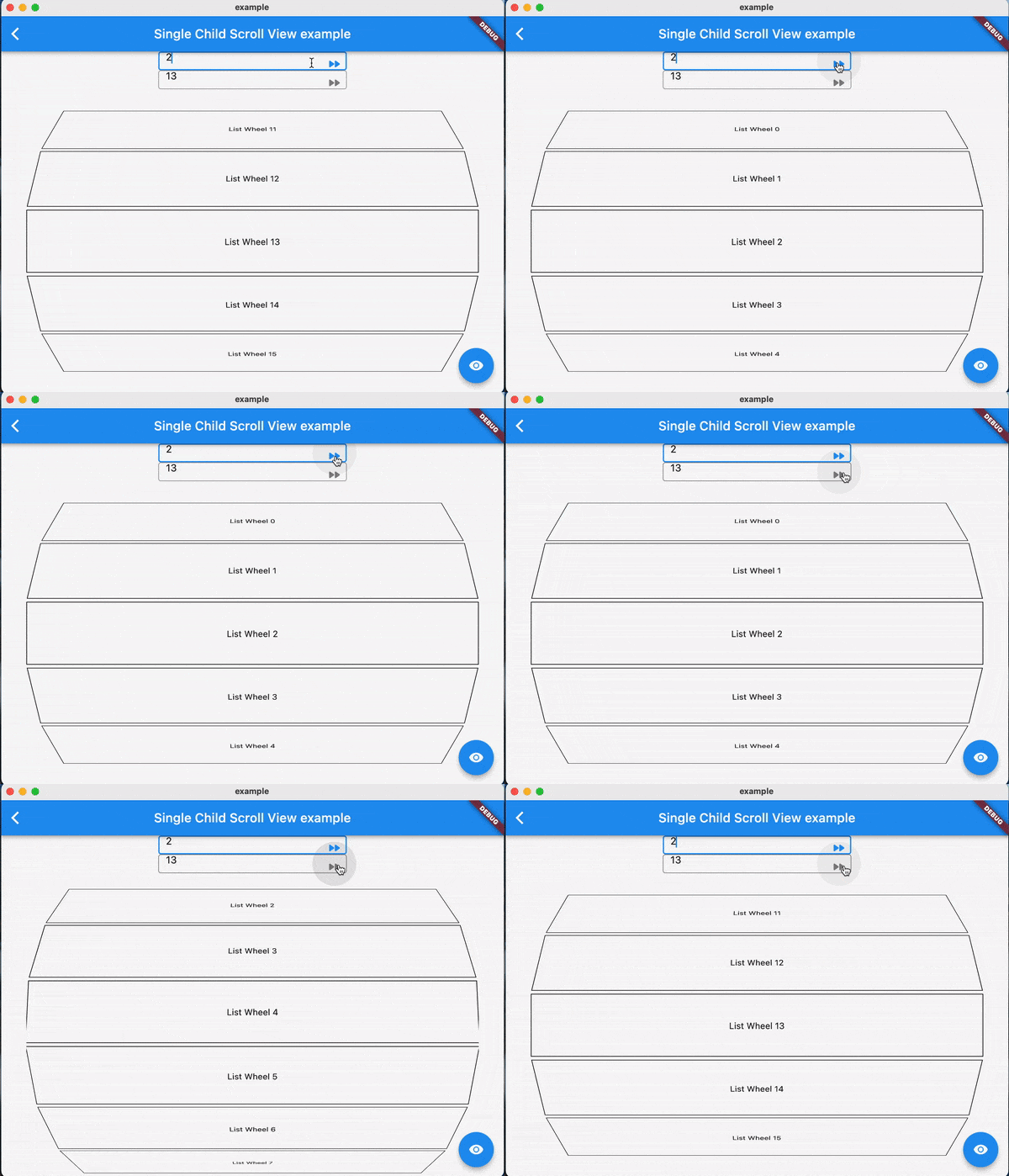
Ein eleganter Scrollbeobachter, der die meisten Scrollansichten unterstützt, kann ohne die aktuellen Widgets zu beschädigen zu einem Index springen/animieren.
Aus öffentlichen Paketdaten erstellte Orientierung.
PositionedScrollObserver ist ein Flutter-Paket, das darauf abzielt, Scrollpositionen in verschiedenen scrollbaren Widgets elegant zu beobachten und zu verwalten. Es ermöglicht ein reibungsloses Springen oder Animieren zu bestimmten Indizes in Scrollansichten, ohne bestehende Widget-Zustände zu stören. Ideal für Listen, Raster und benutzerdefinierte Scrollbare, es hält die Benutzeroberfläche während der Navigation konsistent. Das Paket unterstützt alle wichtigen Plattformen und integriert sich nahtlos in das Scrollsystem von Flutter.
Anwendungsfälle
Programmatisches Scrollen zu bestimmten Listenelementen
Beibehaltung des Scrollzustands während dynamischer Inhaltsaktualisierungen
Indexbasierte Navigation in langen Listen erstellen
Glatte animierte Sprünge in Scrollansichten implementieren
Synchronisieren mehrerer scrollbarer Komponenten
Hauptmerkmale
Unterstützt alle standardmäßigen Scrollansichten
Beibehält den Widget-Zustand während Scroll-Sprünge
Glatte animierte Indexübergänge
Plattformübergreifende Kompatibilität
Minimale Boilerplate-Integration
Funktioniert mit benutzerdefinierten Scrollcontrollern
Geeignet für
Entwickler, die komplexe scrollbare Schnittstellen erstellen
Apps, die indexbasierte Navigation erfordern
Projekte mit dynamischen oder häufig aktualisierten Listen
Teams, die auf eine reibungslose Benutzererfahrung achten
Flutter-Anwendungen für mehrere Plattformen
Hinweise
Erfordert kompatible Scrollansicht-Einrichtung
Möglicherweise ist zusätzliche Logik für verschachtelte Scrollansichten erforderlich
Am besten mit stabilen Scroll-Controller-Referenzen verwenden
Nicht für nicht scrollbare Widgets vorgesehen
Der Leistungseinfluss hängt von der Komplexität der Scrollansicht ab
Original-README
Originaler README-Schnappschuss aus dem verknüpften Quell-Repository. Aktuelle Inhalte finden Sie im Repository.
Features
Using jumpToIndex and animateToIndex to scroll to the specific index
Jumping/animating to the position by specifying a ratio in a scroll view. See how to align the render object. That would be very useful if you want to quickly jump to the top, middle or end of a list/grid.
Using PositionRetainedScrollPhysics to retain the old offset to avoid scrolling when adding new items into the top of ListView. See retain old scroll offset.
Check if the specific index is visible on the screen. See check visibility.
Check which items are visible in the viewport. See get visible items
No breaking for your current sliver widgets, e.g., ListView/GridView, SliverList/SliverGrid/SliverAppBar, just wrapping your item widgets using ObserverProxy. Supported:
For ListView.custom and GridView.custom, you could also use PositionedChildListDelegate and PositionedChildBuilderDelegate for wrapping items in ObserverProxy conveniently
Usage
For observing slivers:
observing a sliver with single child, using ScrollObserver.sliverSingle to create.
observing a sliver with multi children, using ScrollObserver.sliverMulti to create.
For observing other scroll views that have no sliver descendants.
observing a box with single child, using ScrollObserver.boxSingle to create. (rare cases and need more testing)
observing a box with multi children, using ScrollObserver.boxMulti to create.
By setting different alignment, you could jump/animate to the position according to the ratio: alignment.
for alignment = 0.0, it would align the render object' leading to the leading of the viewport's main axis extent.
for alignment = 0.5, it would align the render object's center to the center of the viewport;s main axis extent.
for alignment = 1.0, it would align the render object's trailing to the trailing of the viewport's main axis extent.
you could also specify alignment as the number between [0, 1]
Pay attention
The item widget/builder must be wrapped using ObserverProxy
All observers would normalizeIndex to ensure the index is in a valid range determined by itemCount of observers, so developers should also update observers' itemCount when the scroll views' item count changes.
Items that have the same RenderObject observed by an observer should share the same observer instance, instead of creating different observers for each item.
When using ScrollObserver.boxMulti, axis is required so that the observer could estimate the scroll offset along the correct main axis.