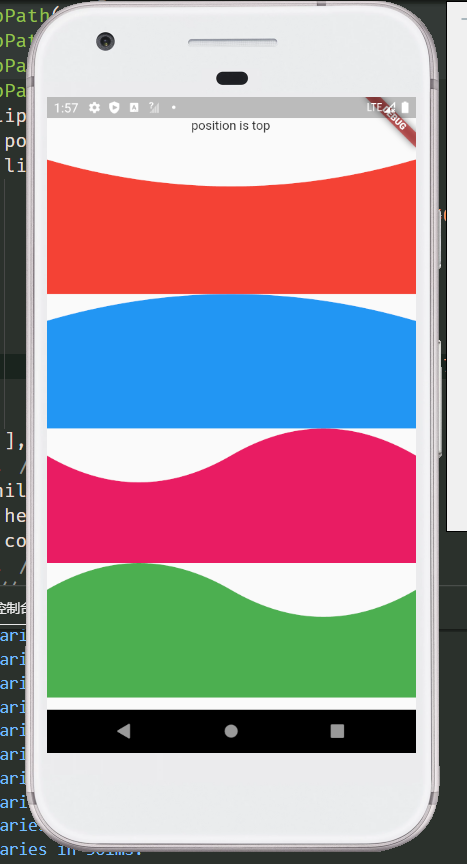
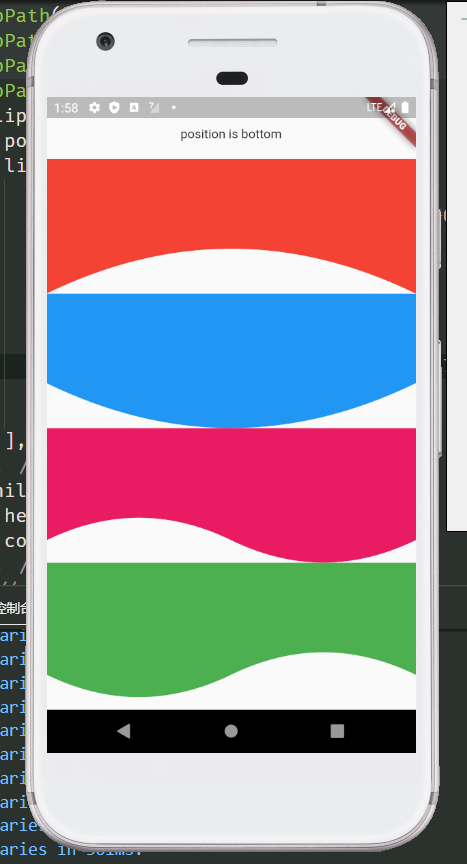
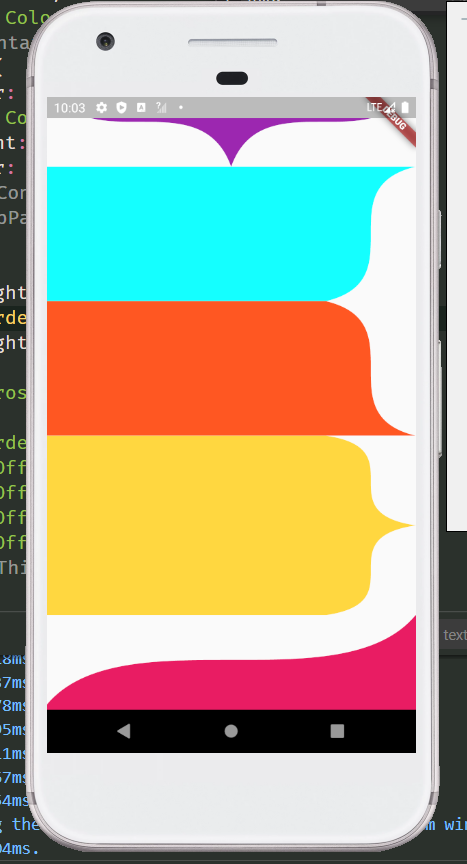
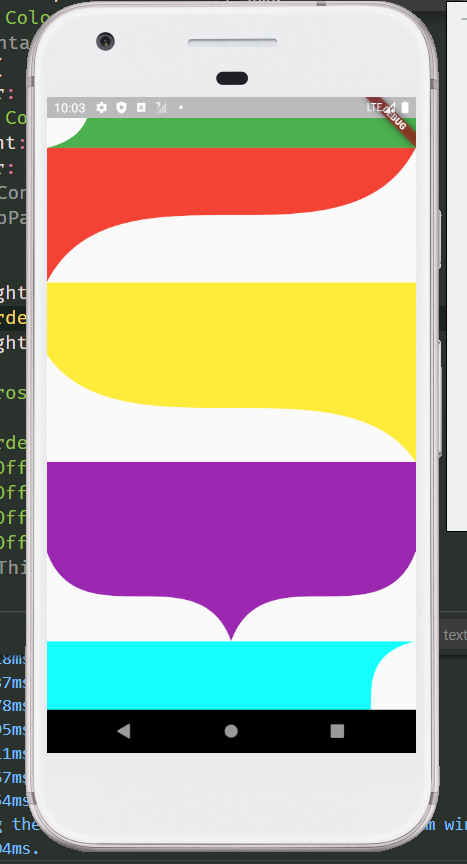
Weniger Code, weniger Schwierigkeit, standardmäßige Bézier-Kurve zeichnen. Das Paket kann zum Ausschneiden des Widgets oder zum Zeichnen des Pfads selbst verwendet werden.
Aus öffentlichen Paketdaten erstellte Orientierung.
Proste Bezier Curve ist ein leichtgewichtiges Flutter-Paket, das die Erstellung und Nutzung standardmäßiger Bezier-Kurven vereinfacht. Es reduziert Boilerplate-Code und Komplexität und ermöglicht Entwicklern, benutzerdefinierte Pfade einfach zu zeichnen oder Widgets mit glatten gekrümmten Formen zu clippen. Ideal für UI-Elemente, die elegante, fließende Konturen erfordern, unterstützt es alle wichtigen Plattformen wie Android, iOS, Web, macOS, Windows und Linux. Das Paket ist besonders nützlich für die Gestaltung moderner Oberflächen mit minimalem Aufwand.
Anwendungsfälle
Erstellen von gebogenen UI-Rändern
Widgets mit benutzerdefinierten Formen zuschneiden
Animation von Pfadübergängen gestalten
Interaktive Zeichenkomponenten erstellen
Visuelle Attraktivität durch sanfte Kurven verbessern
Hauptmerkmale
Einfaches API für die Erstellung von Bézier-Kurven
Unterstützt Widget-Ausschnitt mit Bezier-Pfaden
Plattformübergreifende Kompatibilität
Minimale erforderliche Code
Flexible Pfad-Anpassung
Geeignet für
UI-Designer, die elegante Kurven suchen
Entwickler, die benutzerdefinierte Formen erstellen
Apps, die glatte animierte Pfade benötigen
Flutter-Anfänger erkunden Pfaddrawing
Projekte mit Fokus auf saubere, moderne Ästhetik
Hinweise
Beschränkt auf standardmäßige Bézier-Kurven (keine B-Splines)
Keine eingebaute Animationsunterstützung
Erfordert manuelle Behandlung von Pfadaktualisierungen
Nicht ideal für komplexe auf Spline-basierte Designs
Am besten geeignet für statische oder einfache dynamische Pfade
Original-README
Originaler README-Schnappschuss aus dem verknüpften Quell-Repository. Aktuelle Inhalte finden Sie im Repository.
The control points of Bezier curve are obtained through data calculation, and then the points are drawn into curves through the drawing function of flutter.
The difference between using package and drawing your own path
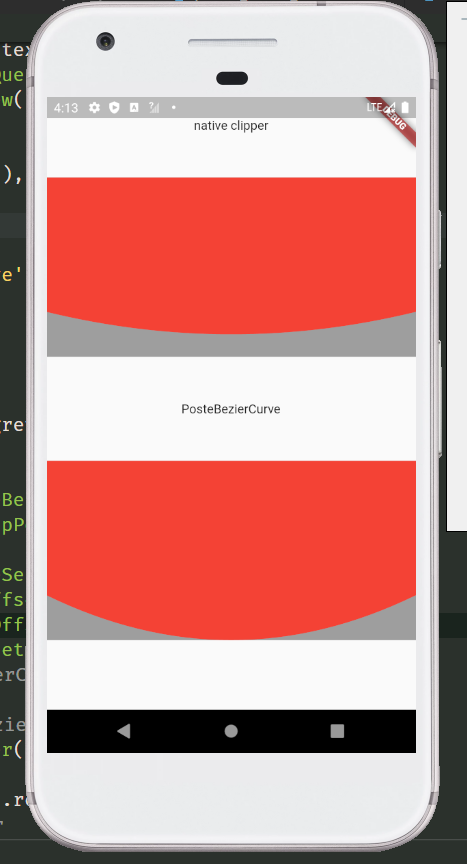
The common method of tracing points according to the position of elements will leave a gap. Only after the control points are calculated can the element information be completely filled. For example, in the following picture, the coordinates of the points used are the same, but the styles cut out are different. The function I want to provide is to restore the design style as much as possible. And after using the package, you only need to confirm the coordinates of each point, without other complex calculations, and the code is more concise.
BezierCurveDots Coordinates of Bezier curve control points
parameter
type
default
describe
x1
double
The X-coordinate of the first point
y1
double
The Y-coordinate of the first point
x2
double
The X-coordinate of the second point
y2
double
The Y-coordinate of the second point
Static function of ProsteBezierCurve
BezierCurveDots calcCurveDots(BezierCurveSection param) Obtain the coordinates of the control points after calculation, and draw the path after obtaining the control points, such as drawing curves with multiple edges or combining the curves with other drawing rules
ThirdOrderBezierCurveSection Fragment for drawing third order Bezier curve
parameter
type
default
describe
p1
Offset
The coordinates of the first point
p2
Offset
The coordinates of the second point
p3
Offset
The coordinates of the third point
p4
Offset
The coordinates of the fourth point
smooth
double
.5
The greater the value of smoothness 0 ~ 1, the straighter the value is, the smaller the value is, and the larger the arc is. When the drawing distance is short and saw tooth appears, try to increase this value
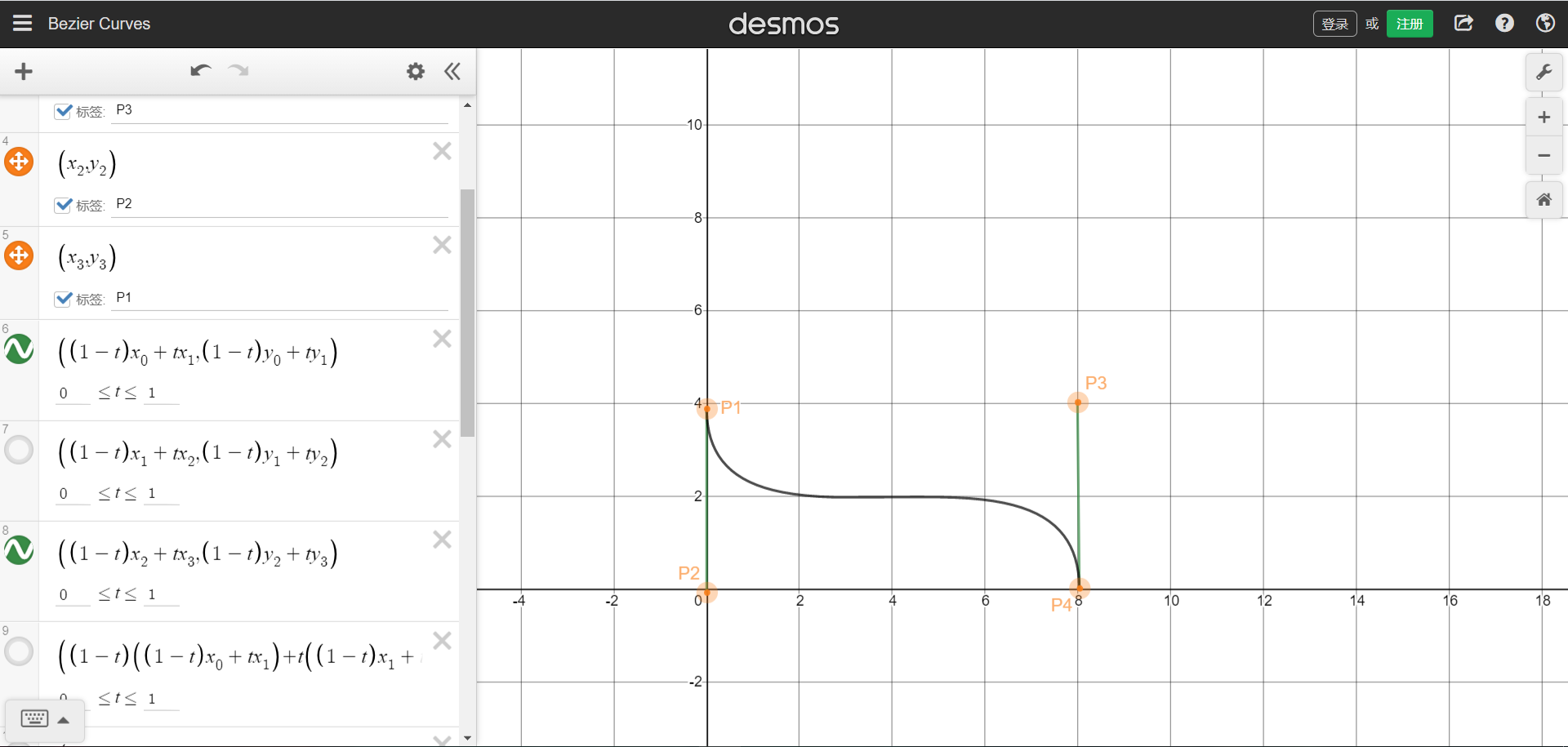
The position coordinates of the four points can refer to the figure below. The starting and ending points are P1 and P4 respectively.Picture sample URL。You can understand that four points form a rectangle, and the four coordinates are the positions of the four points. The curve will be drawn in the rectangle.
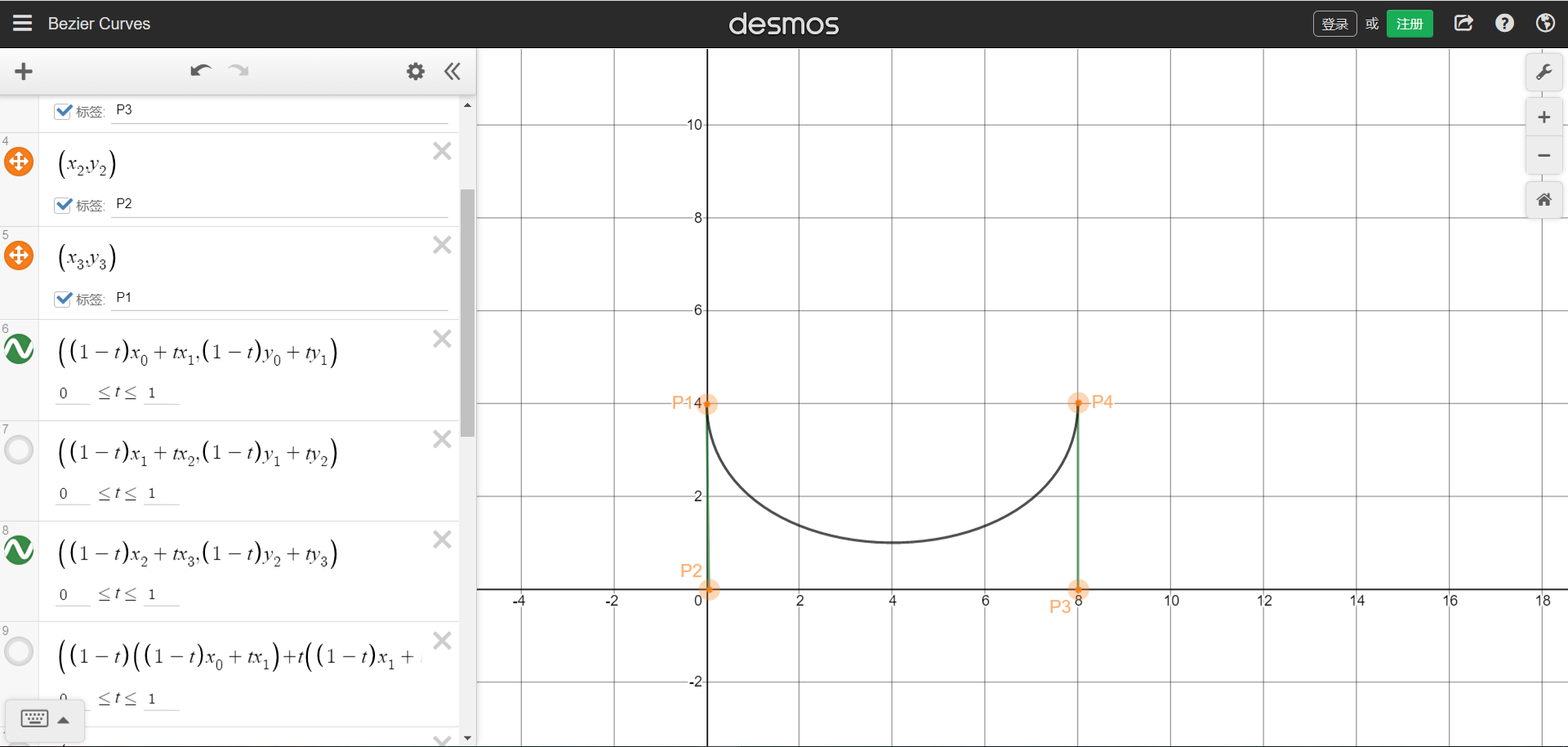
We can also draw a single arc graph through the third-order Bessel function, need P1 and P4 are on the same side,But that brings up the problem that was stated at the beginning,The arc does not cling to the bottom.
ThirdOrderBezierCurveDots Coordinates of third order Bezier curve control points
parameter
type
default
describe
x1
double
The X-coordinate of the first point
y1
double
The Y-coordinate of the first point
x2
double
The X-coordinate of the second point
y2
double
The Y-coordinate of the second point
x3
double
The X-coordinate of the third point
y3
double
The Y-coordinate of the third point
Static function of ProsteThirdOrderBezierCurve
ThirdOrderBezierCurveDots calcCurveDots(ThirdOrderBezierCurveSection param) Obtain the coordinates of the control points after calculation, and draw the path after obtaining the control points, such as drawing curves with multiple edges or combining the curves with other drawing rules