Kategorien, Pakete und Repositories suchen

Paketdetailsv0.14.0

qr_code_dart_scan

Ein QR-Code-Scanner, der sowohl unter iOS als auch unter Android mit dem Dart-Decodierer funktioniert.

AndroidiOS
30-Tage-Downloads
14.400
Likes
67
Pub-Punkte
120

Paket installieren

flutter pub add qr_code_dart_scan

Paketübersicht

Aus öffentlichen Paketdaten erstellte Orientierung.

Ein plattformübergreifender QR-Code-Scanner für Flutter-Anwendungen, der einen auf Dart basierenden Decoder nutzt, um nahtlos sowohl unter Android als auch unter iOS zu funktionieren. Er ermöglicht Echtzeit-Scanning ohne Abhängigkeit von nativen Kamera-APIs und bietet eine leichtgewichtige und effiziente Lösung zur direkten Integration von QR-Code-Funktionen in Dart. Das Paket ist ideal für Anwendungen, die eine schnelle Datenextraktion aus QR-Codes erfordern, beispielsweise bei Ticketing, Authentifizierung oder Produktinformationen. Mit Fokus auf Einfachheit entwickelt, bietet es eine einfache Integration und zuverlässige Decodierleistung.

Anwendungsfälle

  • QR-Codes in mobilen Apps scannen
  • Digitale Ticketüberprüfung
  • Produktinformationenabruf
  • Benutzerauthentifizierung über QR
  • Schneller Datentransfer zwischen Geräten

Hauptmerkmale

  • Plattformübergreifende Unterstützung (iOS und Android)
  • Dart-native Decoding-Engine
  • Leicht und schnell
  • Einfache API-Integration
  • Echtzeit-Scankapazität

Geeignet für

  • Entwickler, die mobile Apps mit QR-Scanning-Anforderungen erstellen
  • Apps, die eine Offline-QR-Decodierung erfordern
  • Projekte, die native Kamerabedingungen vermeiden

Hinweise

  • Beschränkt auf QR-Codes (keine Barcode)
  • Die Leistung hängt von der Kamerabildqualität des Geräts ab
  • Kann Kameraberechtigungen erfordern
  • Keine eingebaute Benutzeroberfläche — erfordert benutzerdefinierte Implementierung

Original-README

Originaler README-Schnappschuss aus dem verknüpften Quell-Repository. Aktuelle Inhalte finden Sie im Repository.

pub package

QRCodeDartScan

A QR code scanner that works on both iOS and Android using dart decoder.

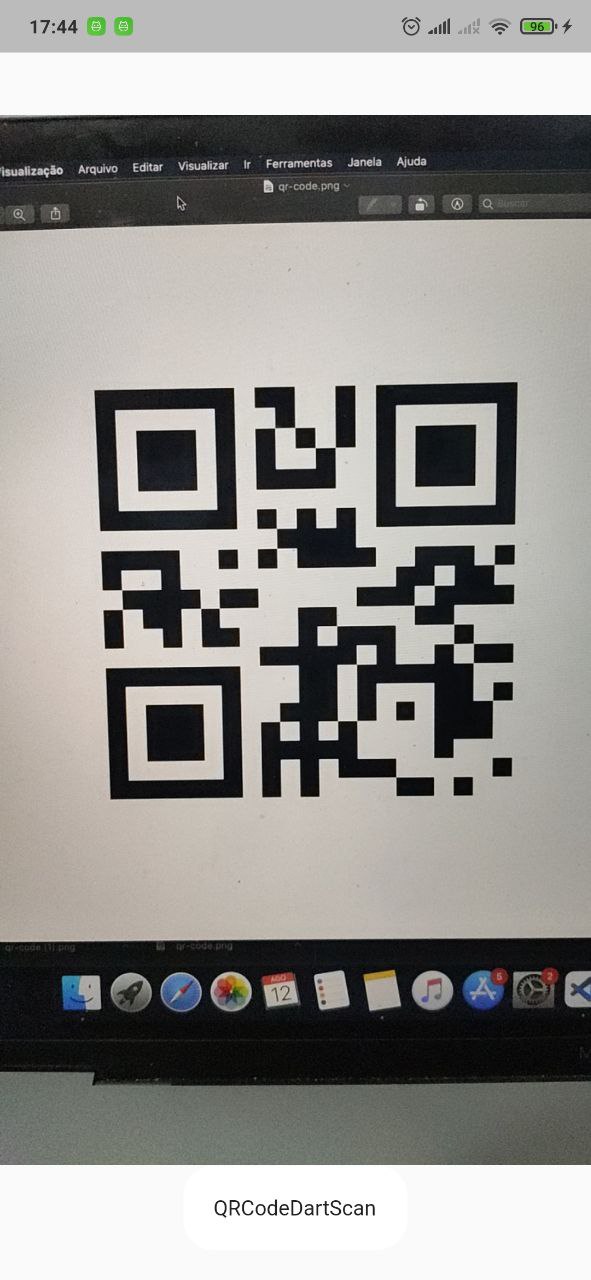
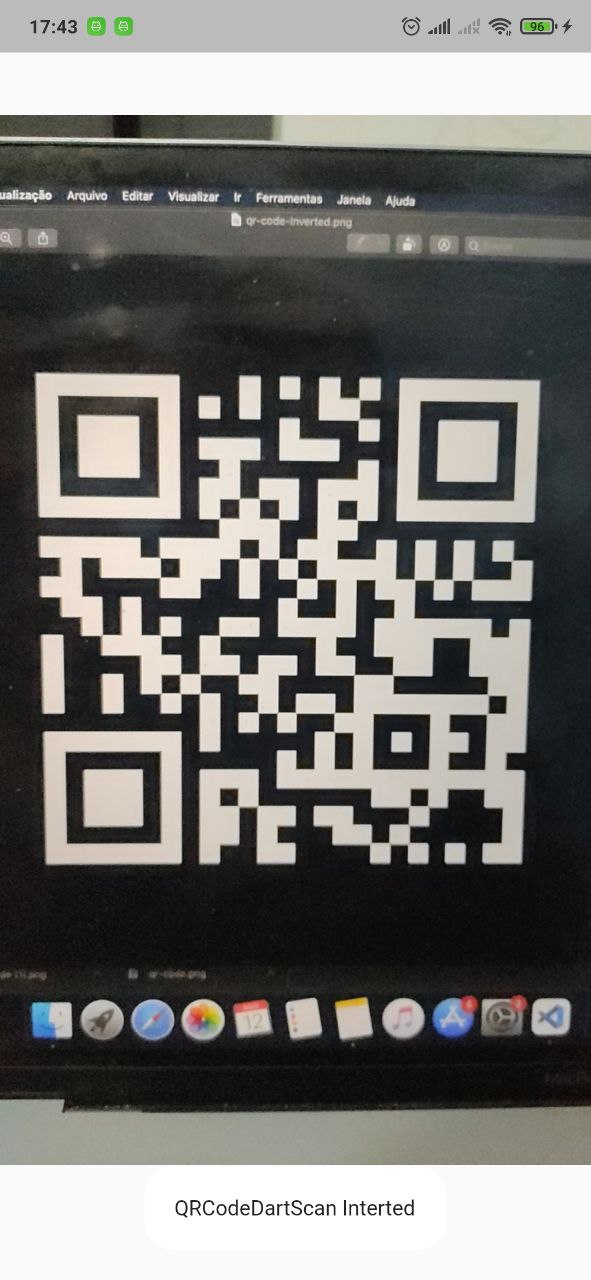
Scanning normal Qr code Scanning invert Qr code

APK DEMO

Features

  • Camera scan preview in a widget
  • Scan QRCode
  • Scan inverted QRCode

Supported platforms

This package is limited per camera pluggin support.

Platform Scan live Scan take picture
Android :white_check_mark: :white_check_mark:
IOS :white_check_mark: :white_check_mark:
WEB :white_check_mark:
Windows
MacOS
Linux

Supported Formats

  • QR_CODE
  • AZTEC
  • DATA_MATRIX
  • PDF_417
  • CODE_39
  • CODE_93
  • CODE_128
  • EAN_8
  • EAN_13
  • ITF

Installation

First, add qr_code_dart_scan as a dependency in your pubspec.yaml file.

iOS

iOS 10.0 of higher is needed to use the camera plugin. If compiling for any version lower than 10.0 make sure to check the iOS version before using the camera plugin. For example, using the device_info plugin.

Add two rows to the ios/Runner/Info.plist:

  • one with the key Privacy - Camera Usage Description and a usage description.
  • and one with the key Privacy - Microphone Usage Description and a usage description.

Or in text format add the key:

<key>NSCameraUsageDescription</key>
<string>Can I use the camera please?</string>
<key>NSMicrophoneUsageDescription</key>
<string>Can I use the mic please?</string>
Android

Change the minimum Android sdk version to 21 (or higher) in your android/app/build.gradle file.

minSdkVersion 21

It's important to note that the MediaRecorder class is not working properly on emulators, as stated in the documentation: https://developer.android.com/reference/android/media/MediaRecorder. Specifically, when recording a video with sound enabled and trying to play it back, the duration won't be correct and you will only see the first frame.

dependency_overrides:
  camera_android_camerax: 0.6.14
Using

    return Scaffold(
      body: QRCodeDartScanView(
        onCameraError: (String error) {
          debugPrint('Error: $error');
        },
        // cropRect: CropRect(left: 0, top: 0, width: 100, height: 100), // You can crop the image to improve accuracy by specifying a rectangle region. ( default = null)
        // imageDecodeOrientation: ImageDecodeOrientation.original, // you can force how the image orientation will be decoded (default = original)
        typeScan: TypeScan.live, // if TypeScan.takePicture will try decode when click to take a picture(default TypeScan.live)
        // intervalScan: const Duration(seconds:1)
        // onResultInterceptor: (old,new){
        //  do any rule to controll onCapture.
        // }
        // takePictureButtonBuilder: (context,controller,isLoading){ // if typeScan == TypeScan.takePicture you can customize the button.
        //    if(loading) return CircularProgressIndicator();
        //    return ElevatedButton(
        //       onPressed:controller.takePictureAndDecode,
        //       child:Text('Take a picture'),
        //    );
        // }
        // resolutionPreset: = QrCodeDartScanResolutionPreset.high,
        // formats: [ // You can restrict specific formats.
        //  BarcodeFormat.qrCode,
        //  BarcodeFormat.aztec,
        //  BarcodeFormat.dataMatrix,
        //  BarcodeFormat.pdf417,
        //  BarcodeFormat.code39,
        //  BarcodeFormat.code93,
        //  BarcodeFormat.code128,
        //  BarcodeFormat.ean8,
        //  BarcodeFormat.ean13,
        // ],
        // croppingStrategy: CroppingStrategy.cropCenterSquare(
        //   squareSizeFactor: 0.7,
        // ),
        onCapture: (ScanResult result) {
          // do anything with result
          // result.text      -> String
          // result.format    -> BarcodeFormat
          // result.corners   -> List<Point<double>>, in camera preview
          //                     coordinates. Use `result.corners.toOffsets`
          //                     to paint them.
          // result.rawBytes  -> Uint8List?
          // result.timestamp -> DateTime
        },
      ),
    );
    

ATTENTION

Always use this package in portrait mode.

There is a bug in the camera plugin that sometimes the image is rotated 90 degrees, to avoid this problem, you can use the imageDecodeOrientation parameter to force the image to be decoded in the correct orientation.

For example, if you are reading an ITF code, you can force the image to be decoded in landscape orientation.

imageDecodeOrientation: ImageDecodeOrientation.landscape,

if you want to force the image to be decoded in portrait orientation, you can use the following code:

imageDecodeOrientation: ImageDecodeOrientation.portrait,
Camera performance

The decoder process is done in dart code. So, in flutter debug mode, you will not have a good performance. But in release mode, the performance is very better.

Kategorien

Abhängigkeiten

Abhängigkeiten 6 Einträge

Quell-Repository

Projekte, die dieses Paket verwenden