Aus öffentlichen Paketdaten erstellte Orientierung.
Das quick_settings-Paket ermöglicht Flutter-Entwicklern die Erstellung und Verwaltung benutzerdefinierter Kacheln im Schnelleinstellungen-Panel von Android. Durch die Integration in die systemnahe Benutzeroberfläche von Android können Apps über die Benachrichtigungsschublade schnelle Aktionen anzeigen. Das Paket verarbeitet Lebenszyklusereignisse der Kacheln, Zustandsverwaltung und Interaktionen und erleichtert so die Erstellung reaktiver, systemintegrierter Steuerelemente. Es ist speziell für Android entwickelt und erfordert nur minimale Einrichtung mittels eines einfachen pub add-Befehls. Ideal für Produktivitäts-, Mediensteuerungs- oder Geräteverwaltungs-Apps, die direkten Zugriff über die System-Oberfläche benötigen.
Anwendungsfälle
Benutzerdefinierte Schnellaktionen zu Android-Schnelleinstellungen hinzufügen
Medienwiedergabesteuerung erstellen
Schnelle Geräteumschaltung wie WLAN oder Bluetooth aktivieren
App-spezifische Kurzbefehle in die System-Oberfläche integrieren
Produktivitätstools mit sofortigem Zugriff erstellen
Hauptmerkmale
Benutzerdefinierte Kachelerstellung für Android Schnell-Einstellungen
Lebenszyklus-Ereignisbehandlung für Kacheln
Einfache Integration mit Flutter-Apps
Unterstützt Zustandspersistenz nach Neustarts
Eingebaute Kachel-Interaktionsrückrufe
Geeignet für
Android-orientierte Flutter-Anwendungen
Apps, die systemnahe schnellen Zugriff benötigen
Entwickler, die Hilfs- oder Medien-Apps erstellen
Teams, die auf Android-Systemintegration abzielen
Projekte mit geringer Benutzerinteraktionslatenz
Hinweise
Funktioniert nur auf Android-Plattformen
Erfordert Android SDK 21+
Erforderliche Manifestkonfiguration
Nur auf Android-Schnelleinstellungen beschränkt
Für einige Tile-Typen kann eine Benutzerberechtigung erforderlich sein
Original-README
Originaler README-Schnappschuss aus dem verknüpften Quell-Repository. Aktuelle Inhalte finden Sie im Repository.
Quick Settings
This Flutter plugin lets you create and react to your own custom tile in the Android Quick Settings panel.
⚠️ This plugin features only work on Android ⚠️
On other platforms, it does nothing.
All of the following features are available directly from your Dart code:
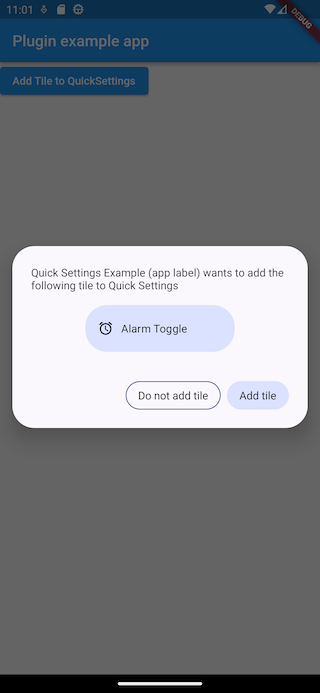
Ask the user to add your custom tile
Handle clicks on your tile even when your app has been killed
React to user addition or removal of your tile
Using this plugin below Android 7.0 will have no effect.
The callbacks onTileClicked, onTileAdded and onTileRemovedmust be defined as top-level functions.
⚠️ They should also be annotated with @pragma("vm:entry-point") to avoid being tree-shaken by the Dart compiler in release mode.
See more details here.
After being setup, these callbacks will be called even if your app is not running.
If none of them is provided, your Tile and its associated service are disabled.
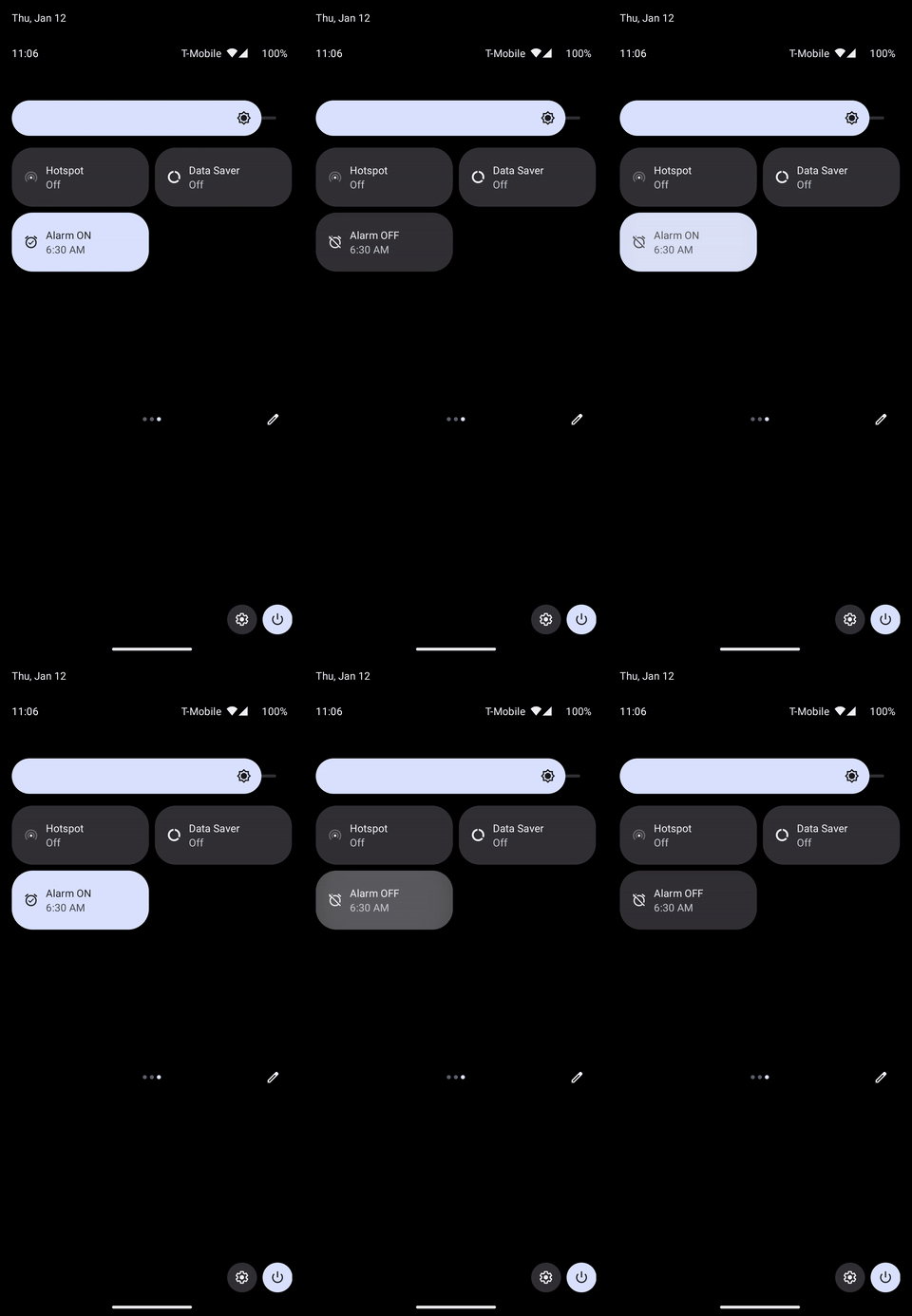
onTileClicked is triggered when your tile is clicked:
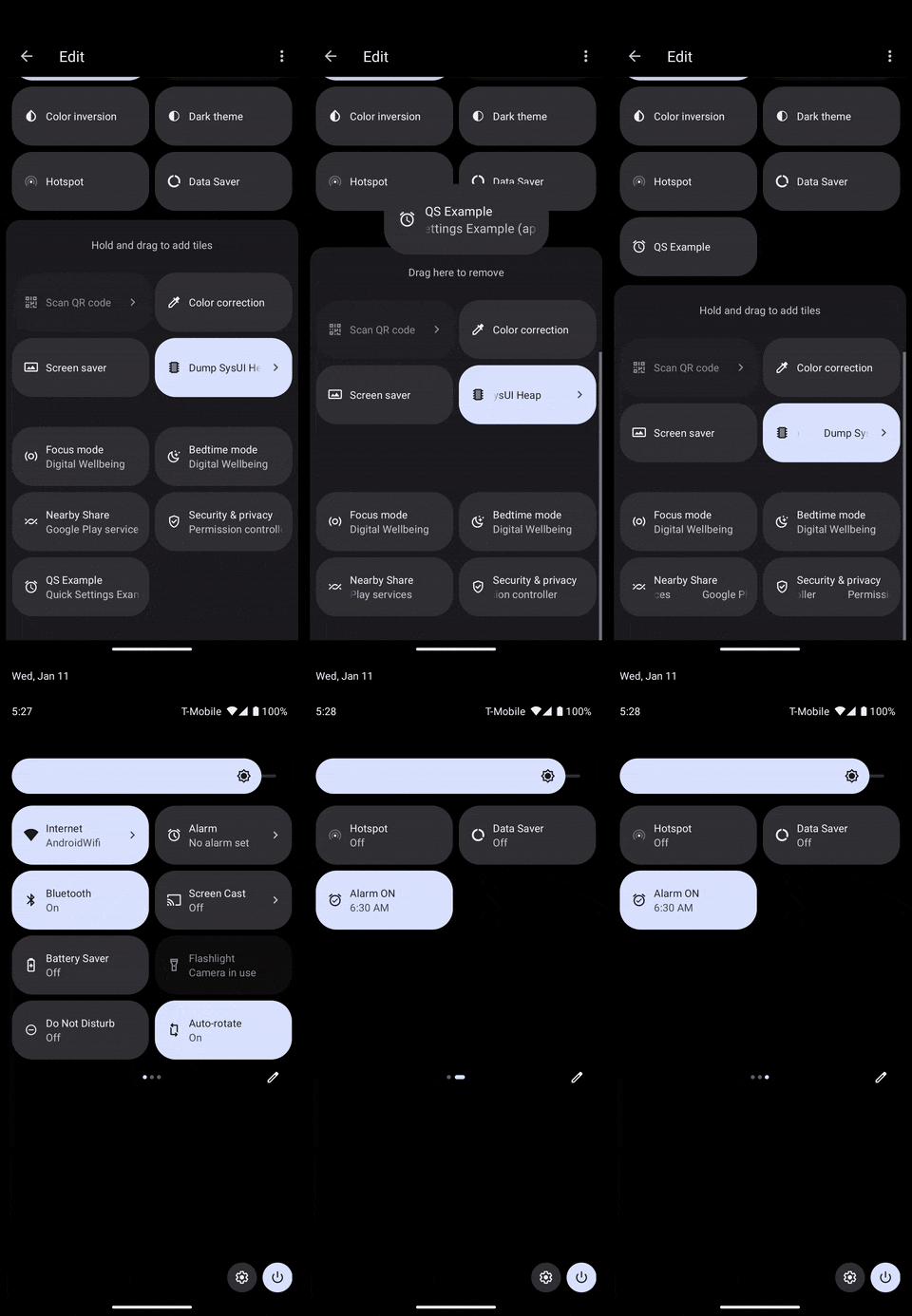
onTileAdded is triggered when your tile is added to the active Quick Settings tiles:
It can either be triggered by the user when they interact with the system UI like above, or from a call to QuickSettings.addTileToQuickSettings() in your app.
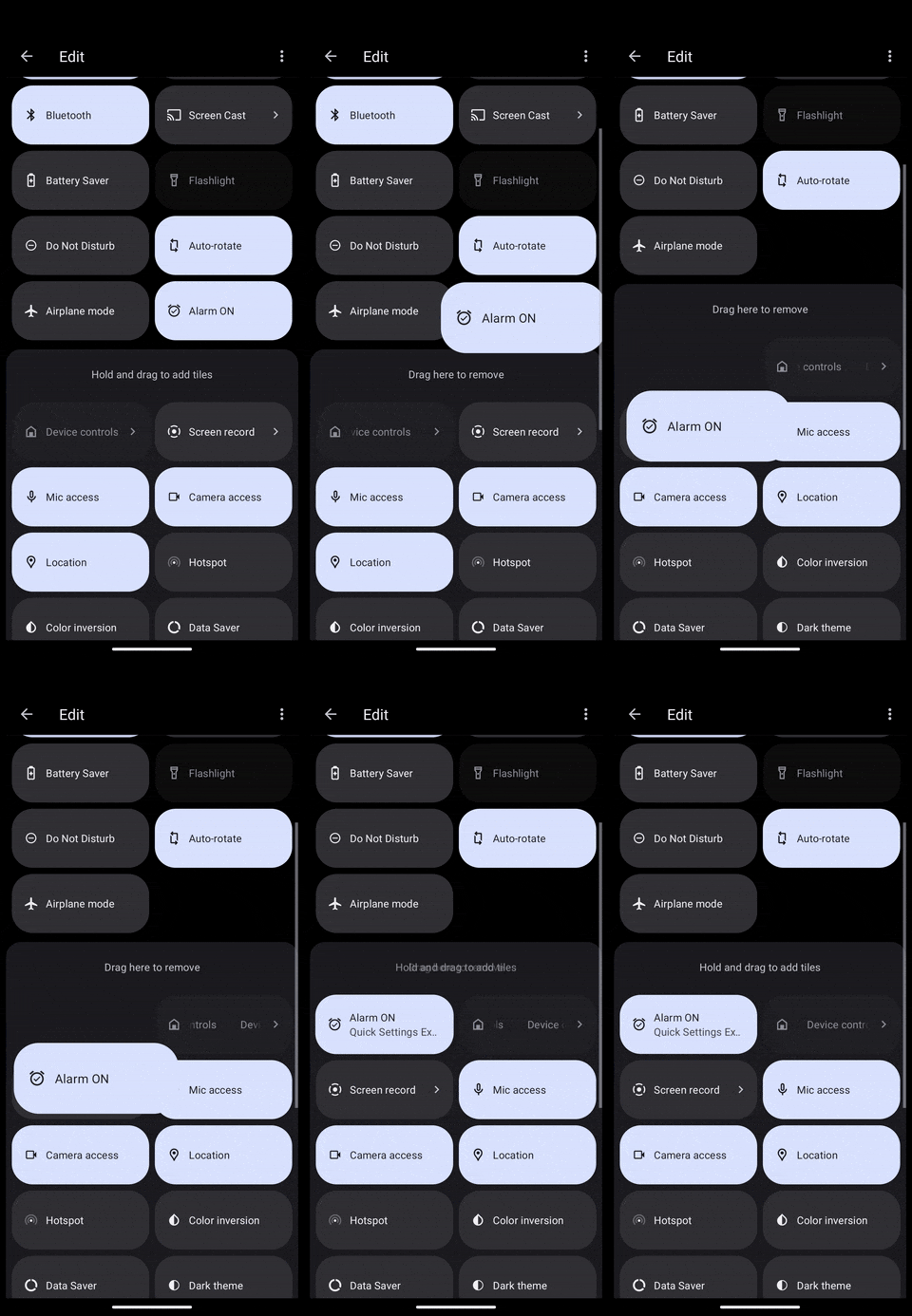
onTileRemoved is triggered when your tile is removed from the active Quick Settings tiles:
Let's see details on each of these callbacks.
Tile clicks
Clicks are handled with an OnTileClicked callback defined as below:
typedefOnTileClicked = Tile? Function(Tile tile);
The tile passed as parameter can let you decide what action to do depending on its TileStatus for instance.
Here is a concrete implementation:
In a more realistic scenario, you would probably fetch the current status of the alarm and update the Tile with either an active status if it is set or an inactive status otherwise.
You could also display the current hour of the alarm.
⚠️ onTileAdded should be a top-level function annotated with @pragma("vm:entry-point").
Tile removed
You also get an occasion to react to Tile removal. However, you can't return an updated Tile as with the other callbacks since it can't be updated at that moment.
Here is the callback definition:
If the user already has the Tile, this method has no effect.
The system might automatically deny if the user has already denied it several times.
Before Android 13, this has no effect.
QuickSettings.addTileToQuickSettings() returns an AddTileResult with a success parameter, but it is not reliable since the Android implementation's callback is not.
It will be mostly useful to know if your drawable has been correctly parsed by the plugin or not.
Customizing the default tile in the system UI
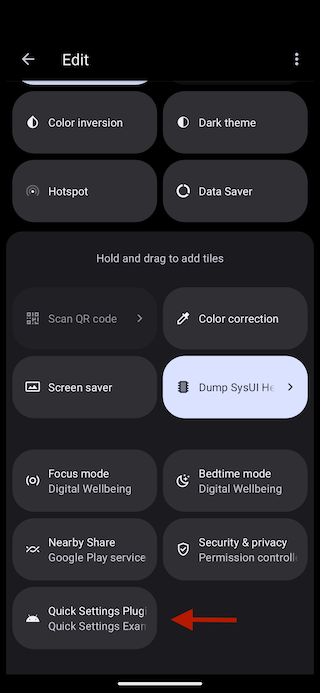
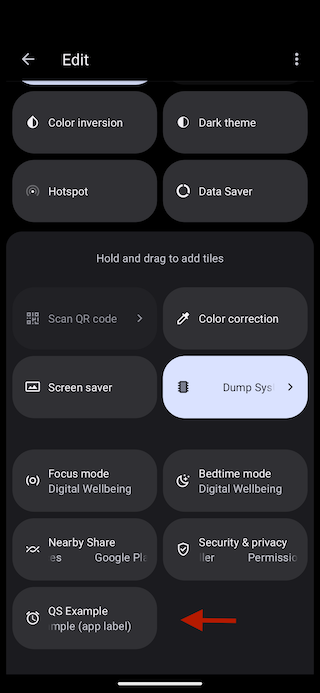
Your Tile will appear in the list of Quick Settings tiles with the following default appearance:
There are 3 elements displayed: a title, a subtitle and an icon.
To customize the title, you must override quick_settings_base_label in your Android resources.
If you don't have one, create the file /android/app/src/main/res/values/strings.xml and add the quick_settings_base_label String:
<?xml version="1.0" encoding="utf-8"?><resources><!-- Other resources --><stringname="quick_settings_base_label">QS Example</string></resources>
The subtitle is the android:label from your application's manifest.
You can find it at /android/app/src/main/AndroidManifest.xml.
<manifestxmlns:android="http://schemas.android.com/apk/res/android"package="io.apparence.quick_settings_example"><applicationandroid:label="Quick Settings Example (app label)"android:name="${applicationName}"android:icon="@mipmap/ic_launcher"><!-- Other elements --></application></manifest>
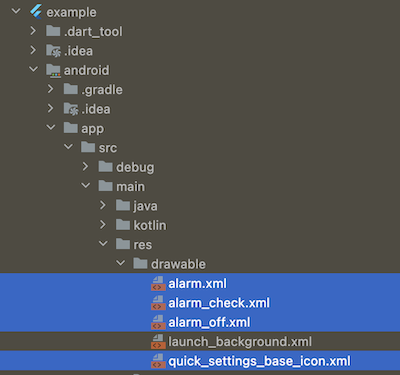
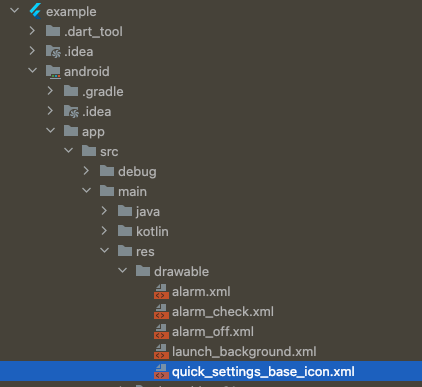
The default icon can also be overridden by providing your own drawable with the name quick_settings_base_icon.xml as it is done in the example project.
Here is the customized appearance:
Roadmap
If you are using this plugin and would like something added, please create an issue.