Pakete, Repositories und App-Kategorien suchen

Paketdetailsv0.1.1

rough

Rough ist eine Bibliothek, mit der Sie in einem skizzenhaften, handgezeichneten Stil zeichnen können

30-Tage-Downloads
10
Likes
32
Pub-Punkte
40

Paket installieren

flutter pub add rough

Paketübersicht

Aus öffentlichen Paketdaten erstellte Orientierung.

Rough ist eine Flutter-Bibliothek, die Entwicklern ermöglicht, skizzenhafte, handgezeichnete Zeichnungen innerhalb ihrer Anwendungen zu erstellen. Sie nachahmt die Unvollkommenheiten echter Bleistift- oder Federzeichnungen und verleiht digitaler Kunst ein natürlicheres, organischeres Gefühl. Ideal für interaktive Zeichenfunktionen, Signatur-Eingaben oder künstlerische UI-Elemente bietet Rough eine einfache API zum Rendern von Linien, Formen und Text mit einem rauen Ästhetik. Die Bibliothek ist leichtgewichtig und lässt sich nahtlos über pub.dev in Flutter-Projekte integrieren.

Anwendungsfälle

  • Handgezeichnete Stilannotationen
  • Digitaler Signaturabgriff
  • Künstlerische Benutzeroberflächenelemente
  • Skizzenbasierte Schnittstellen
  • Interaktive Whiteboards

Hauptmerkmale

  • Handgezeichnete Linienrenderung
  • Anpassbare Rauheit
  • Unterstützung für Formen und Text
  • Leichtgewichtig und einfach zu integrieren
  • Echtzeit-Skizzierunterstützung

Geeignet für

  • App-Entwickler, die ausdrucksstarke Zeichenwerkzeuge suchen
  • Designer, die organische Visuals wollen
  • Lern-Apps mit Zeichenfunktionen
  • Interaktive Skizzen prototypisch erstellen

Hinweise

  • Beschränkt auf 2D-Zeichnung
  • Keine fortgeschrittenen Bearbeitungswerkzeuge
  • Die Leistung kann sich bei komplexen Szenen unterscheiden
  • Nicht für hochpräzise Grafiken vorgesehen

Original-README

Originaler README-Schnappschuss aus dem verknüpften Quell-Repository. Aktuelle Inhalte finden Sie im Repository.

Pub GitHub Release Date GitHub

Rough

Rough is a library that allows you draw in a sketchy, hand-drawn-like style. It's a direct port of Rough.js.

Installation

In the dependencies: section of your pubspec.yaml, add the following line:

dependencies:
  rough: <latest_version>

Basic usage

Right now only drawing via canvas is supported. This is a basic documentation in case you want to play around with Rough. I can't ensure non-breaking changes of the library interface.

To draw a figure you have to:

  1. Create a DrawConfig object to determine how your drawing will look.
  2. Create a Filler to be used when drawing objects (you have to provide a configuration for the filling and a DrawConfig for the filling path).
  3. Create a Generator object using the created DrawConfig and Filler. This will define a drawing/filling style.
  4. Invoke the drawing method from the Generator to create a Drawable.
  5. Paint the Drawable in the canvas using the drawRough method extension for Canvas.

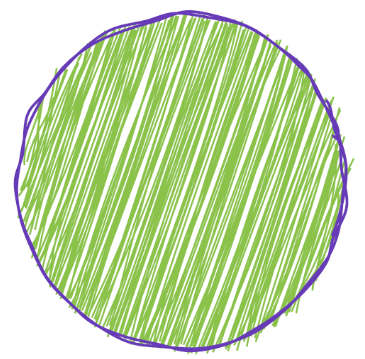
Here an example on how to draw a circle:

//Create a `DrawConfig` object.
DrawConfig myDrawConfig = DrawConfig.build(
  roughness: 3,
  curveStepCount: 14,
  maxRandomnessOffset: 3,
);

//Create a `Filler` with a configuration (we reuse the drawConfig in this case).
FillerConfig myFillerConfig = FillerConfig(
    hachureGap: 8,
    hachureAngle: -20,
    drawConfig: myDrawConfig,
);
Filler myFiller = ZigZagFiller(myFillerConfig);

//Create a `Generator` with the created `DrawConfig` and `Filler`
Generator generator = Generator(
  myDrawConfig,
  myFiller,
);

//4. Build a circle `Drawable`.
Drawable figure = generator.circle(200, 200, 320);

//5. Paint the `Drawable` in the canvas.
Canvas.drawRough(figure, pathPaint, fillPaint);

And this is the result:

Result

Both DrawConfig and FillerConfig will use default values for anything not specified.

Samples

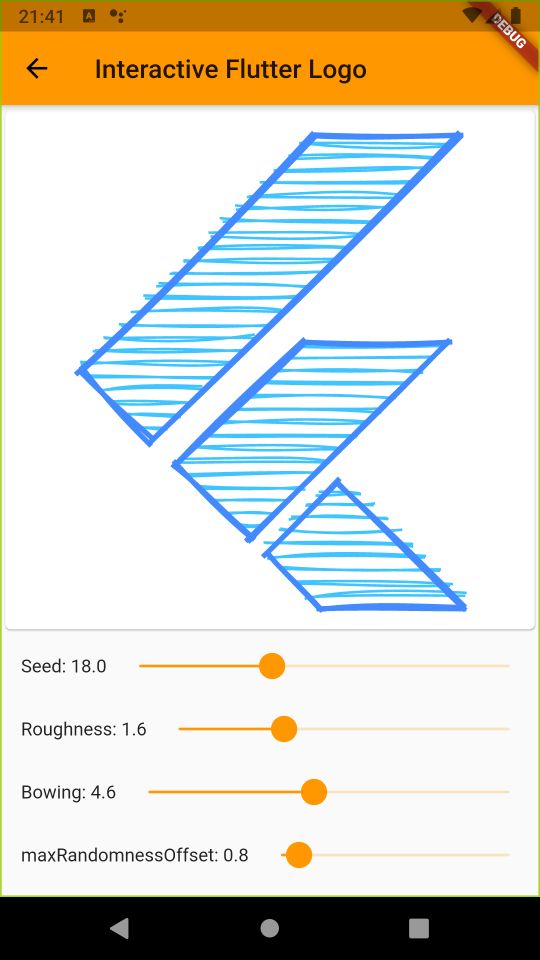
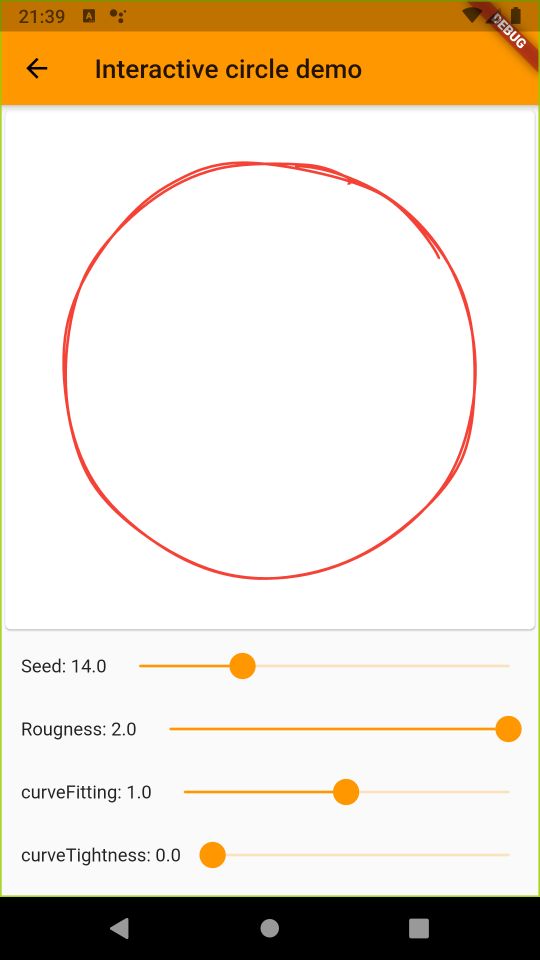
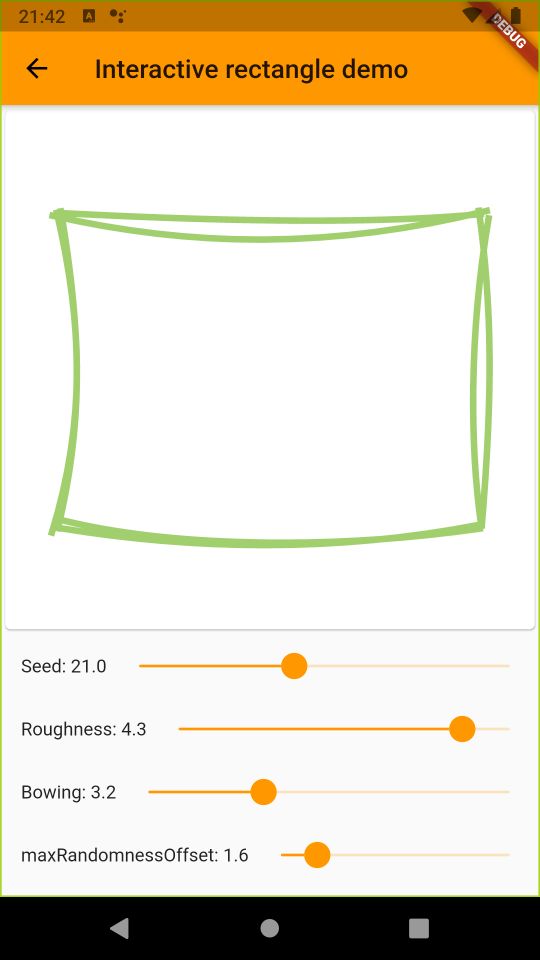
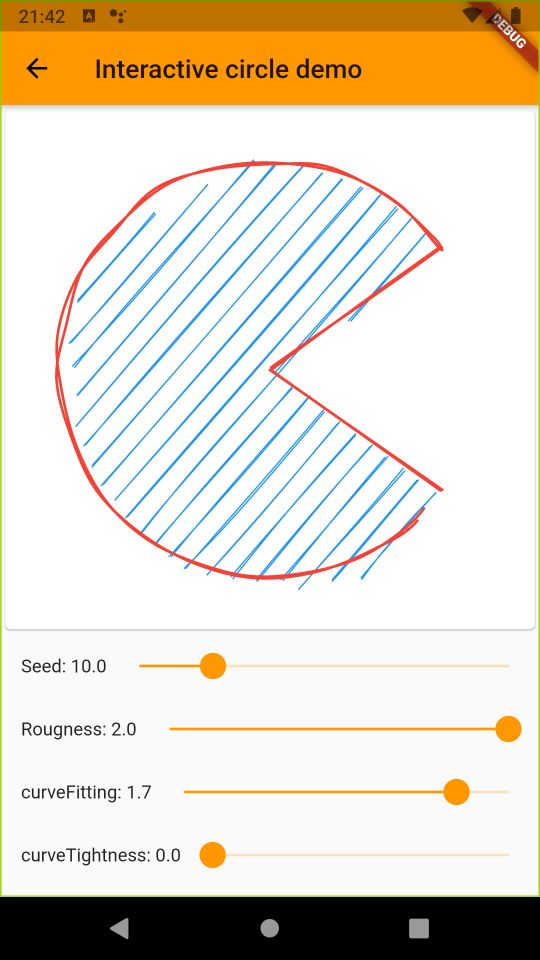
Some screenshots of the example app:

Example 1 Example 2 Example 3 Example 4

Kategorien

Quell-Repository

Projekte, die dieses Paket verwenden

Noch keine Daten verfügbar.