Aus öffentlichen Paketdaten erstellte Orientierung.
Das Roulette-Paket bietet ein einfaches, anpassbares Roulette-Rad-Widget, das für Lotterie-Spiele und Belohnungssysteme konzipiert ist. Auf Flutter basierend, unterstützt es flüssige Drehanimationen und kann problemlos in Apps für Gewinnspiele, Wettbewerbe oder gamifizierte Erlebnisse integriert werden. Das Widget ist leichtgewichtig und funktioniert auf allen wichtigen Plattformen wie Android, iOS, Web, macOS, Windows und Linux. Es ist ideal für Entwickler, die eine sofort einsatzbereite Lösung suchen, um interaktive drehende Räder ohne komplexe Implementierung hinzuzufügen.
Anwendungsfälle
Lotterie-Ziehungen
Gamifizierte Benutzerbelohnungen
Wettbewerbspreis-Auswahl
Interaktive App-Funktionen
Benutzerengagement-Tools
Hauptmerkmale
Glatte Drehanimation
Anpassbare Radsegmente
Plattformübergreifende Kompatibilität
Einfache API-Integration
Konfigurierbare Drehzeit
Geeignet für
App-Entwickler, die Spiele erstellen
Teams, die Werbekampagnen erstellen
Lern-Apps mit interaktiven Elementen
Apps, die zufällige Gewinn-Auswahl benötigen
Hinweise
Begrenzte Anpassungsmöglichkeiten jenseits der grundlegenden Gestaltung
Keine eingebauten Soundeffekte
Erfordert manuelle Handhabung der Ergebnislogik
Nicht für hohe Frequenzspins optimiert
Hängt von externer Zustandsverwaltung für Ergebnisse ab
Original-README
Originaler README-Schnappschuss aus dem verknüpften Quell-Repository. Aktuelle Inhalte finden Sie im Repository.
Project Status: Stable & Open for Contributions
This project has reached its primary goals. The author actively maintains it for compatibility with the latest SDKs and critical bug fixes, but is no longer actively developing new features.
Feature Requests: Suggestions are welcome! Please open an Issue for discussion.
Contributions: If you need a new feature, Pull Requests are highly encouraged and appreciated.
This is a Flutter library that provides a simple wheel widget for lottery usage.
Features
Quickly build customizable roulettes
Support roulettes with different sized parts based on specified weight
Easily control the roll animation and settle position
Support text, icons and images for roulette parts
There are various types of roulette provided by this package (text is optional):
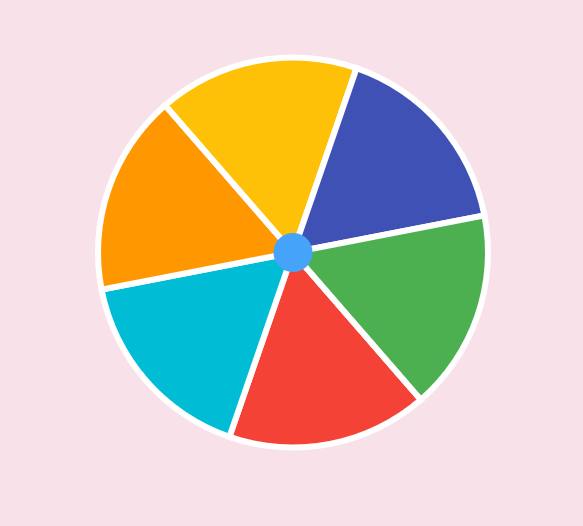
Uniformed roulette:
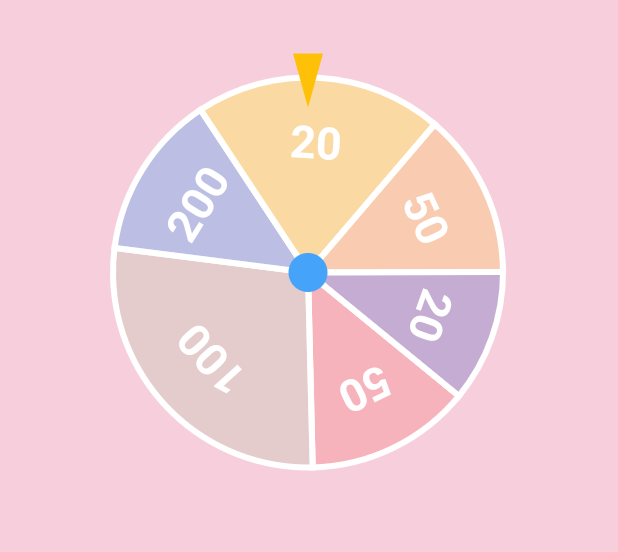
Weight-based roulette:
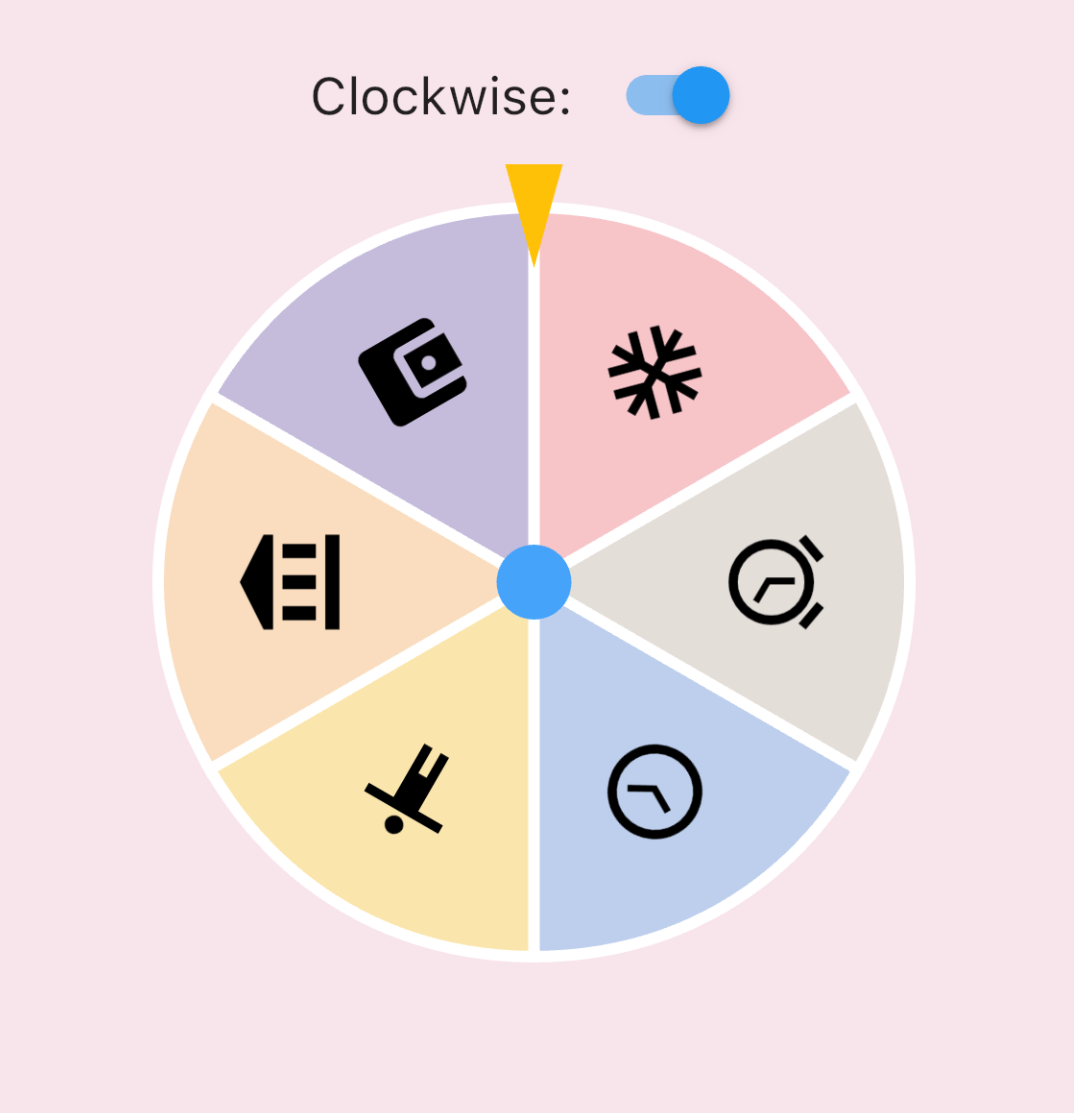
IconData roulette (available in 0.1.4):
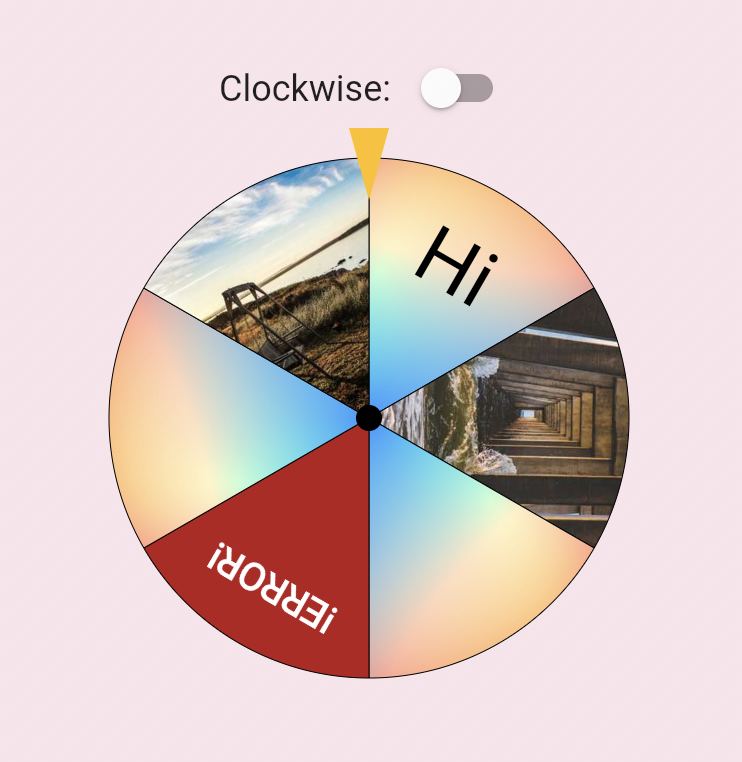
Image roulette (available in 0.1.5):
Getting started
Add this to your pubspec.yaml file:
dependencies:roulette:^1.0.0-rc.1
Note (v1.0.0-rc.1): The package no longer depends on package:flutter/material.dart.
RouletteStyle now requires centerStickerColor and dividerColor — use the deprecated
RouletteStyle.material() to keep the previous default look. It's highly recommend to specify the colors explicitly, the material ported version will be removed in future.
Roll infinitely before determine the result (available in 0.3.2)
You can also use rollInfinitely to roll infinitely until you call stop or rollTo method:
// Roll infinitely
controller.rollInfinitely();
// Getting the result value somewhere...try {
final result = await service.request()
final index = values.indexOf(result);
// Stop rolling and settle to index
controller.rollTo(index, offset: random.nextDouble());
} catch (e, st) {
// Or stop rolling immediately, stop with this method has no animation// controller.stop();
}
Please refer to API documentation for more details.
For more complete examples, please check the example app.
Legal Statement
The creators of this library do not endorse or encourage any illegal gambling activities. Please use this library responsibly and comply with all applicable laws in your local jurisdiction. The authors assume no liability for any misuse of this software.