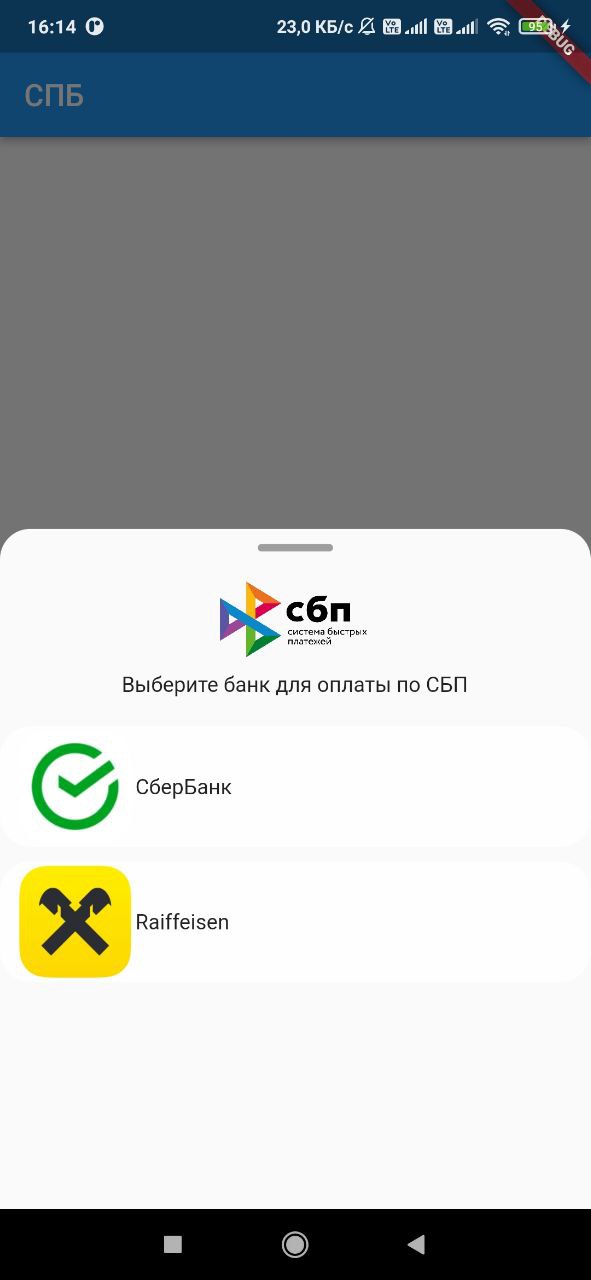
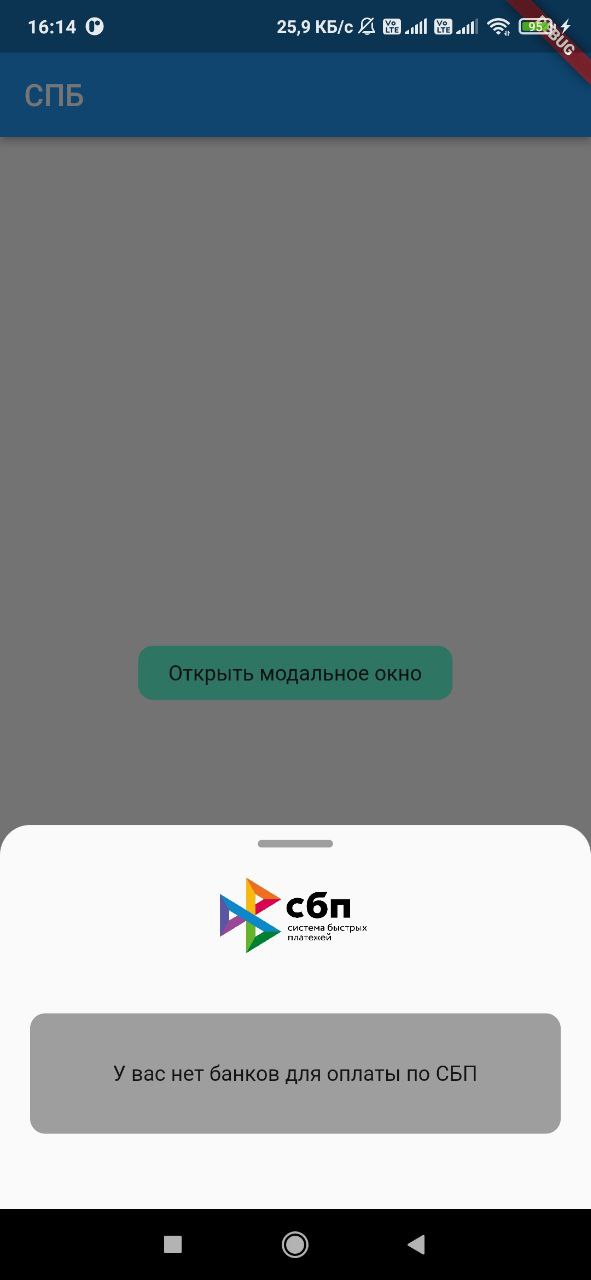
Flutter-Plugin, mit dem Sie eine Liste der auf dem Gerät des Benutzers installierten Banken abrufen sowie einen Link zum Bezahlen über SBP wie https://qr.nspk.ru/... starten können.
Aus öffentlichen Paketdaten erstellte Orientierung.
Das sbp-Paket ist ein Flutter-Plugin, das die Integration mit dem russischen System für schnelle Zahlungen (SBP) ermöglicht. Es ermöglicht Entwicklern, Banken auf dem Gerät eines Benutzers zu erkennen und SBP-Zahlungslinks, wie beispielsweise solche von qr.nspk.ru, direkt aus der App heraus zu starten. Dadurch wird eine nahtlose, sofortige Überweisung innerhalb von Flutter-Anwendungen möglich. Das Plugin unterstützt sowohl Android als auch iOS und gewährleistet breite Kompatibilität. Es vereinfacht die Zahlungsabwicklung, indem bestehende Banking-Apps genutzt werden, ohne dass Benutzer Karteninformationen eingeben müssen.
Anwendungsfälle
Sofortüberweisungen in E-Commerce-Apps
Integration von SBP-Zahlungen in Mobile Wallets
Zahlungen basierend auf QR-Codes aktivieren
Unterstützung digitaler Dienstabonnements
Peer-to-Peer-Geldüberweisungen erleichtern
Hauptmerkmale
Erkennt installierte SBP-kompatible Banken
Startet SBP-Zahlungslinks über Deep Linking
Unterstützt Android- und iOS-Plattformen
Verwendet standardmäßige QR-basierte Zahlungs-URLs
Bietet eine einfache API für die Zahlungsauslösung
Geeignet für
Zahlungslösungen für den russischen Markt
Apps, die sofortige Banküberweisungen erfordern
Entwickler, die Finanz- oder Einzelhandelsanwendungen erstellen
Projekte, die QR-basierte Zahlungen verwenden
Flutter-Anwendungen für Benutzer mit aktiviertem SBP
Hinweise
Erfordert SBP-kompatible Banken auf Benutzergeräten
Beschränkt auf Regionen, die SBP unterstützen (z. B. Russland)
Abhängig von der Verfügbarkeit einer externen Bank-App
Kann zusätzliche Maßnahmen zur Linküberprüfung erfordern
Nicht geeignet für nicht-SBP-Zahlungssysteme
Original-README
Originaler README-Schnappschuss aus dem verknüpften Quell-Repository. Aktuelle Inhalte finden Sie im Repository.
sbp
Flutter plugin, with which you can get a list of banks installed on the device user, as well as
launch a link to pay for the SBP of the form https://qr.nspk.ru/.../
Adding dependencies
To use the plugin, add it to the pubspec.yaml file.
Installing
Android
Starting with android 11 in AndroidManifest.xml, you need to specify applications that our
application can see
Add URL schemes to LSApplicationQueriesSchemes in Info.plist file:
This list is needed in order to make it possible to open third-party installed applications on iOS.
The list of banks supported by SBP can be obtained
at c2bmembers.json.
Warning! Starting with iOS 15, the maximum number of the scheme list should not exceed
50.Detailed information can be obtained from
this link
Description of functions with examples
To use sbp and get current information on supported banks, SBP needs to be raised own server, which
will pull up new information on banks once in a while.
Warning!If you use json, don't forget to change the links to images in the file
/sbp/lib/data/c2bmembers_data.dart as they take a long time to load or not to load at all (IOS).
Links to current banks from the official website of the SBP
We pass the url of the form ('https://qr.nspk.ru/...' deprecated) schema://qr.nspk.ru/.... and the packageName of the application in which you want to open the SBP
IOS
Sbp.openIOSBank(String url, String schema)
We pass the url of the form https://qr.nspk.ru/.../ and the schema of the application in which you
want to open the SBP
useAndroidLocalIcons - if you want to use native android application icons, then put
true and use the bitmap variable to display the bank icon
useAndroidLocalNames - if you want to use the native name of the android application, then put
true and use the localName variable to display the name of the bank
A variable is passed c2bmembersData (json /sbp/lib/data/c2bmembers_data.dart), which is parsed and
returns a C2bmembersModel.
C2bmembersModel contains fields such as:
version - json version
c2bmembersModel - List C2bmemberModel installed applications
C2bmemberModel contains fields such as:
bankName - bank name
logoURL - link to picture
schema - application schema
packageName - application packageName
icon - icon app from assets
bitmap - bitmap app on device(only for Android)
localName - local name app on device(only for Android)