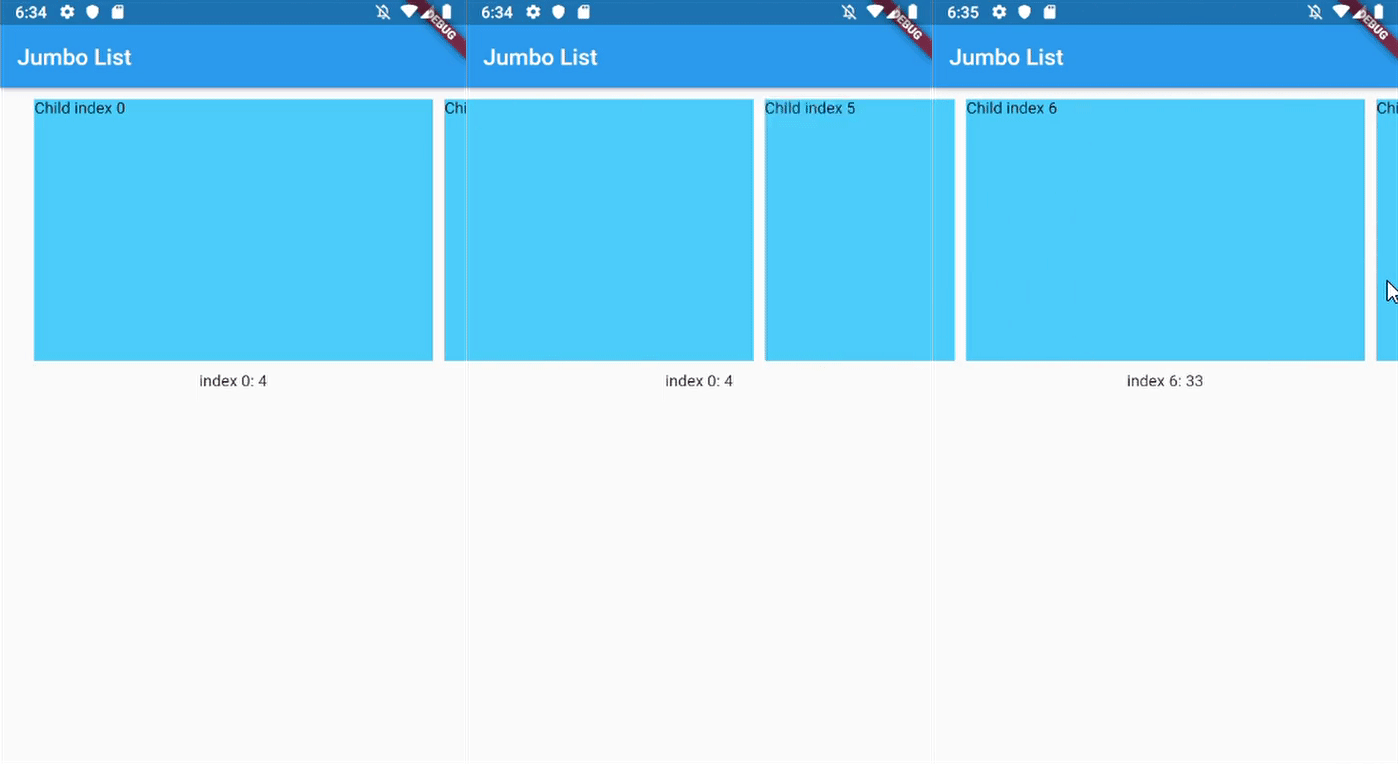
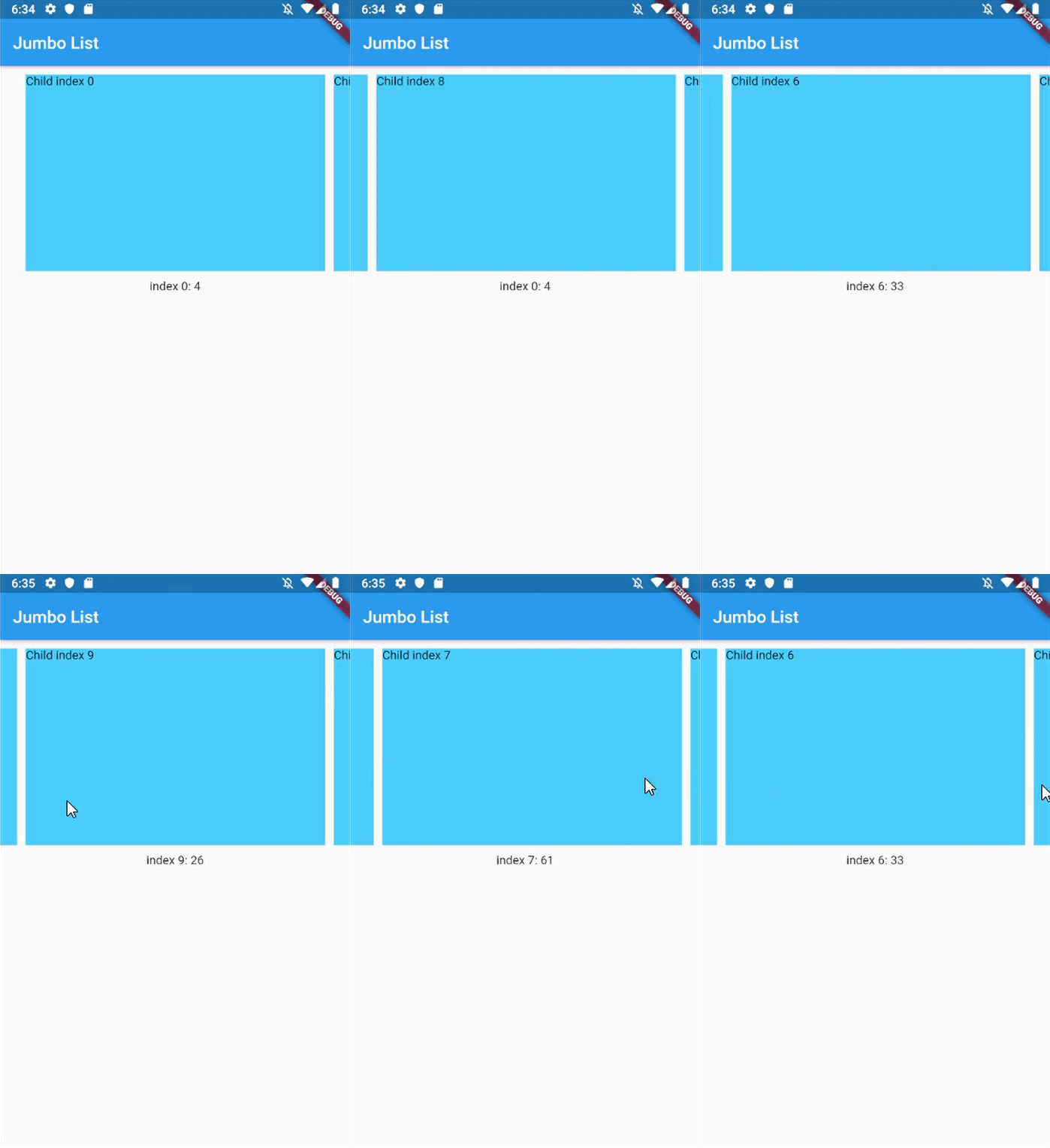
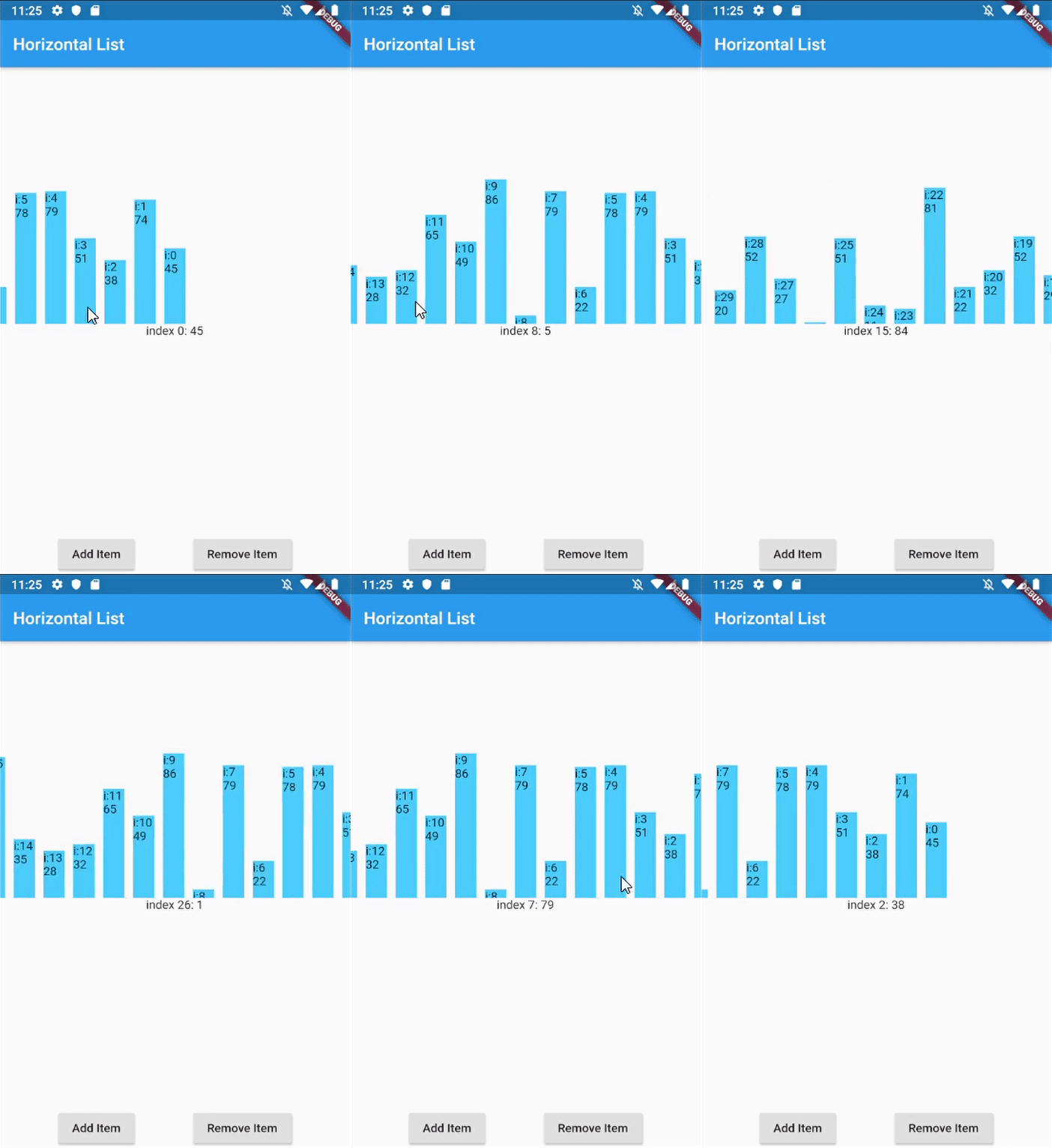
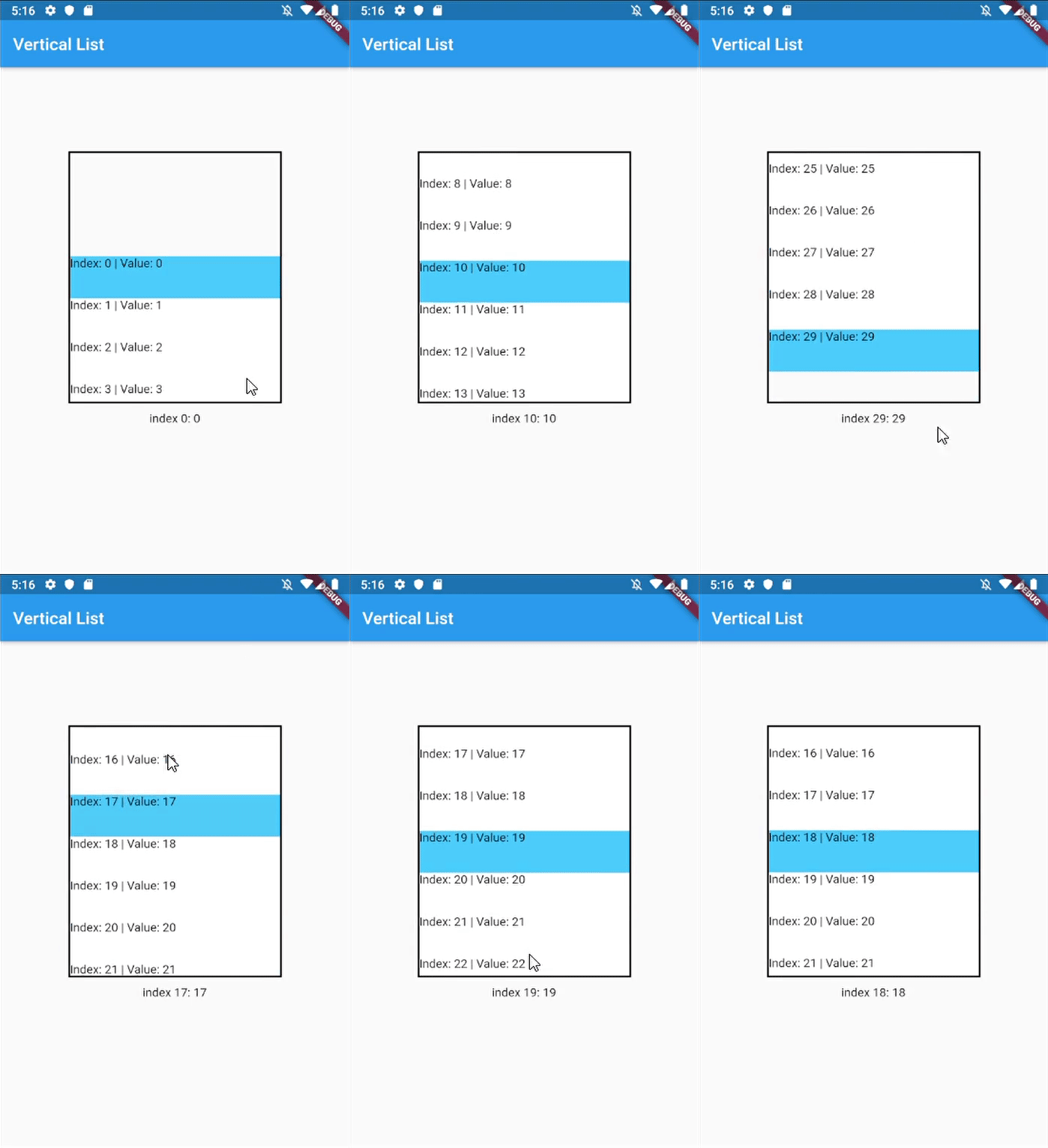
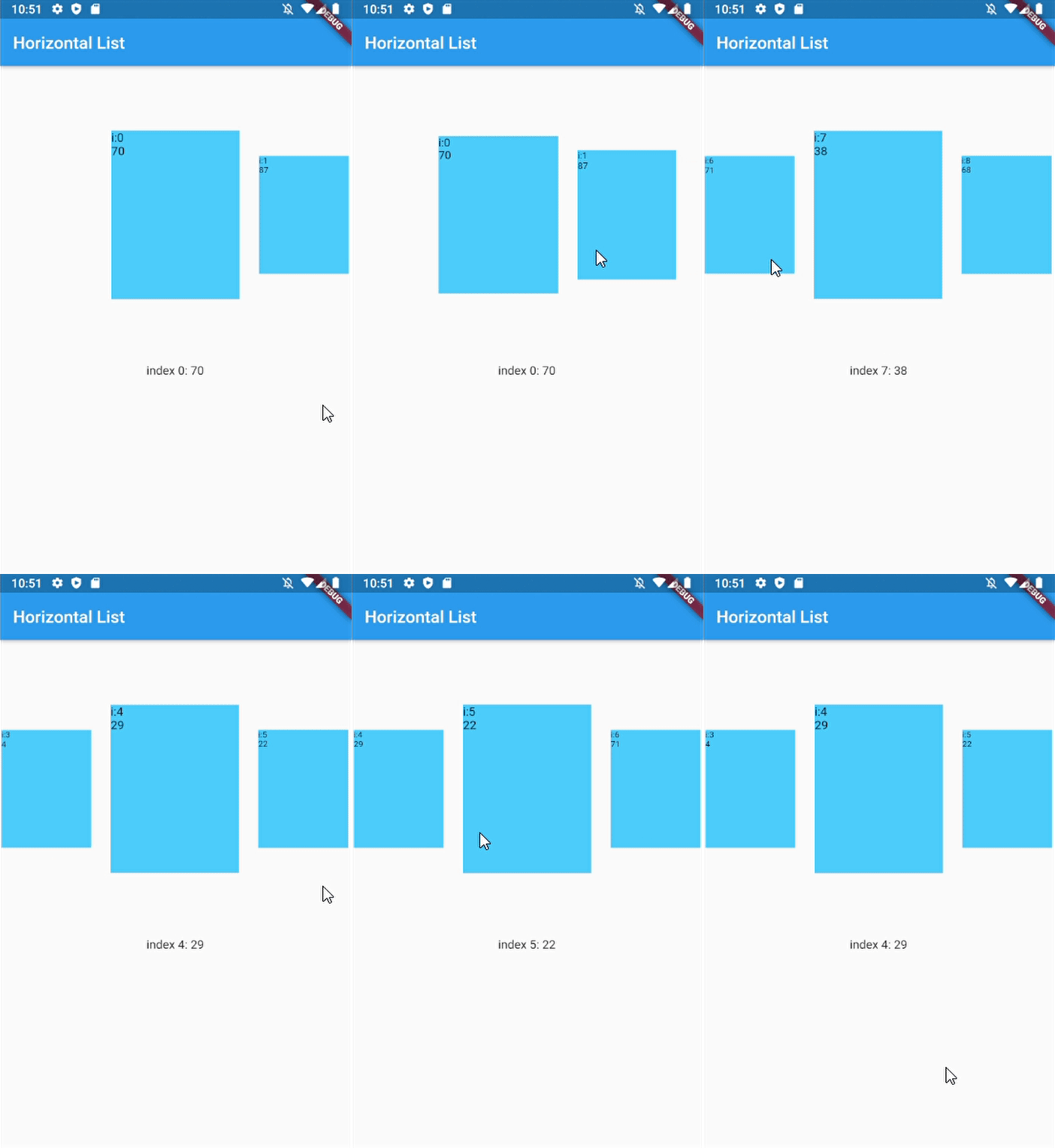
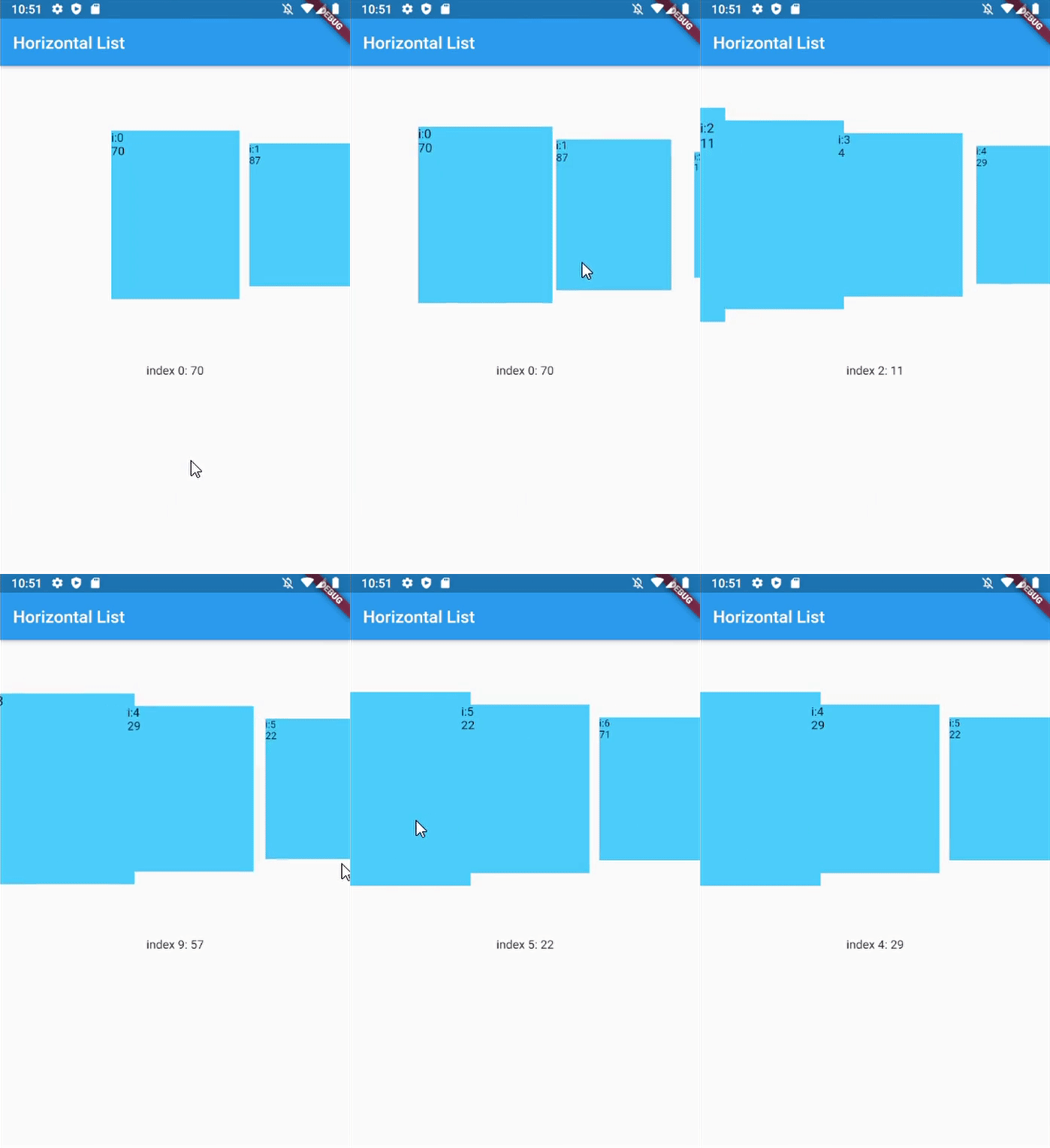
Aus öffentlichen Paketdaten erstellte Orientierung.
ScrollSnapList ist ein Flutter-Widget, das eine reibungslose, auf Elemente ausrichtende Scrollfunktion in Listen ermöglicht. Wenn Benutzer scrollen, rastet die Liste automatisch am nächsten Element ein und verbessert so die Navigation in karussellartigen oder paginierten Oberflächen. Es unterstützt alle wichtigen Plattformen wie Android, iOS, Web, macOS, Windows und Linux. Das Paket vereinfacht die Implementierung von scrollbasierten Interaktionen, bei denen eine präzise Ausrichtung auf Listenitems entscheidend ist, beispielsweise bei Bildschlüsseln, Onboarding-Bildschirmen oder tabbierter Inhaltsdarstellung. Auf Leistung und Benutzerfreundlichkeit ausgelegt, lässt es sich nahtlos in bestehende Flutter-Projekte integrieren.
Anwendungsfälle
Onboarding-Bildschirme
Bildkarussells
Tabbed-Inhaltsnavigation
Produkt-Schieberegler
Paginierte Listen
Interaktive Tutorials
Hauptmerkmale
Automatisches Ausrichten an Elemente
Glatte Scroll-Übergänge
Plattformübergreifende Unterstützung
Einfache Integration
Anpassbares Snap-Verhalten
Unterstützt vertikale und horizontale Layouts
Geeignet für
Entwickler, die interaktive Listenoberflächen erstellen
Designer, die swipebasierte Navigation implementieren
Apps, die eine präzise Scroll-Ausrichtung erfordern
Key for ScrollSnapList, used to call ScrollSnapListState
listViewKey
Key for ListView inside ScrollSnapListState, often used to preserve scroll location
itemBuilder
Same as ListView's itemBuilder
curve
Animation curve when snapping
duration
Animation duration
endOfListTolerance
Pixel tolerance to trigger onReachEnd
focusOnItemTap
Focus to an item when user tap on it. Inactive if the list-item have its own onTap detector (use state-key to help focusing instead).
focusToItem
Method to manually trigger focus to an item. Call with help of GlobalKey<ScrollSnapListState>
margin
Container's margin
itemCount
Number of item in this list
itemSize
Size used is width if scrollDirection is Axis.horizontal, height if Axis.vertical. Composed of the size of each item + its margin/padding.
onItemFocus
Callback function when list snaps/focuses to an item
onReachEnd
Callback function when user reach end of list. E.g. load more data from db
reverse
Same as ListView's reverse to reverse scrollDirection
updateOnScroll
Calls onItemFocus (if it exists) when ScrollUpdateNotification fires
initialIndex
Optional initial position which will not snap until after the first drag
scrollDirection
ListView's scrollDirection
listController
External ScrollController
dynamicItemSize
Scale item's size depending on distance to center
dynamicSizeEquation
Custom equation to determine dynamic item scaling calculation
dynamicItemOpacity
Custom opacity for offset item (single value)
selectedItemAnchor
Anchor location for selected item in the list (Start, Middle, End)
shrinkWrap
ListView's shrinkWrap
scrollPhysics
ListView's scrollPhysics
clipBehavior
ListView's clipBehavior
keyboardDismissBehavior
ListView's keyboardDismissBehavior
allowAnotherDirection
Allow List items to be scrolled using other direction
dispatchScrollNotifications
Control if ScrollNotifications should be dispatched to further ancestors. Default: false
Other Notice
By default, SnapScrollList set focusOnItemTap as true. Means any tap event on items will trigger snap/focus event to that item.
This behavior use GestureDetector, so if the list's items have their own detector (e.g. InkWell, Button), SnapScrollList unable to trigger snap event on its own. To handle this, we may use GlobalKey<ScrollSnapListState> to trigger the event manually.