Aus öffentlichen Paketdaten erstellte Orientierung.
Das serial_communication-Paket ist ein Android-Plugin, das die serielle Kommunikation zwischen einer Flutter-App und externen Hardwaregeräten über verfügbare Seriellports ermöglicht. Es erlaubt das Lesen und Schreiben an diesen Ports und erleichtert die direkte Interaktion mit Sensoren, Mikrocontrollern oder anderen Peripheriegeräten, die über UART-/USB-zu-Seriell-Schnittstellen angeschlossen sind. Speziell für Android entwickelt, bietet es Entwicklern eine einfache API zur Integration hardwarebasierter Funktionen in ihre Apps. Das Paket unterstützt Echtzeit-Datenübertragung und ist ideal für IoT-Anwendungen, industrielle Automatisierung und Steuerung eingebetteter Systeme.
Anwendungsfälle
Verbindung zu Arduino-Geräten herstellen
Sensor-Daten in Echtzeit lesen
Steuerung von Industrieanlagen
Integration mit USB-zu-Seriell-Adaptern
Aufbau von IoT-Monitoring-Systemen
Hauptmerkmale
Unterstützt nur Android
Ermöglicht Lese- und Schreibvorgänge an seriellen Ports
Einfache API für Hardware-Integration
Echtzeit-Datenübertragung
Kompatibel mit UART- und USB-zu-Seriell-Geräten
Geeignet für
IoT-Anwendungsentwickler
Hardware-Interface-Projekte
Industrie-Anwendungen basierend auf Android
Embedded-System-Integrator
Prototyping mit Mikrocontrollern
Hinweise
Beschränkt auf die Android-Plattform
Erfordert Hardware-Kompatibilität
Keine iOS-Unterstützung
Erfordert die richtigen Berechtigungen und Gerätekonfiguration
Kann bei bestimmten Geräten zusätzliche native Einrichtung erfordern
Original-README
Originaler README-Schnappschuss aus dem verknüpften Quell-Repository. Aktuelle Inhalte finden Sie im Repository.
Serial communication!
An Android Plugin for Serial Communication which allow you to read
and write the data through the available ports
The supported features are:
Listing the available serial ports on the device, including USB to serial adapters
Configuring serial ports (baud rate, stop bits, permission, ...)
Providing standard InputStream and OutputStream
Description
This PlugIn enables the communication with the
USBRS232RS485UART
Supported platforms:
Android
Video tutorial
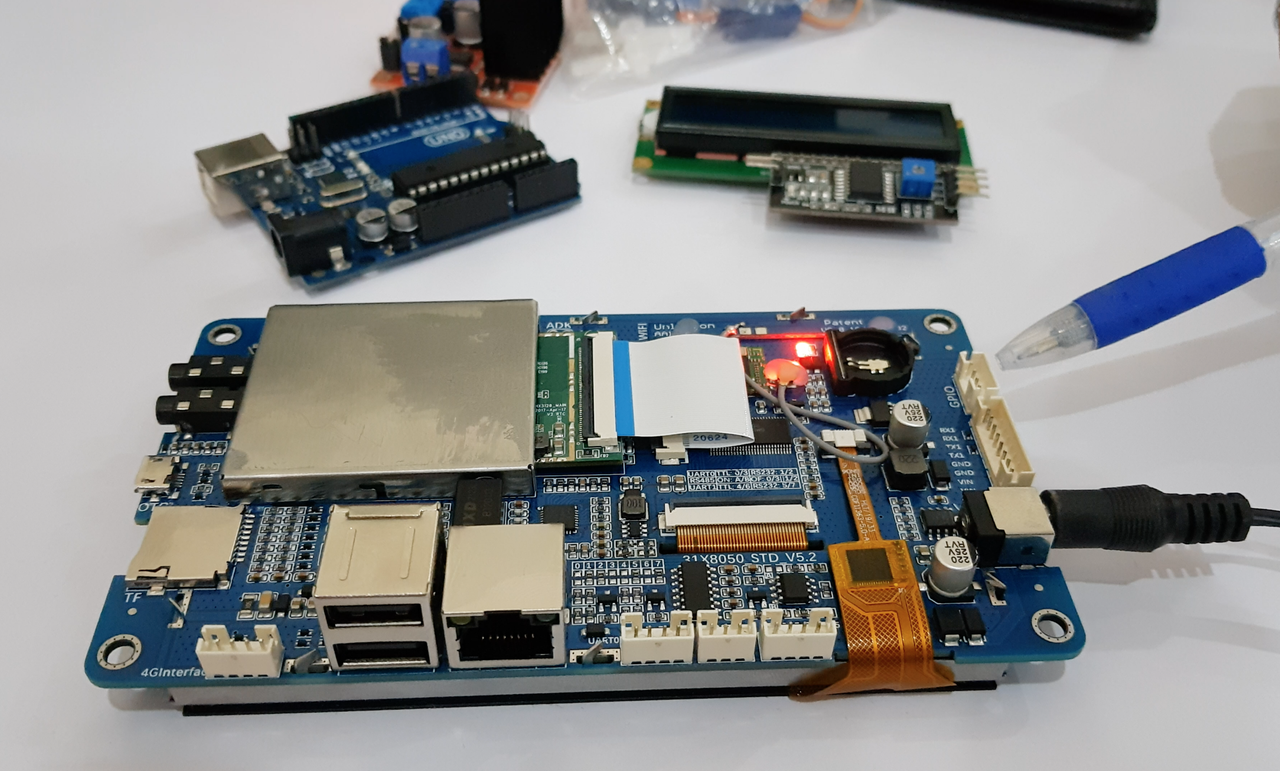
In order to completely understand you can view our sample video in which we are using an android Lcm module.
Click the image below to watch the video:
Getting Started
Add a dependency to your pubspec.yaml
dependencies:serial_communication:0.0.2
include the usbserial package at the top of your dart file.
Baud Rate
To get the Standard baud rates list
call the SerialCommunication().baudRateList
it will return the integer list of standard baud rate
Data Format
The Data format is used to convert the data type
To pass the data format in the open() method parameter
For ascii format
call the DataFormat.ASCII
For hex_String format
call the DataFormat.HEX_STRING
Contribution
Any help from the open-source community is always welcome and needed:
Found an issue?
Please fill a bug report with details.
Wish a feature?
Open a feature request with use cases.
Are you using and liking the project?
Promote the project: create an article, do a post or make a donation.
Are you a developer?
Fix a bug and send a pull request.
Implement a new feature.
Improve the Unit Tests.
Have you already helped in any way?
Many thanks from me, the contributors and everybody that uses this project!